BNO Complain Process
Karen Lacsamana
Posted at January 10, 2018 12:01 pm. Last updated at February 12, 2018 07:02 am
BNO Complain Process
This is the process we follow if a customer calls and complain that their bin was out when it wasn’t.
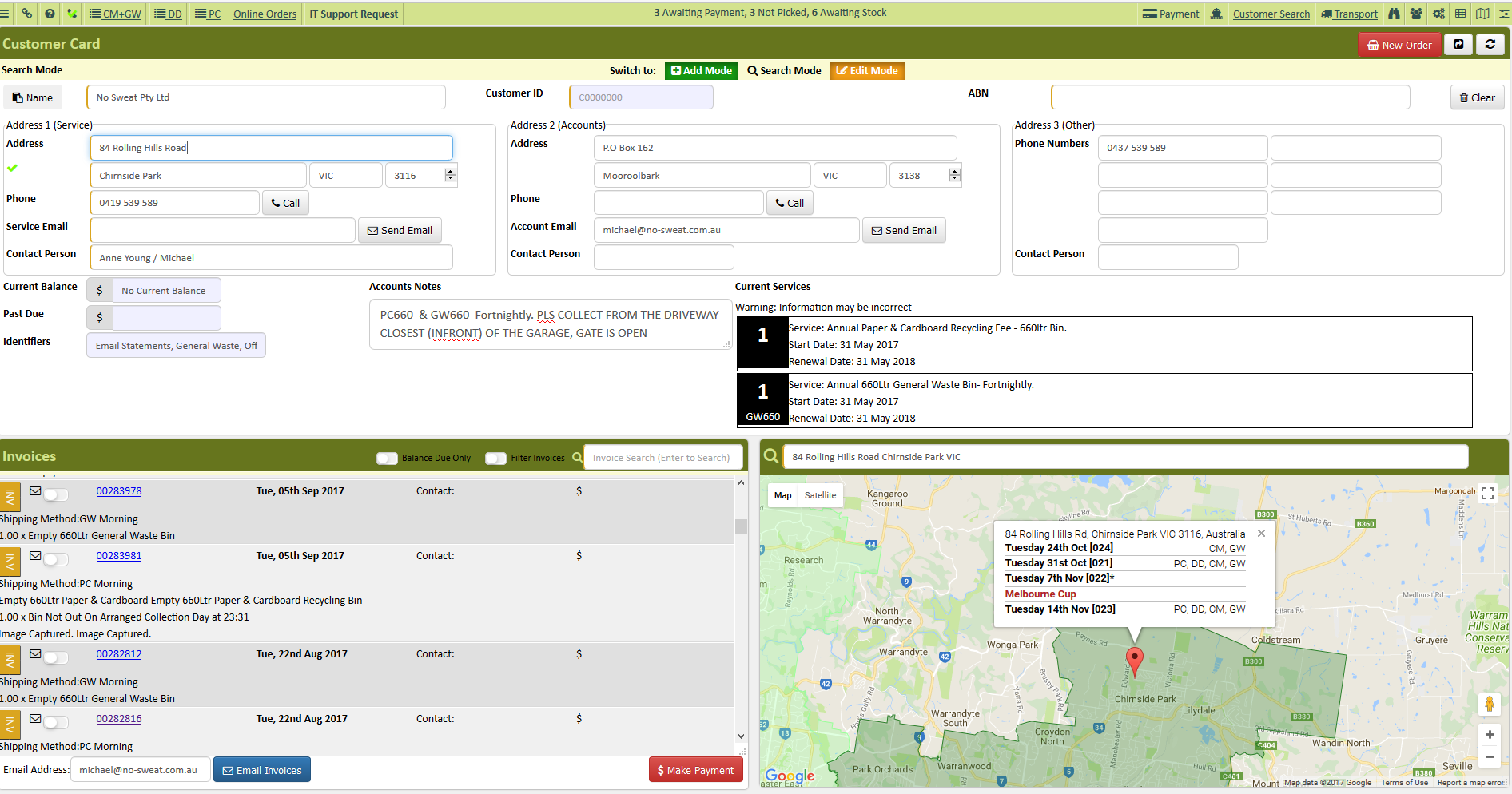
- From the AWM Manage Page open the customer’s account.
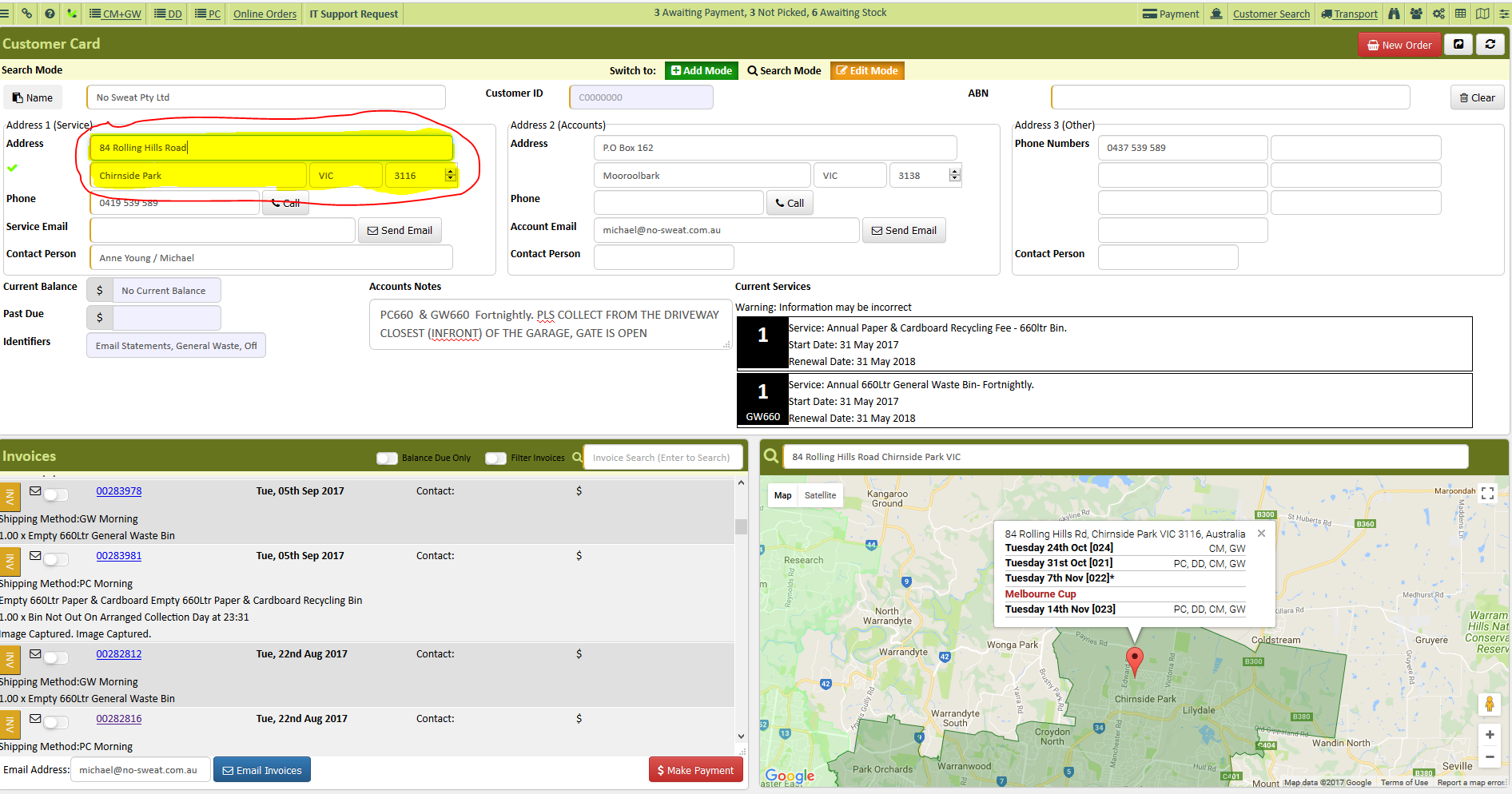
- Verify collection address
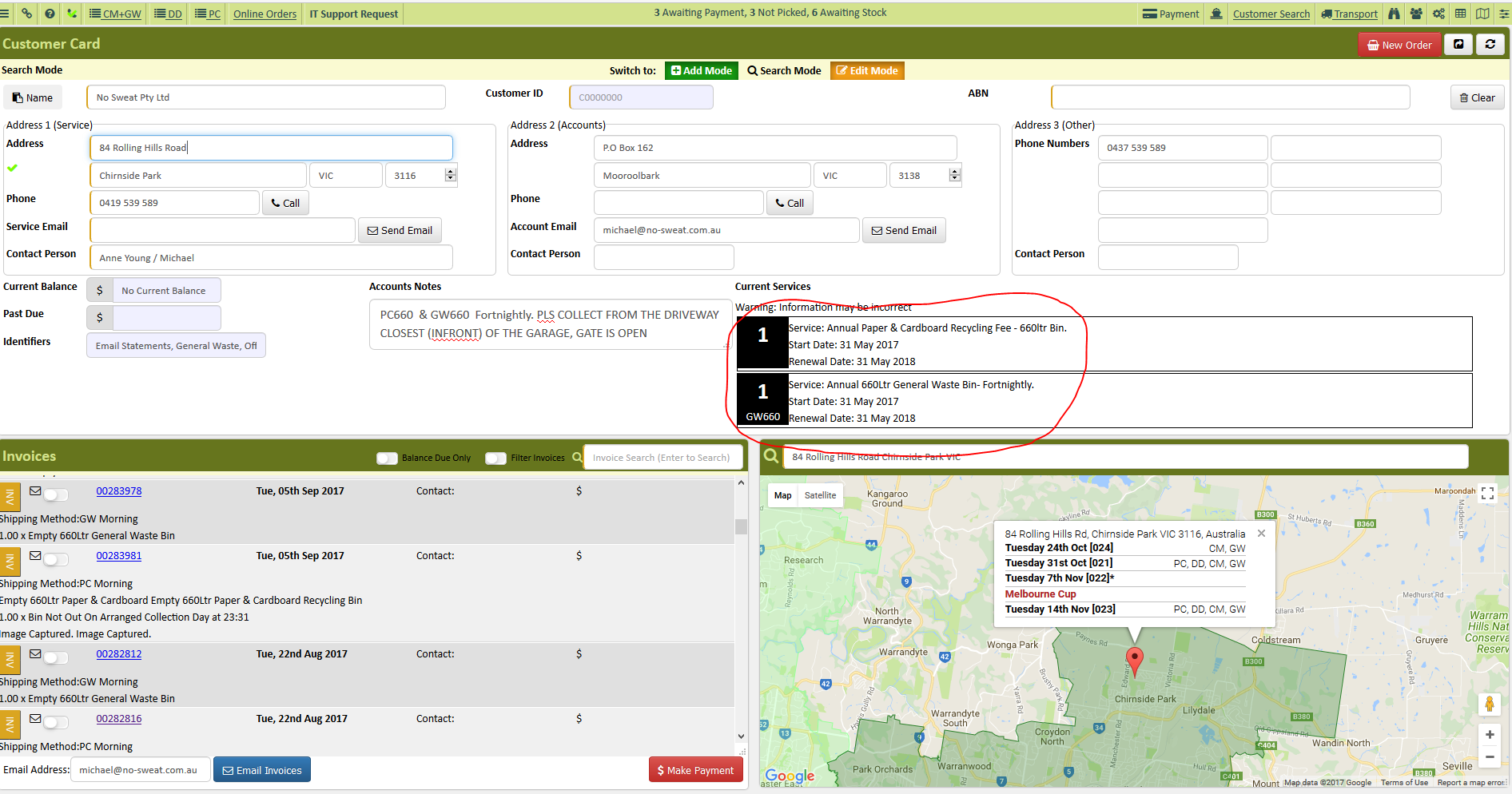
- Check the collection service and collection frequency of the customer
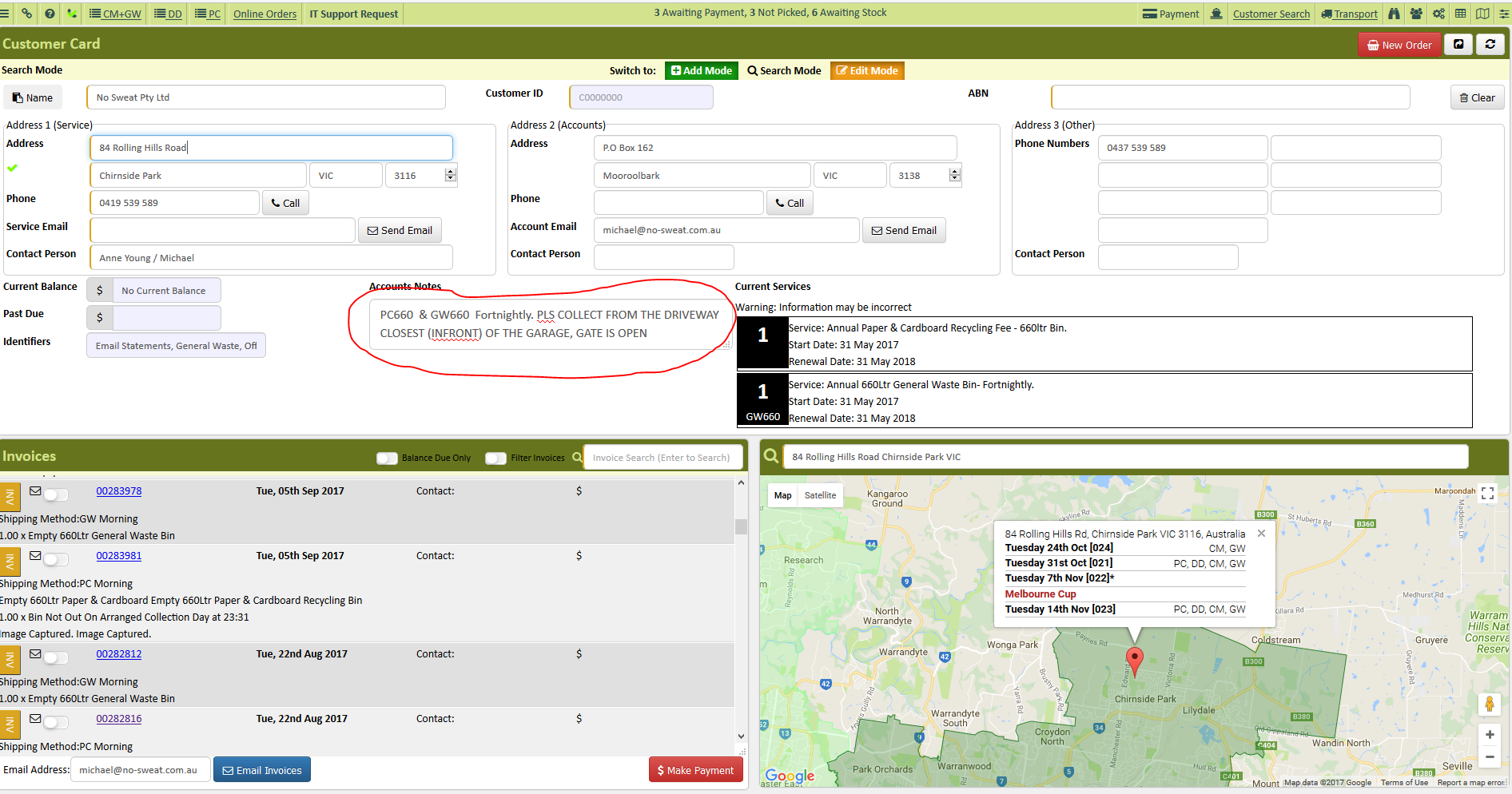
- Check if there are special notes on the account notes
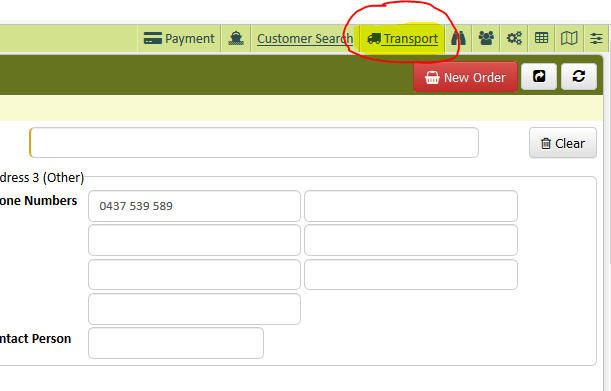
- Check the daily run page from the transport link page.
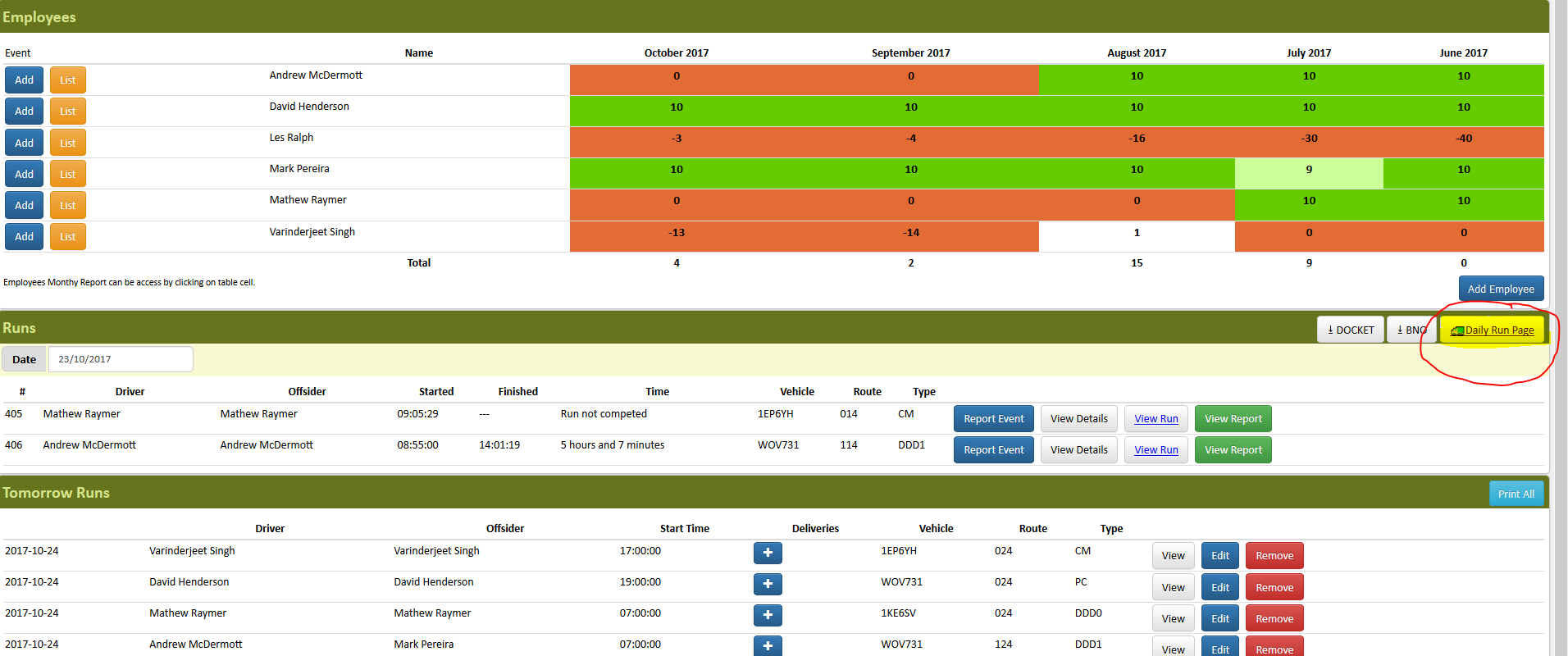
- Change the date to the date the customer was BNOed
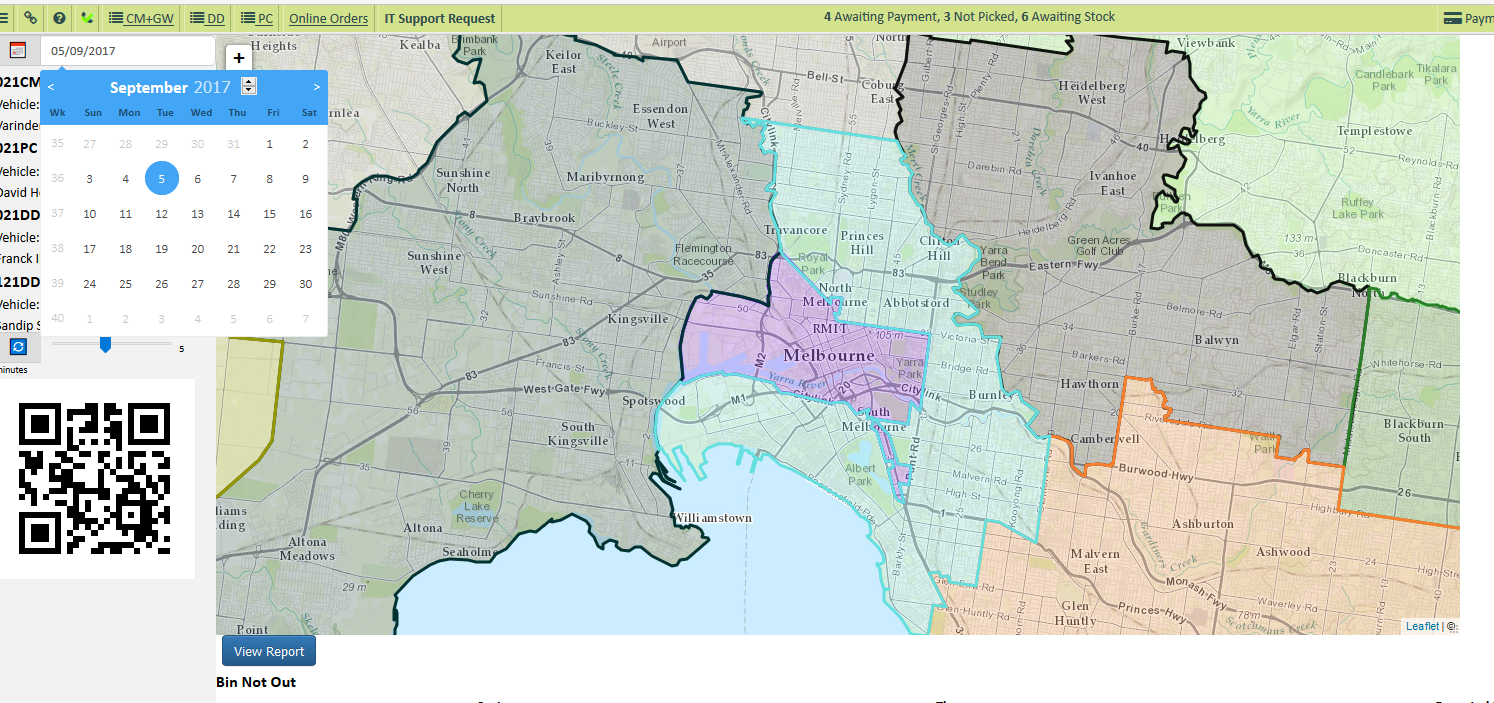
- Click the customer’s type of service
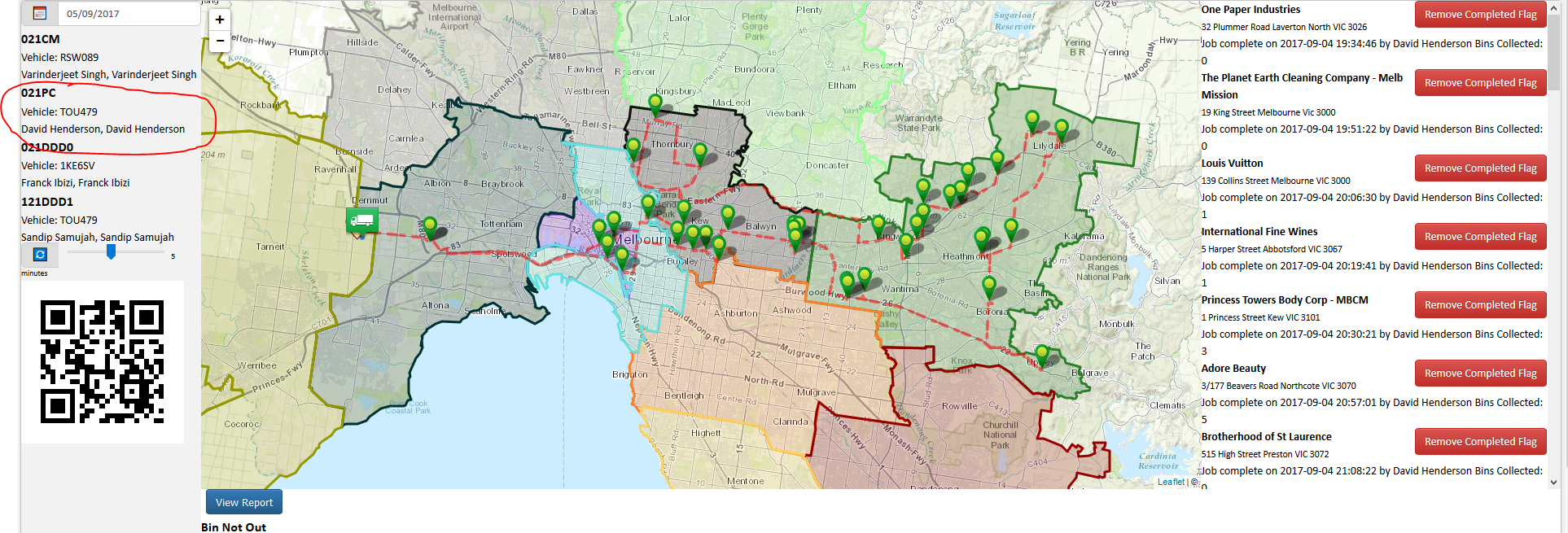
- Check if the customer was included on the BNO report
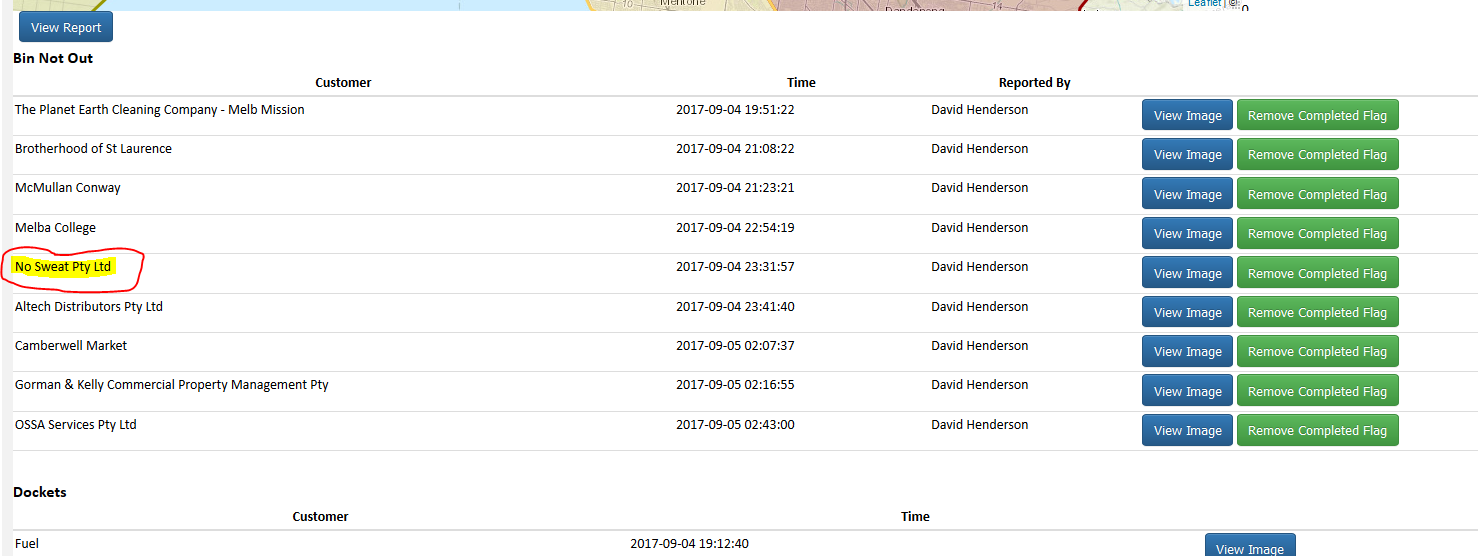
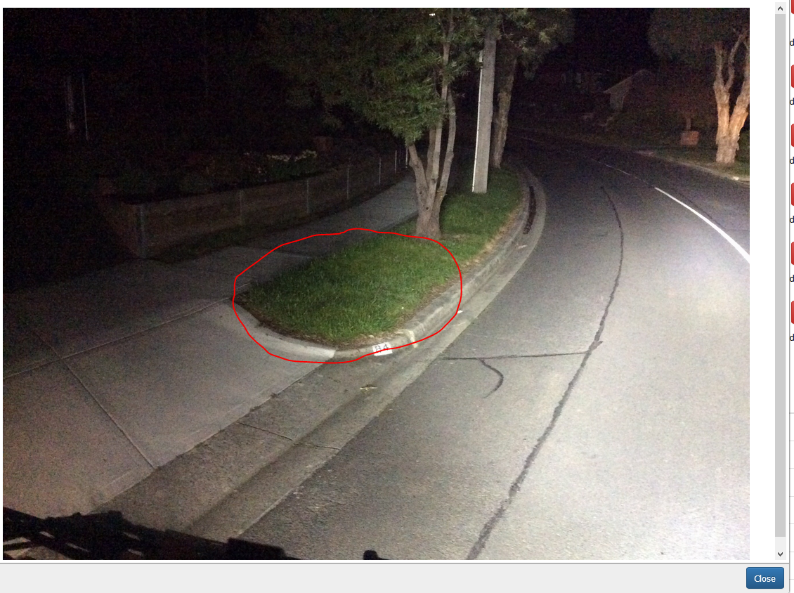
- Once you verified customer was included on the BNO report, click View Image to double check that the bin is not out.
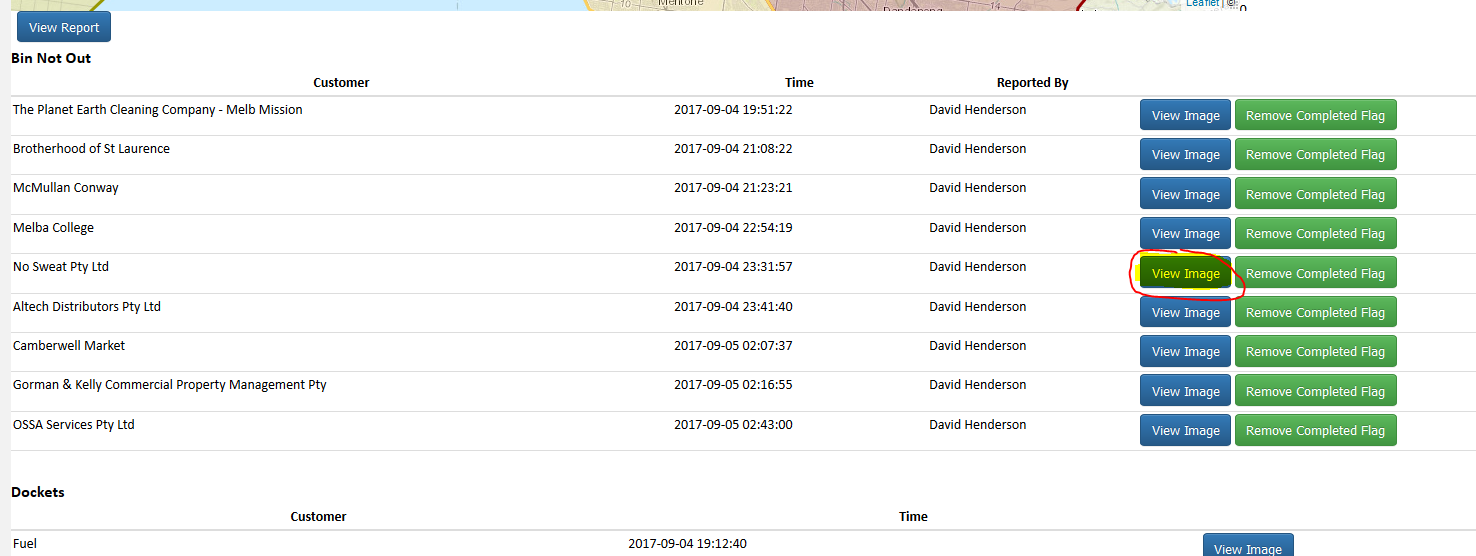
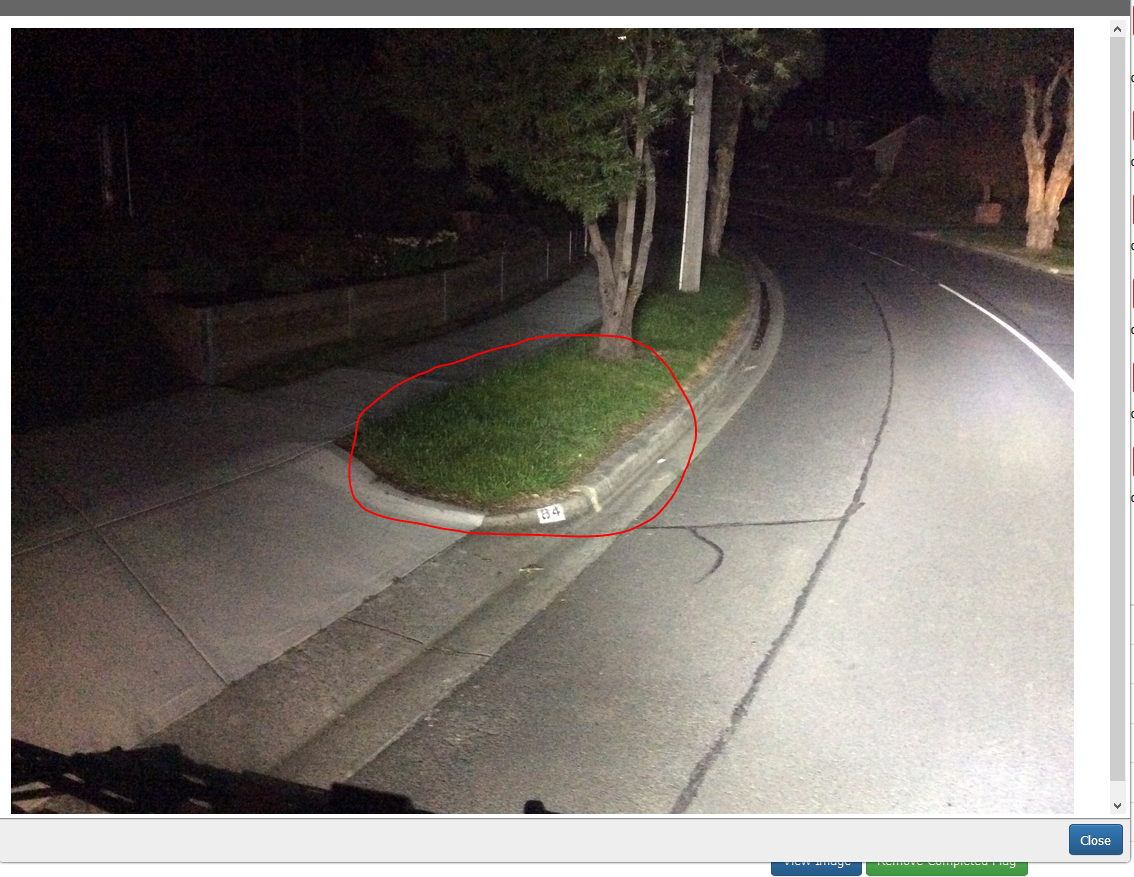
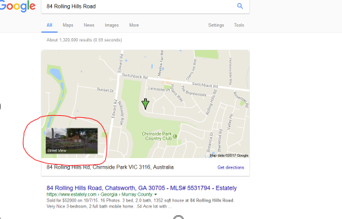
- Street view the collection address in google maps
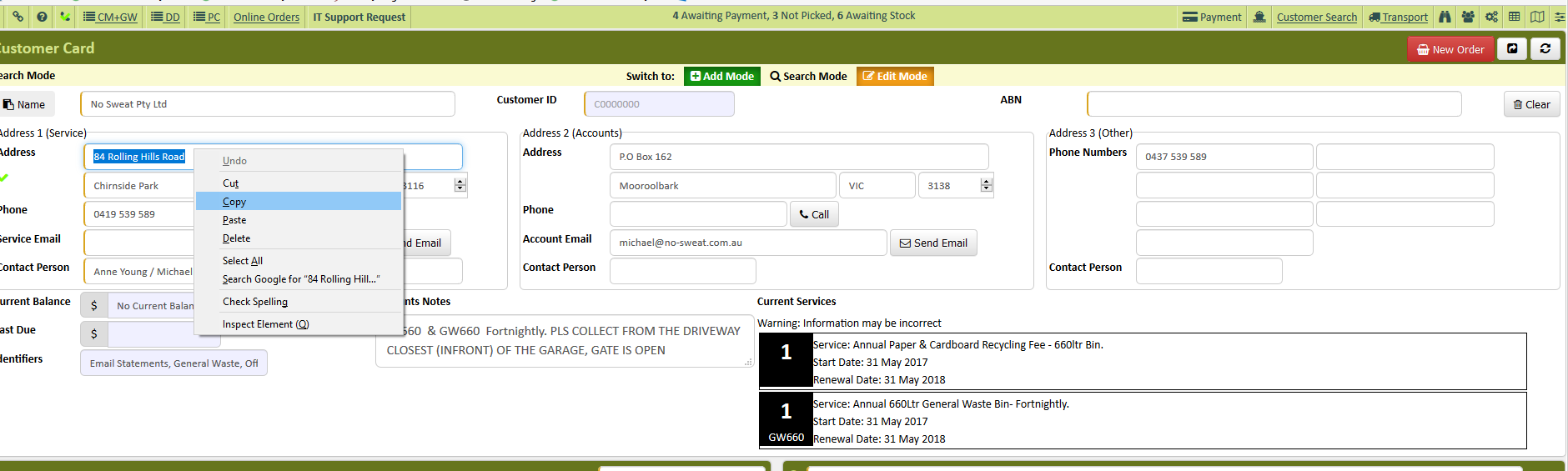
- To street view copy the customer’s address on AWM Manage Page
- High light the address right click copy
- Paste the address in google maps
- Click street view
- If the bins are not placed kerbside we will not collect them specially for residential areas (unless there is a special note).
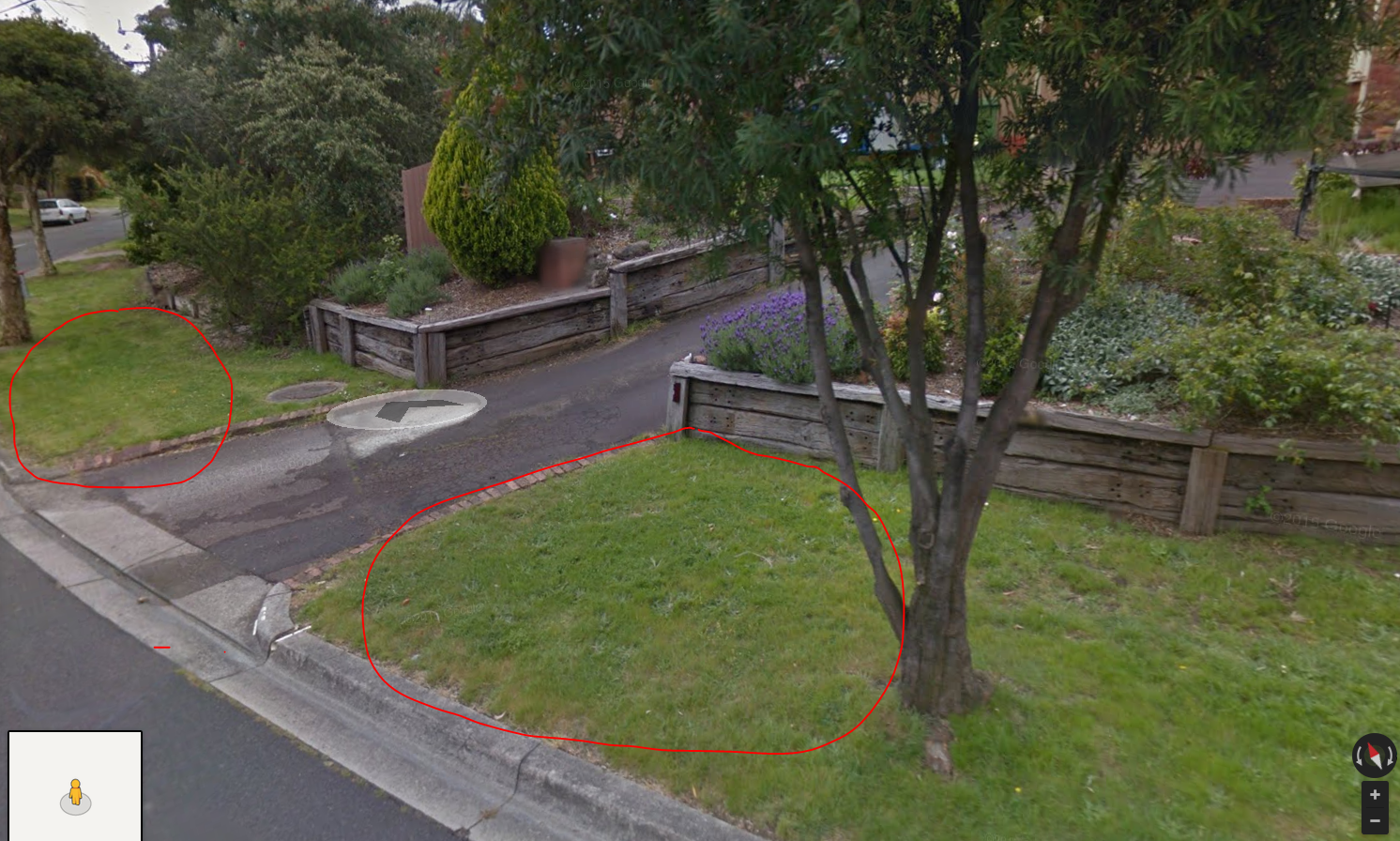
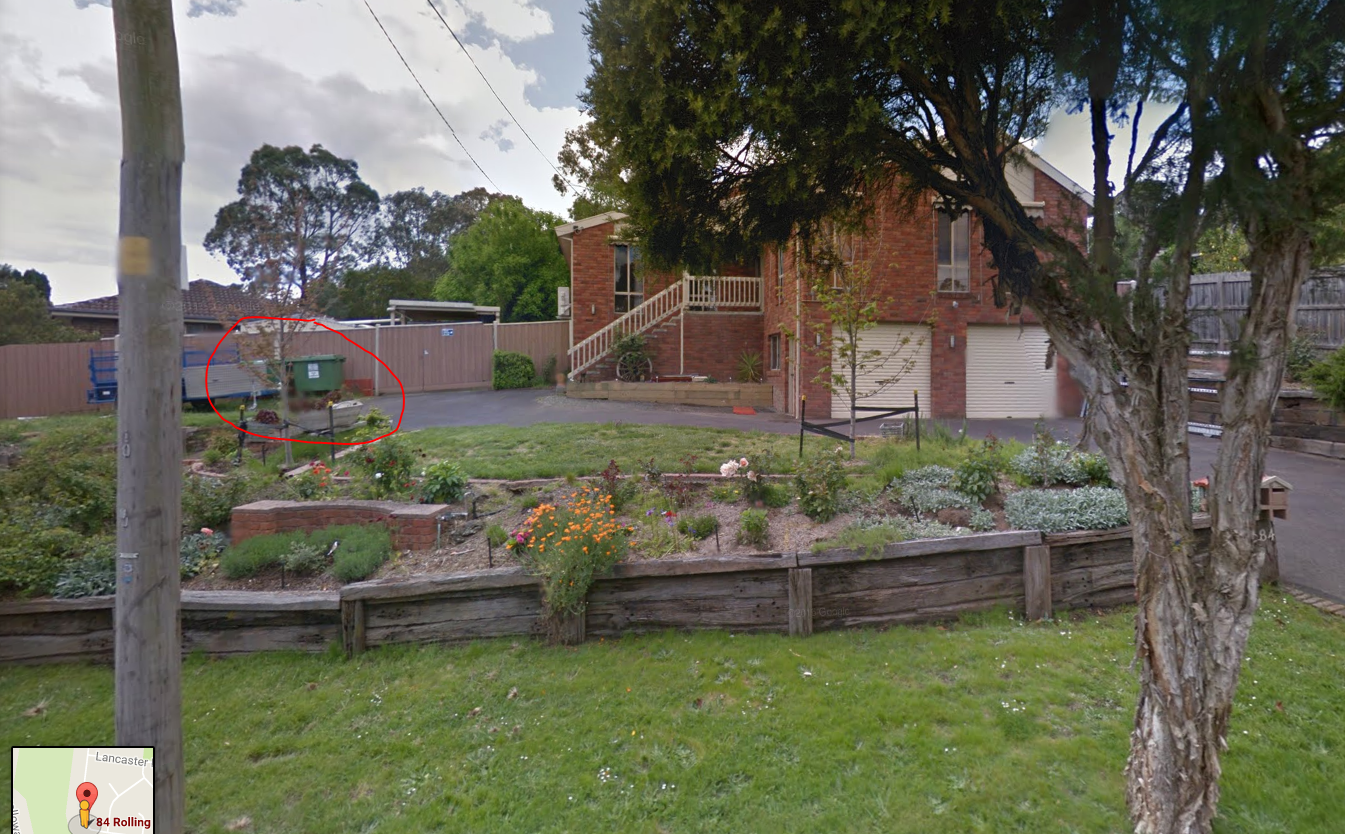
*for this specific customer bins are not put kerbside that is the reason why it was not collected.
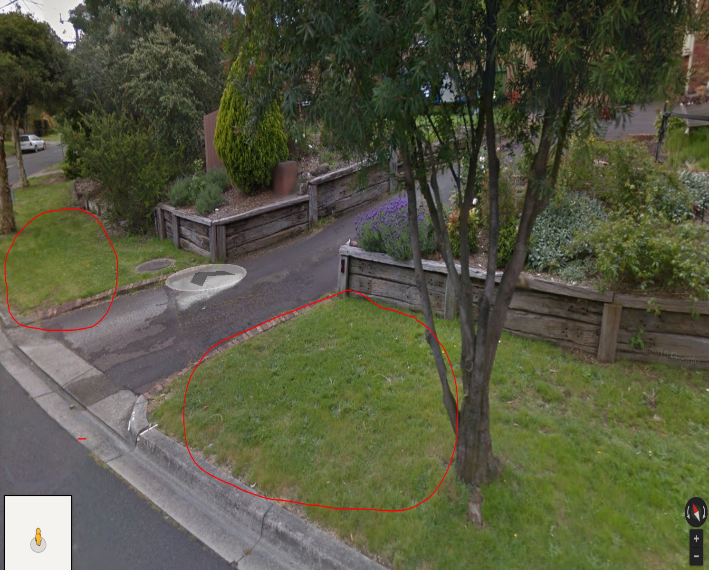
- Once you were able to verify the image taken by our driver matches the google maps image send a copy of both images to the customer’s email address.
Comments