Recording Recurring Collections in MYOB
Posted at August 30, 2019 09:08 am. Last updated at August 30, 2019 09:08 am
Recording Recurring Collections in MYOB
This procedure is Part 6 of our Run Generation Process
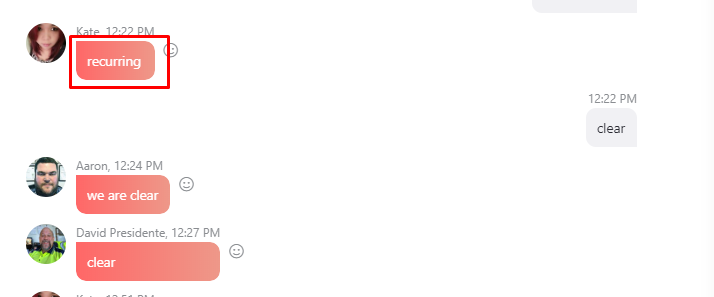
Send a chat to Skype, Team Parsons chat room, advising everyone you will do the recurring. Wait for everybody to say “Clear” before sending the statement. (follow communication policy if no one replied within 5 minutes )
Open MYOB
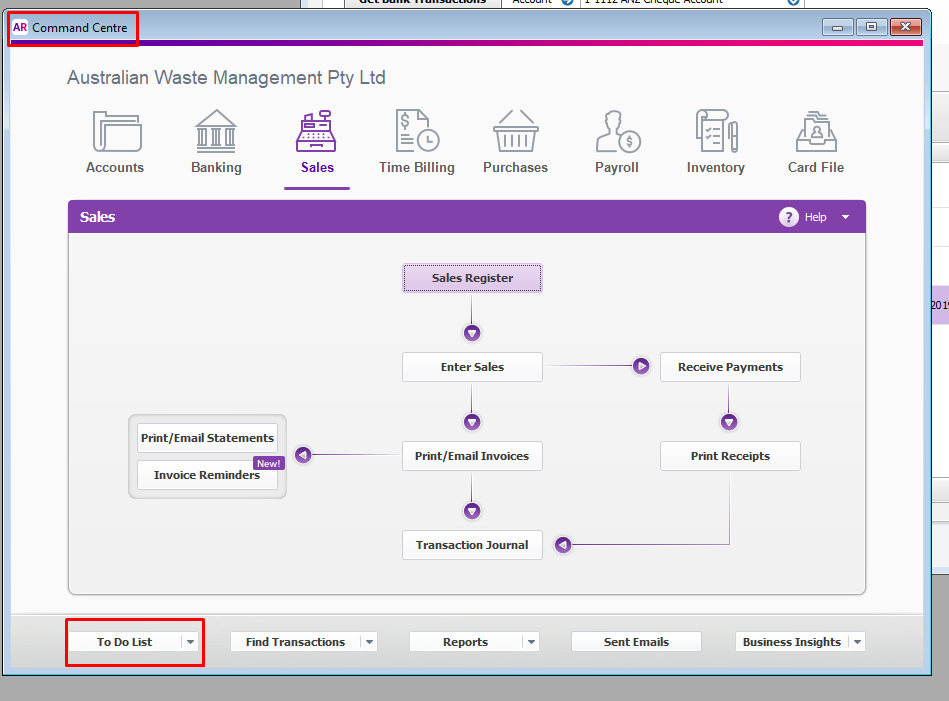
On the Command Centre, Go to “ To Do List” (bottom part of MYOB)
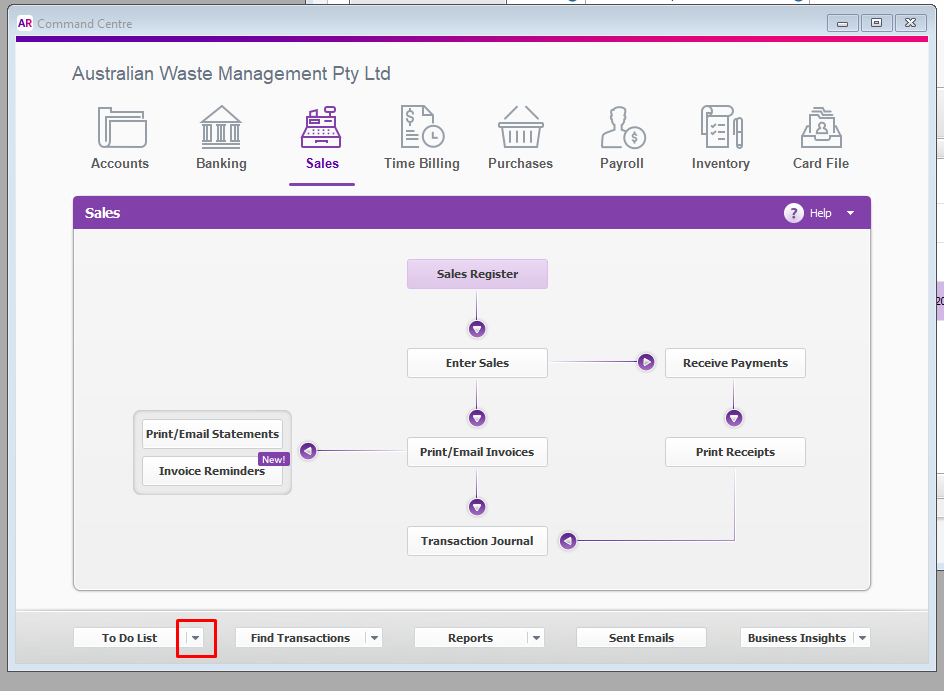
Click the little arrow beside the “To Do List”
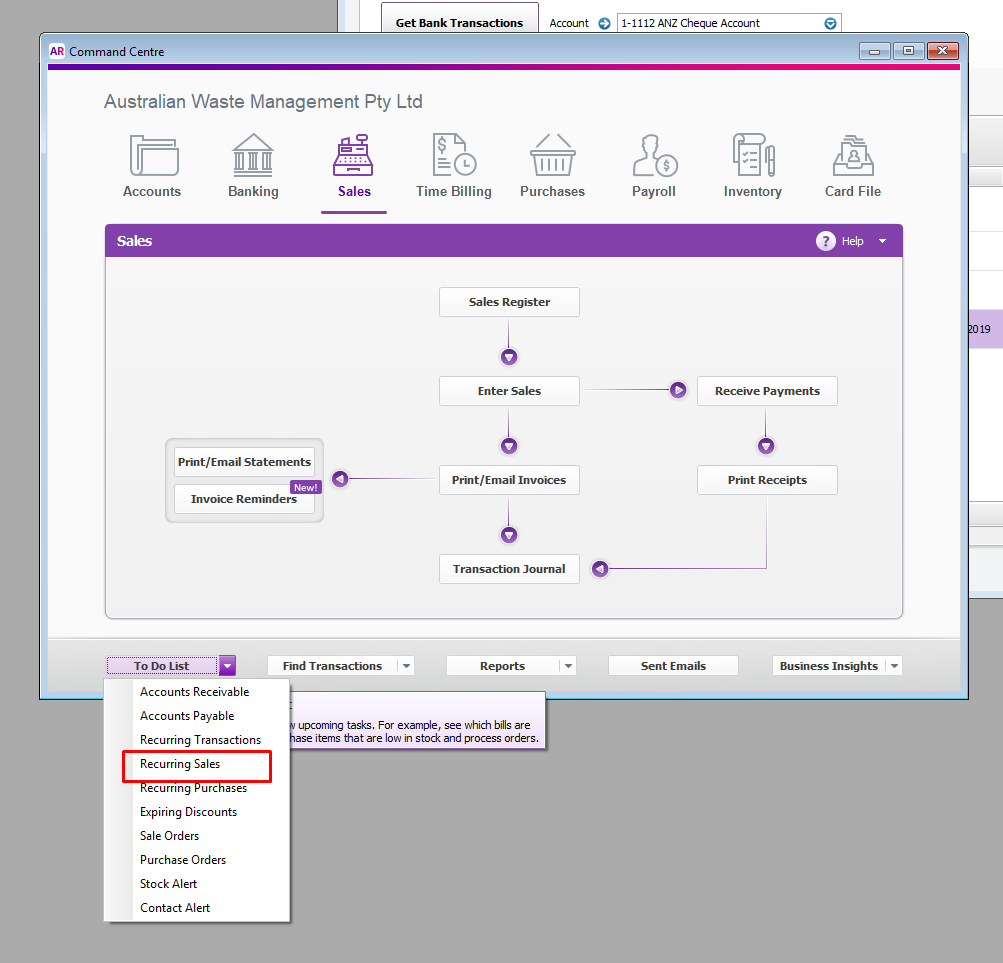
Click Recurring Sales. This will open a window with the all sales that are to be recorded on the next due date
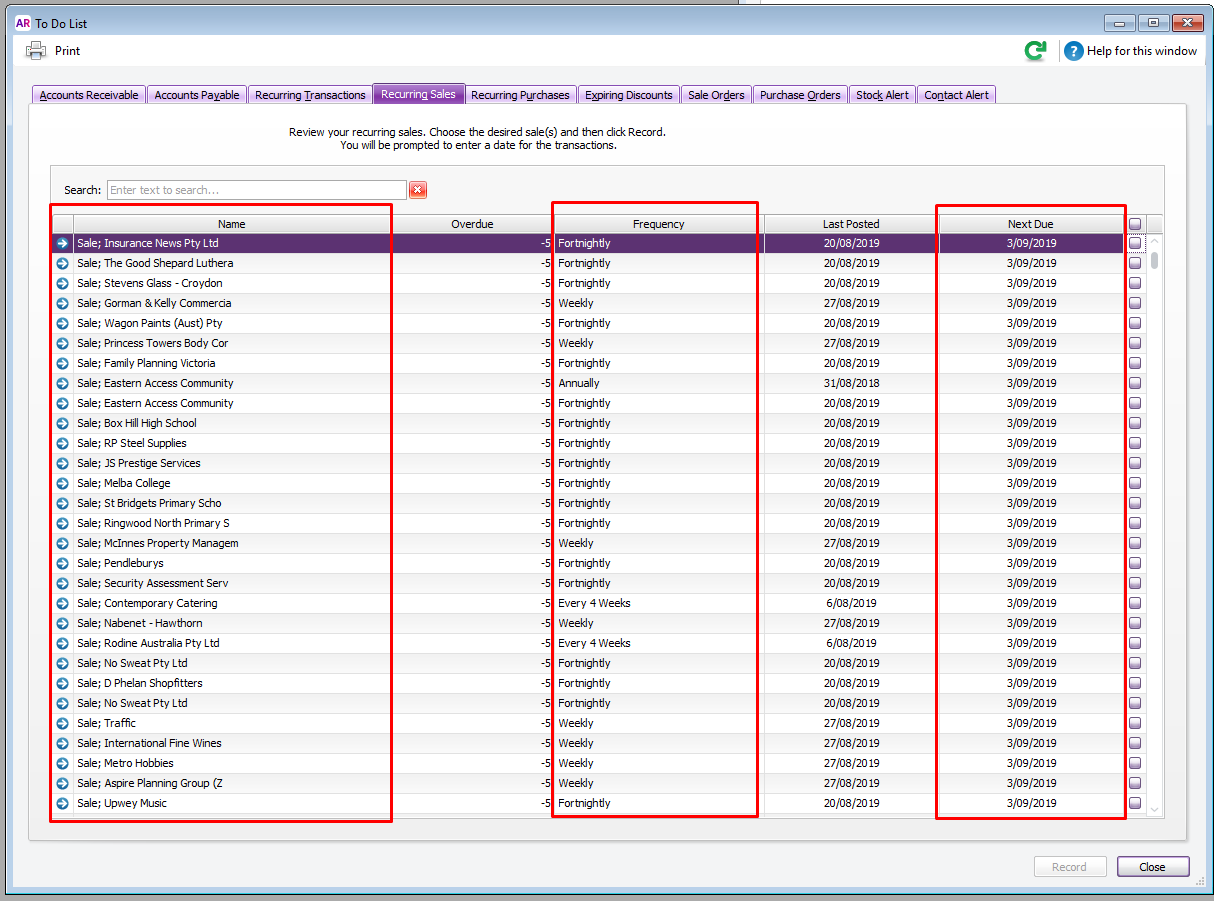
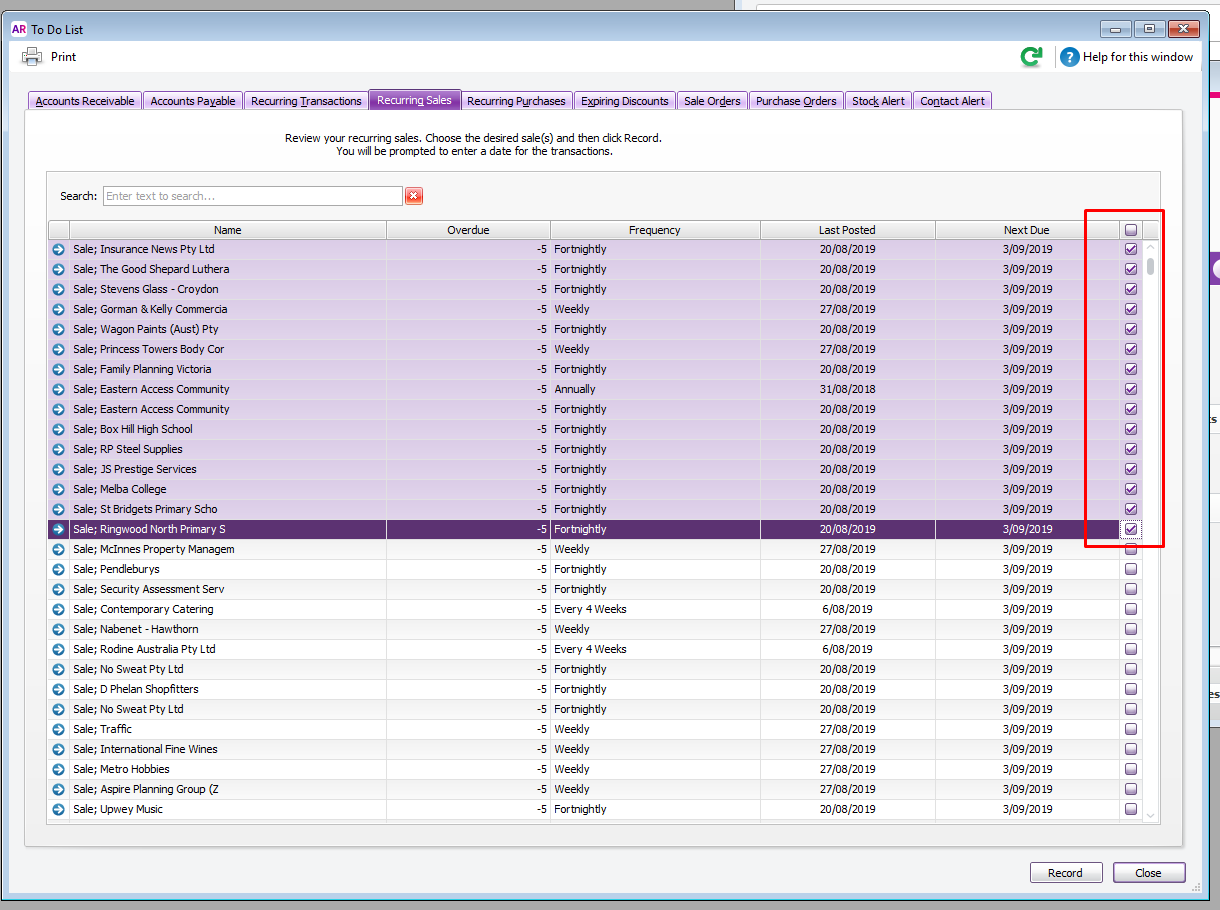
From the list of customer, click 10 to 15 customer at a time (do not click more than 15)
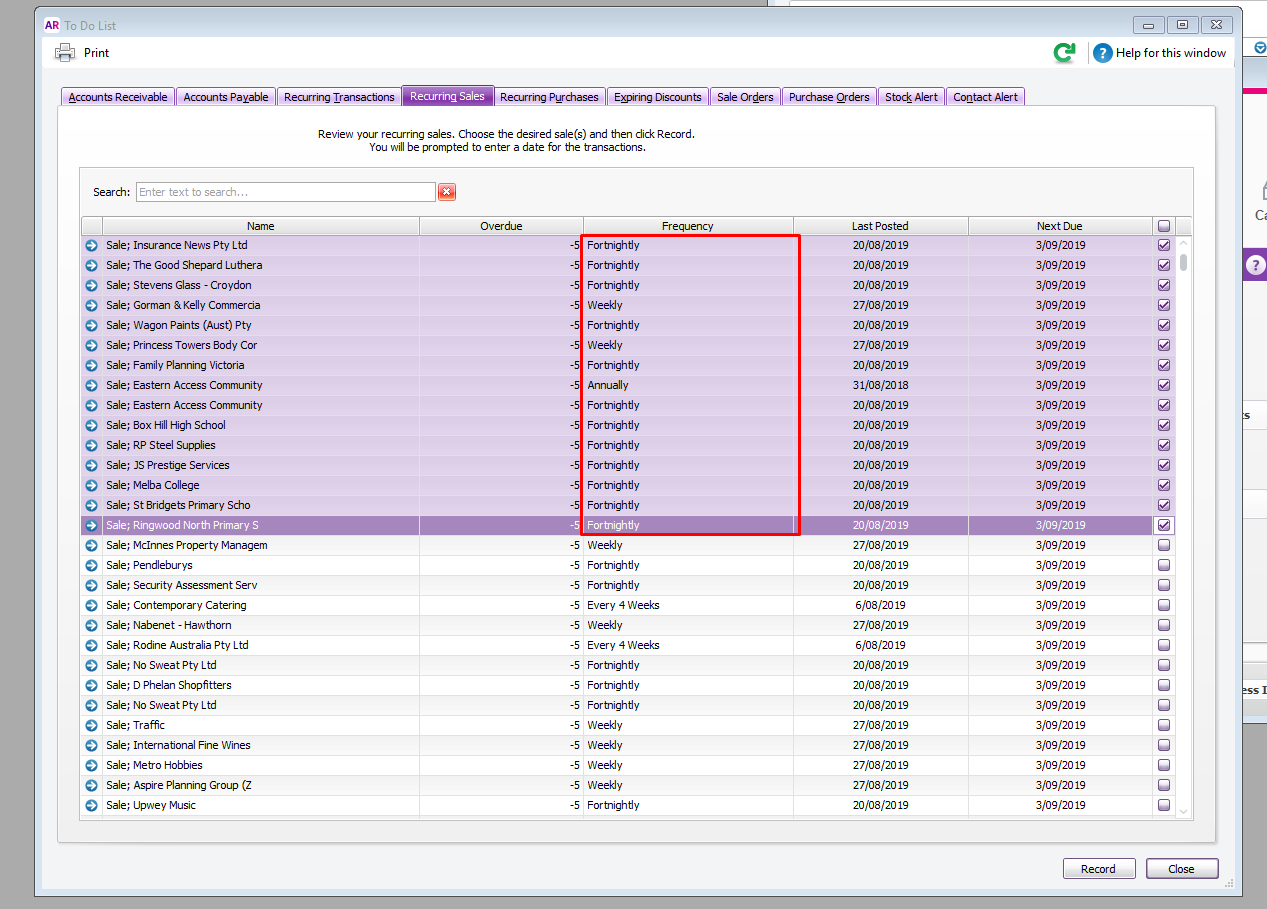
Make sure no Annual Fees that might be recorded by mistake
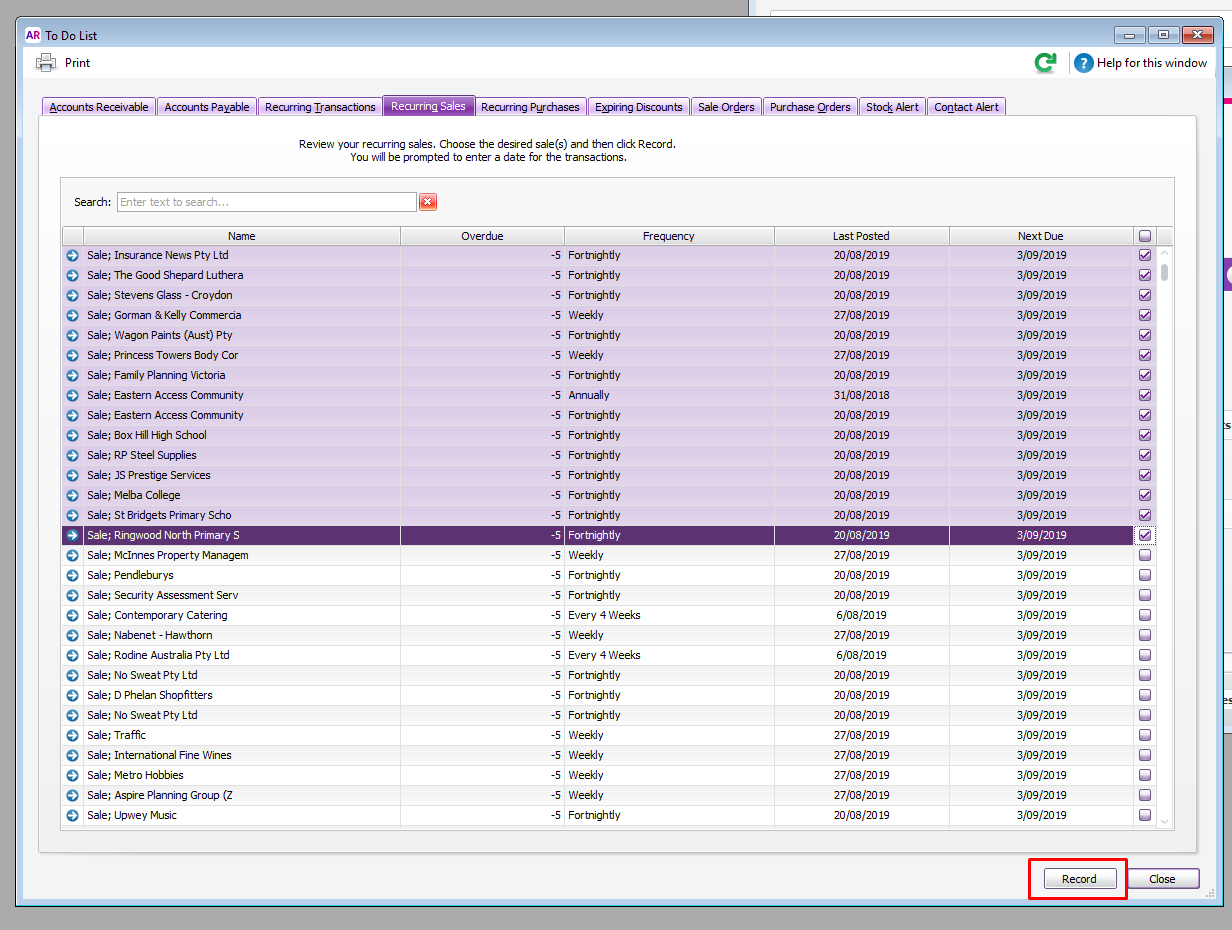
Click Record
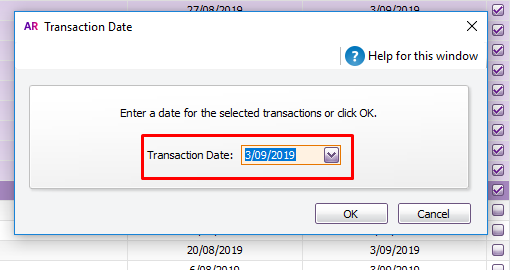
On the Pop up box “ Enter a date for the selected transaction” change the Transaction Date to tomorrow’s date.
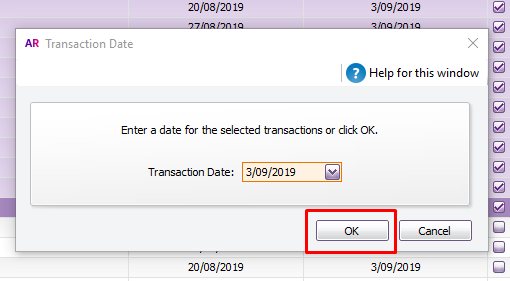
Click OK
Make sure scroll the arrow up to make sure all accounts are included. Follow the same procedure until all recurring collections for tomorrow’s date are recorded.
Send a Chat on the Team Parsons chat room, advising everyone your done with the recurring.
Comments