BNO Guidelines And Procedure
Posted at January 10, 2018 02:01 pm. Last updated at March 08, 2019 11:03 am

Guidelines and Procedure for BNO
BNO should only be process by the LOGISTIC TEAM, Sales or Accounts are NOT to deal with missed collection issues at all.
If a customer calls or emails regarding a missed collection, the call or email is to be forwarded to Transport, for Transport to handle the entire process.
Daily driver BNO reports are to be handed back to Transport for processing and entering to ensure the entire process is followed correctly and finite outcomes are achieved.
Any calls to customers about educating them on their collection days, where they should place their bins and when and what can go in their bins to make good use of them are all to be handled by Transport.
Transport is to go through the customers information in AWM-Manage, including street address to ensure the correct formatting so it appears in the e-run correctly, the type/size and frequency of the collections and that all previous collections have been accurate based on this information (especially that collections have been occurring on the correct days per their schedule), what collections have been previously BNO's, and that the notes on the account are correct to reflect exactly where the driver is to go to collect the bin/s, and any other important details.
To ensure current BNO photo's are of the correct location, BNO photos from the recent collection are to be compared with:
- BNO photo's from previous unsuccessful collections, even as far back as 2017 when other drivers where taking the photo's.
- Google Map search the customers address and name, and check both in map view, satellite view and street view to compare the BNO photo with these images and determine where the BNO photo was taken, and where the bin should have been located based on the address and notes in AWM-Manage.
If the BNO image is of the correct location, and was taken at a time that follows our guidelines and the customers notes, the customer can be told that we attended at the time listed in the e-run and a photo was captured of the location described in the customers account and no bin was there for collection.
If the missed collection was due to the customer not placing the bin out and they don't need an urgent collection, inform them of the next collection date and that any excess can be placed out with the bin in bags or boxes and that will be taken away at the same time. Please ensure they are told to have the bin in its correct arranged collection location by 5pm the day prior and that it is left there until emptied.
If the customer requires an urgent collection, please follow the urgent collection procedure to determine the days available and their costs.
Either way, you MUST confirm all the details in our system with the customer to ensure that where we are looking for the bin, and where the customer is placing the bin, are the same location and the description is as simple and easy to follow for the driver as possible with no change for confusion.
If the BNO photo is of the wrong location, determine the following:
- Where it was taken,
- Where it should have been taken,
- Establish how the driver may have ended up in the wrong location.
Make any changes necessary to ensure the error will not be repeated. This could include:
- Refining the notes to better reflect the correct location,
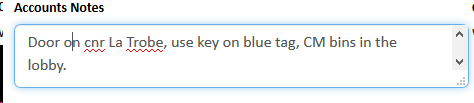
- Amending the address to correct any formatting issues,

- Editing Google Maps to correct any location or navigation errors,
- Confirming the address and notes in the excel run and core runs are correct with what is in AWM-Manage

- Updating core runs with any errors noticed or new changes made
- Sending the driver satellite and street view images outlining where they took the incorrect BNO photo versus where the bin should actually be located.
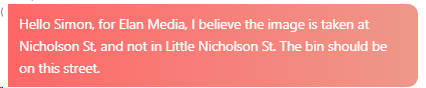
(Driver's image)
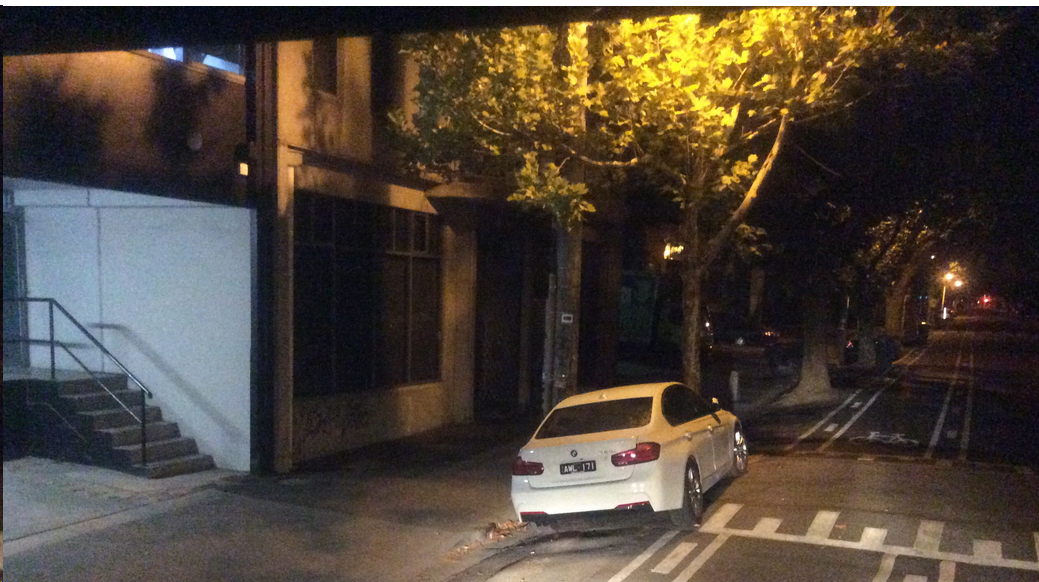
Satellite and Street View
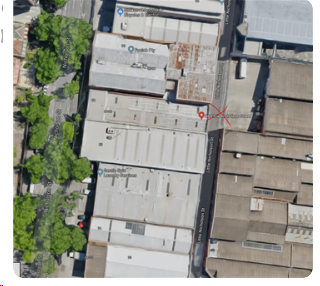
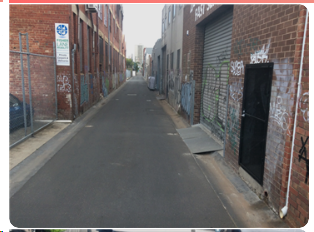
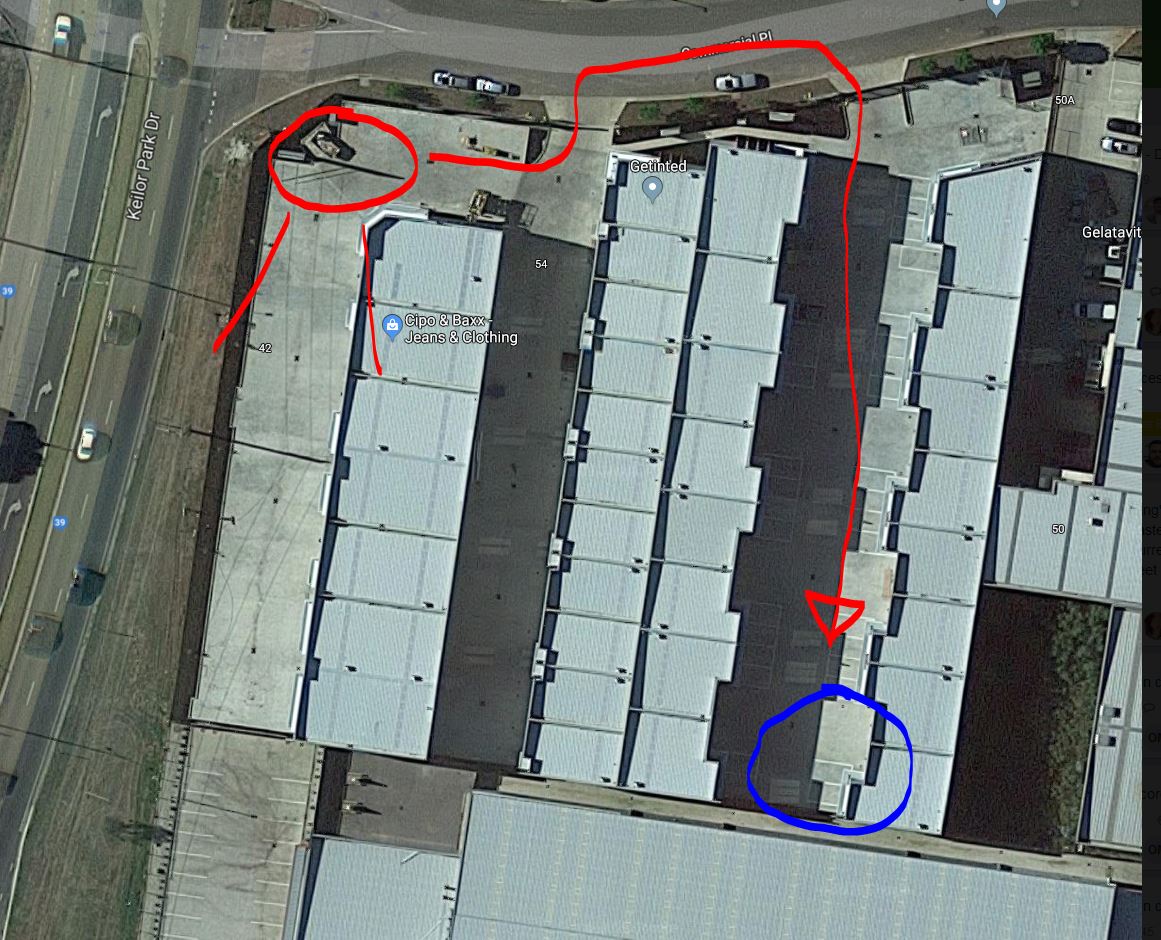
Red Circle where the BNO image is taken with the lines indicating the direction of the view.
The long line and arrow indicate where the driver needs to go from there to get to the correct location.
The Blue circle is where the bin should be located. (i.e. the BNO for KE Decoration Design, for Apparently there is a Shipping Container there and the bin is located behind that.)
Once logistic has a clear understanding of where a BNO image was taken versus where it should have been taken, please create an image to highlight exactly what must happen and where the correct location is versus the incorrect image so there is absolutely no doubt or possibility for error in the future.
Also change the "Pen" thickness to the thickest available in the snipping tool so the things you write on the image are as visible as possible.
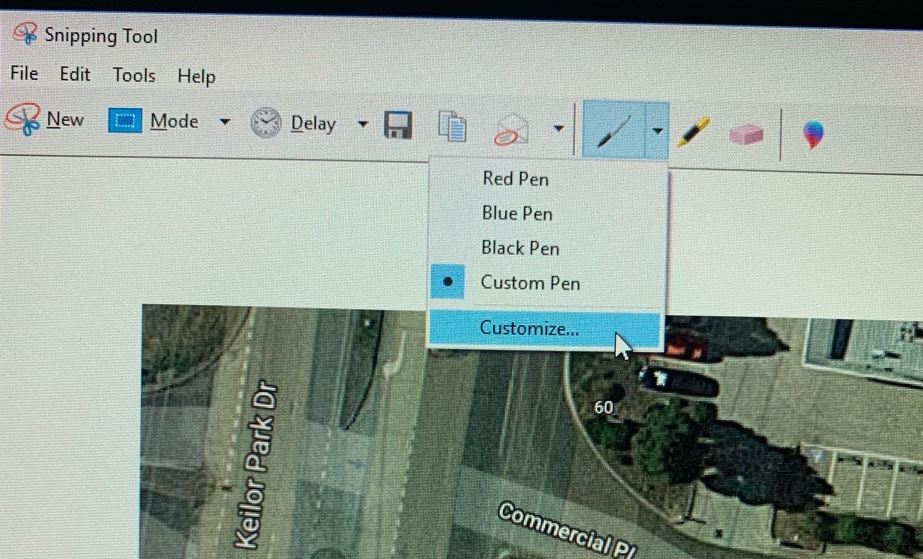
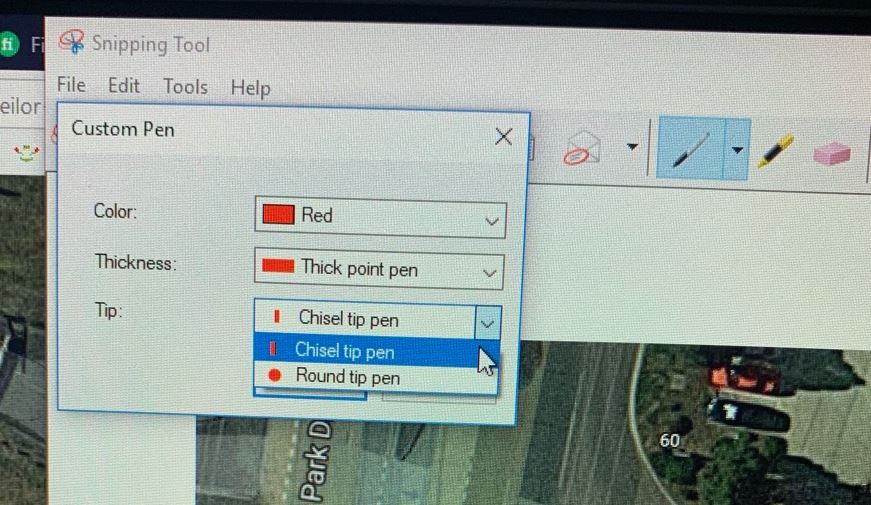
After you are certain there can be no further confusion about the correct location of the bin, determine when we may be able to offer the customer another collection that won't be too far out of the way and cost too much.
Make a list with when their next normal collection would be at the top, and the absolute soonest we could do a collection (with the highest cost) at the bottom, then fill in the alternative days in between based on how much they would cost us in ascending order. This way, when you call the customer back, you can explain that there was an error made on the collection location, that this has now been rectified, clarify the notes and location details with the customer to ensure they are correct, and then let them know their next scheduled collection date and that any excess can be placed out with the bin in bags or boxes and these will be taken at the collection.
If they say they cannot wait, or if you have determined we can offer another collection sooner at no real cost to us. (offer this collection time as the first option).
Always aim for the least cost to us as the first option, and work your way to the fastest option that costs us the most as a last resort, ensuring the customer is happy with the outcome, especially considering it is our fault.
Once an agreement has been made, ensure to book in whatever collection needs to be and ensure the customer places the bin in the collection location by 5pm the evening prior and leaves the bin there until it is emptied.
Add notes to the collection invoice and run stating that it is a special collection due to their last collection being incorrectly reported as a BNO but the driver was in the wrong location, and that the driver is to strictly follow the notes, take all excess and if they think it might be a BNO again.


When a BNO photo is determined to be in the wrong location and the reason is the driver not following the notes or using all the tools available to them to identify the correct location, the driver is to be nominated for as many points as it takes to offset the cost to rectify the issue. If no special collection is required, -1 point, unless it is a repeat offender of the same customer location, then -2 for a second offense, -3 for a third, etc, seems fair.
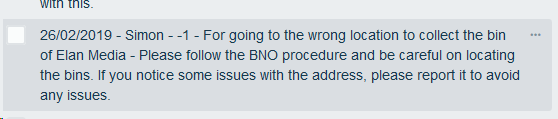
On top of this, -1 point should be nominated for every 30 minutes (or part there of) out of the way the job is from the standard run it is added to. I.e. If it takes 20 minutes to get to the job from the closest point on the standard run, that would be additional -1 point. If it takes another 20 minutes to get back to the next job on the standard run, that would be an additional second -1 point. If another driver has to do the job and is rewarded a +1 point for doing it, an additional -1 point is to be awarded to the driver that made the mistake (to offset this additional cost).

**PC Night BNO’s should be rebooked for DD Day**
How to Enter a BNO
**For all At Call customer will be charge a $12 fee for Bin Not Out Fee**
- Log in to AWM Manage Page
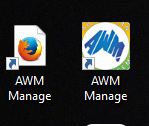
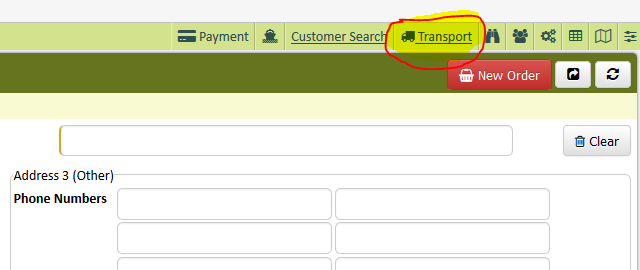
- Click Transport tab on your AWM manage page
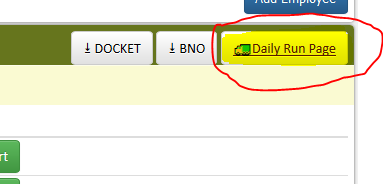
- From the Transport page click Daily Run Page
- Change the date to the date of the BNO’s that needs to be recorded
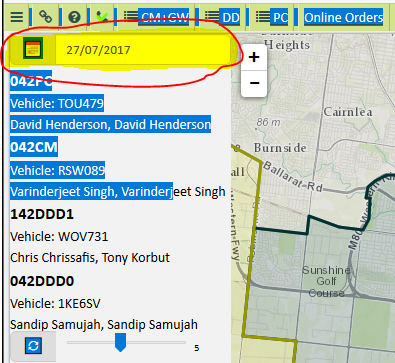
- Click the specific run you will be working
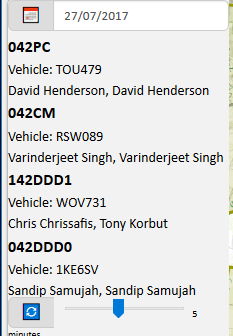
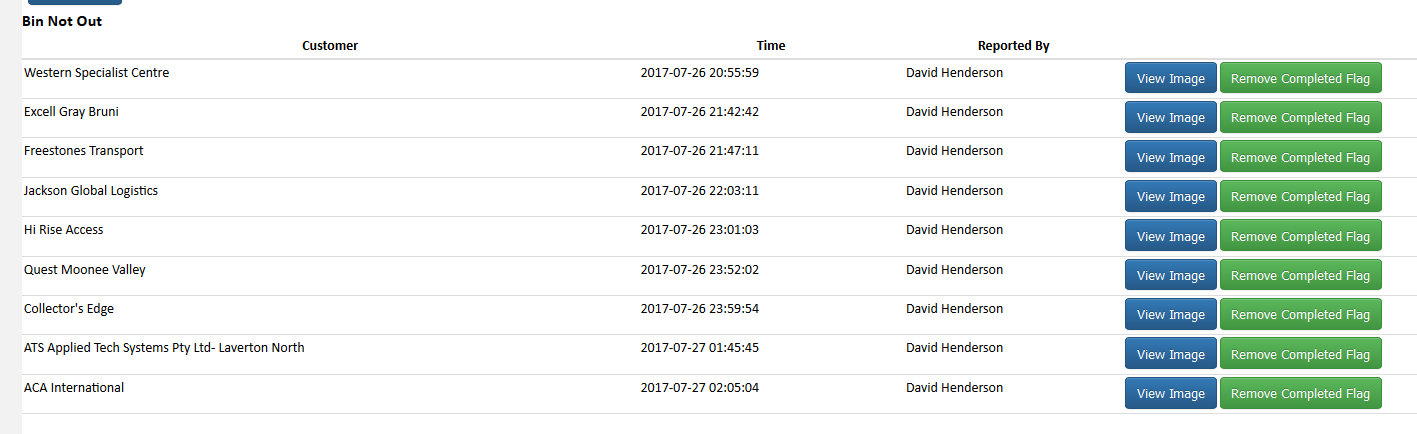
- System will show BNOs that needs to be recorded
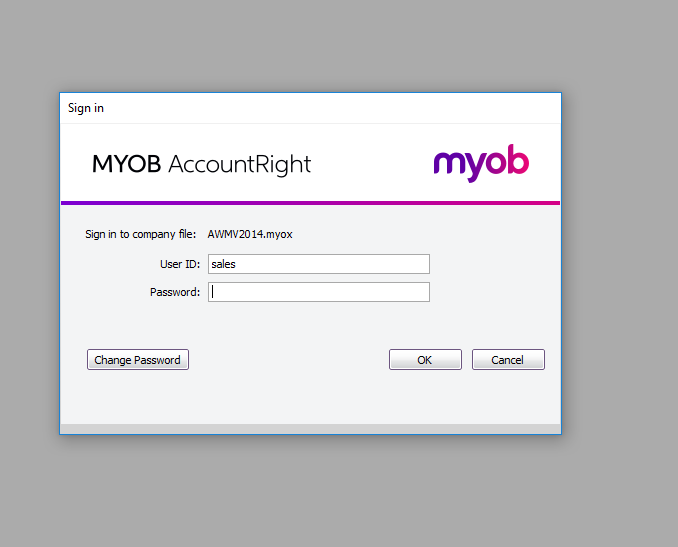
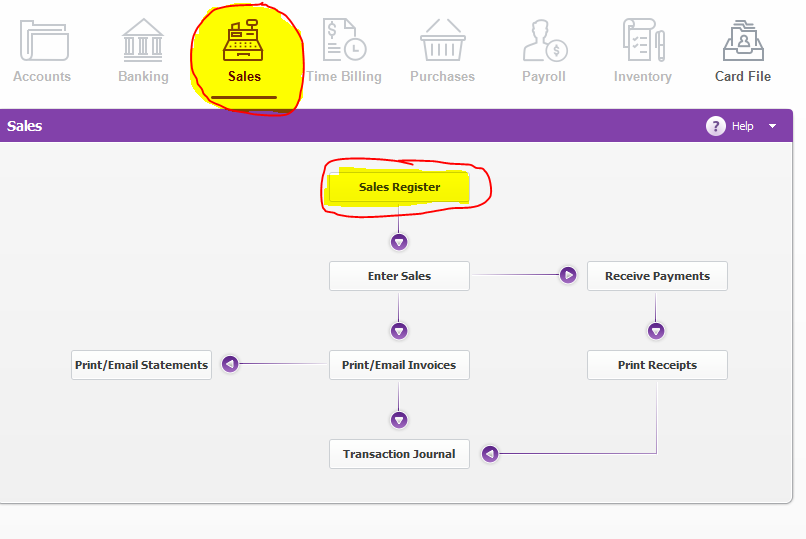
- Log in to MYOB
- Go to Sales Register
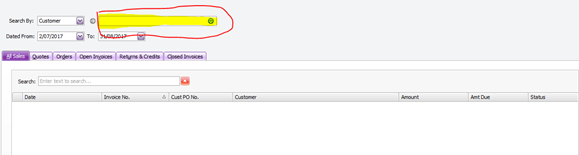
- Search for the customer account
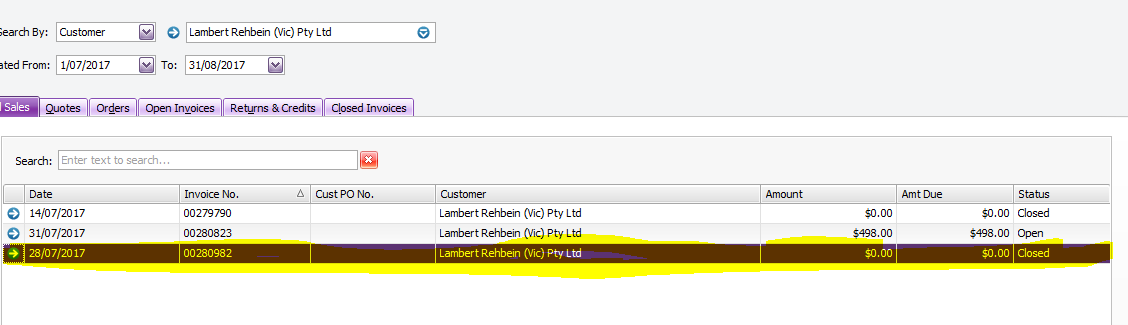
- Click the invoice number that needs to be recorded.
- Change the ship quantity to zero (0) remember the number of bins you zeroed out
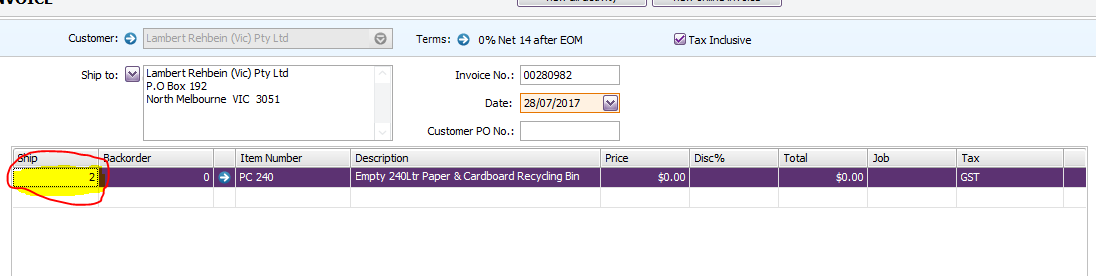
- Enter the quantity remove on the second line, under Item Number: type in BNO

- Include the time the driver attended the premise

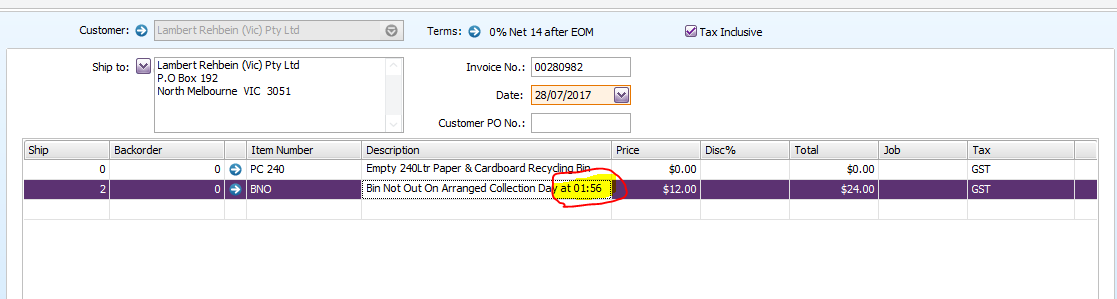
- Enter another line and type "Image" on Item Number
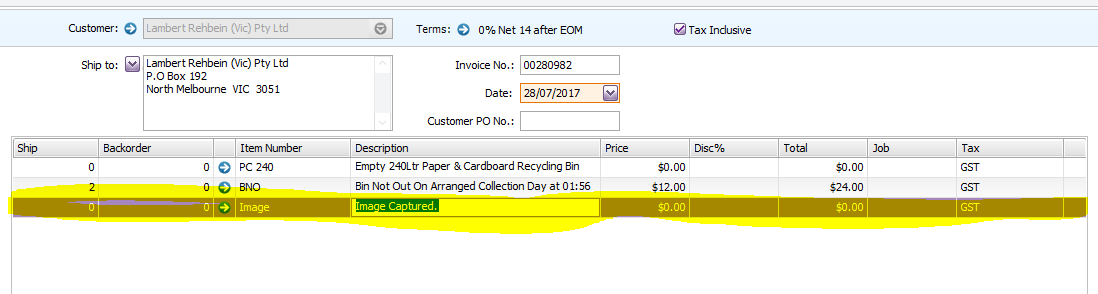
- Check the customer’s collection frequency in AWM manage page
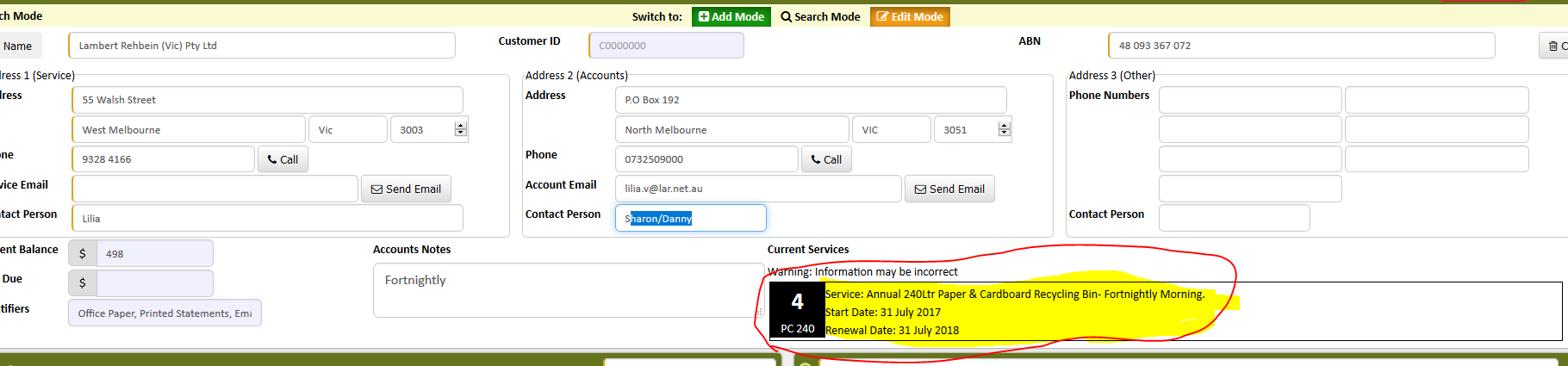
- If the customer is on At Call service they will be charge $12 for BNO
- For customer with regular scheduled collection put a 100% under the Disc tab (weekly, fortnightly and 4-weekly)
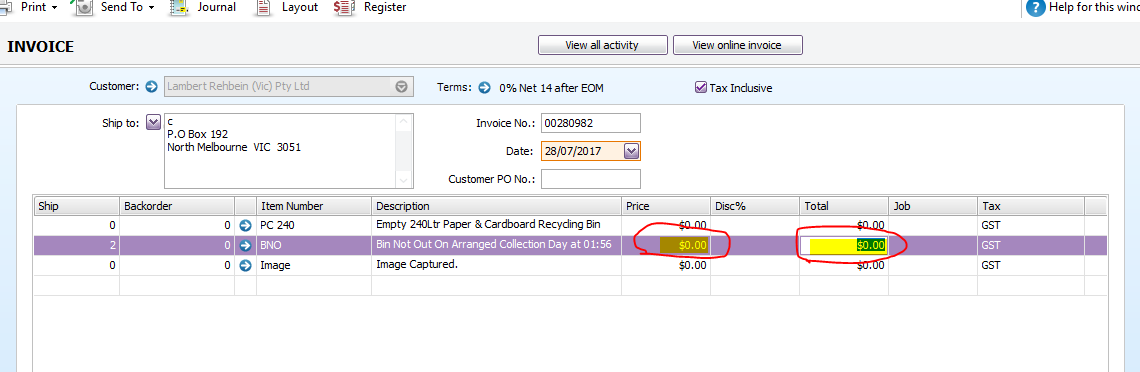
- Repeat Procedure until all BNO customers are recorded.
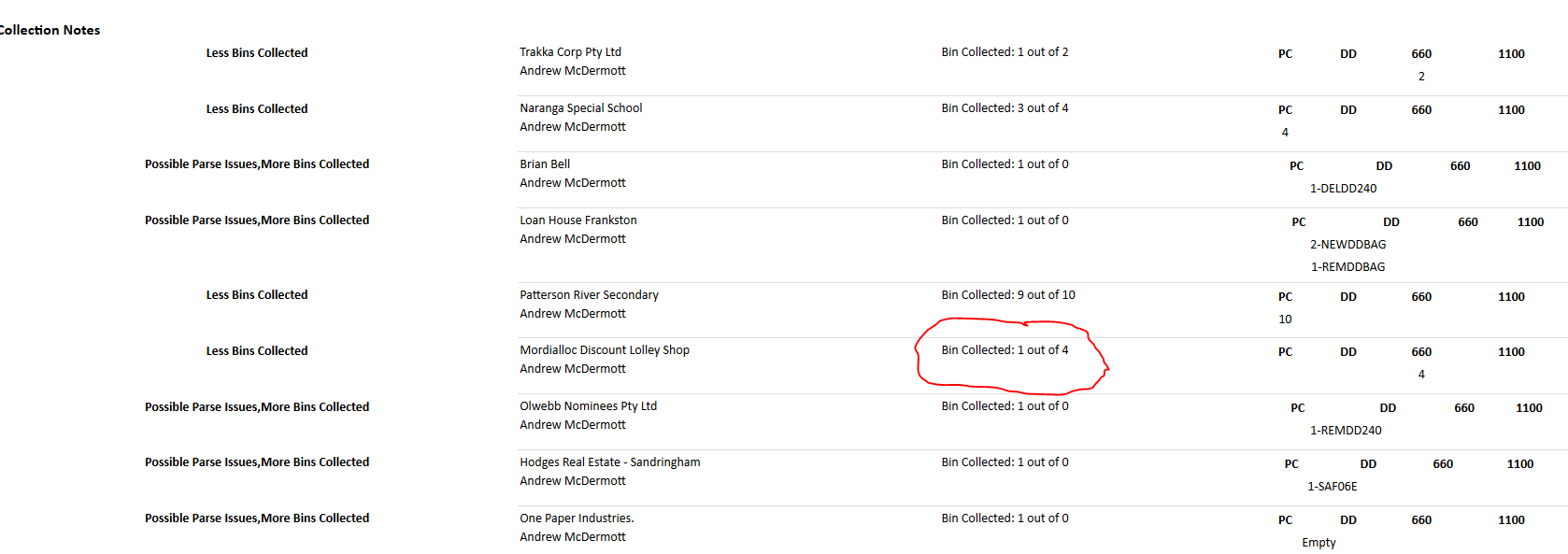
- Record all Collection Notes as well
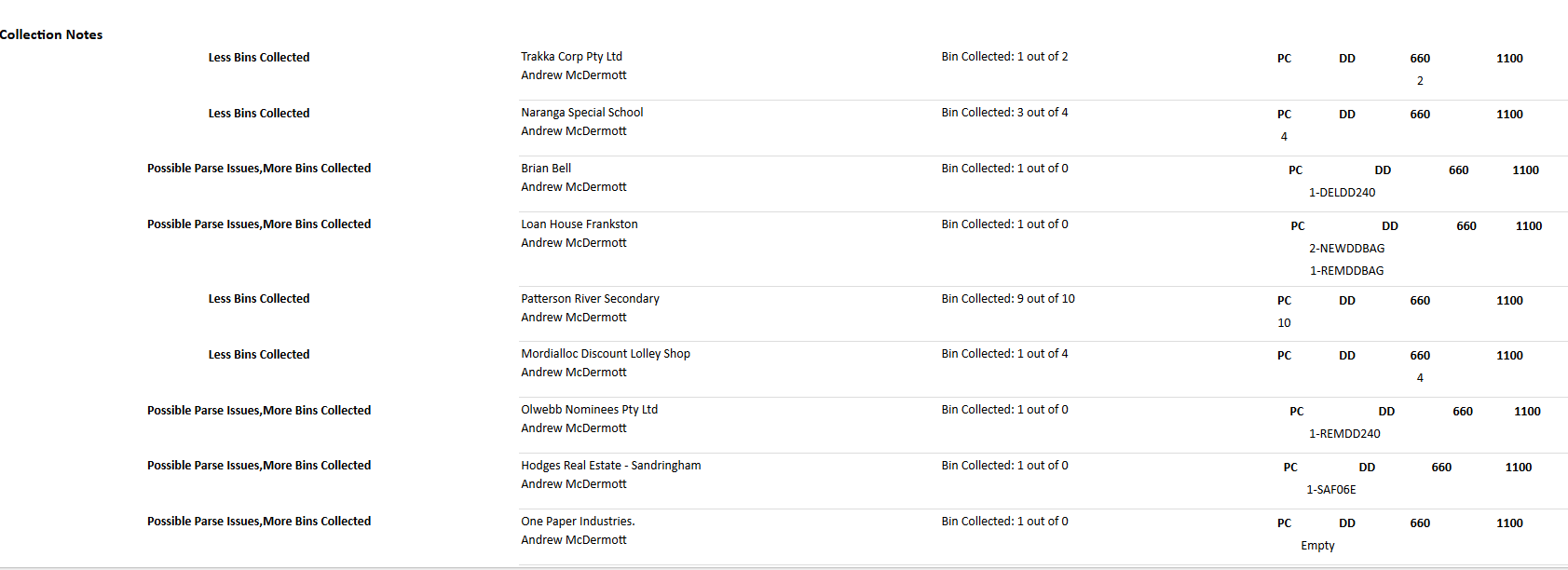
- Search for the customer account in MYOB
- Change the number of bin to the number of bin the driver collected
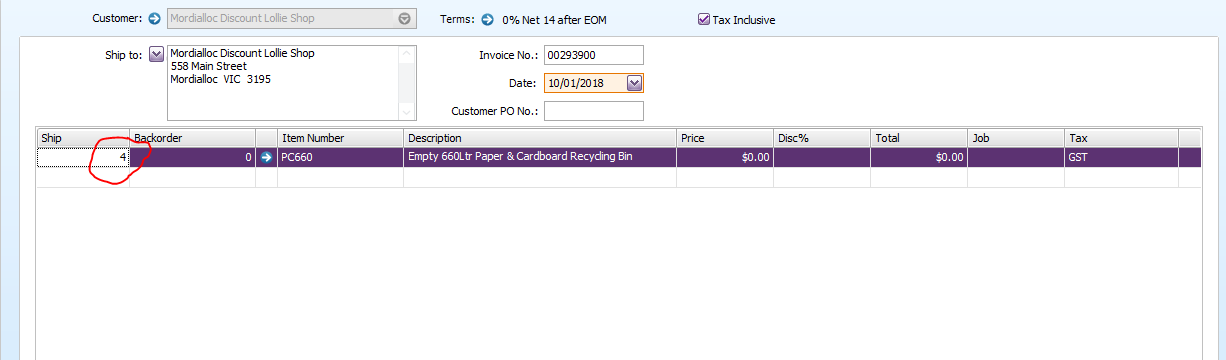
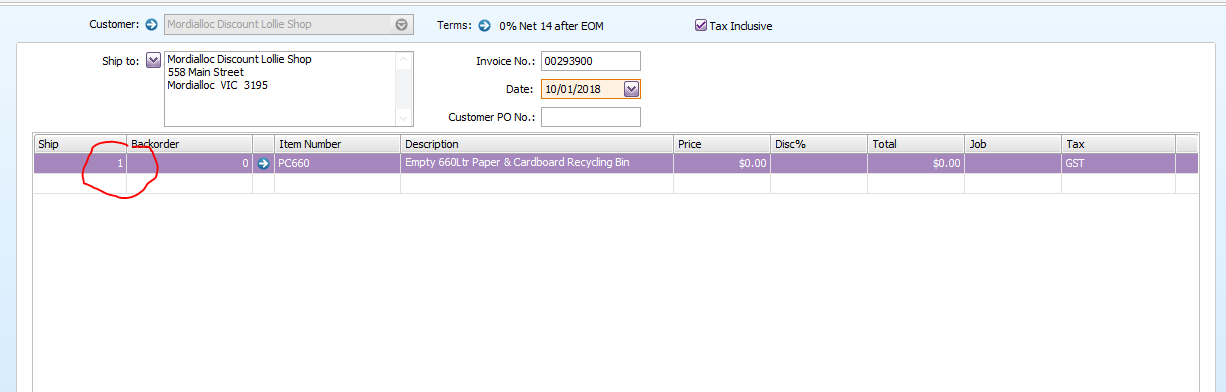
- Click OK
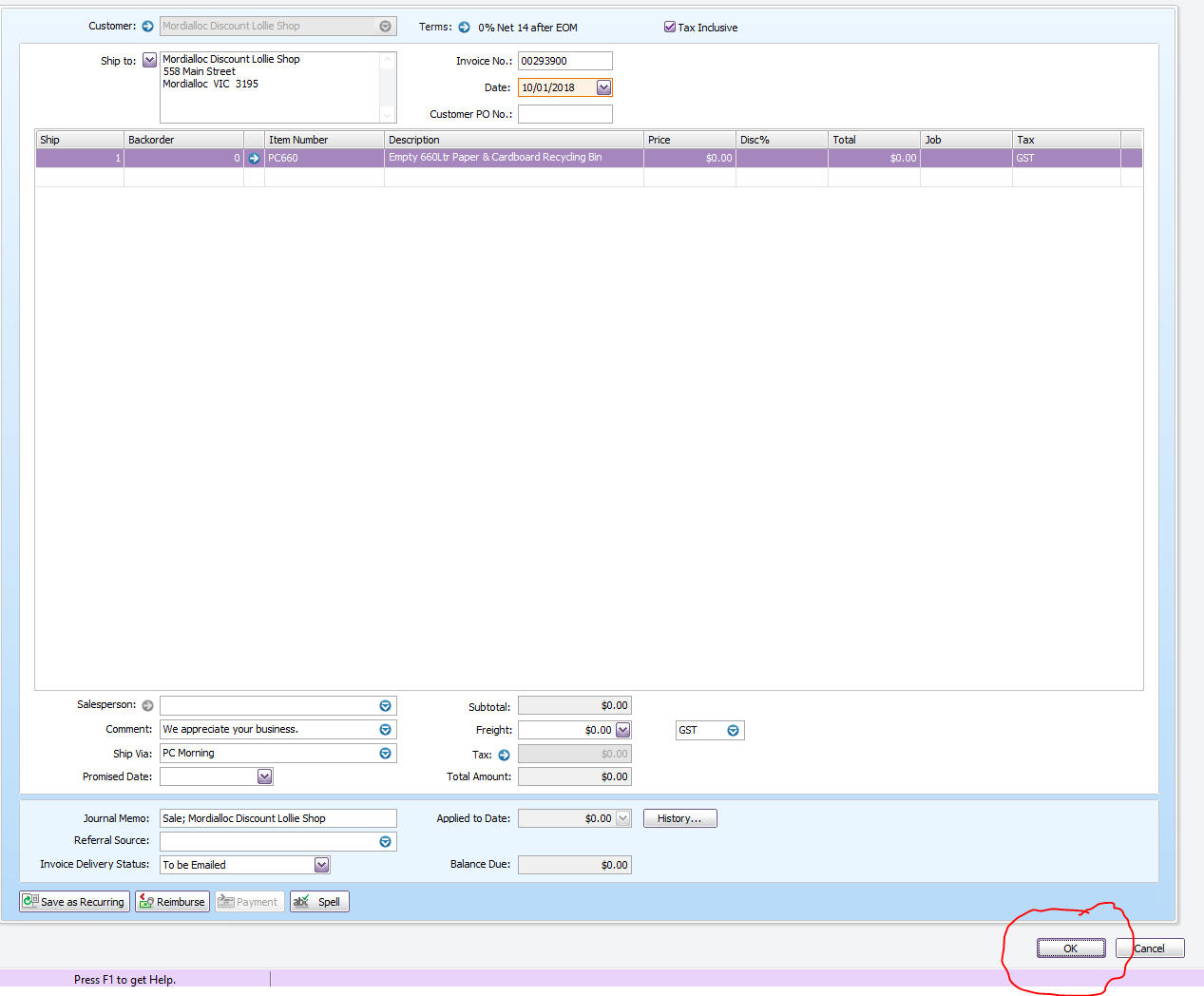
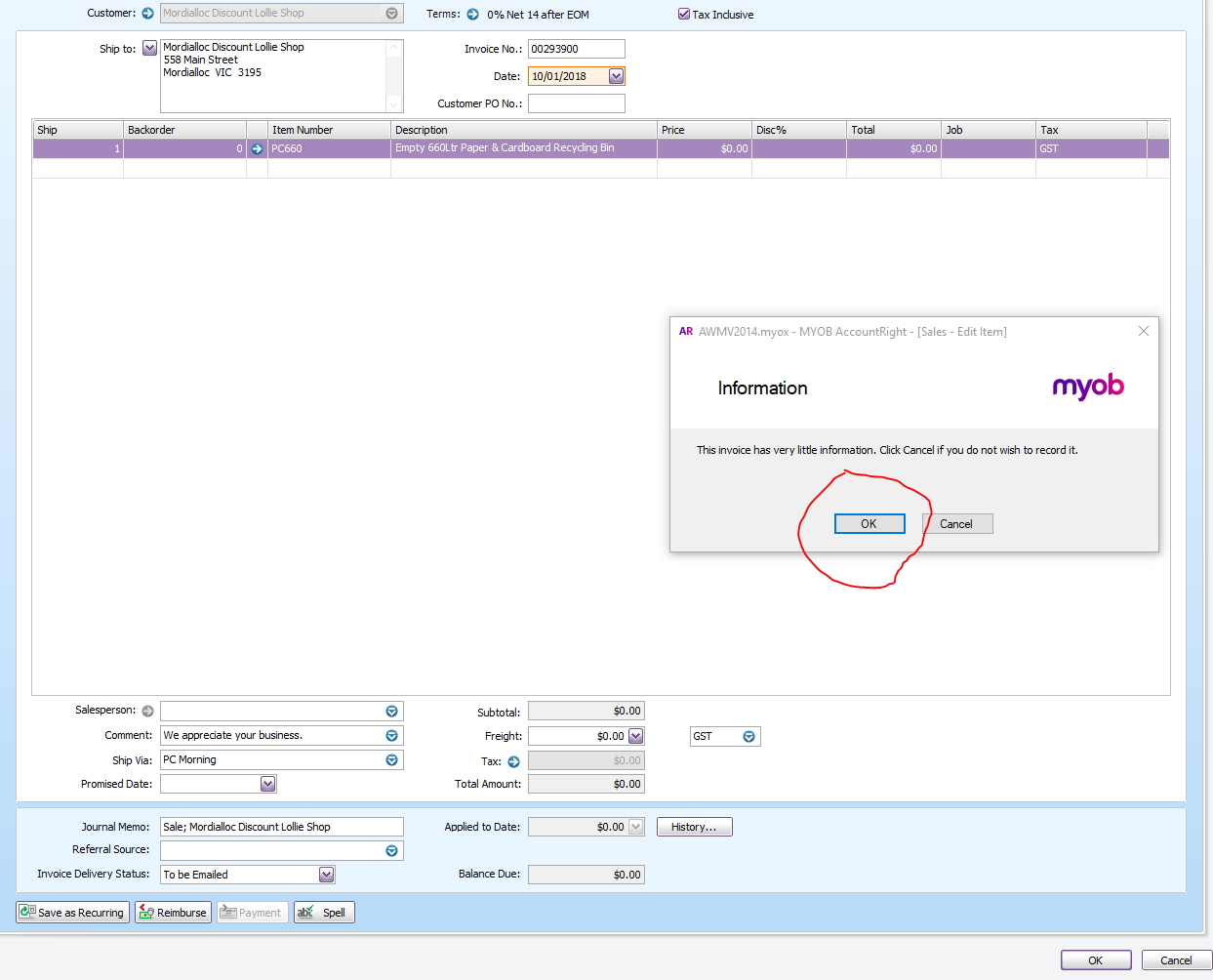
- Click OK again
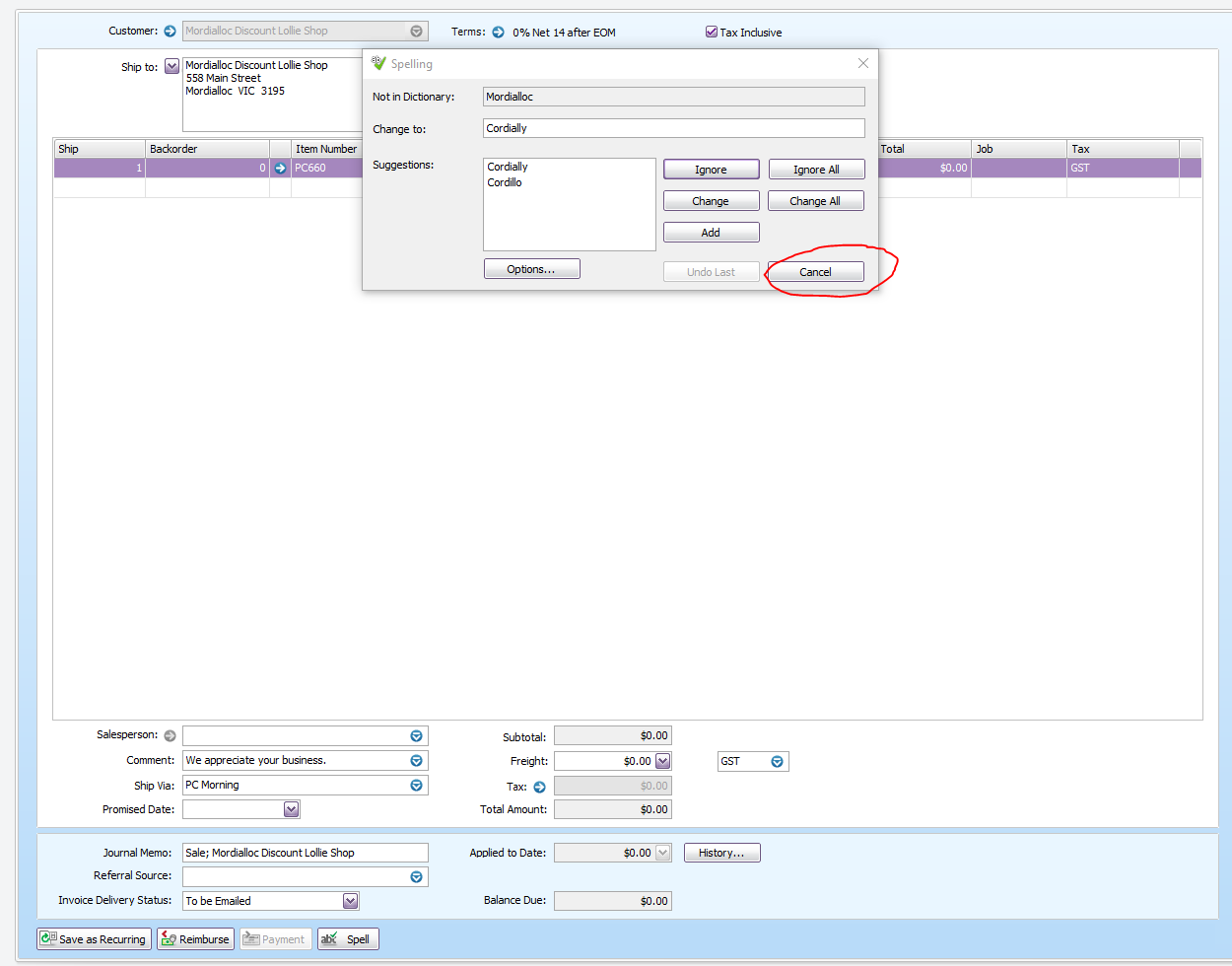
- if this pop up box shows, just click Cancel
Comments