Processing a Finance Charge Invoice and Payment in AWM-Manage
Karen Lacsamana
Posted at October 17, 2019 04:10 pm. Last updated at October 17, 2019 04:10 pm
Processing a Finance Charge Invoice and Payment in AWM-Manage
We use this procedure to create a finance charge invoice when a customer pays a past due invoice. Process the Finance Charge invoice first before processing the payment
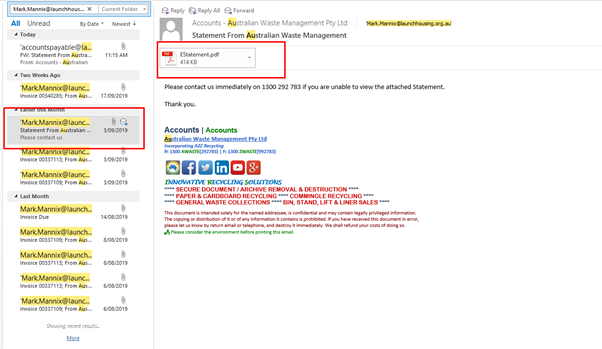
- Check the monthly statement we send to the customer on the sent items of Accounts Email .
- Create an invoice for the finance charge in AWM Manage page
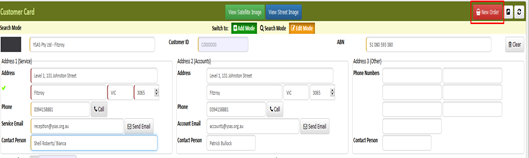
- Go to New Order
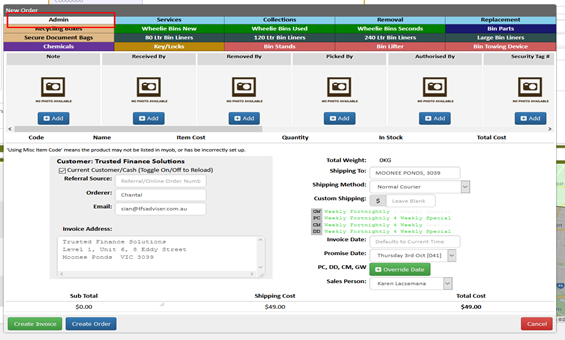
- Click the Admin Tab
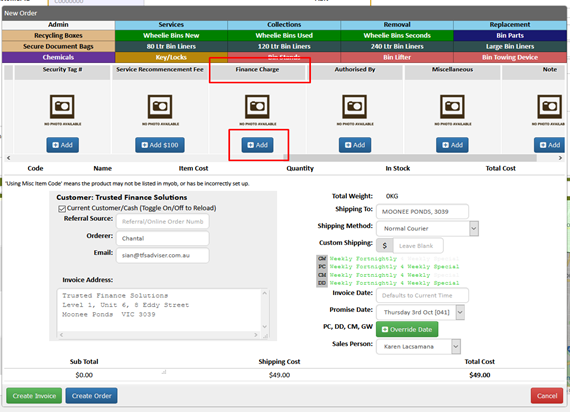
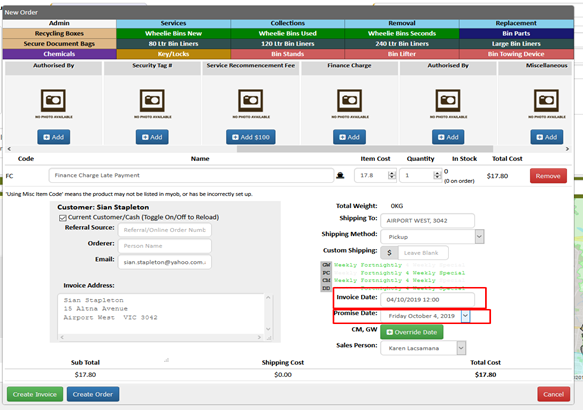
- Look for the Finance Charge Tab and click Add.
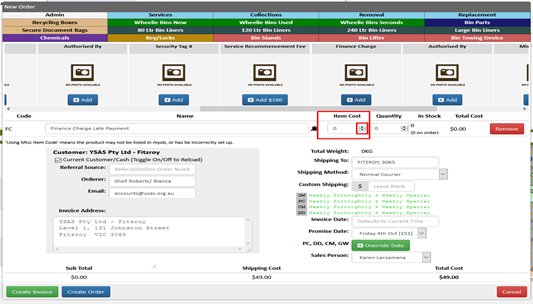
- On the Item Cost enter the amount of the Finance Charge (use the up and down button for the cent)
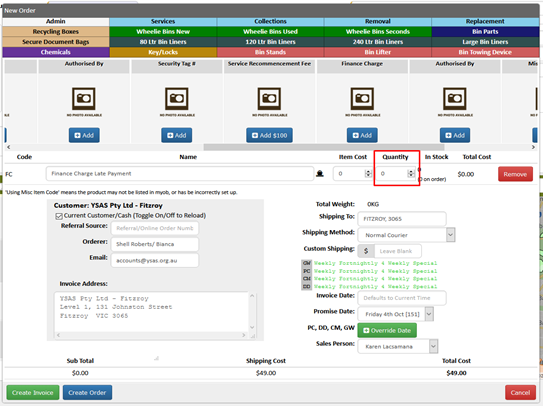
- Enter 1 (one) on the Quantity Tab
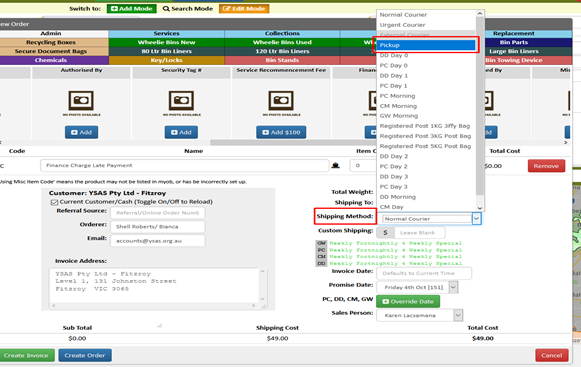
- Choose Pick Up for the Shipping Method.
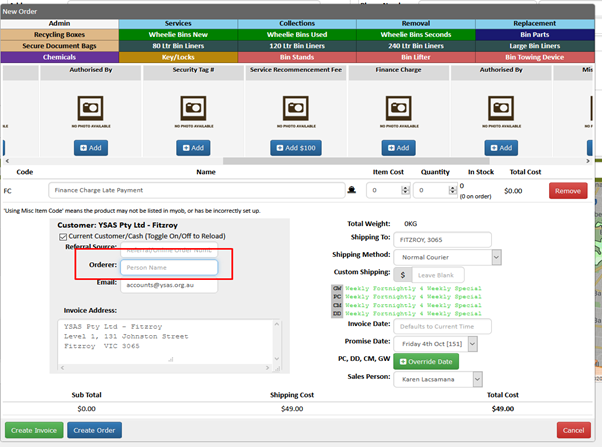
- Leave Orderer as blank
- Invoice Date and Promise Date should be dated today
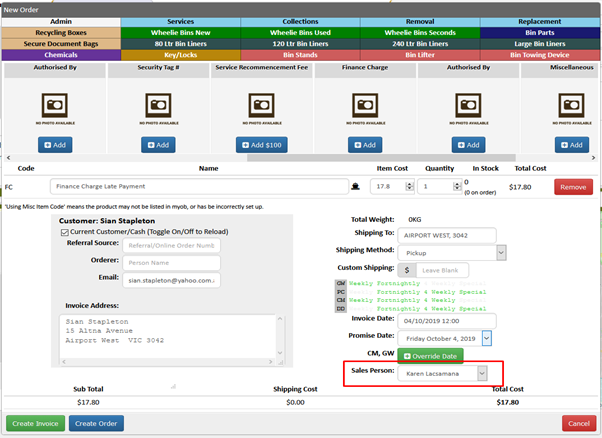
- Add your name on the Sales Person Tab
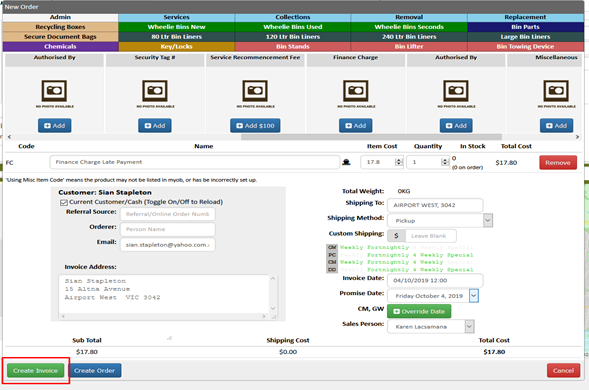
- Click Create Invoice
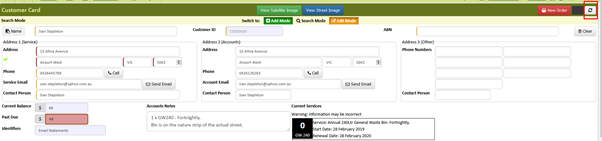
- Refresh AWM Manage Page to see the processed Invoice
- Process Payment as normal
Comments