How to Generate Certificate of Destruction
Karen Lacsamana
Posted at January 10, 2018 02:01 pm. Last updated at February 12, 2018 07:02 am
How to Generate Certificate of Destruction for Document Destruction or Site Attendance Fee Customers
- Open MYOB

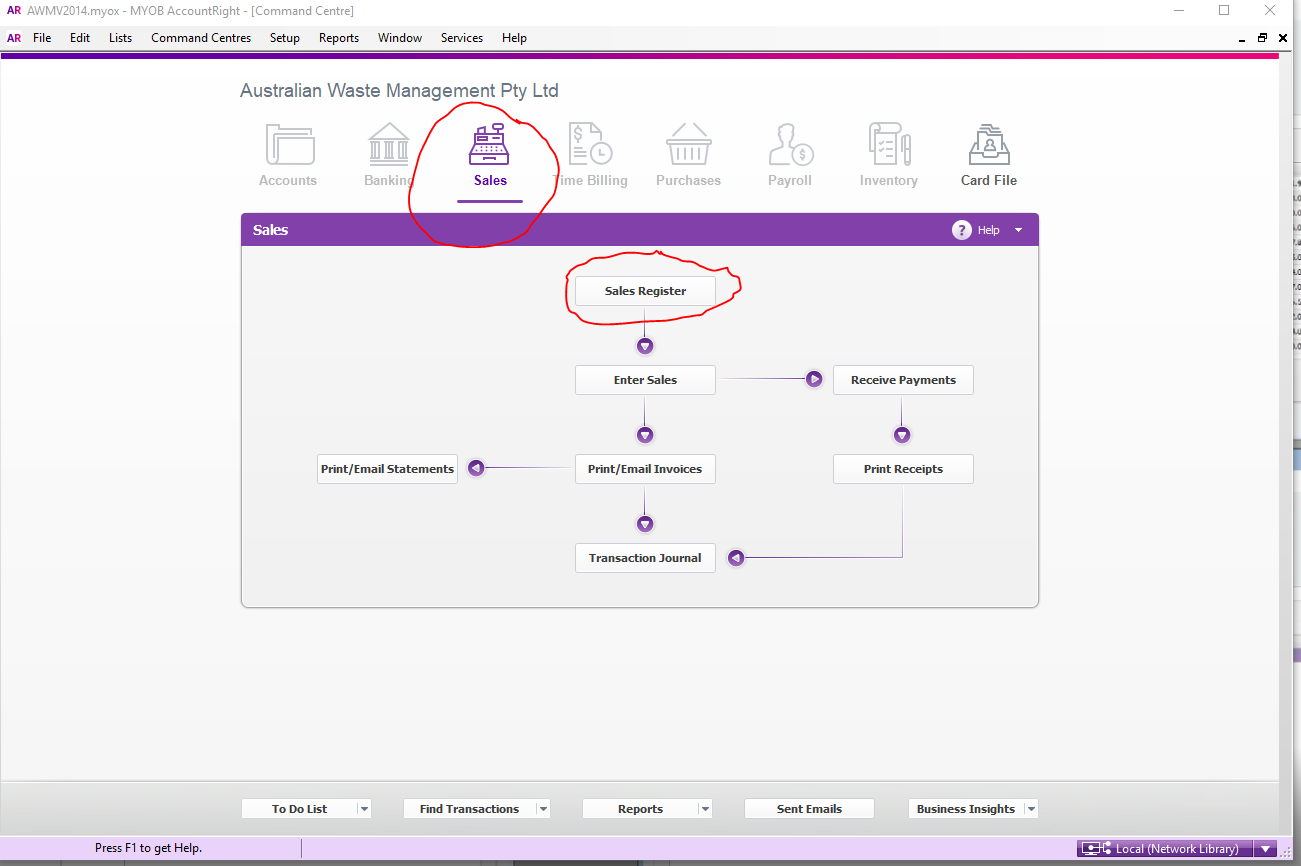
- Go to Sales, Sales Register
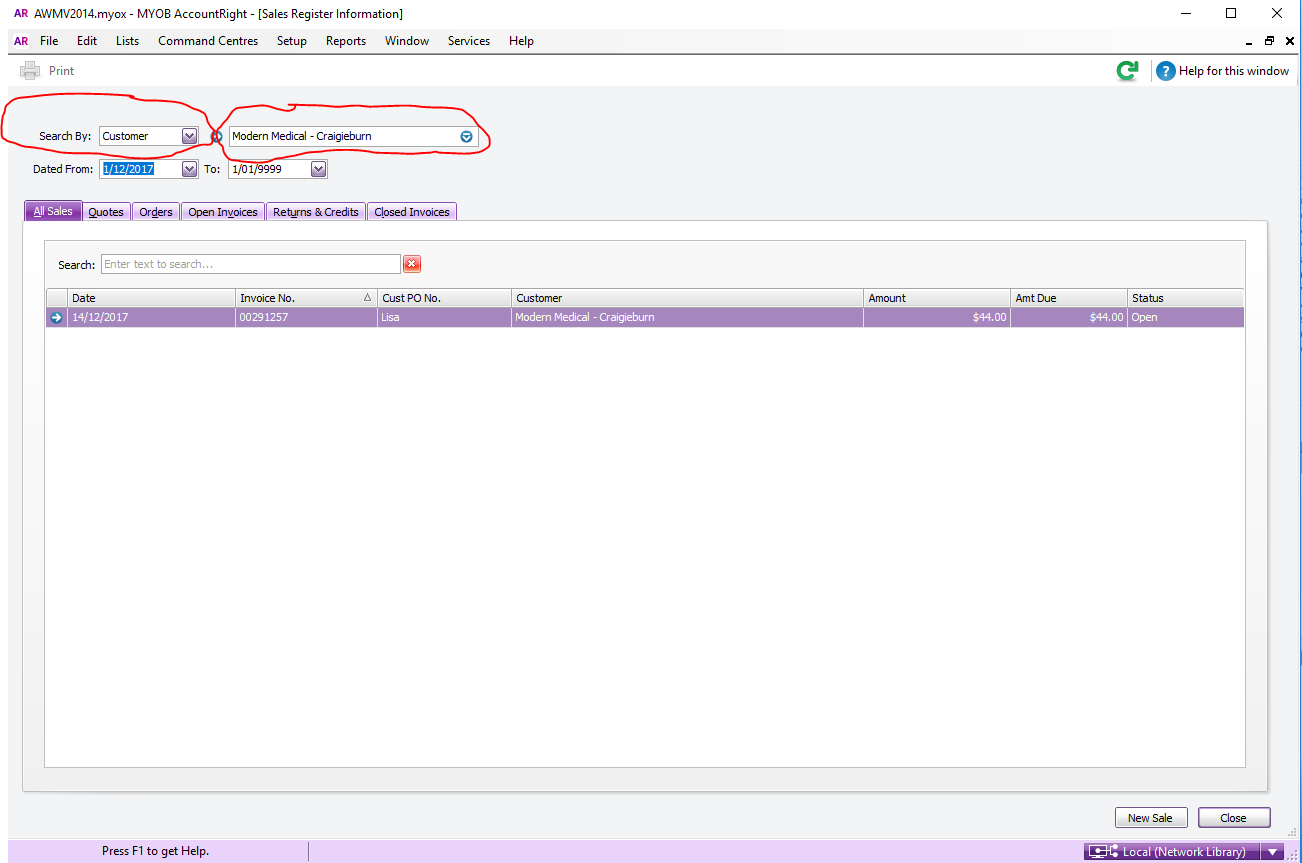
- Search for the customer account
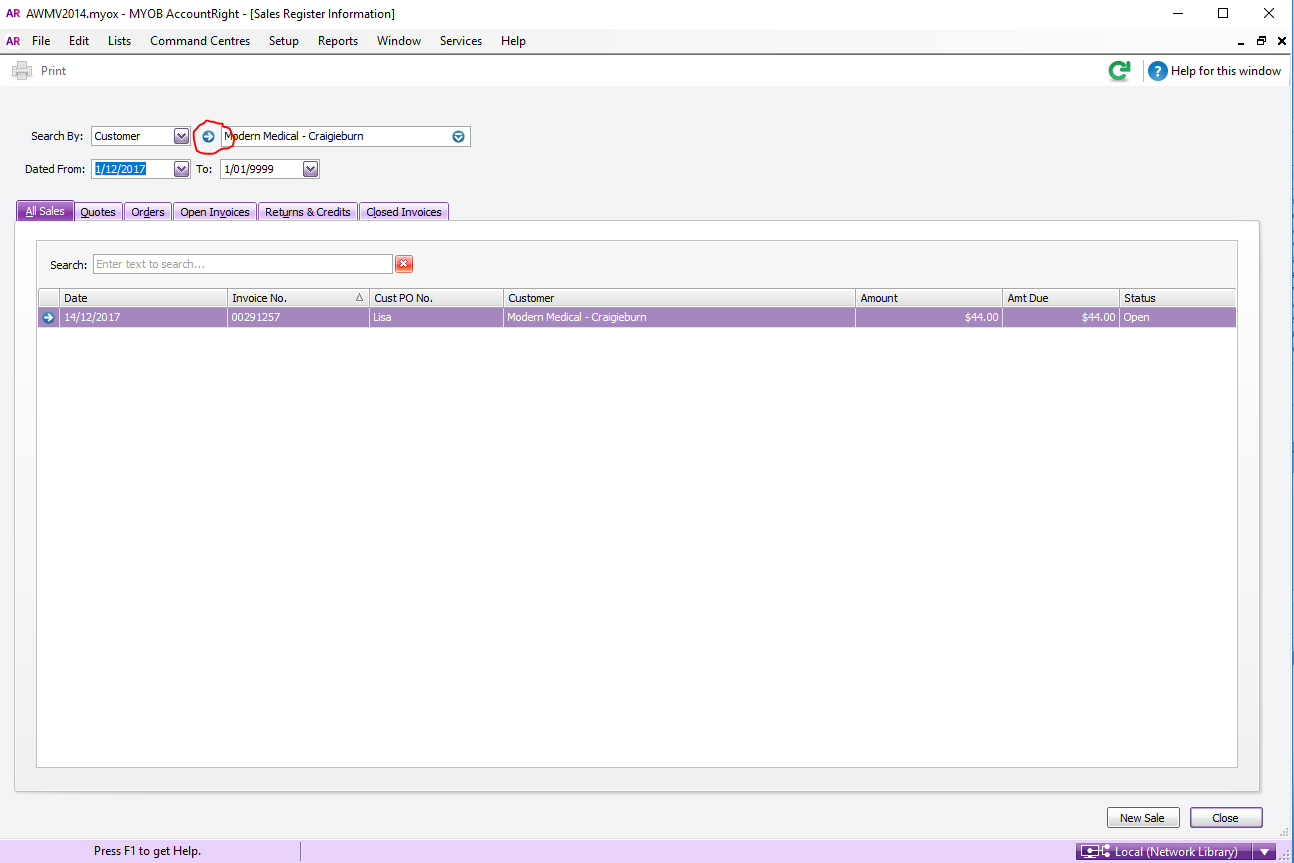
- Click the little blue arrow to open the customer card
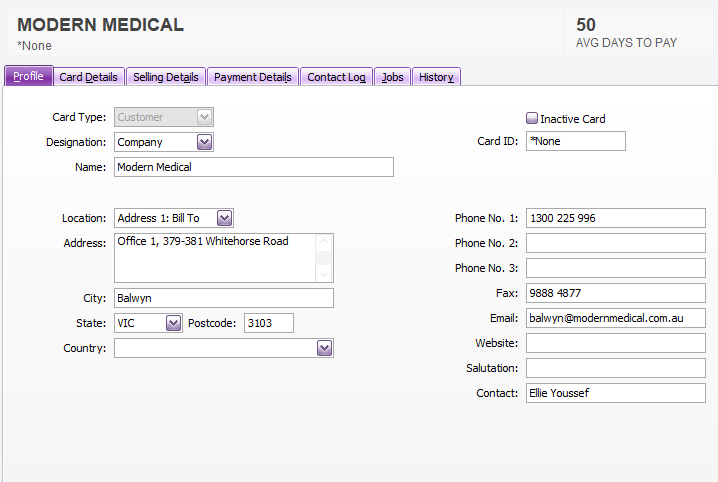
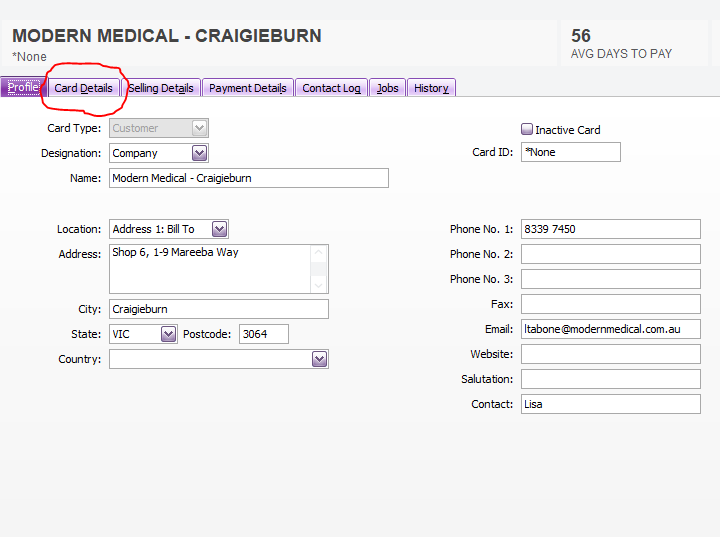
- Click Card Details and check if Identifier is set for the customer, if no Identifier was set for the customer, set one for the customer
-
- To check for the identifier, Open customer's card
-
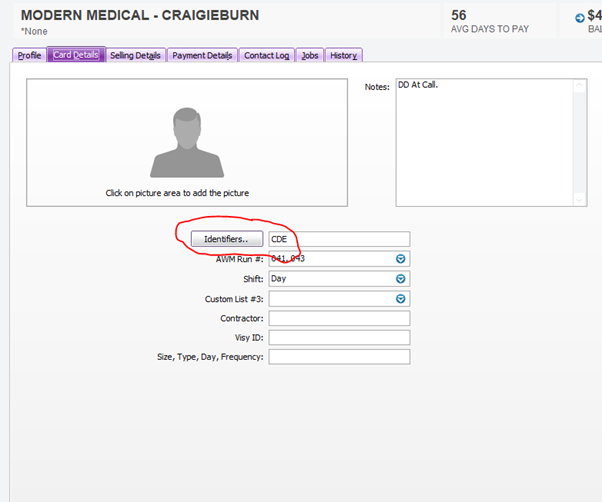
- Click Card details
-
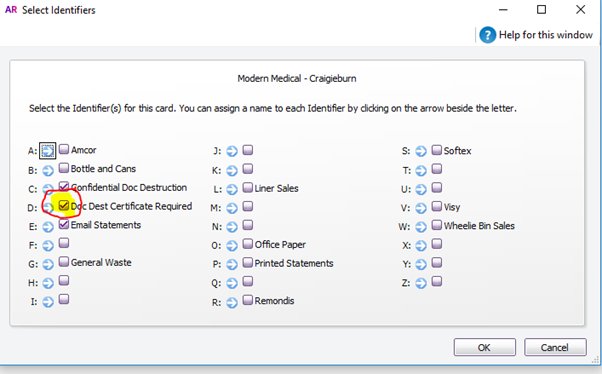
- Click Identifiers, from the identifiers letter D or Doc Dest Certificate Required should have a check on it.
-
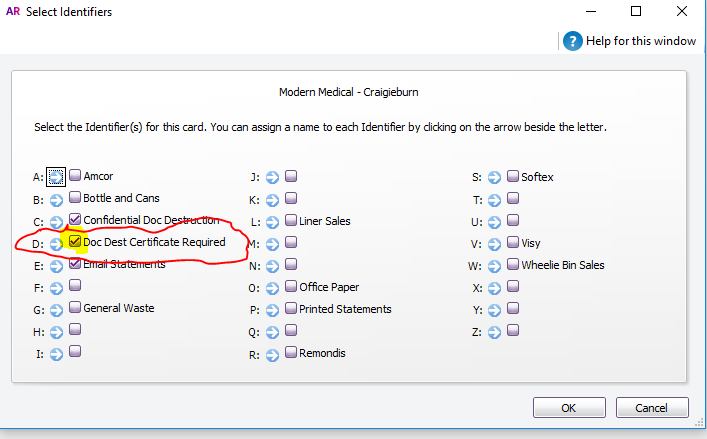
- If letter D or Doc Dest Certificate Required is untick, tick the box to set the identifier for Document Destruction
-
- Click OK
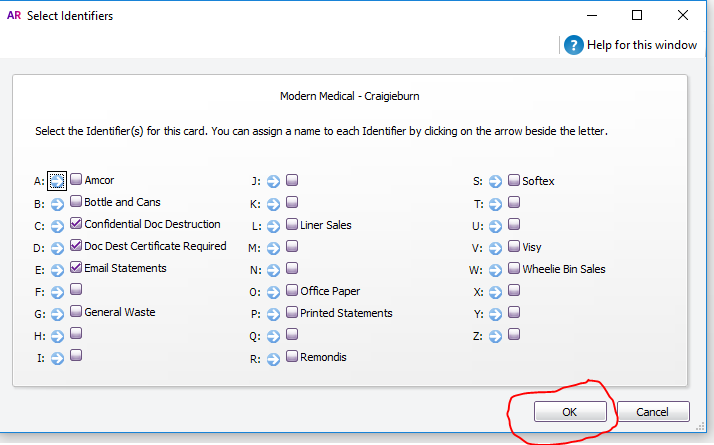
- Once the Identifier is set
- Go to AWM Manage Page
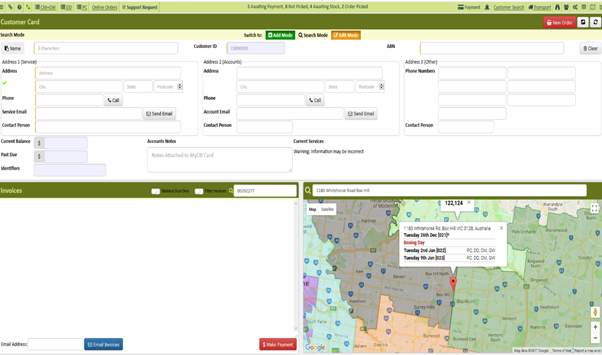
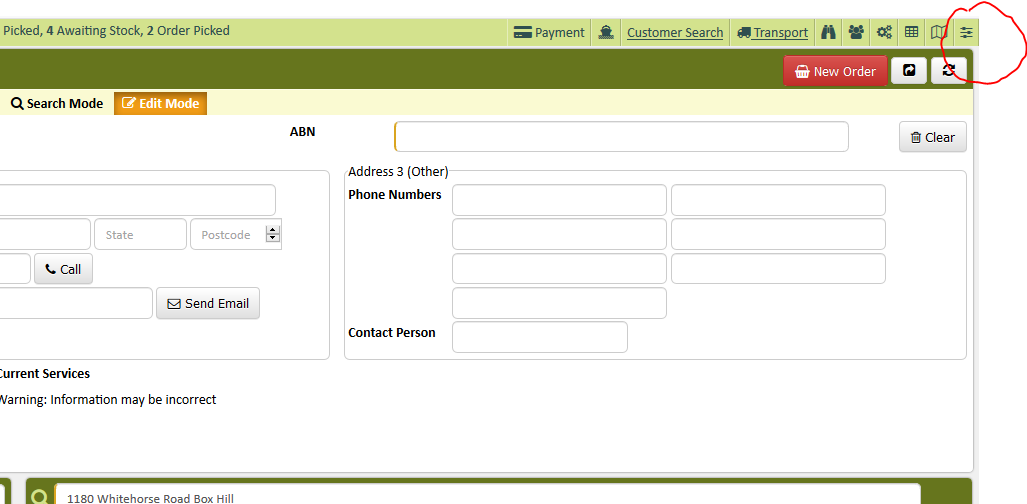
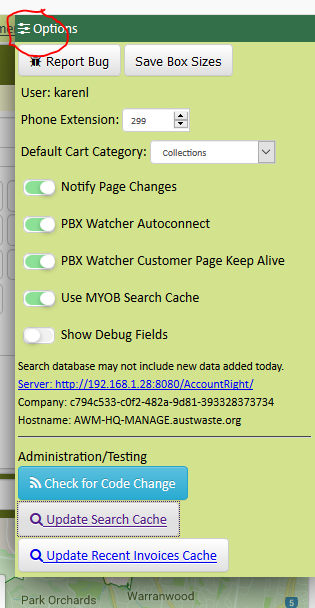
- Click the sliders
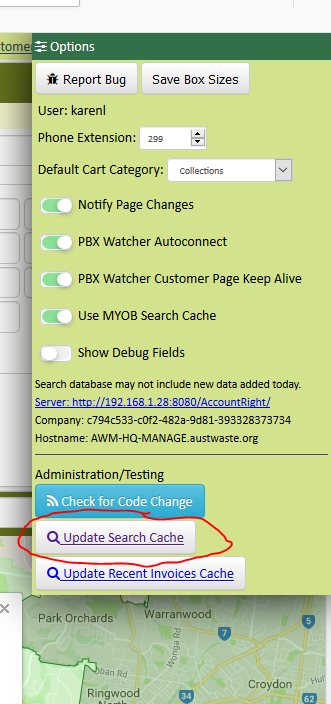
- Click Update Search Cache (this will update the records from the search cache)
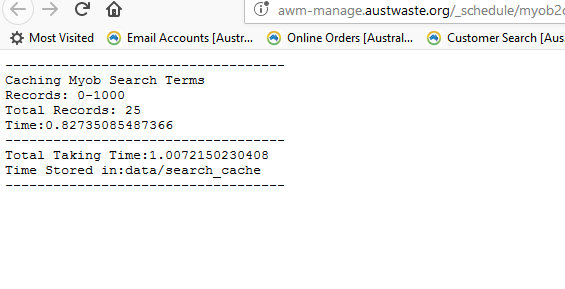
- Click the sliders again to close it
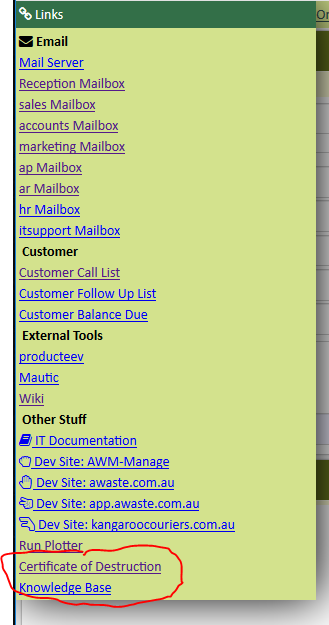
- Click the Link on the upper right hand of AWM Manage Page

- Click the Link on the upper right hand of AWM Manage Page

- Click Certificate of Destruction
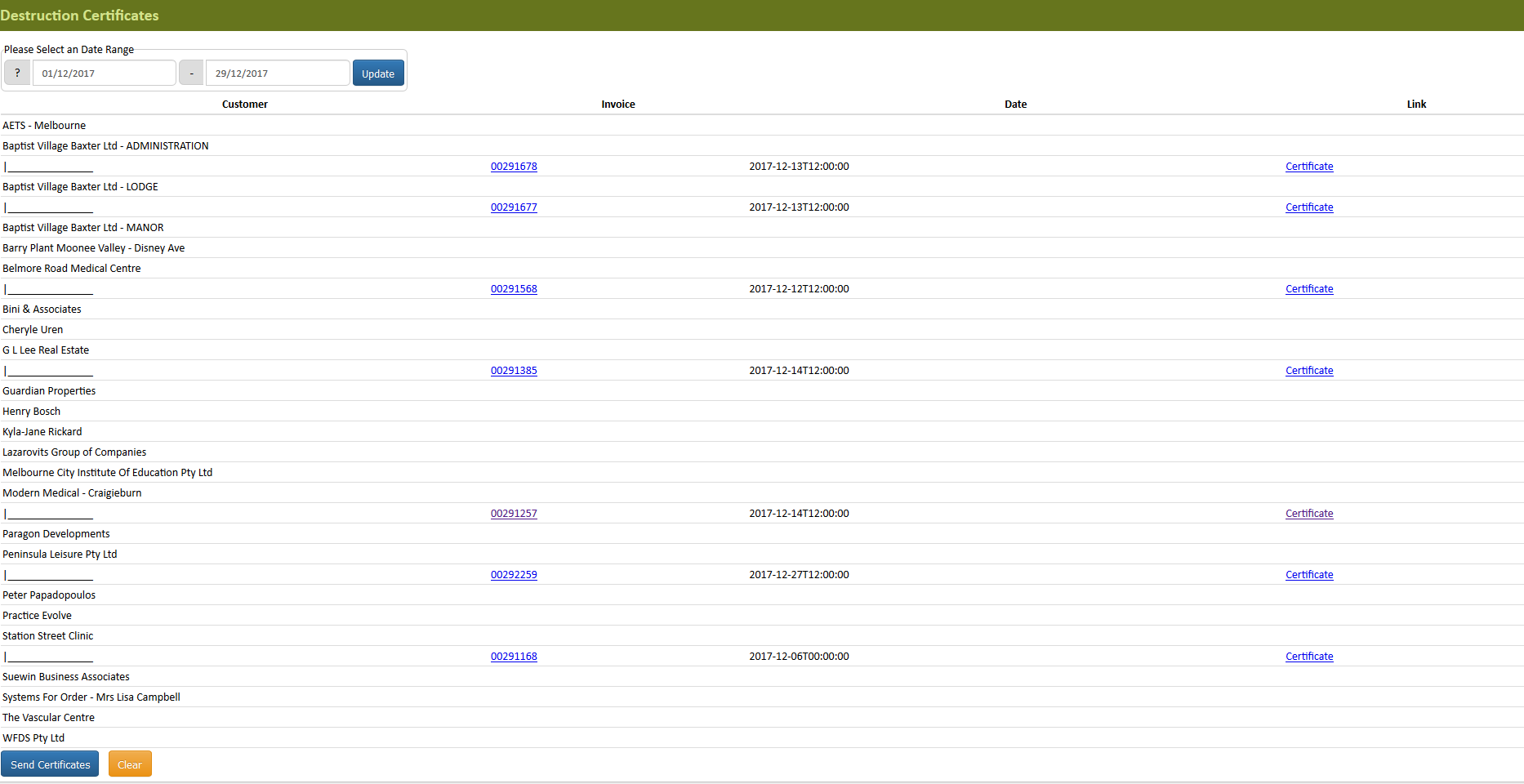
- Select the date range and click update
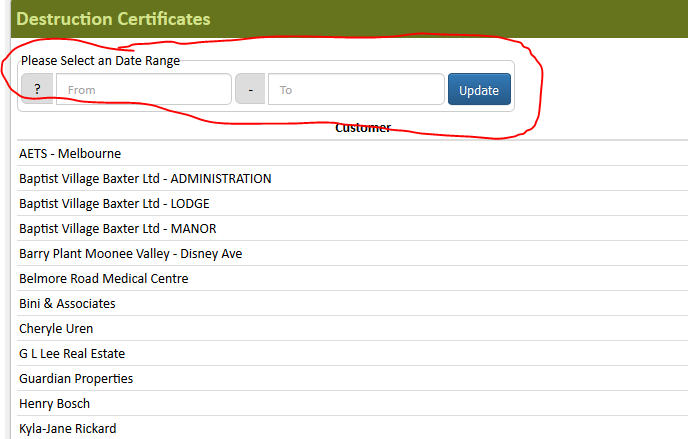
- Search for the customer you are working on
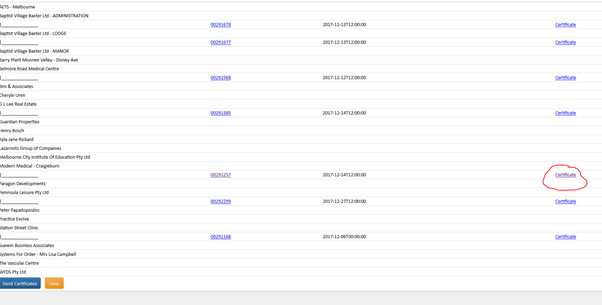
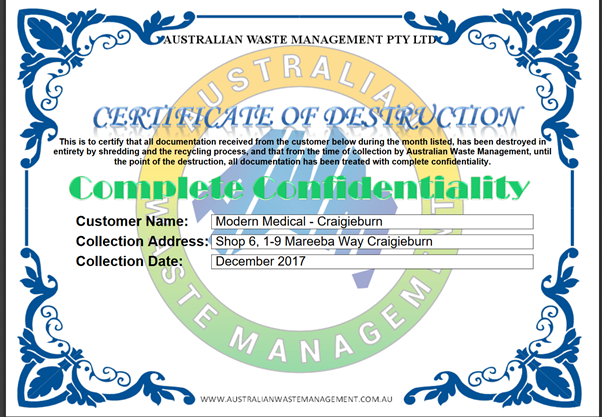
- Open the certificate, the system will prefill all the information
- Send Certificate via Email send it as an attachment.
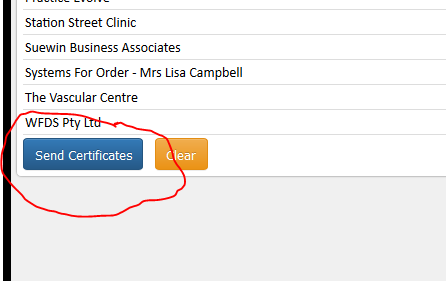
- If you click the “Send Certificate on the bottom of the window the system will send all the certificate for the chosen date.
Comments