FOR REVIEW - Out of Stock Order Processing
Jannine Batac
Posted at February 11, 2020 11:02 am. Last updated at February 11, 2020 12:02 pm

Purpose:
This purpose of this procedure is to provide instruction on how to process an order if the product is out of stock.
Procedure:
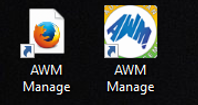
- Log on to the AWM Manage page.
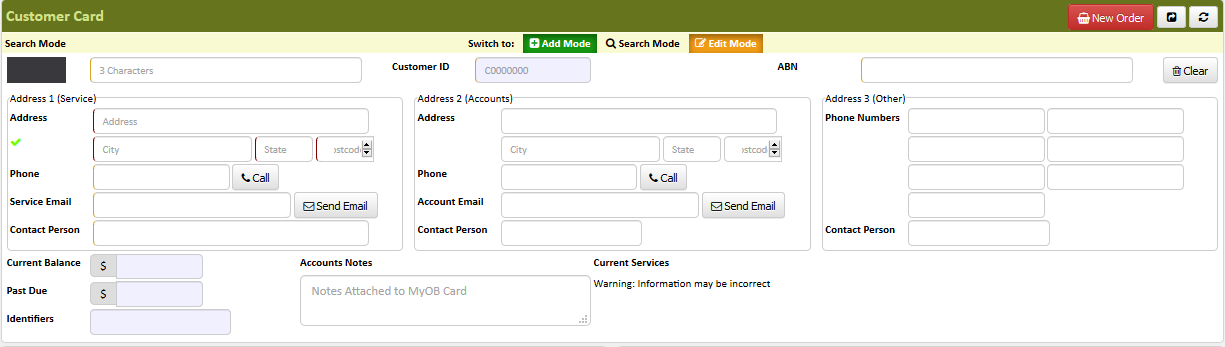
- Once logged in, enter the customer's information.
NOTE: If there is no customer account that was found during the search or entering of the customer information, therefore, the customer is new and we just need to gather the information of the customer and create a new account before proceeding to step 3.
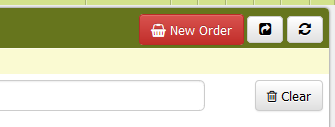
- Click New Order.
- From the list of tabs, choose the tab of the product ordered (wheelie bin new for brand new wheelie bins, secure document bags, bin liners, chemicals etc.).
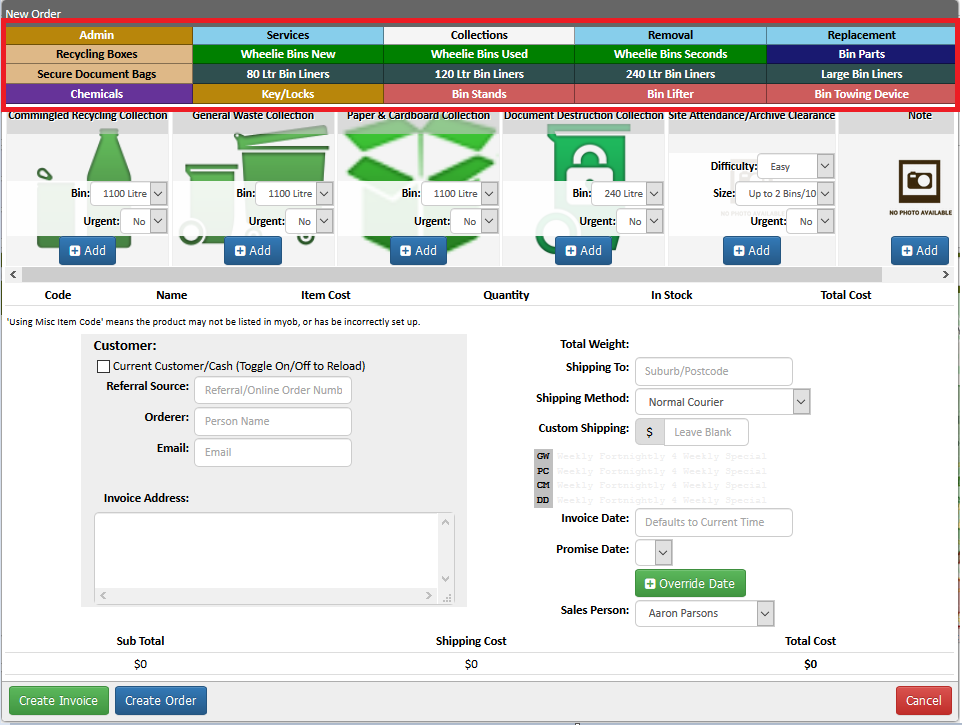
- Click "Add" to add a product to cart.
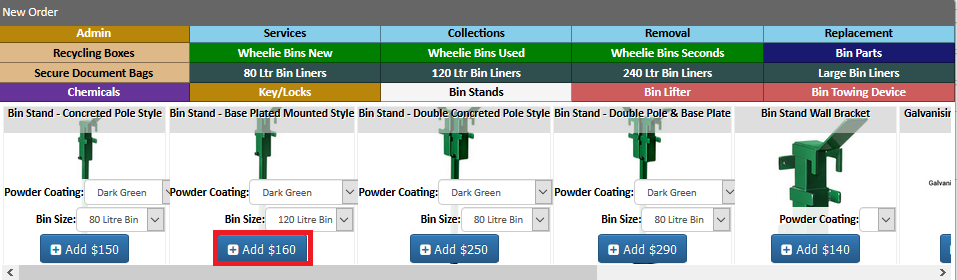
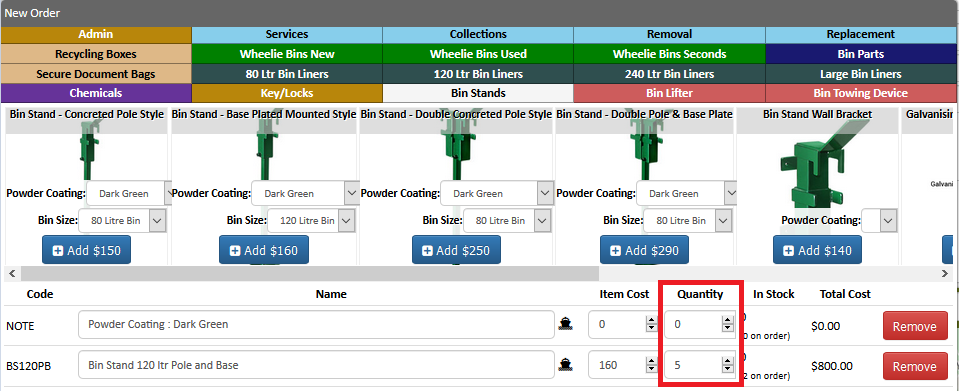
- Enter the number of items ordered.
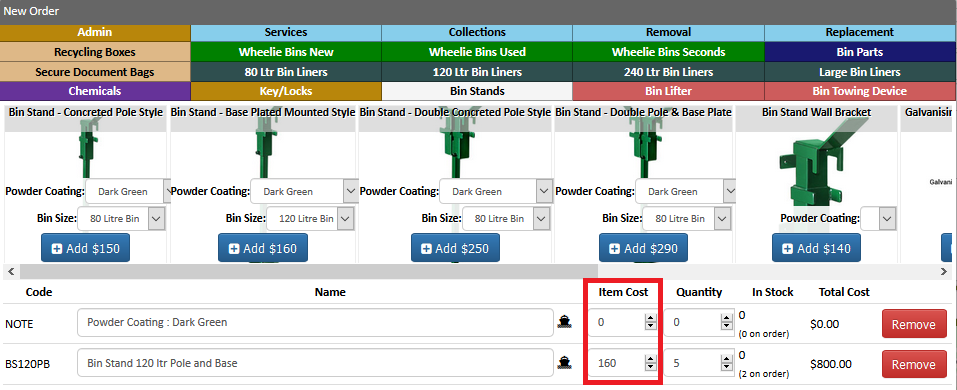
- Adjust the price of applicable (for bulk order).
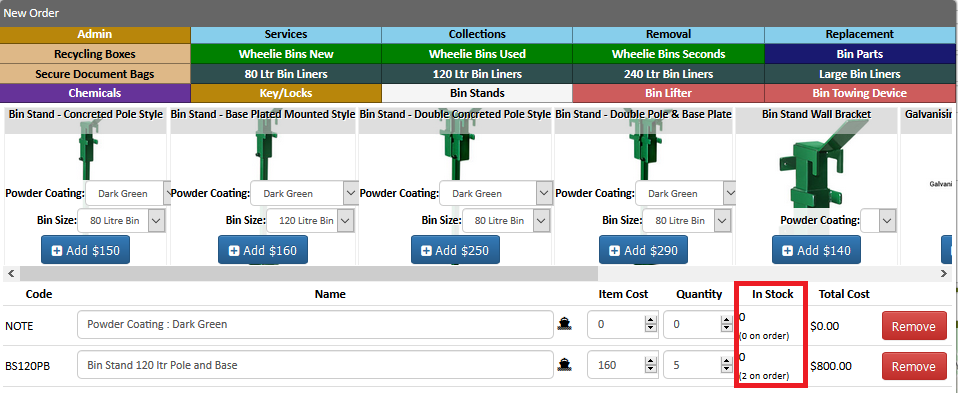
- Check if the items are on stock. If the product is out of stock or if we have a pending order you can also see it here.
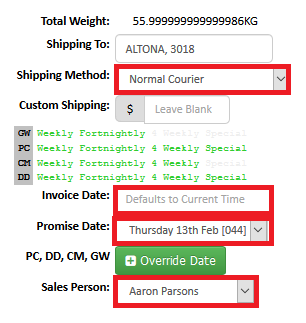
- Change the shipping method to the applicable information:
-"Shipping Method"
-"Invoice date" : should be the date on when it was ordered or the date of creation.
-"Promise Date" : should be the date the product will be available and will be delivered as per Transport.
-"Sales Person" : should be changed to your name.
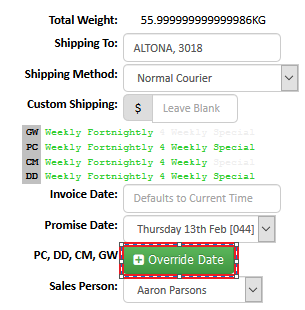
- Click "Override Date" to change the shipping date manually.
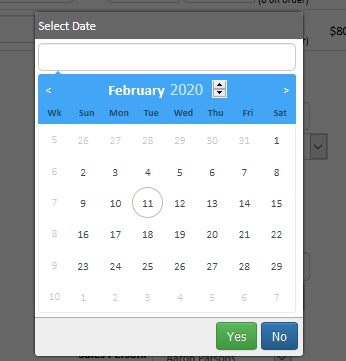
- Click "Create Order" for out of stock products.

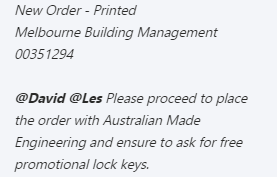
- Send a Chat Message in AWM Despatch Team and advise them that the order is out of stock or add any additional note regarding the order. Use the below format for the sending of the new order information on the skype chat.
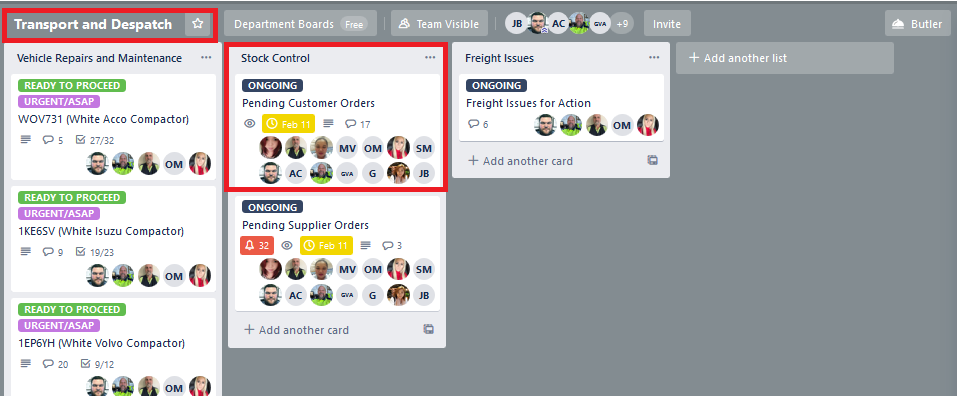
- Go to Transport and Despatch Board, Under Stock Control list, look for Pending Customer Orders, and add the information under AWAITING STOCKS.
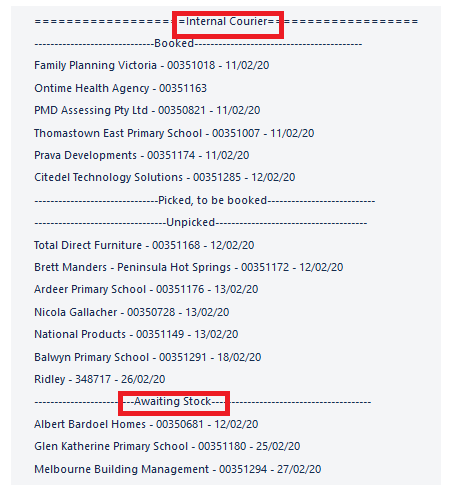
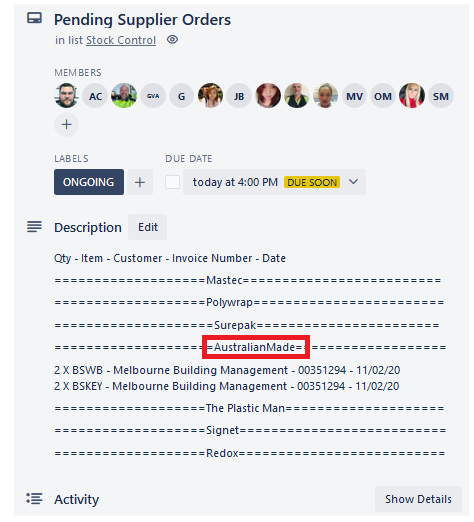
- Go to Transport and Despatch Board, Under Stock Control list, look for Pending Supplier Orders, and add the information under the name of the Supplier where it needs to be ordered.
- Send a confirmation email if the order was placed online or via email.
Comments