How To Process Credit Card Payment in AWM Manage Page
Karen Lacsamana
Posted at January 11, 2018 02:01 pm. Last updated at February 13, 2018 05:02 am
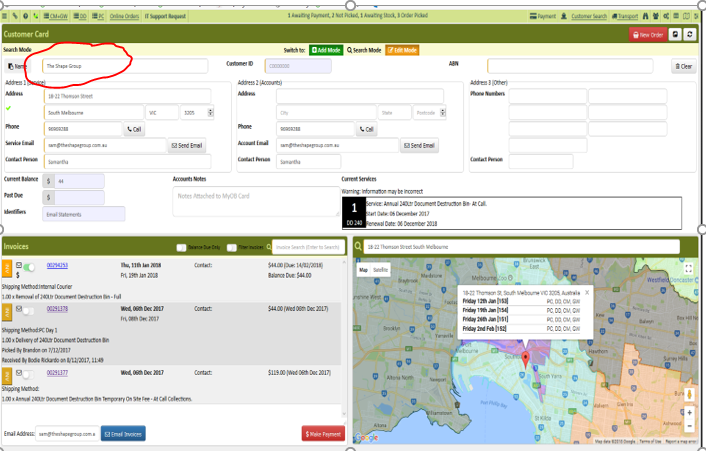
- Open the customer account in AWM Manage Page
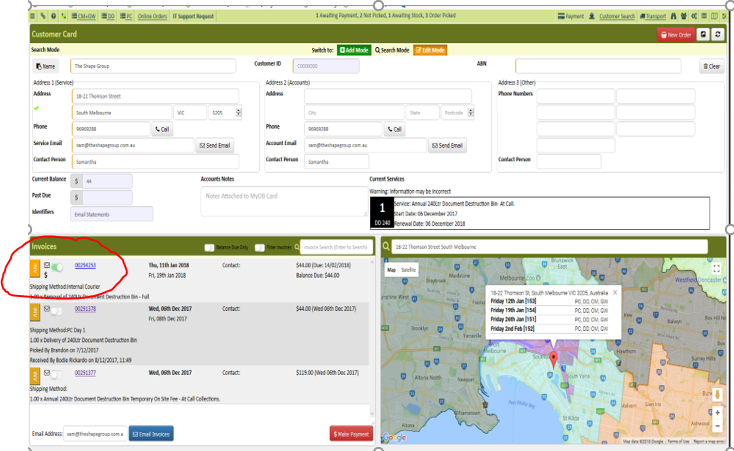
- Tick the invoice to be paid
-
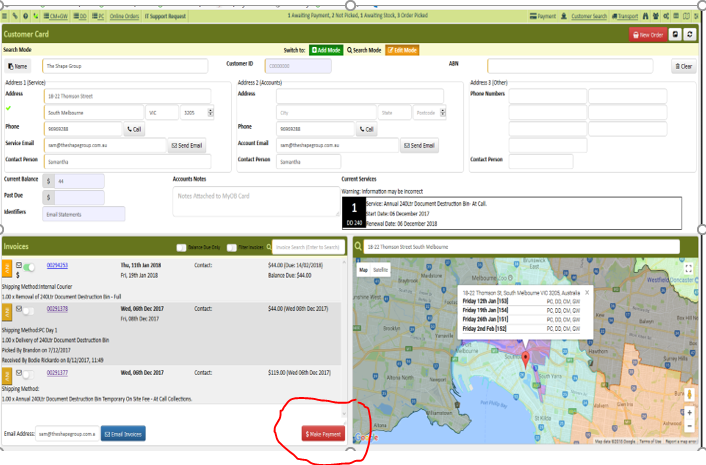
- Click Make a payment
- Get customer's credit card information
- Verify Credit Card information, amount to be and invoice number
- Enter the customer credit card details
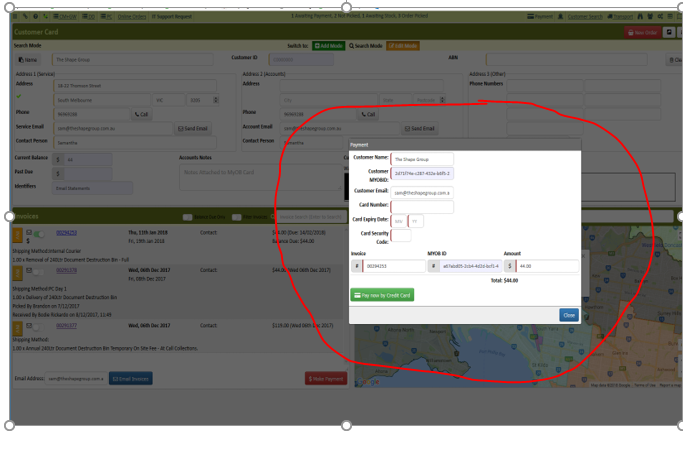
- Click "Pay now by Credit Card" ( once only )
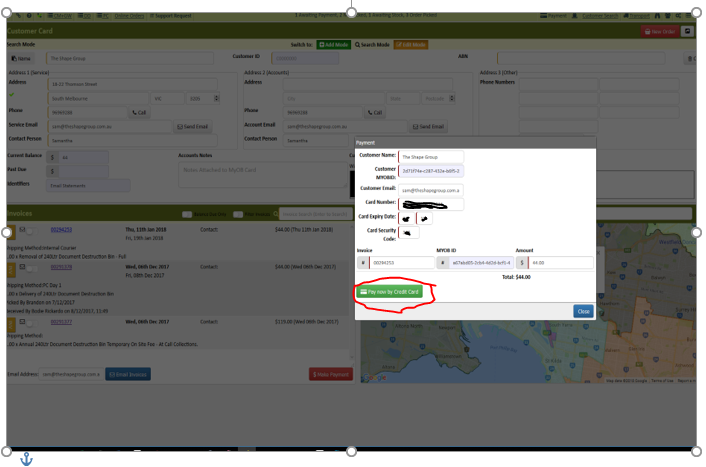
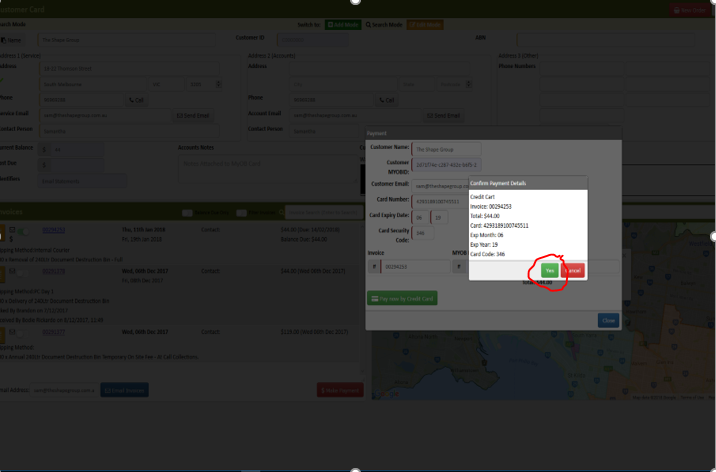
- Screen will show you the payment details double check if you entered the correct details
- Click Yes
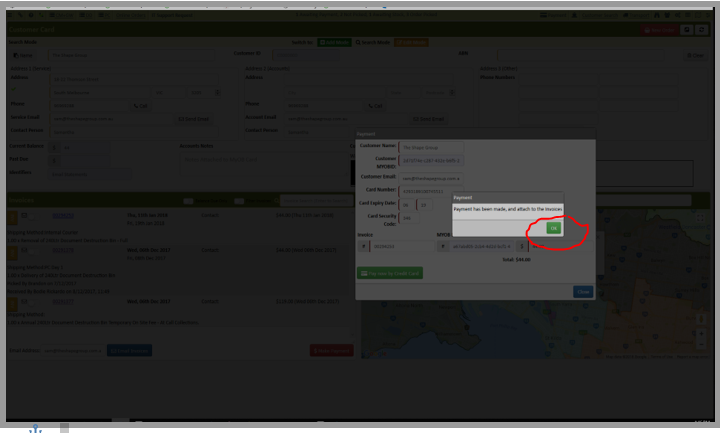
- this screen will show, Click OK
- Click close
- Click Refresh
- Payment should be posted on the account already
Comments