Procedure On How To Process Order Over The Phone
Posted at January 17, 2018 08:01 am. Last updated at February 13, 2018 05:02 am
Open customer’s account in AWM Manage Page.
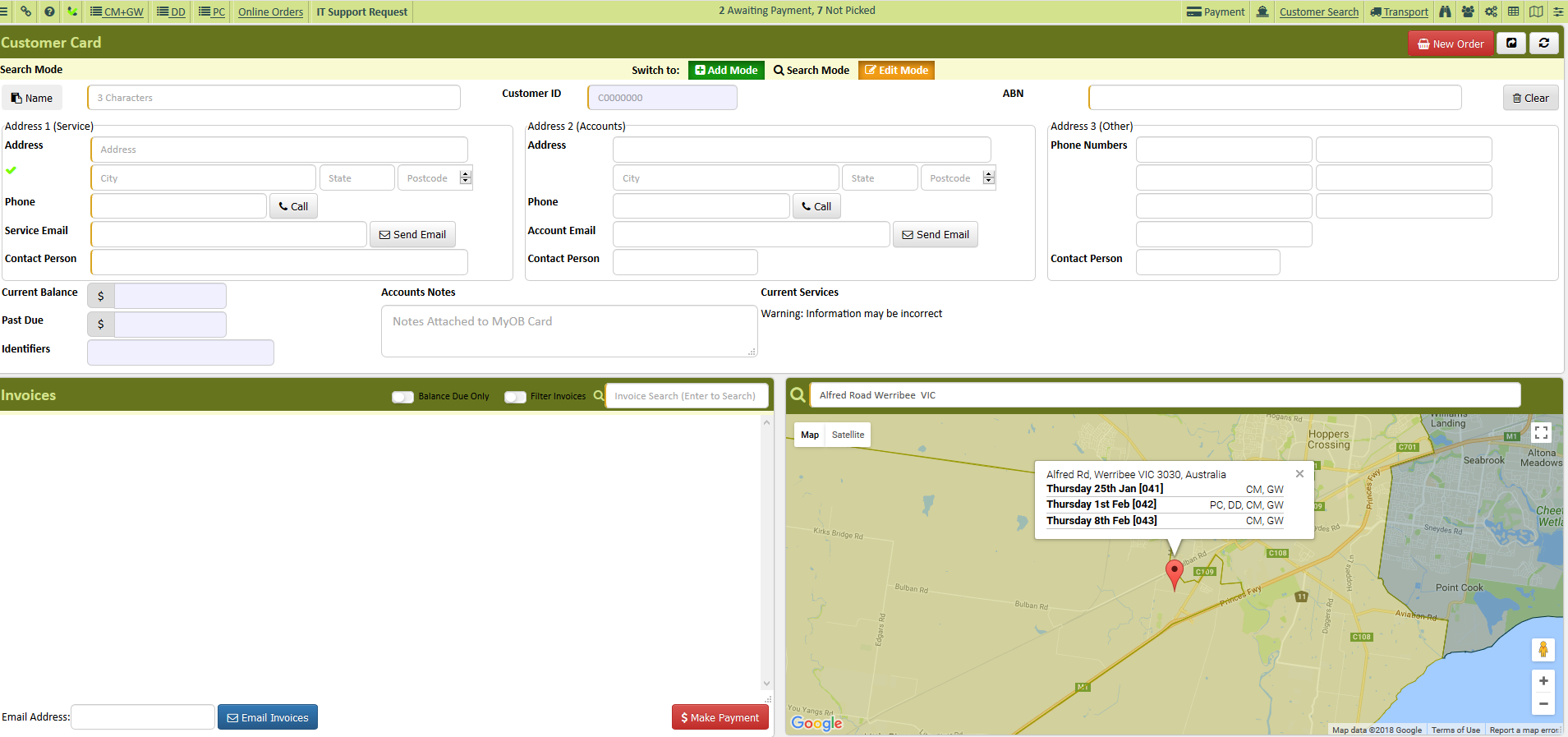
If it is a new customer create a new account for the customer
Verify account information
For new customers, advised customer a payment would need to be processed using a credit card.
Open New Order
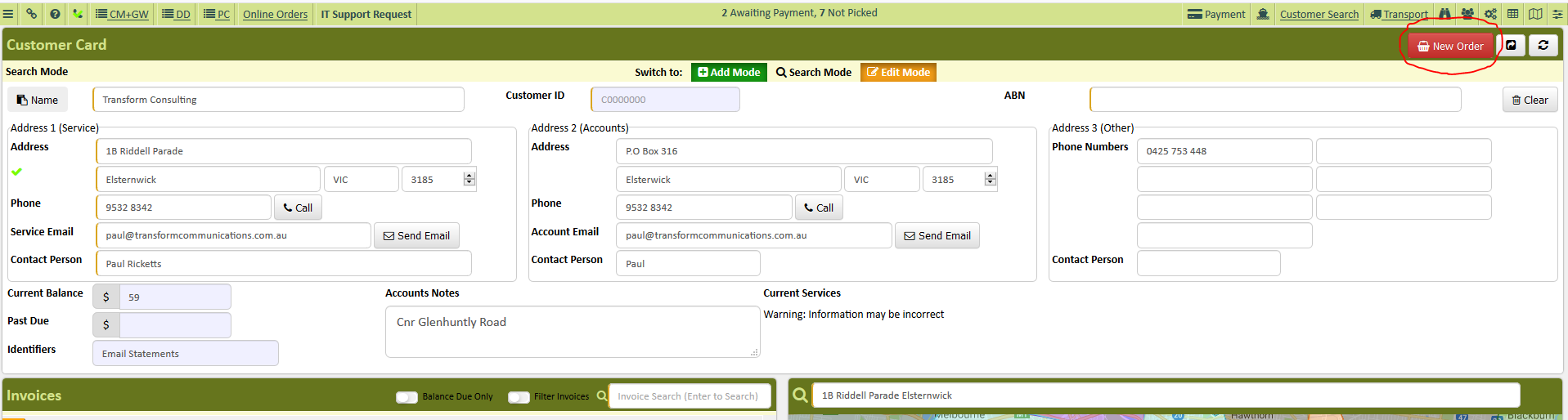
Click the product the customer would like to order ( the tab you are working on will have a white background)
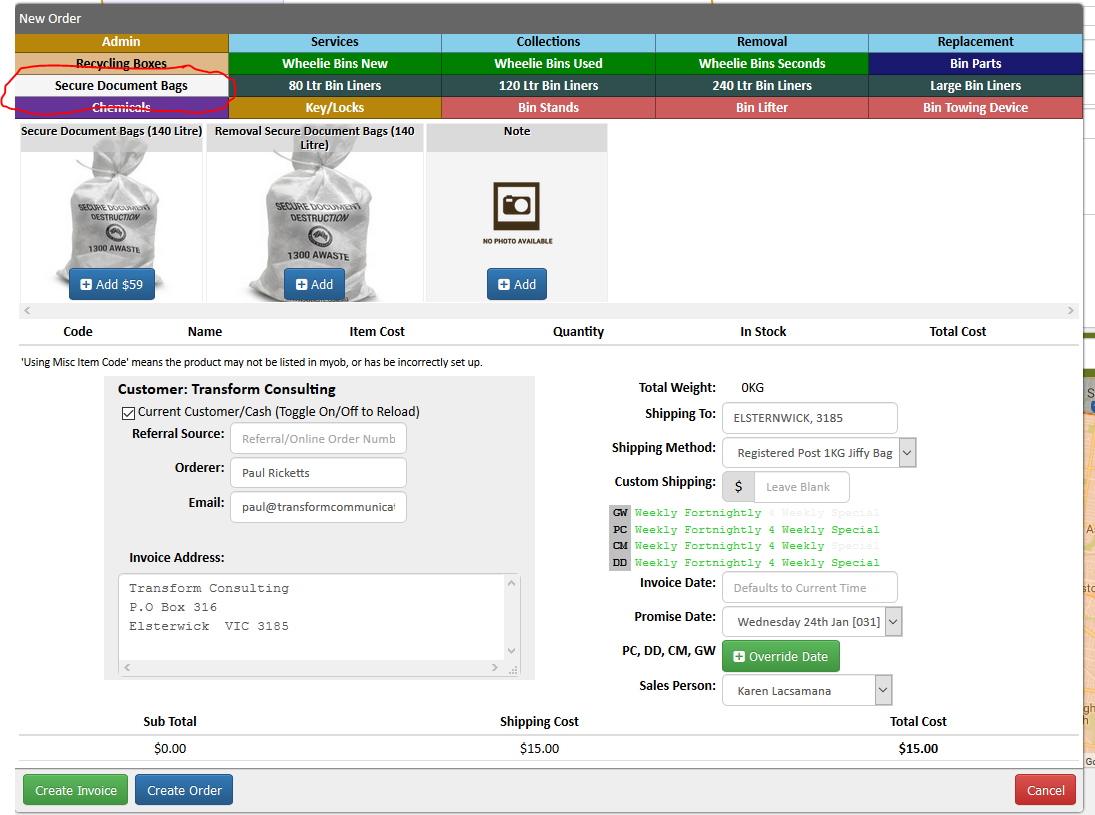
Click add
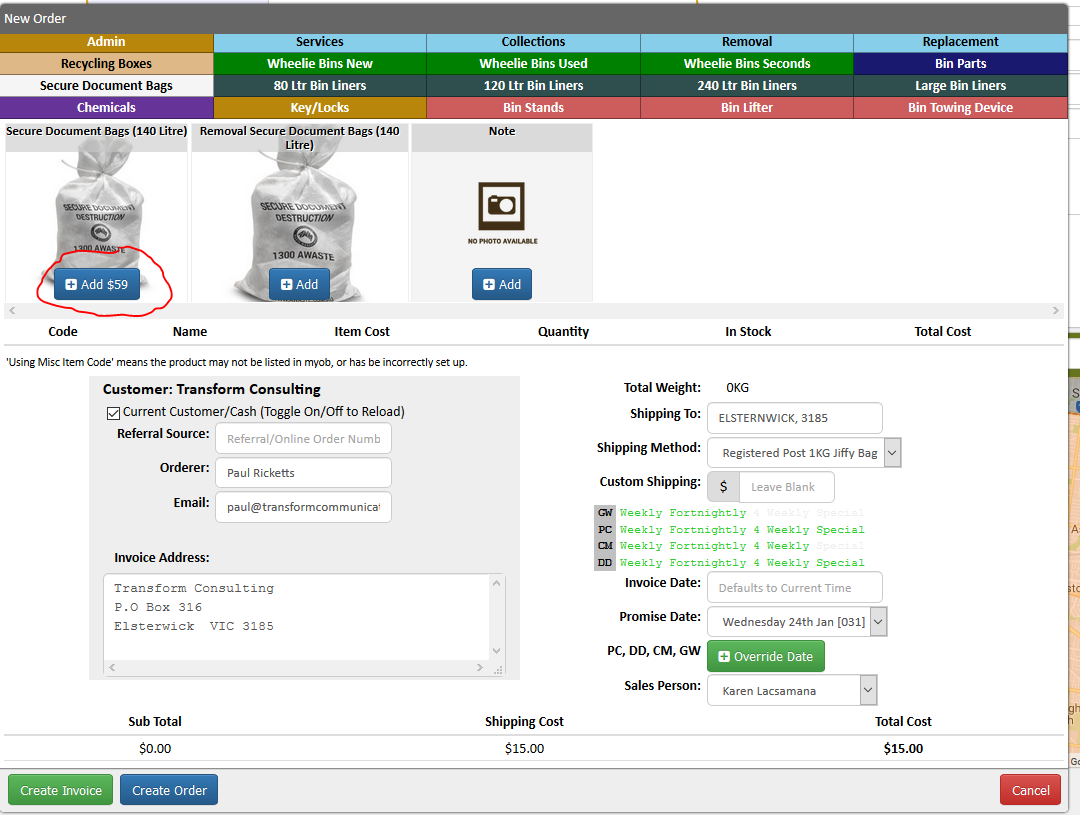
Enter how many the customer need for the specific product by clicking the up and down arrow
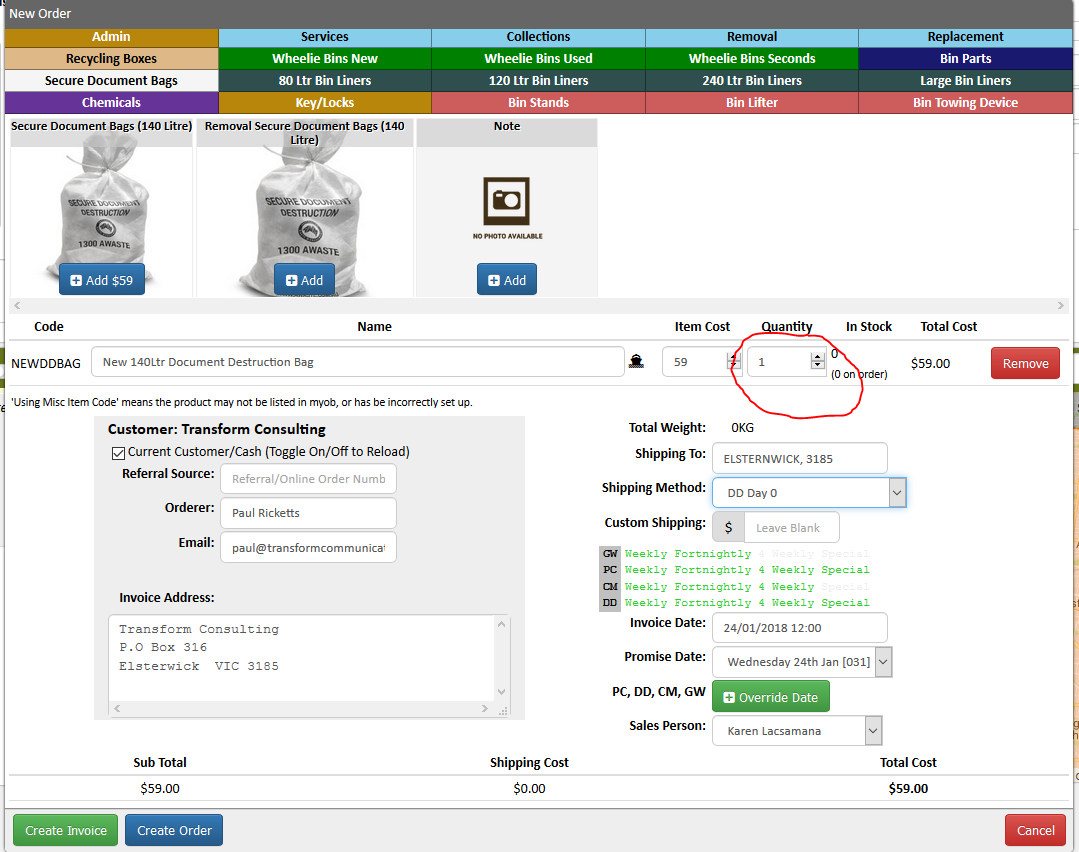
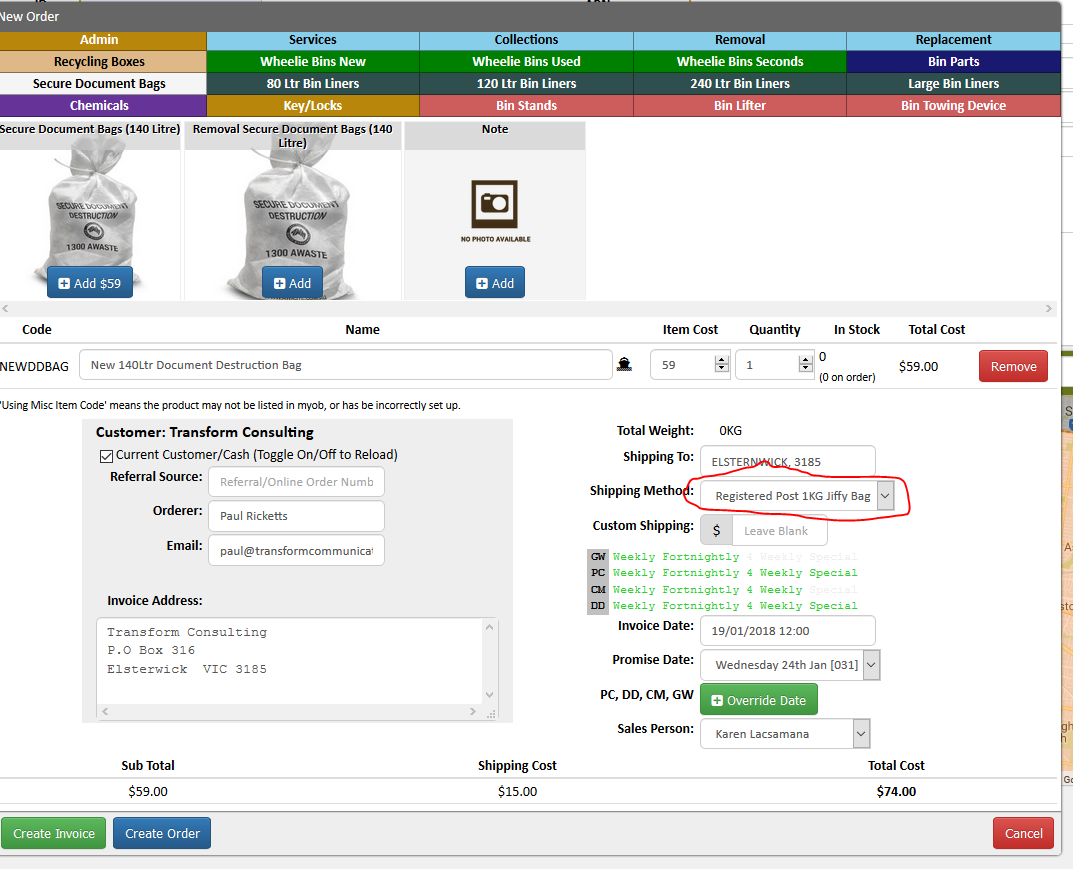
Change the shipping method based on the customer's order (e.g. dd bag is DDO if with removal, bin delivery is Internal courier, chemicals and other state is external courier etc)
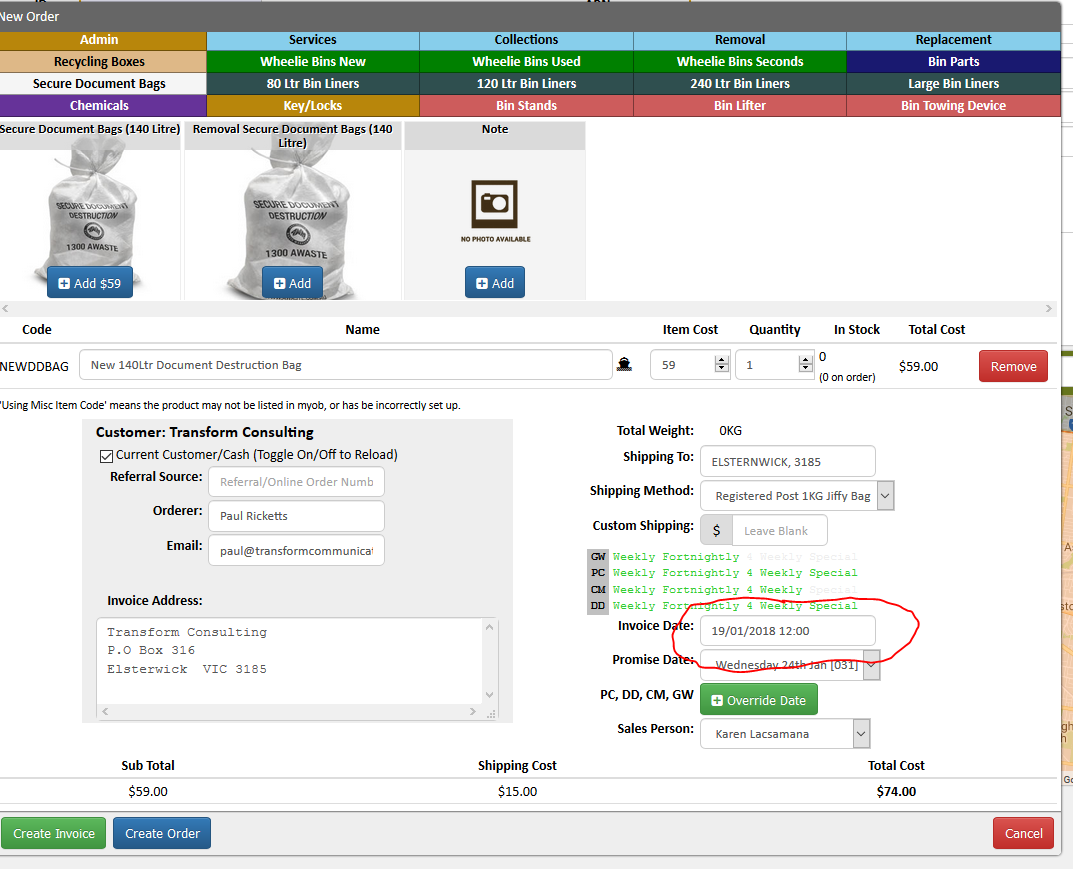
Change the invoice date to today’s date
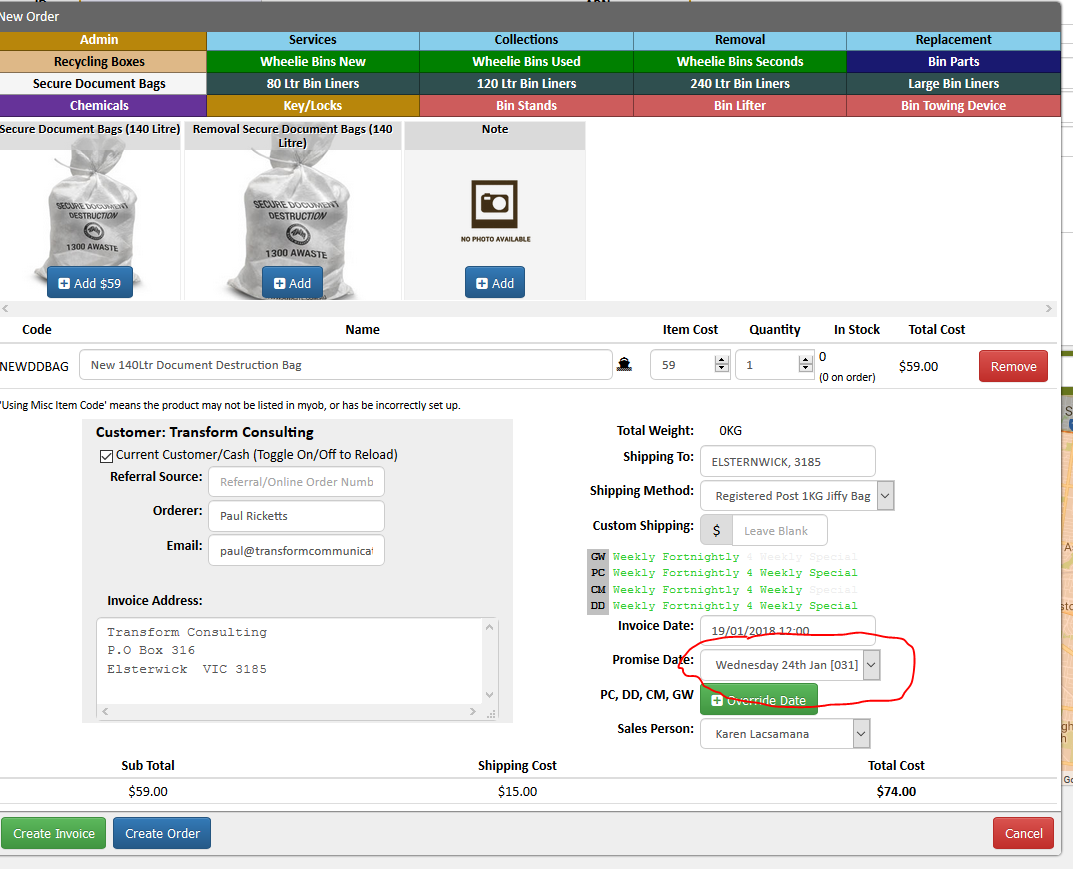
Change the promise date to when the product will be delivered
Enter your name on the sales person field
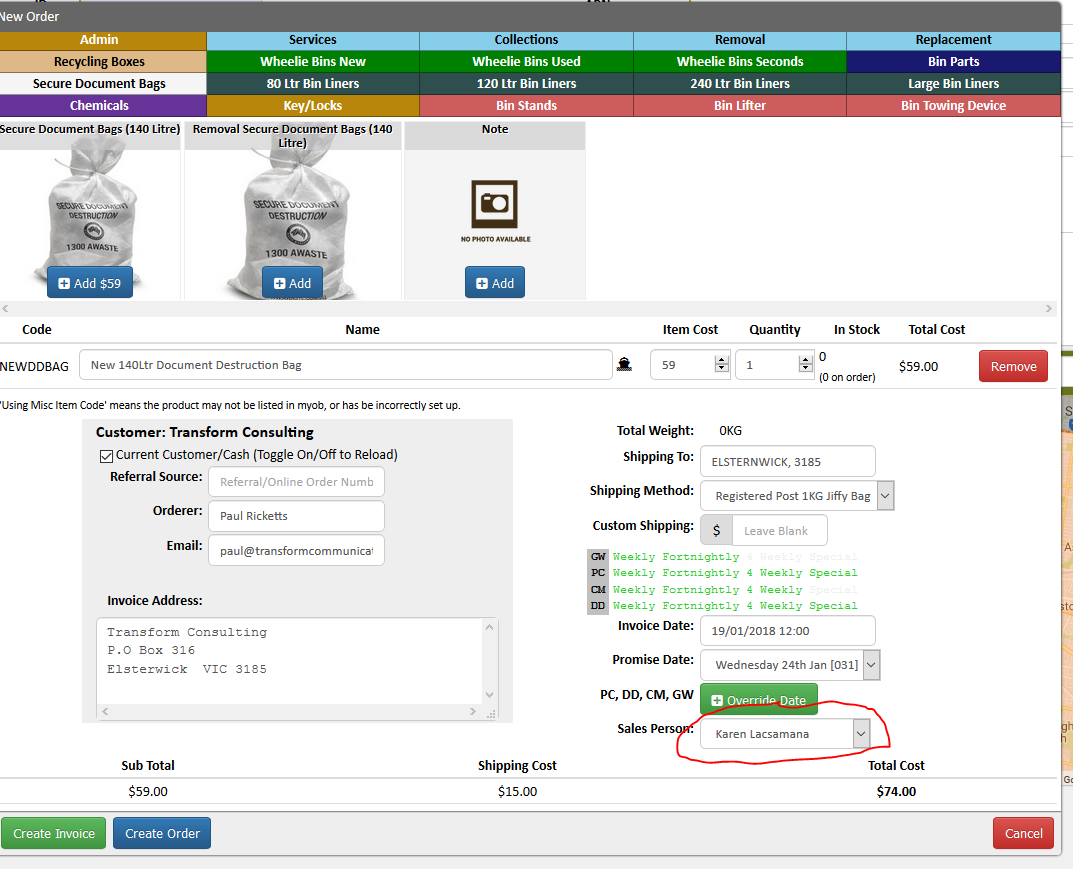
Verify the order to the customer and give the amount for the product ordered including shipping
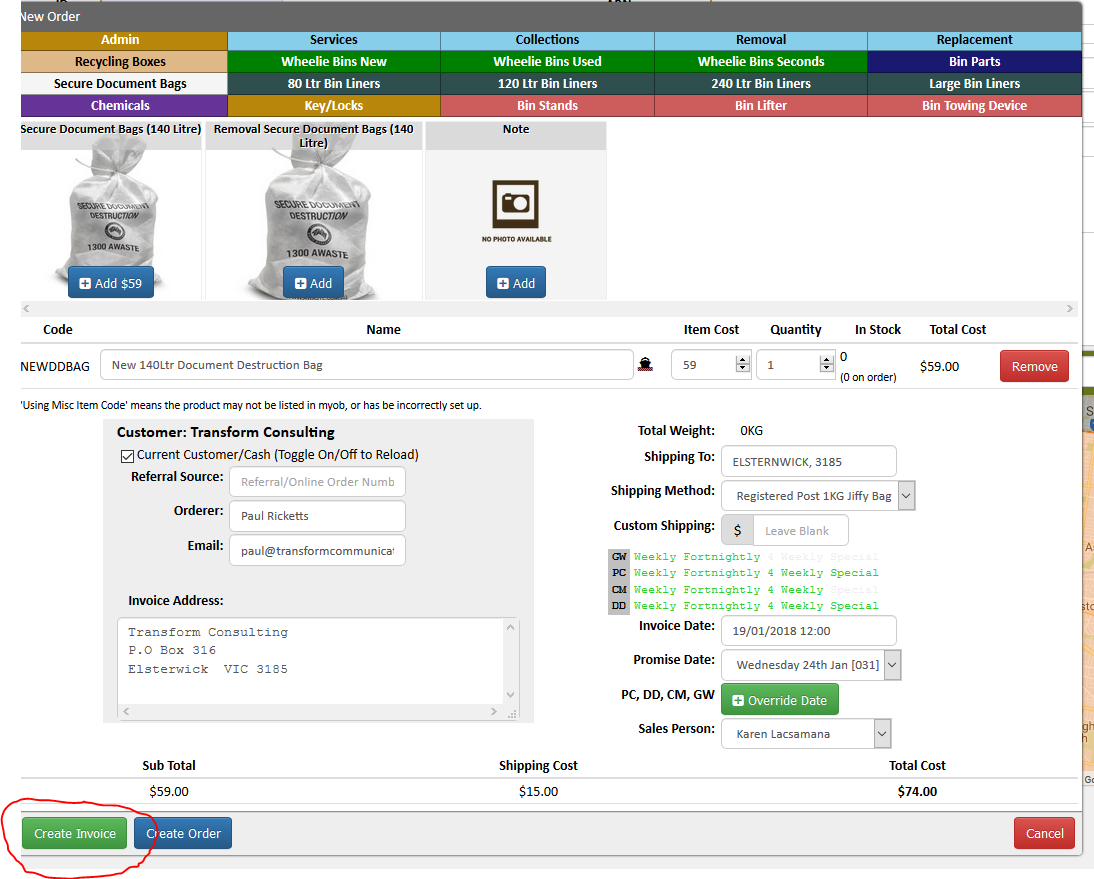
Click create invoice
Processed the payment using credit card
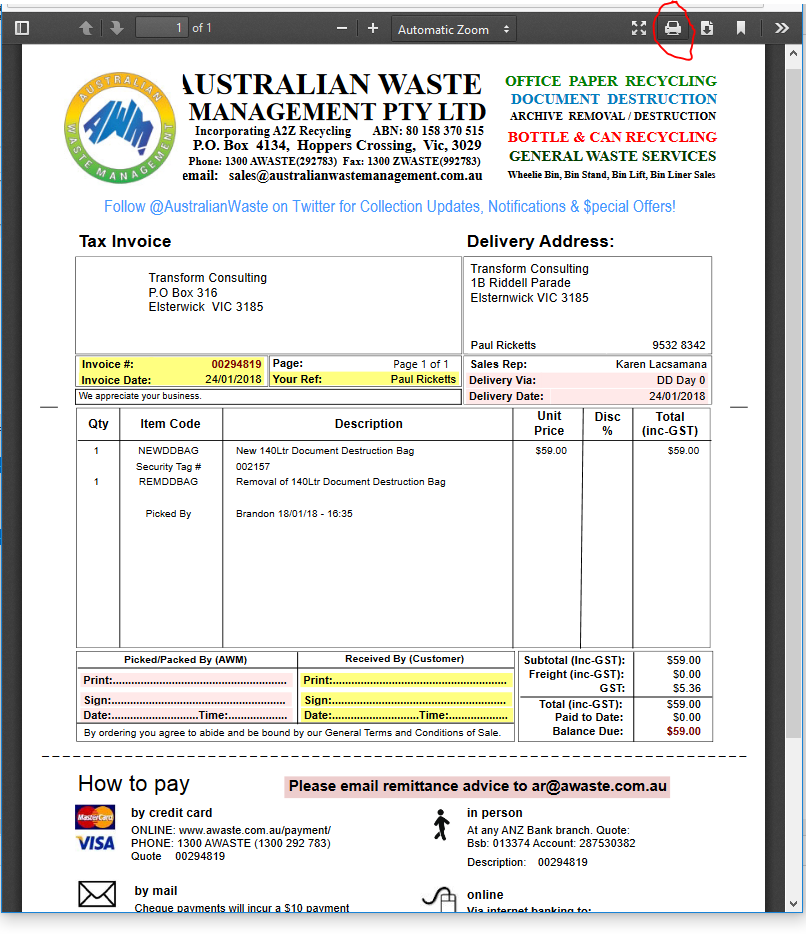
Print 2 copies of the invoice
Send a chat to Despatch team with the customer name and order number
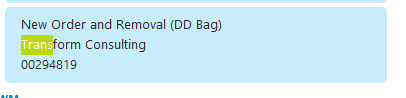
Add the order in Trello
Comments