Hold Collection Request Procedure
Karen Lacsamana
Posted at January 22, 2018 07:01 am. Last updated at October 23, 2019 04:10 pm
- Open MYOB
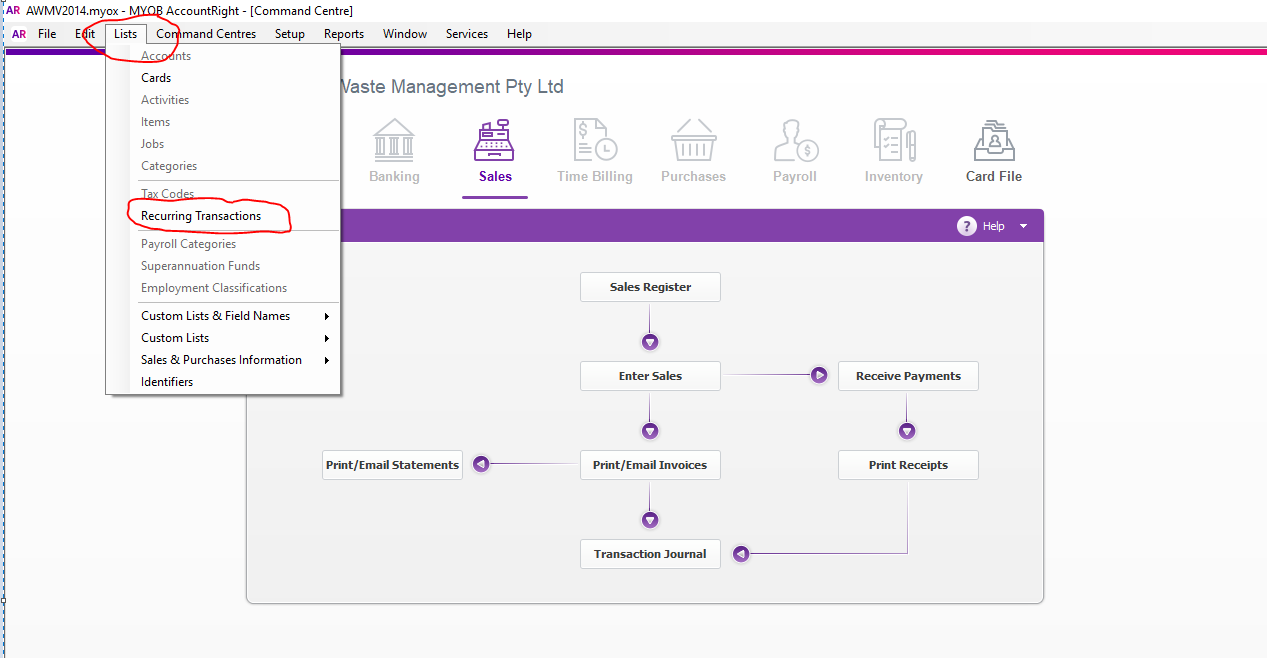
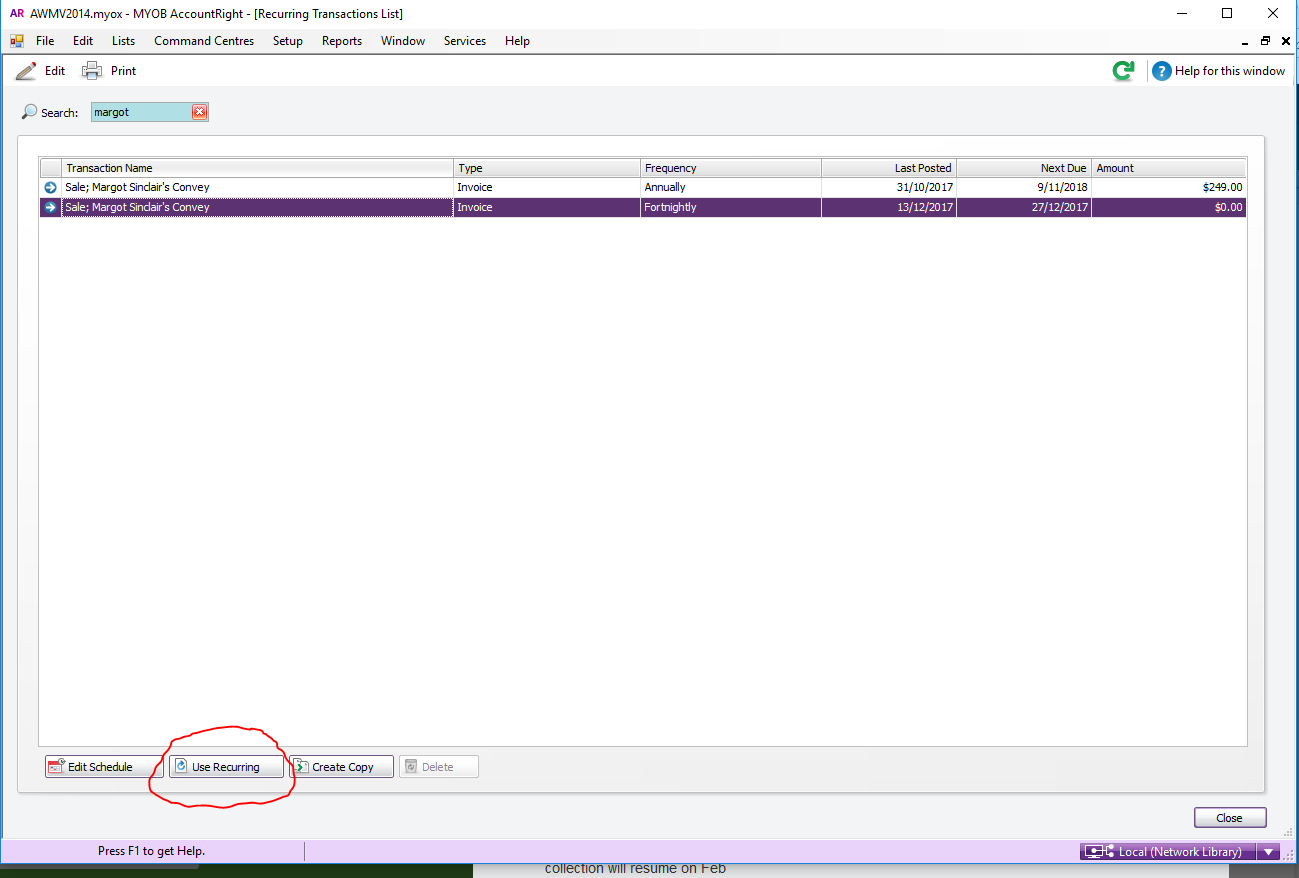
- Go to List, recurring Transaction
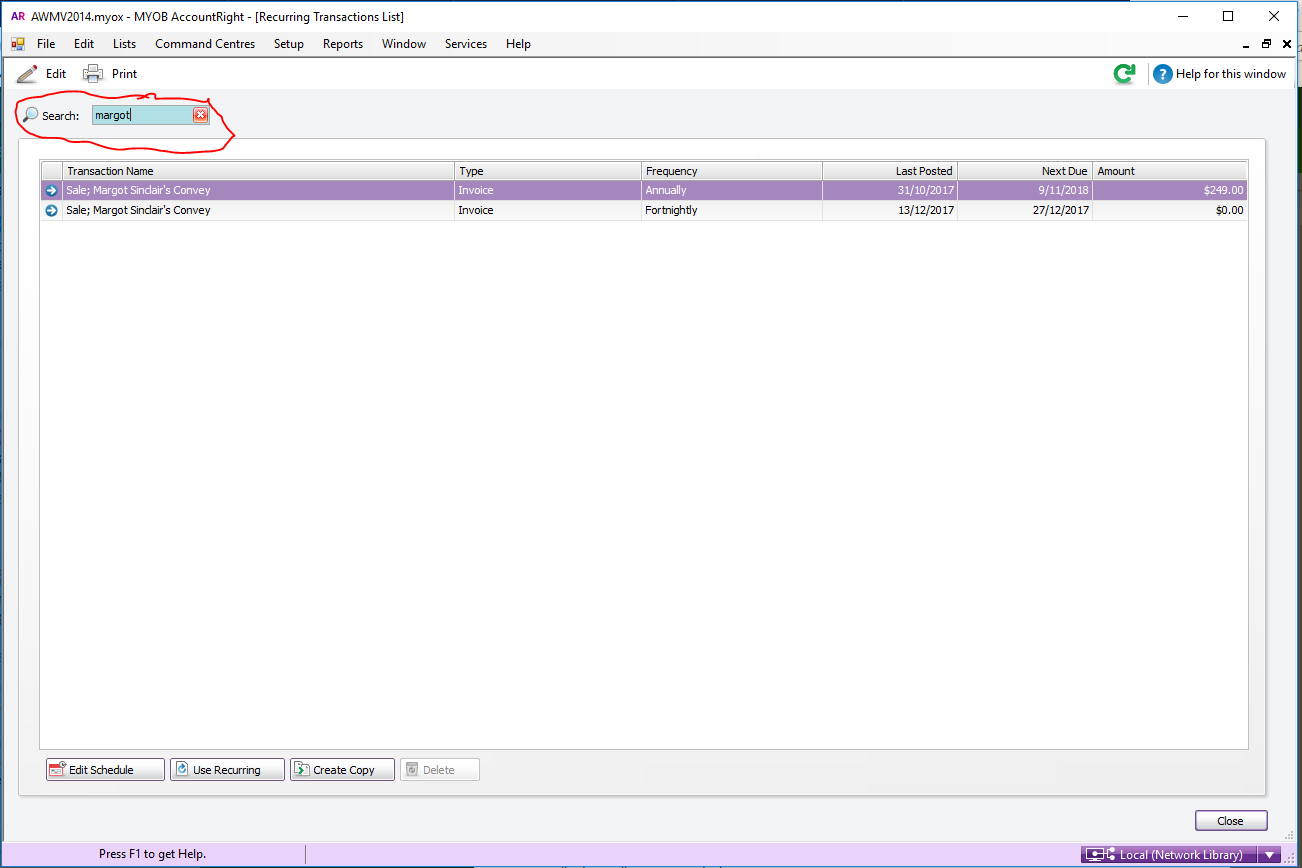
- Search for the customer Name
- Click and Highlight the line you want to record.
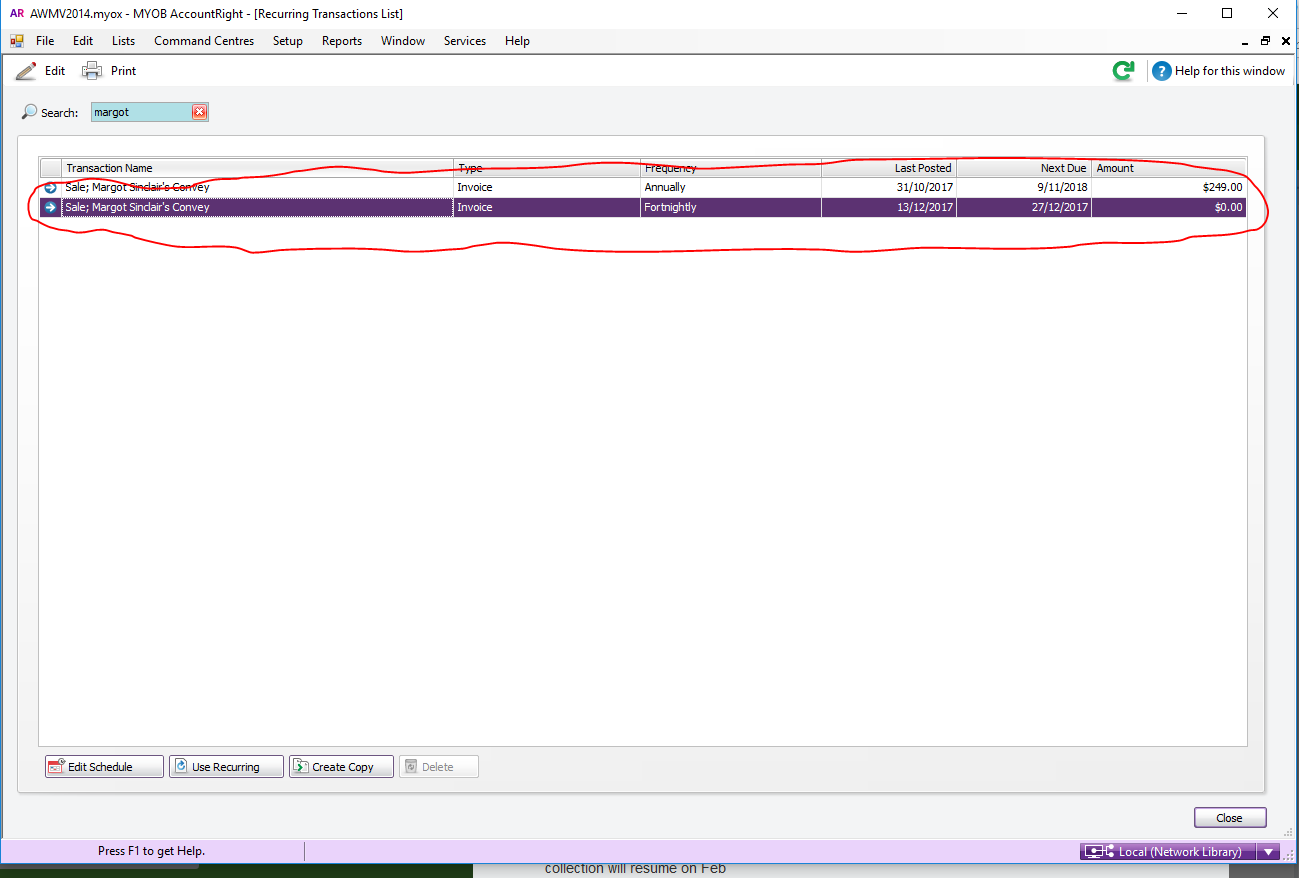
- Click on Use Recurring
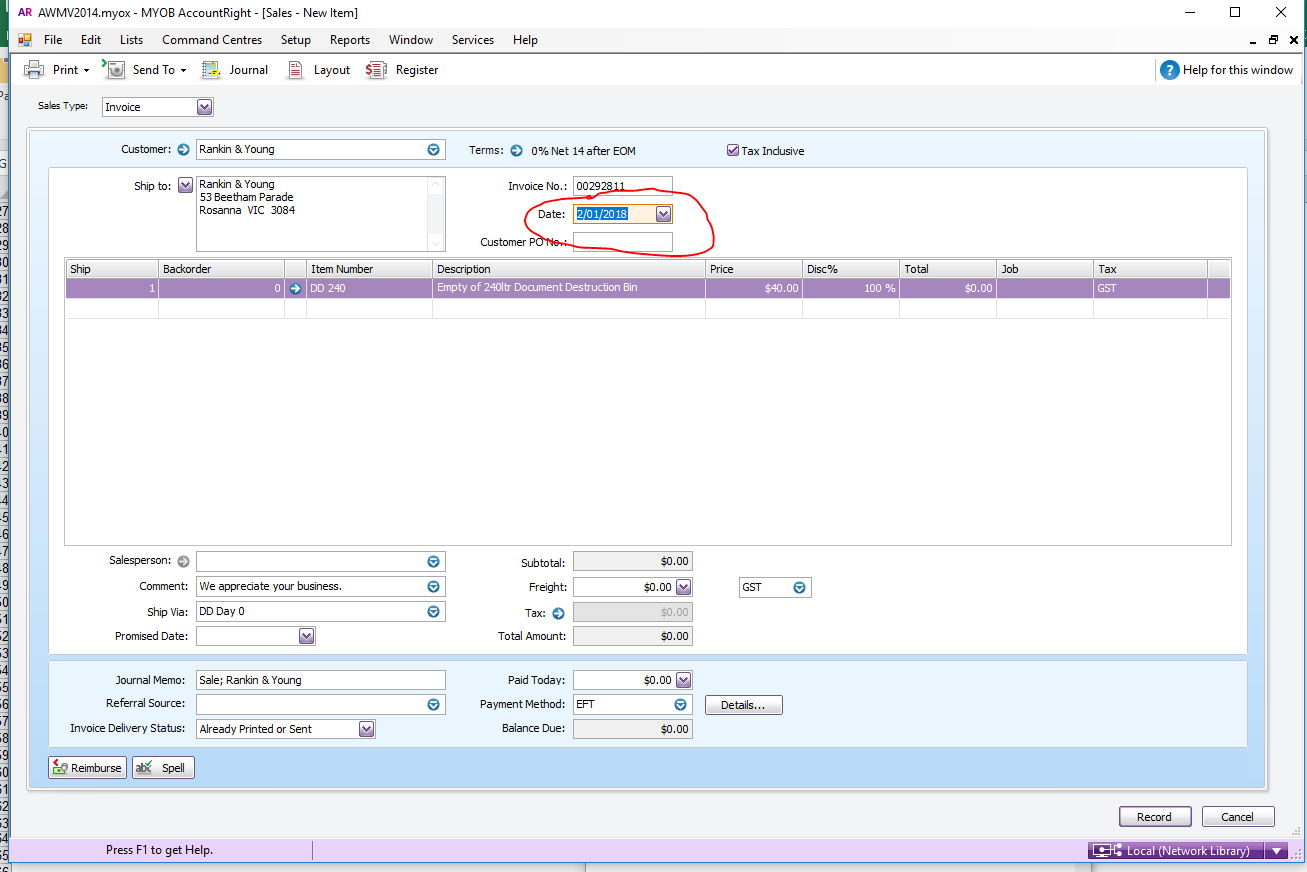
- Record it for the day like normal (customer’s next collection date)
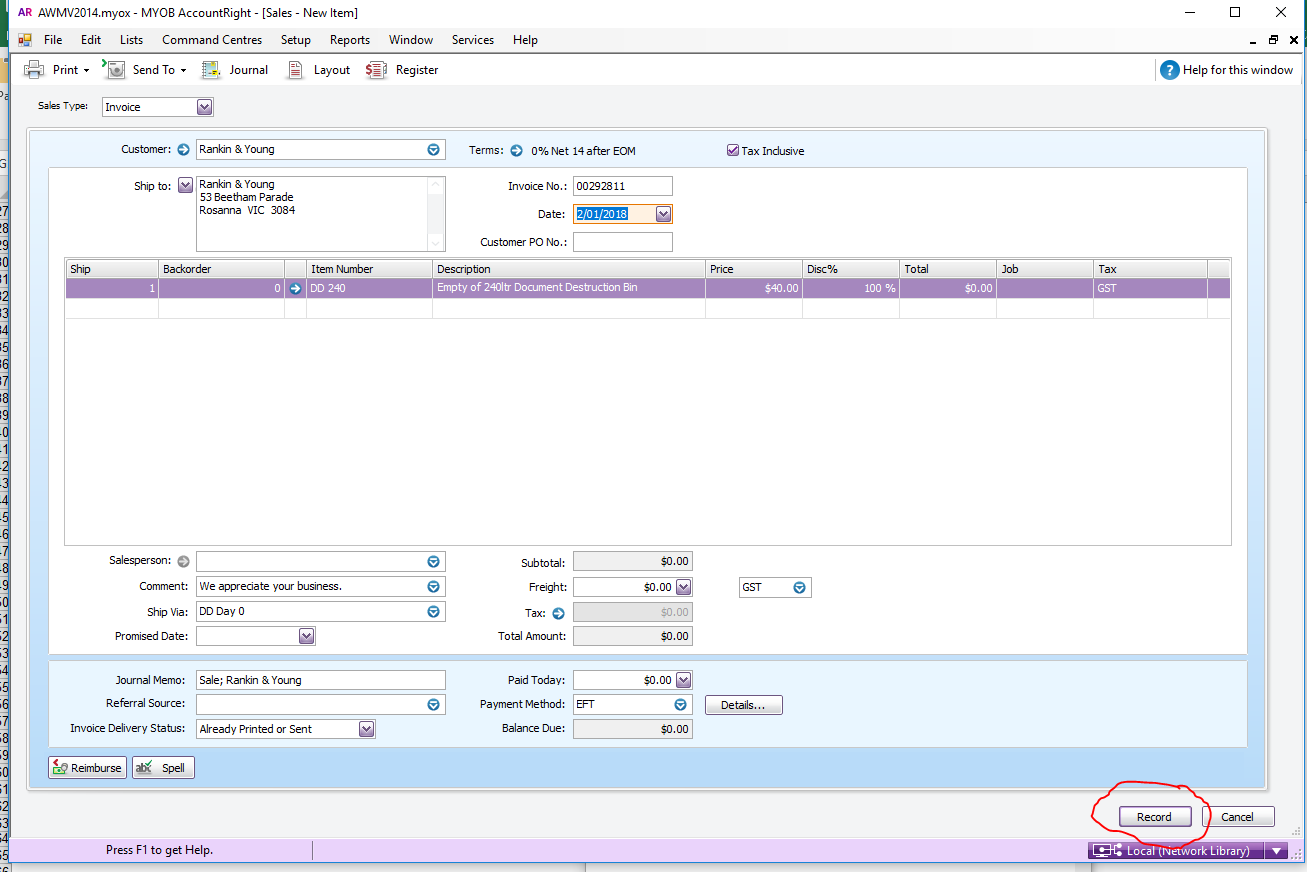
- Click Record
- Go to Sales, Sales Register
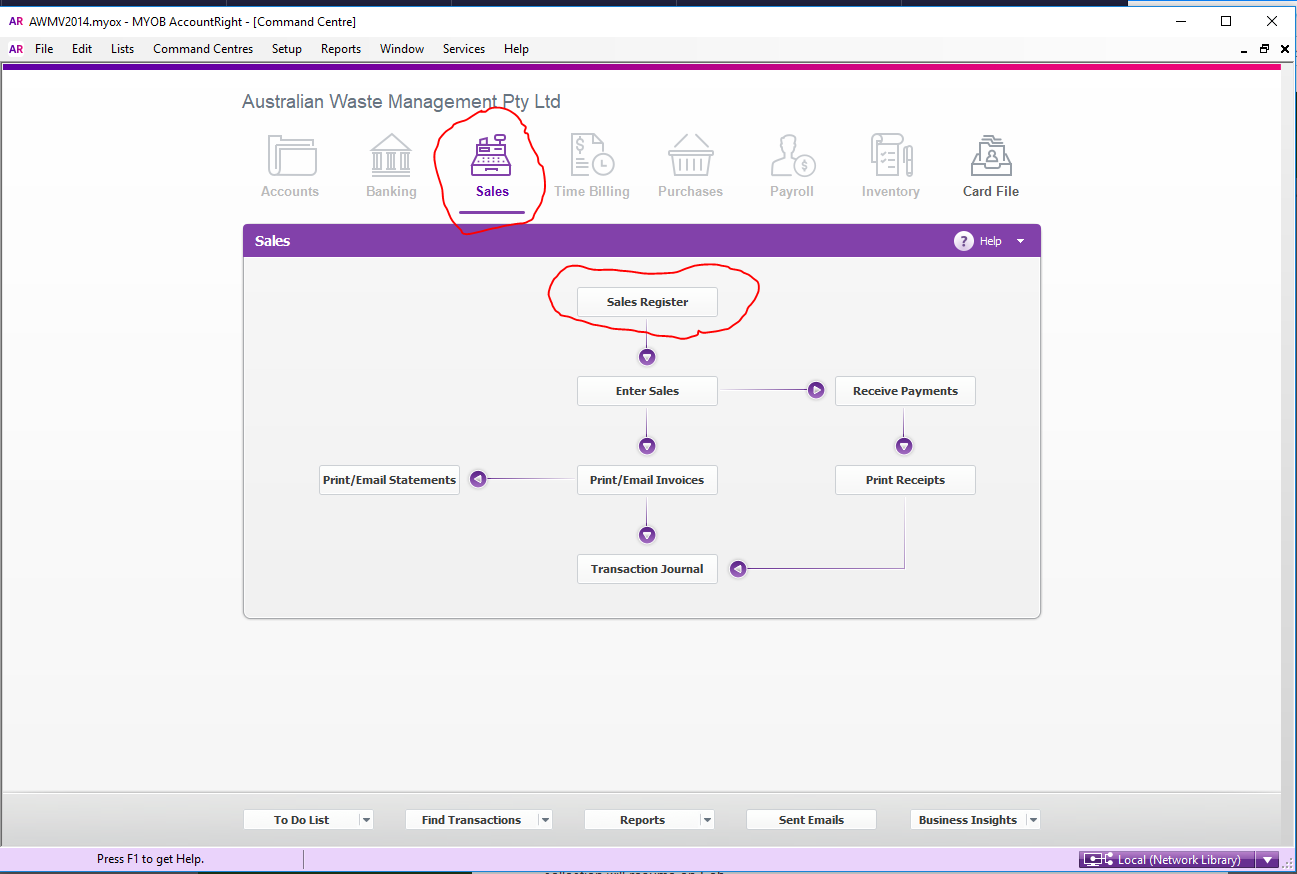
- Search for the customer account
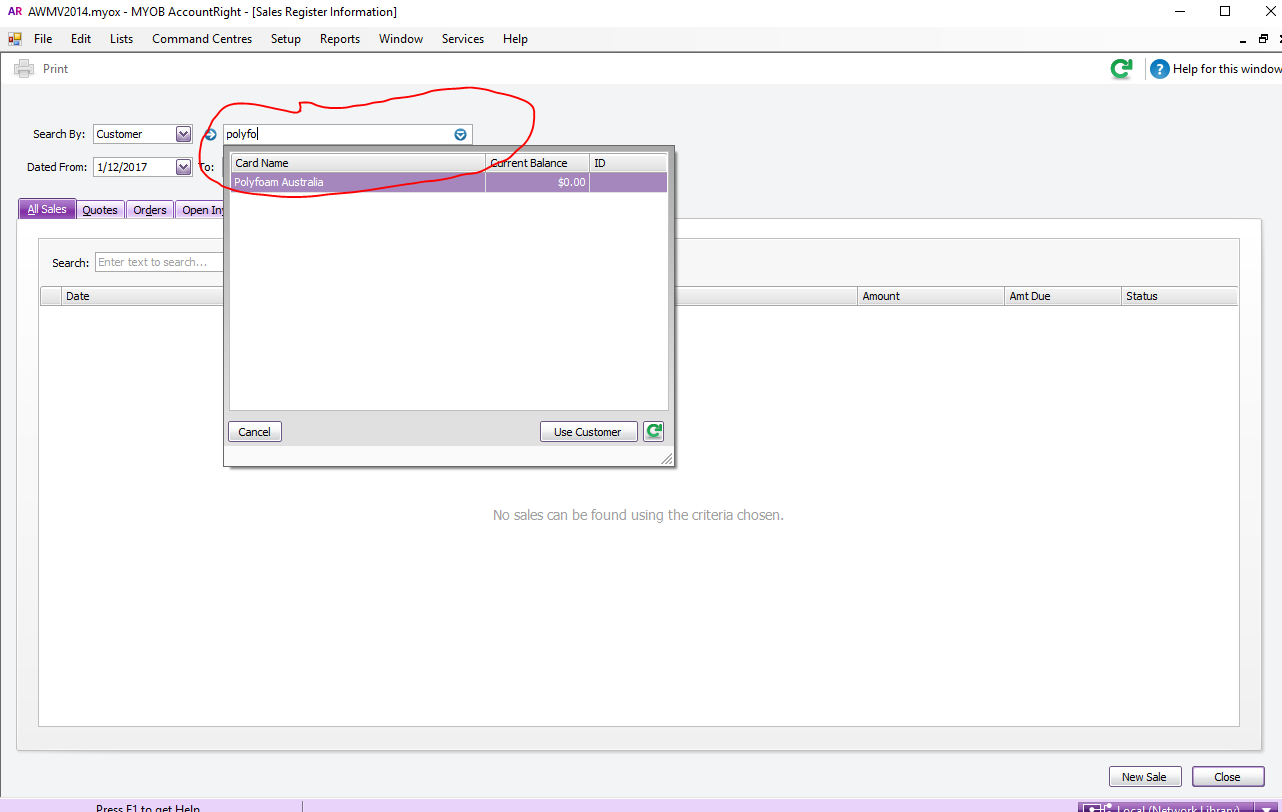
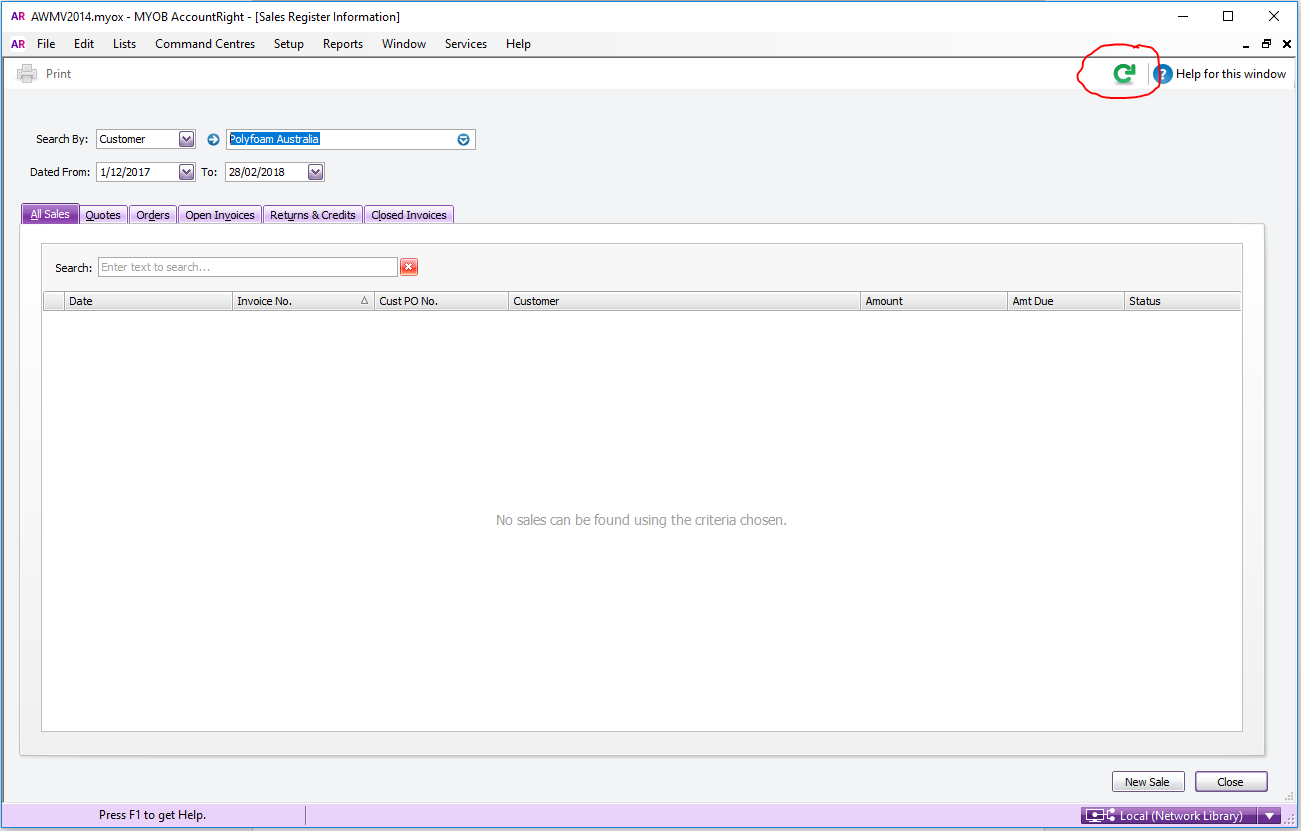
- Click refresh to update the record
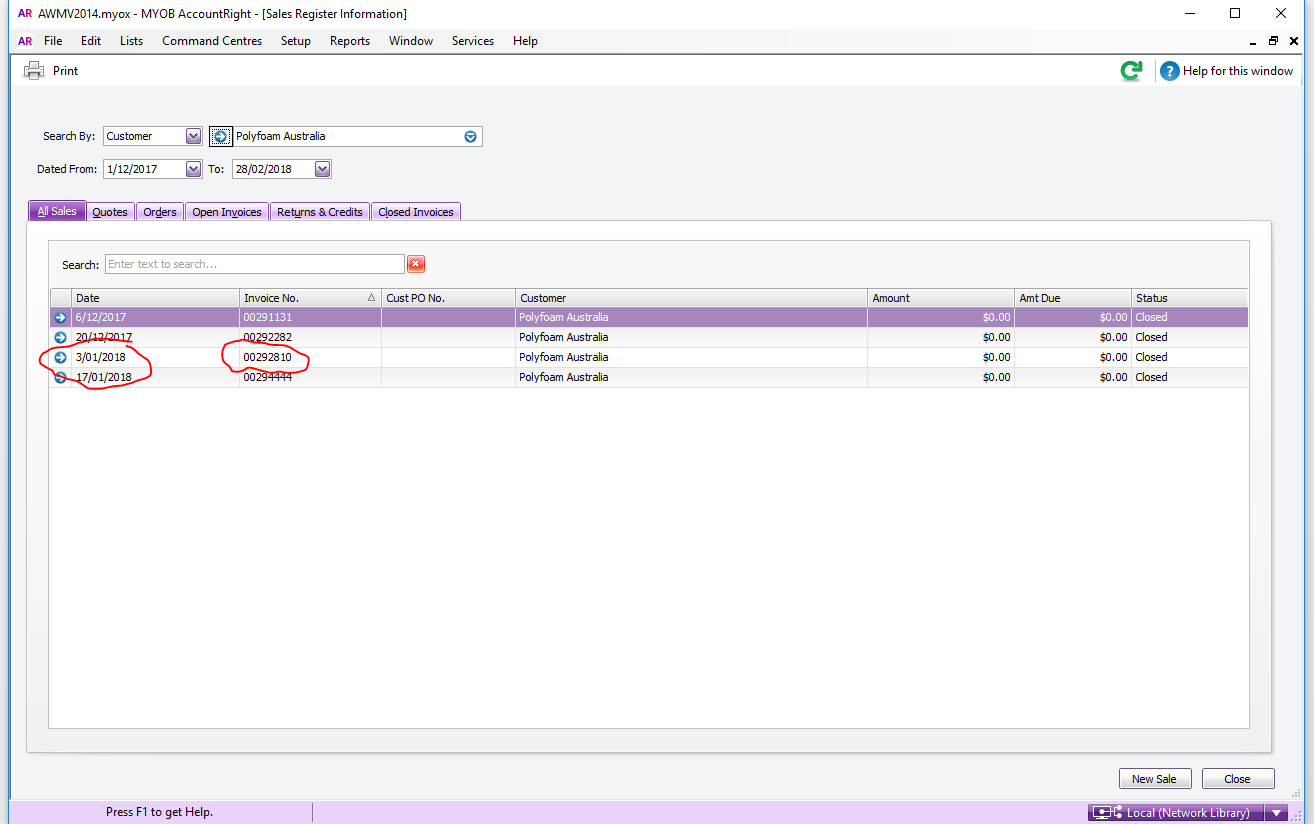
- Open the invoice that you just created
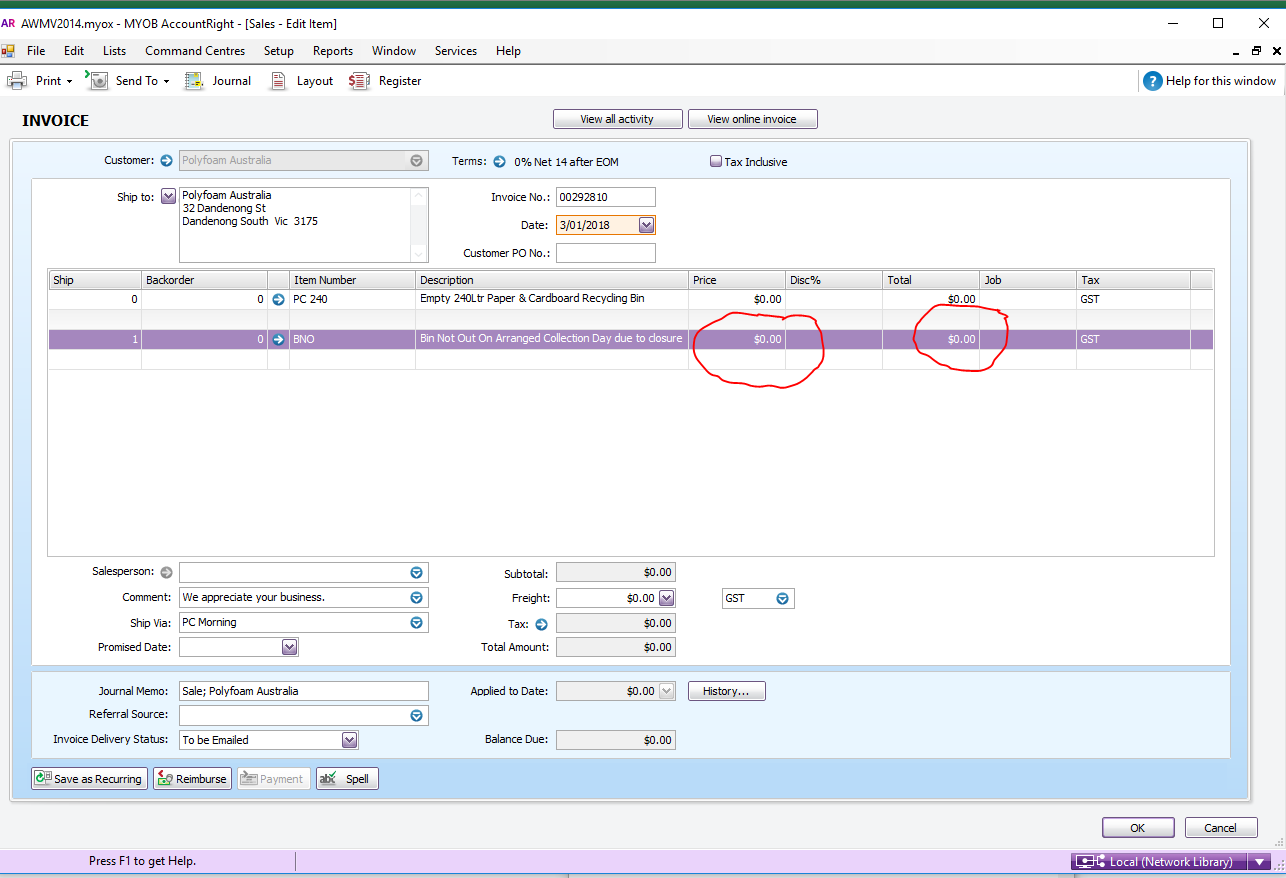
- Change the number of bins to zero (remember the number of bins of the customer)
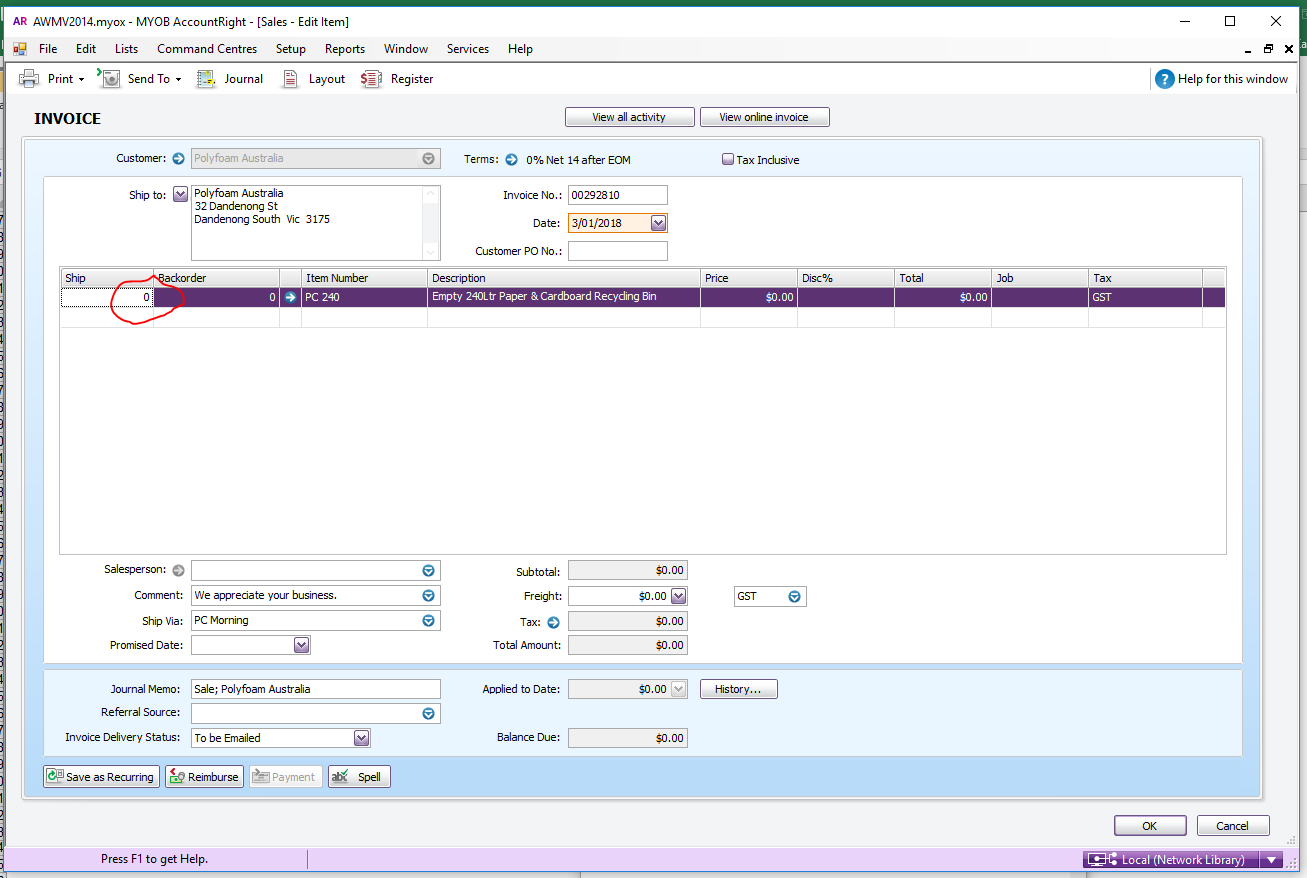
- Right click Insert blank line
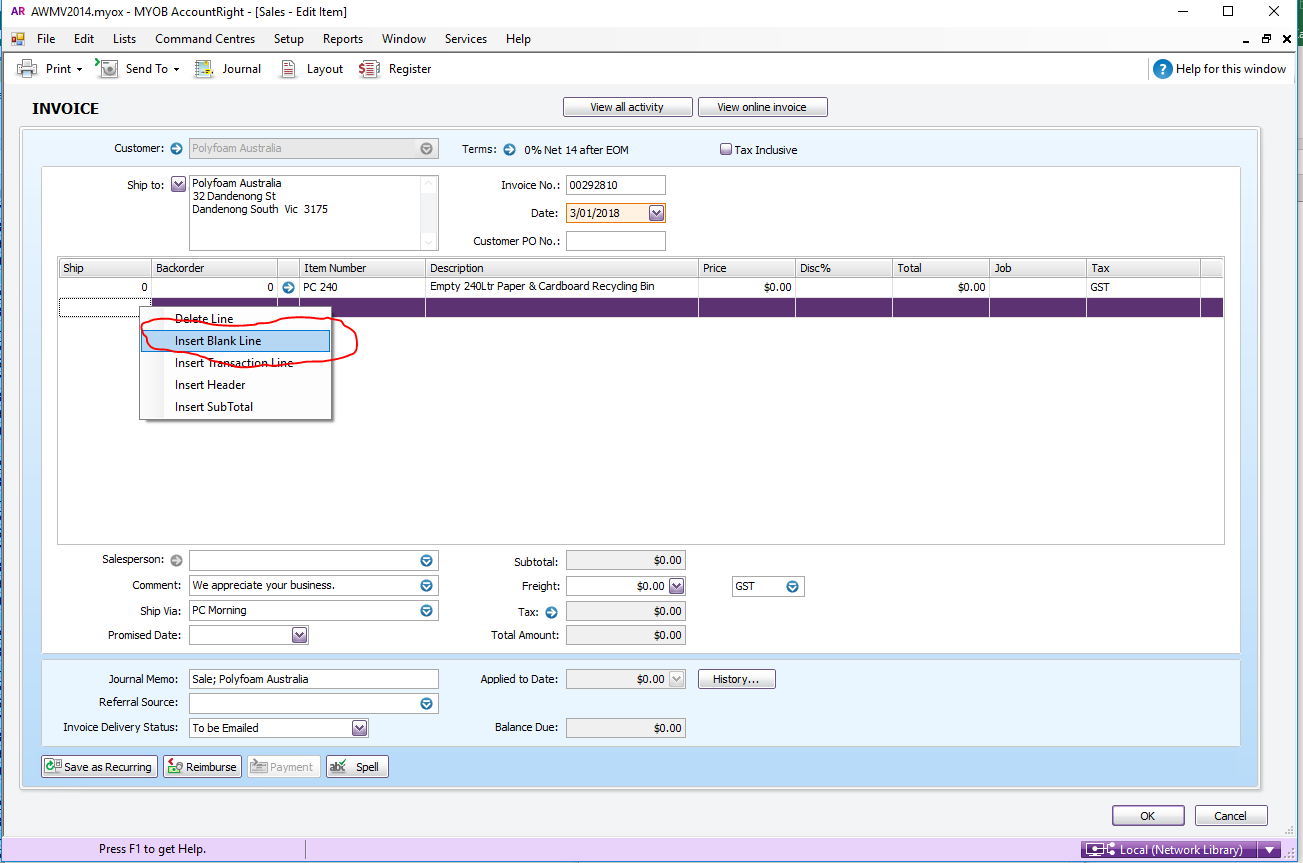
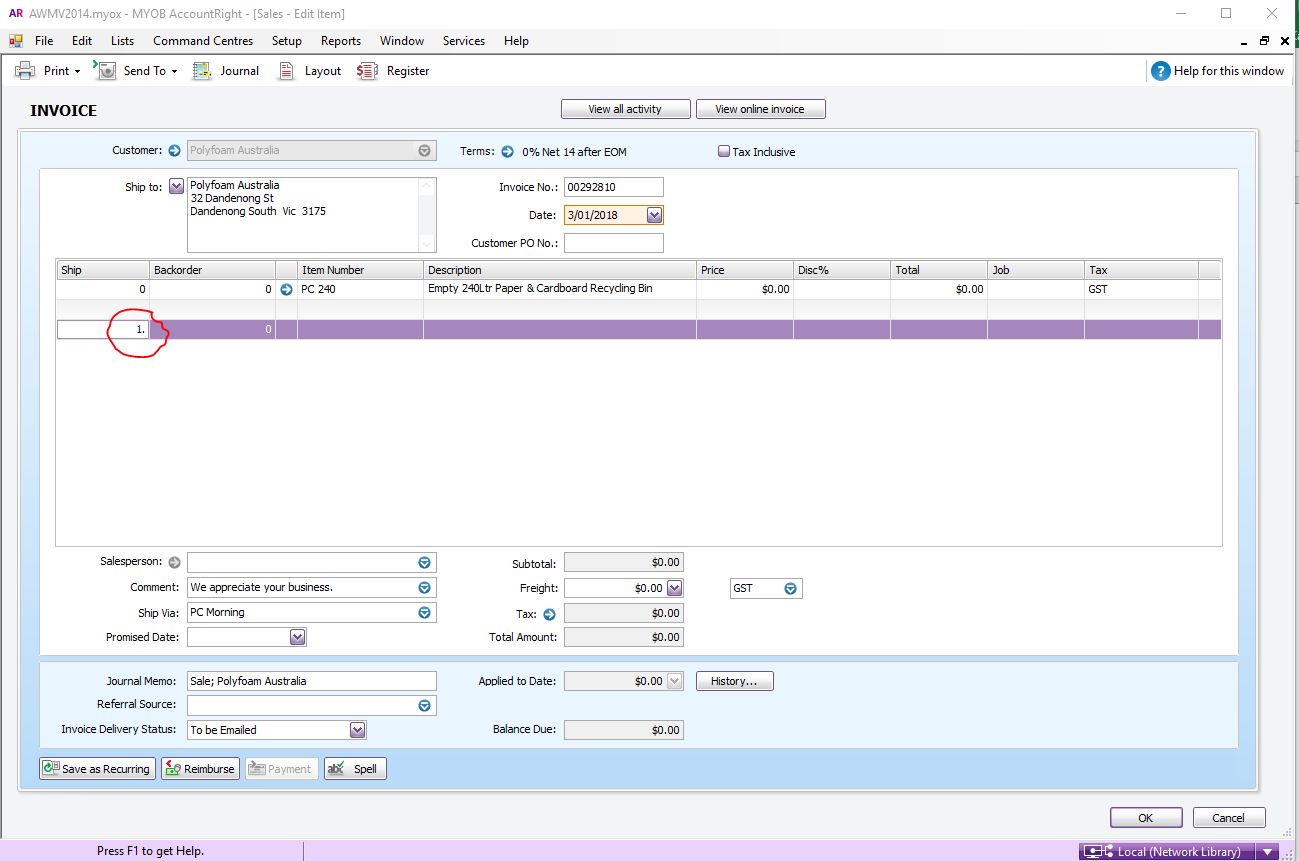
- Enter the number of bins for the customer
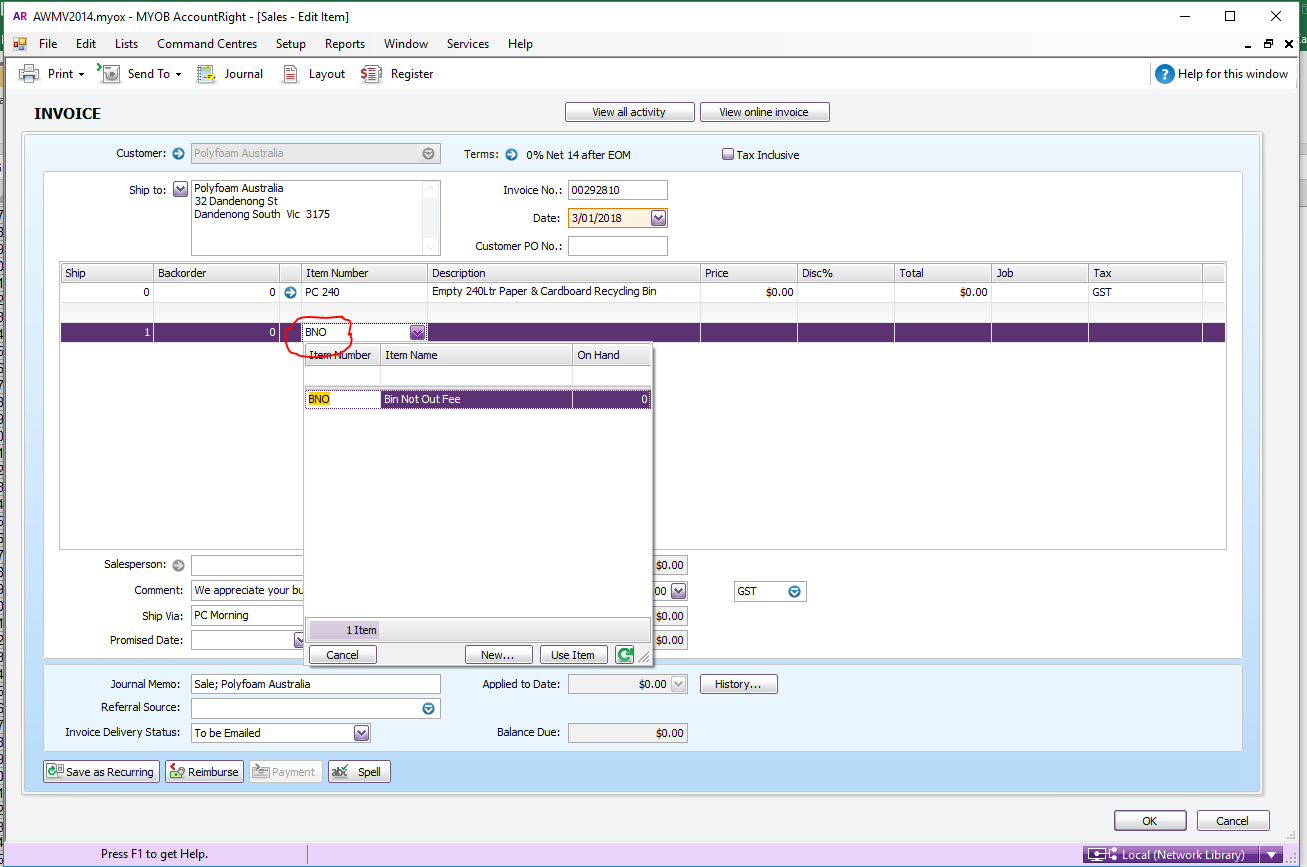
- Under Item Number type in as BNO
- Change the description to Bin Not Out on Arranged Collection Day due to closure for (reason) your initial and the date you entered it. (e.g. Bin Not Out on Arranged Collection Day due to closure for Christmas Period 22/12/2017 KL)
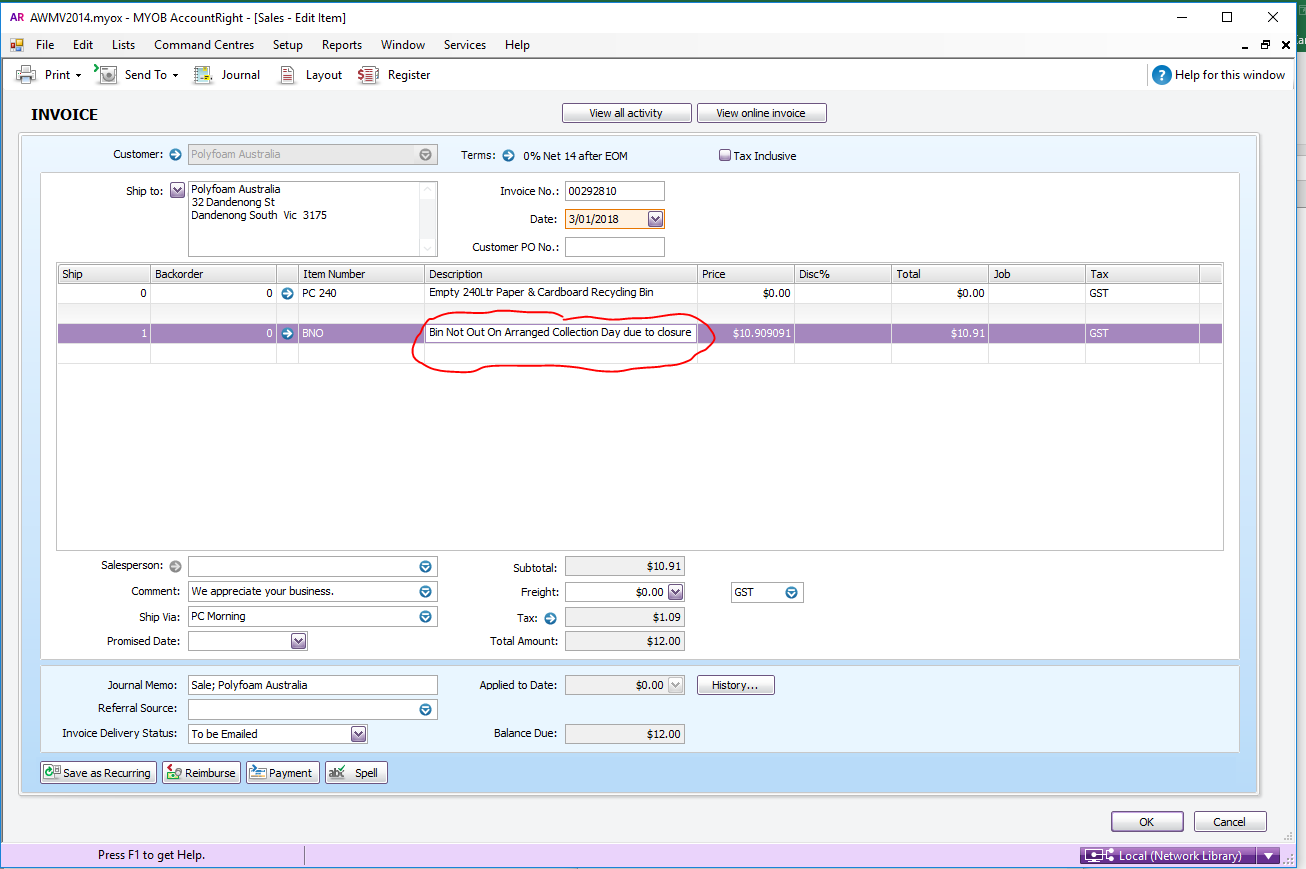
- Change the Price to $0 make sure to change it on the Price column not the Total Column
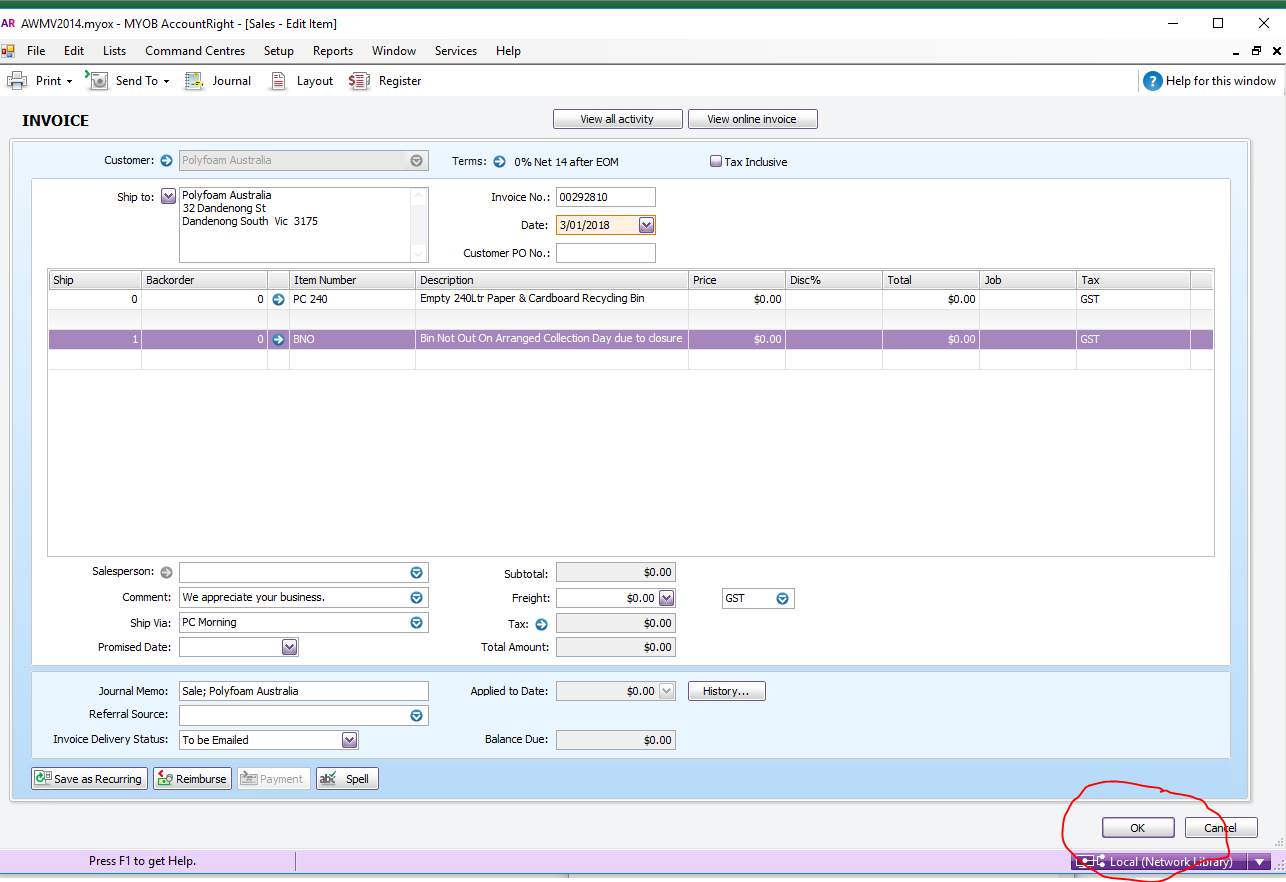
- Click OK
- When you export the At Call additions, the jobs will come out, when usually they would not
- On the additions you will see 2 entries, 1 for the job that will have zero on the quantity and 1 for the BNO with the number of bins
- it comes out on the At Call addition when you import it from the core run to make the that specific day run. Highlight the line that has the zero, the line that has the BNO, and the name of the customer on that specific day run and delete ( make sure you only delete the customer on that specific day run DO NOT DELETE FROM THE CORE RUN, for us not to mess the core run)
Comments