Checking and printing eBay orders
Posted at February 19, 2020 09:02 am. Last updated at February 19, 2020 10:02 am




Open eBay Log in if required
Click on My eBay

Look for any Unread messages
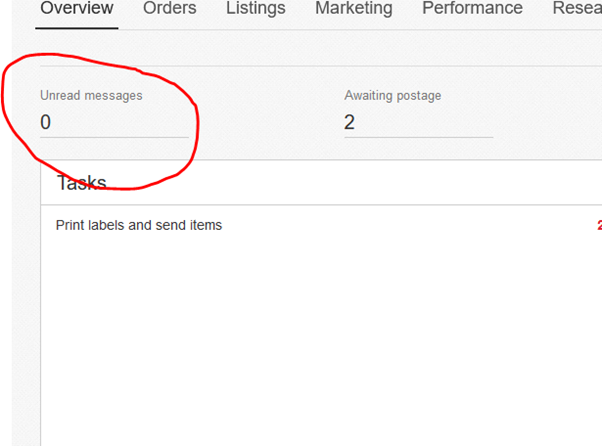
If there are any messages click on the number, this will open the message window
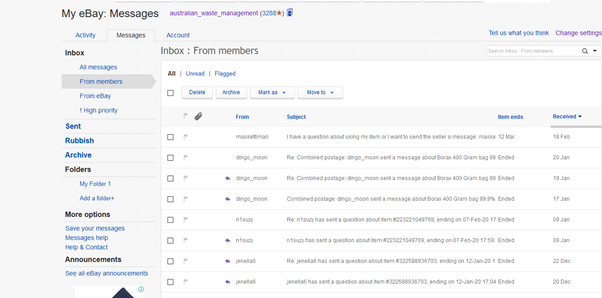
If there are any messages that need action, eg, incorrect address to be amended action these before printing the postage labels – see below for how to print
After the messages have been actioned go back to the My eBay screen
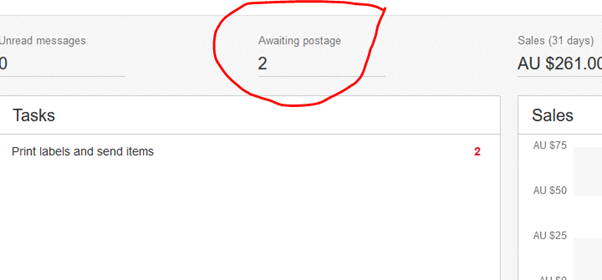
Go to Awaiting postage, if there are any orders awaiting postage click on the number
Click on the number in the order details column
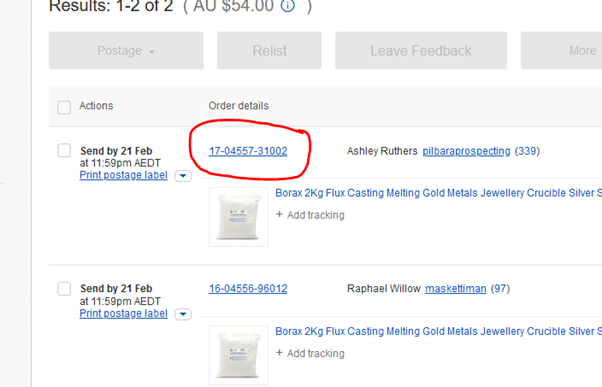
This will open the next screen with the postage details
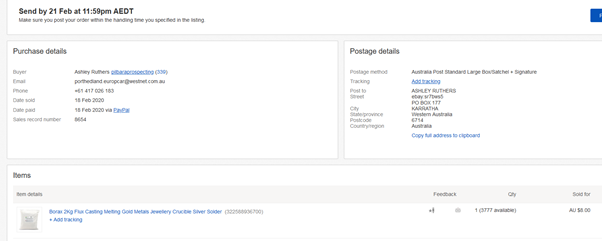
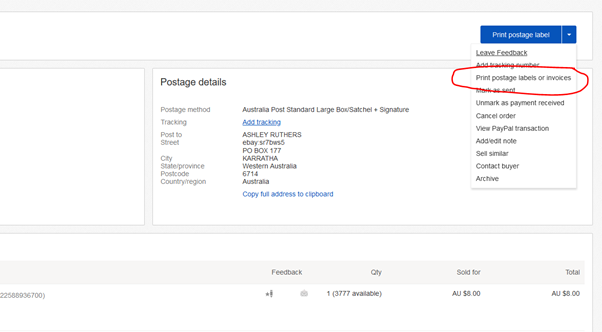
In the Print postage label drop down, click on Print postage labels or invoices
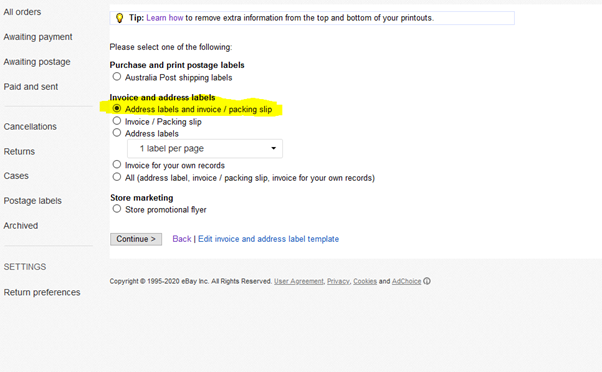
Select Address labels and invoice / packing slip
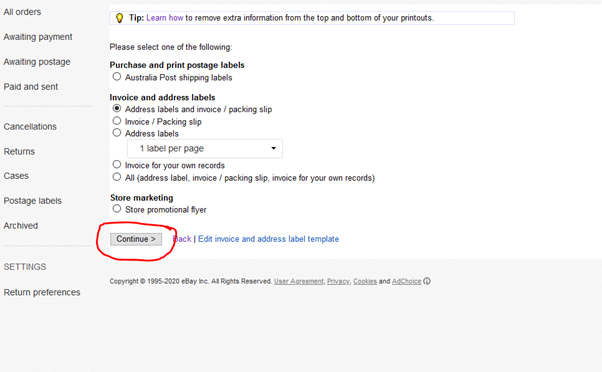
Then click on Continue
This will open a new window and the print pop up, check the detail then print 2 copies if the invoice
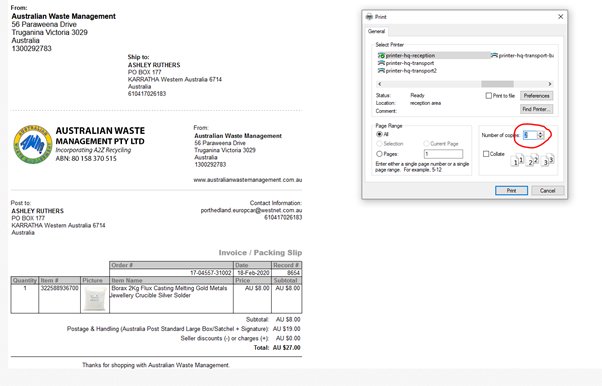
Give the invoices to whoever is picking the mail so they can have it ready to go out with the next KC run to the post office
Comments