FOR REVIEW - Incoming Call Product sales and General Information - Reception
Posted at February 21, 2020 01:02 pm. Last updated at February 27, 2020 11:02 am

Purpose:
The purpose of this document is to provide instruction on how to process the sale on AWM Manage page and to provide answers to customer’s enquiry
Process:
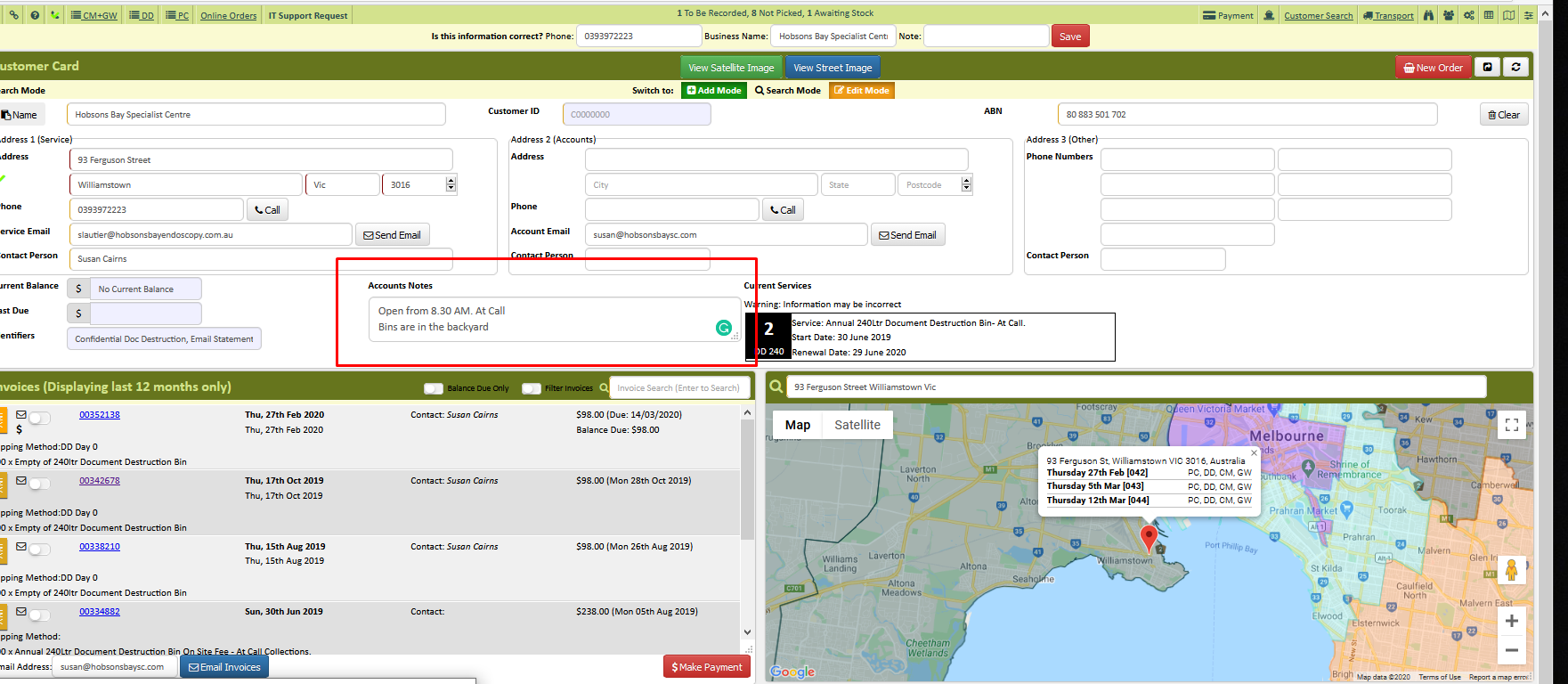
If an existing customer called in caller ID will show us the customers profile by clicking the green open button.
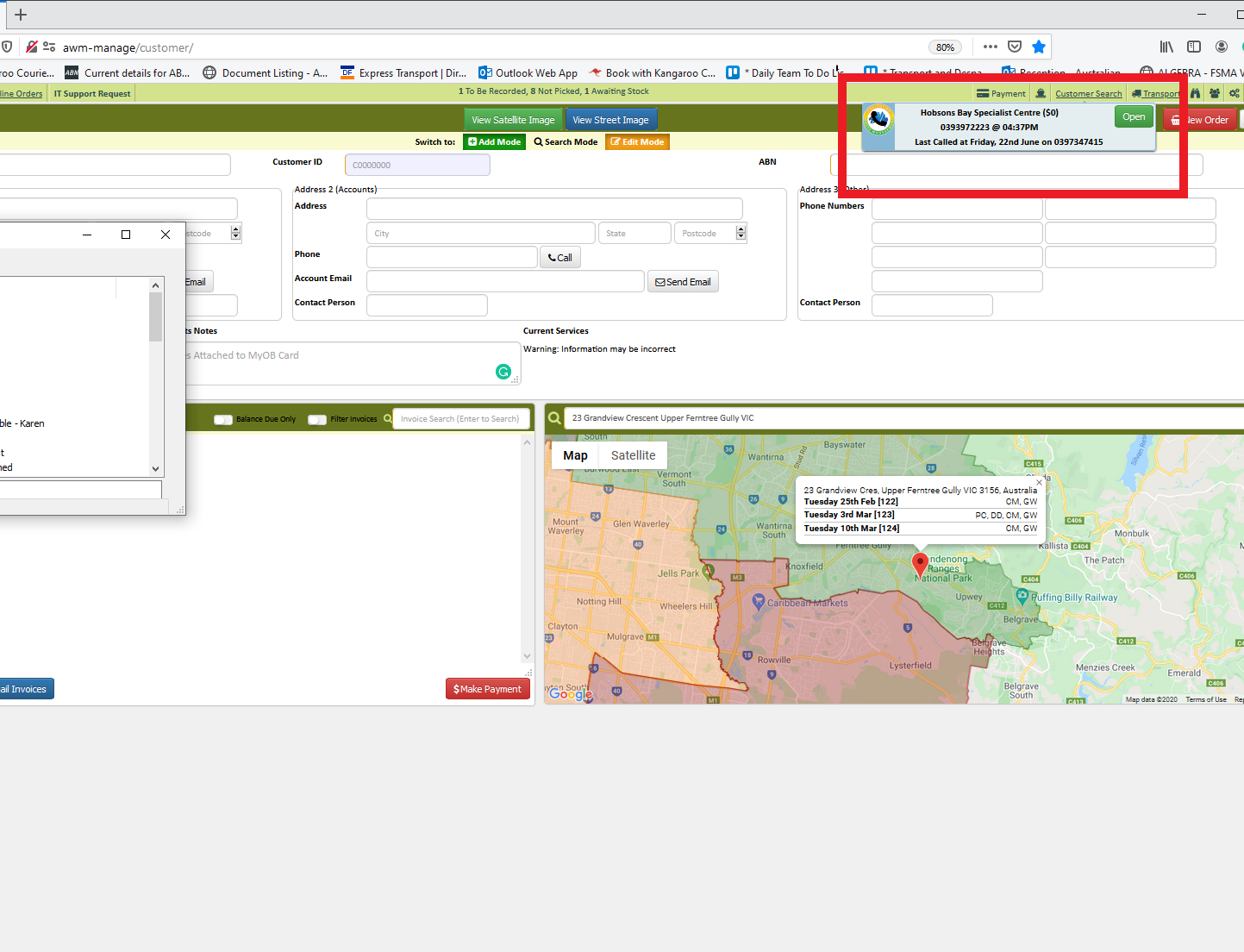
or you can search it on Service tab by asking the customer’s company name, mobile number on the account and the collection address.
Verify with the customer the information on the Accounts tab as well.
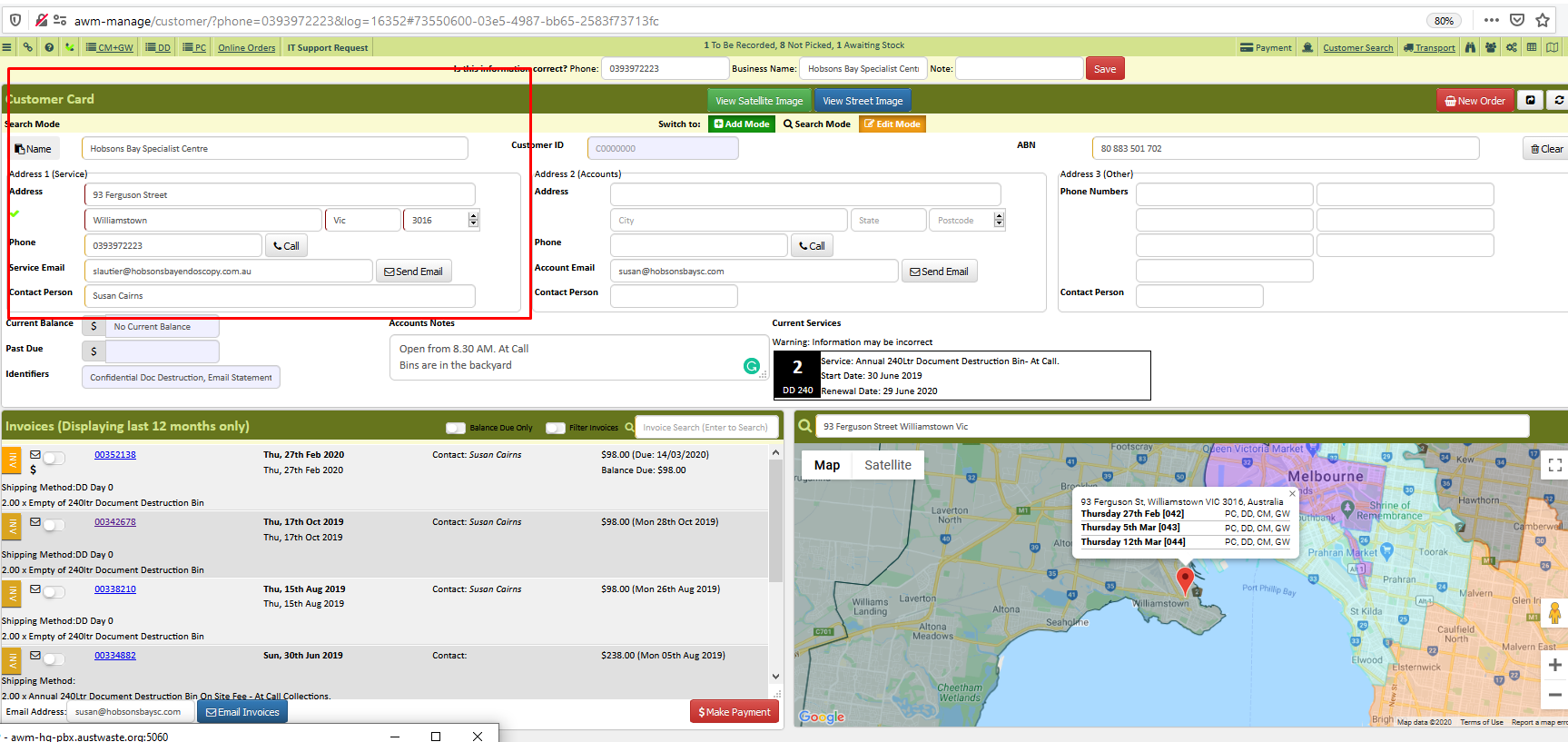
If the customer is not an existing customer you have to create an account to before processing the order. How To Create A Customer Account
After card filing, you can process the customer request clicking the New Order Tab
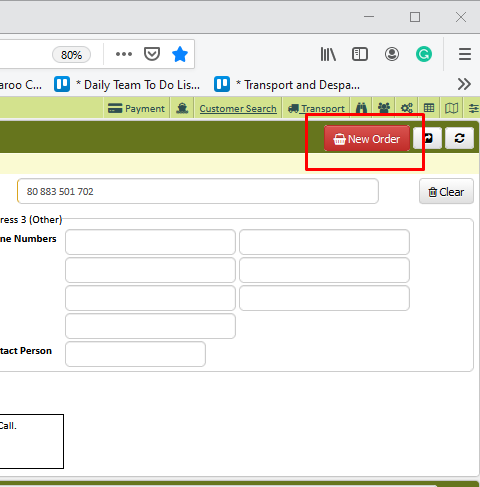
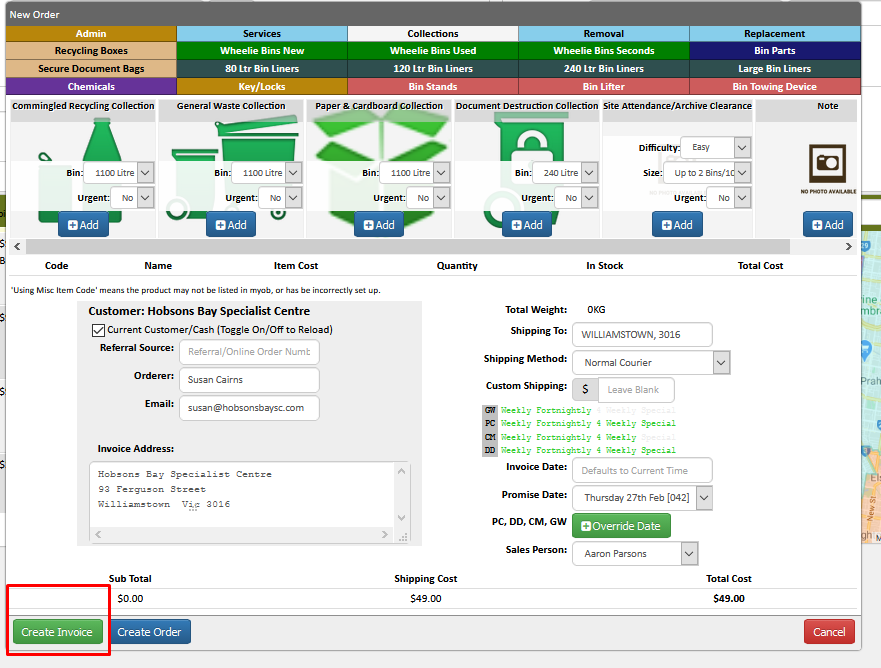
- New Order screen will show up.
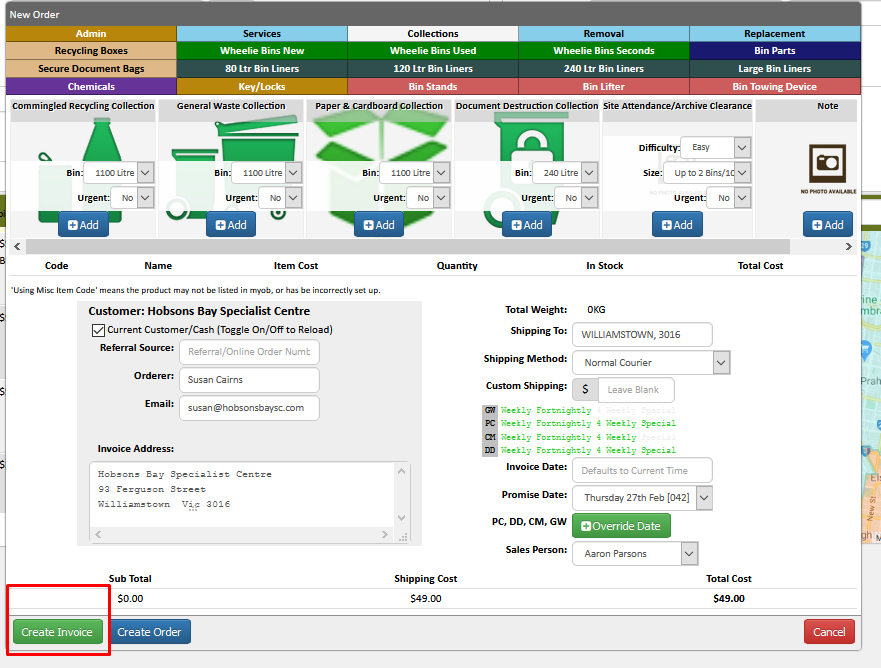
You can choose an option base on customer’s order or request
- Recycling Boxes
- Secure document Bag
- Chemicals
- Wheelie Bins new
- Bin liners
- Key/lock
- Wheelie Bin Used
- Bin stands
- Wheelie bin second
- Bin lifter
- Bin Parts
- Large Bin liners
- Bin towing Device
- Admin
- Services
- Collections
- Removal
- Replacement
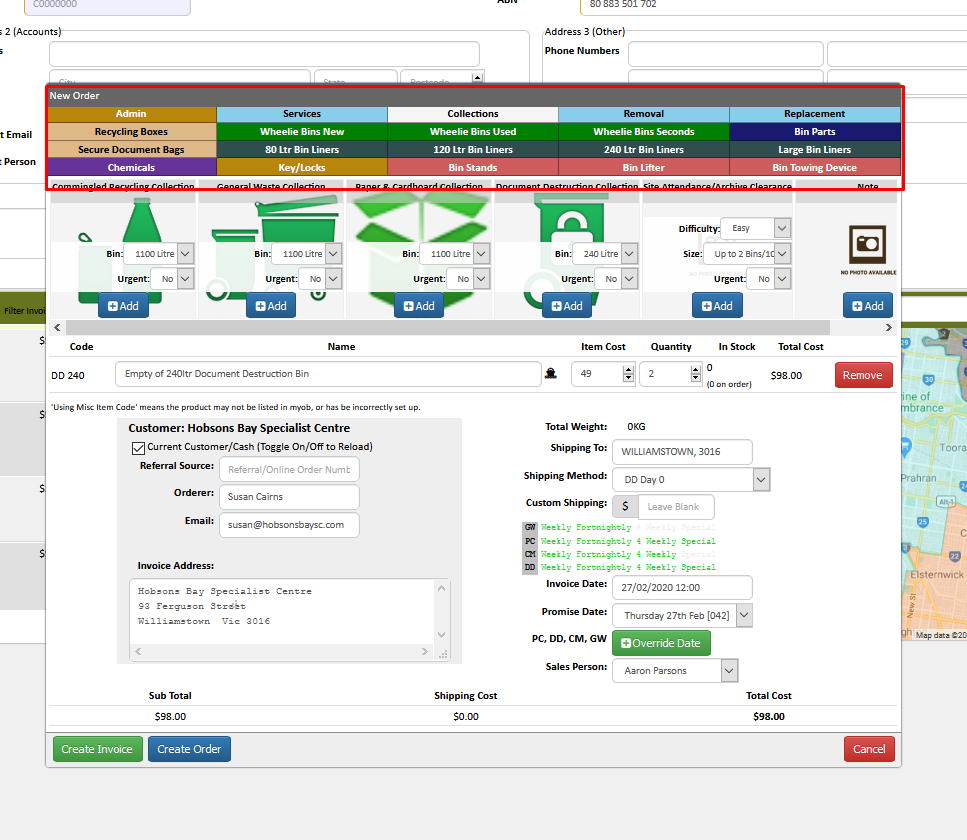
Select an option based on the customer’s request.
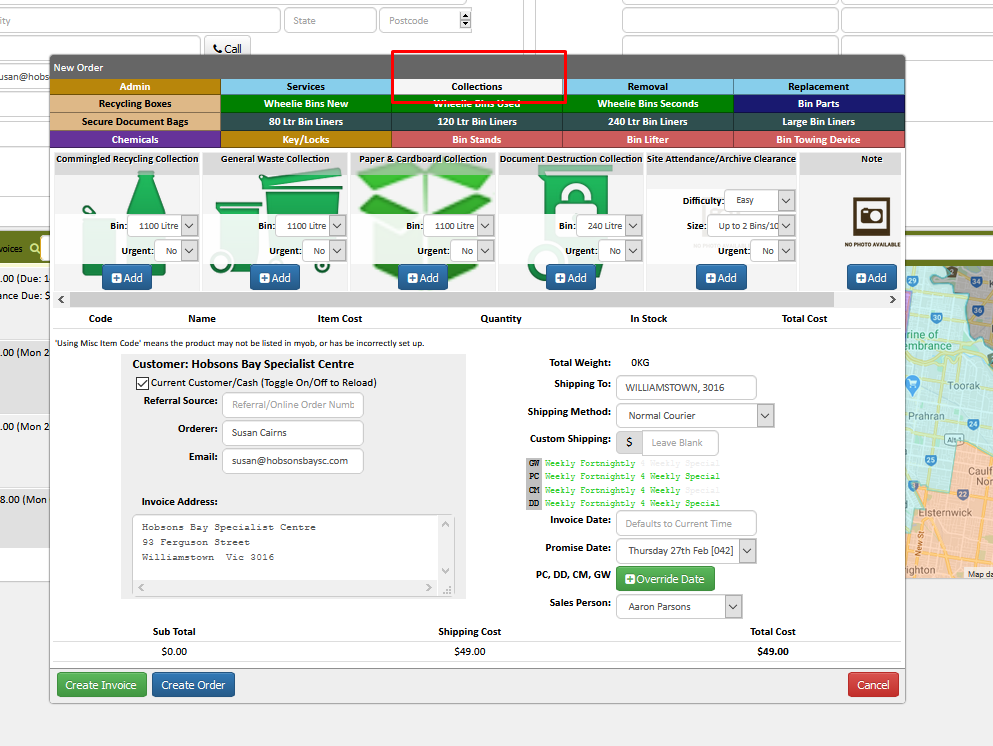
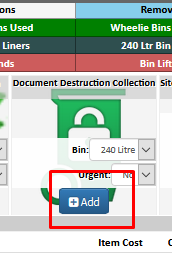
Select Add
Add the Quantity
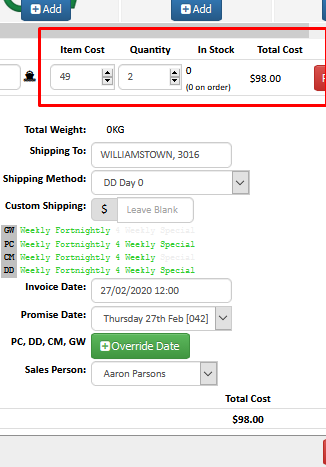
Check the invoice date, promise date and your name as a Salesperson
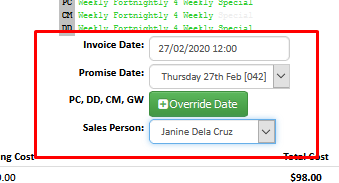
**note: For Collection, Removal of DD bag only / Removal with the delivery of bag and Site attendance the promise date and the invoice date should be the same
Verify the order information if the customer has a P.O number it can be added on the orderer information if not, add the caller’s name
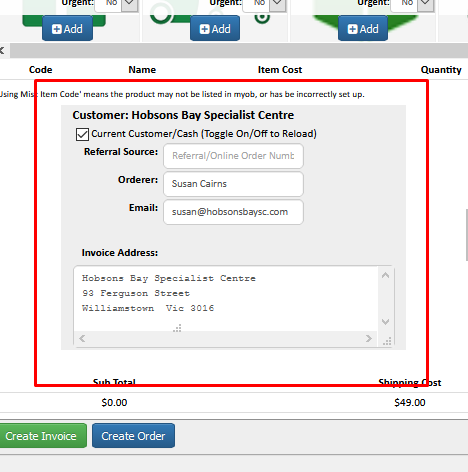
Click Create Invoice Tab
Double Check the order information on the Invoice Tab
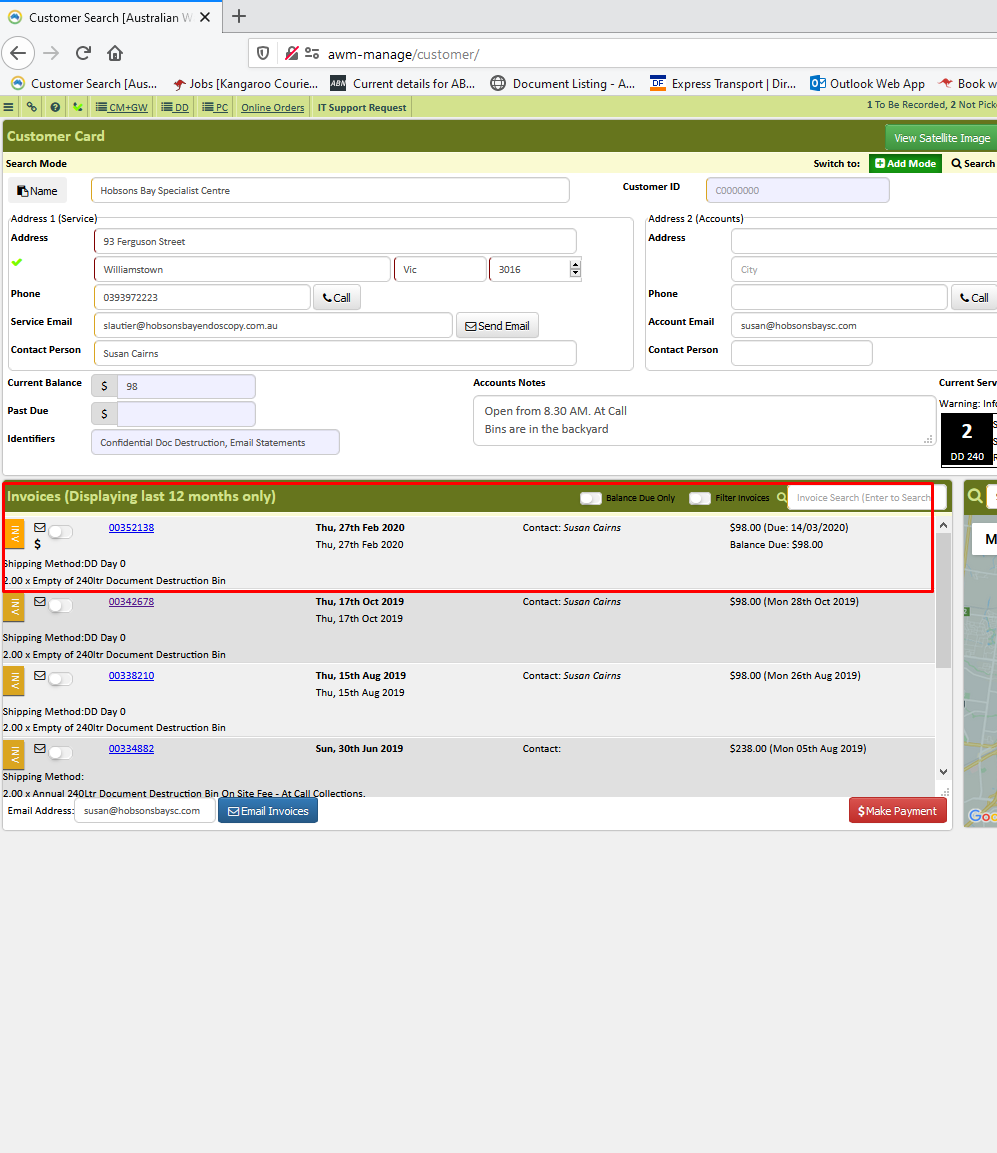
Verify the notes on the account for Collection instruction if there’s any.
Reference: Z:\Australian Waste Management\Procedure Videos\Sales
Comments