Out of Stock Order Processing
Karen Lacsamana
Posted at January 23, 2018 07:01 am. Last updated at February 13, 2018 06:02 am
Out of Stock Order Processing
- Log on the AWM manage page
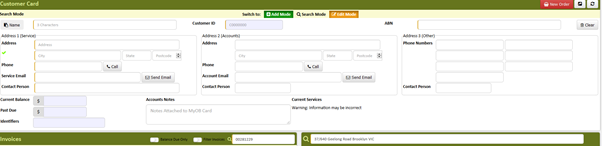
- Enter the customer’s information
- For new customer, Create A New Account
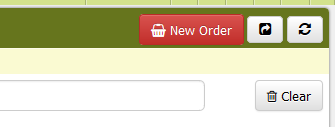
- Click new order
- From the list of tabs choose the tab of the product ordered (the tab that you are working on will have a white background)
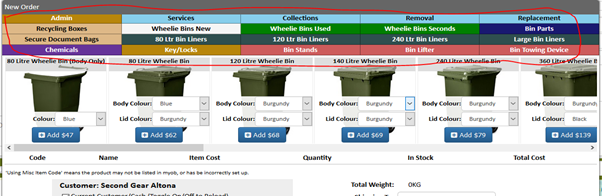
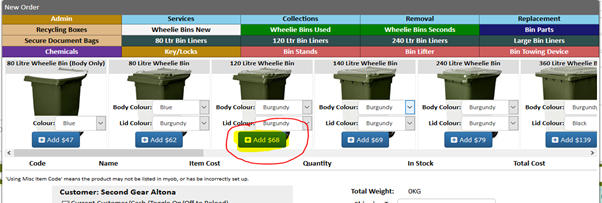
- Click "Add", to add the product to cart
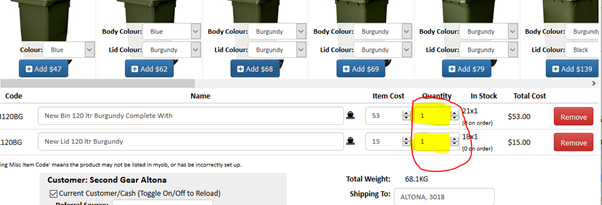
- Enter the number of items ordered
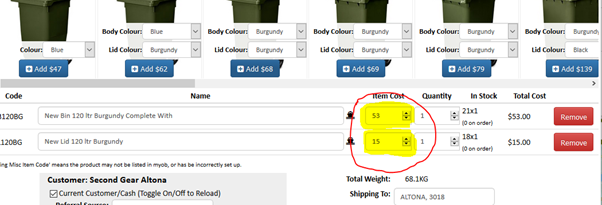
- Adjust the price if applicable (for bulk order)
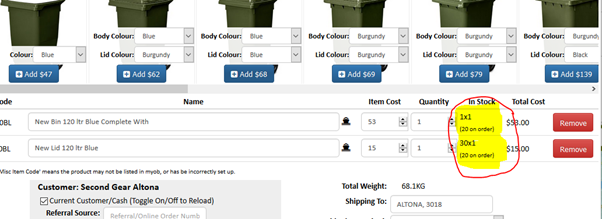
- Check if the items are on stock
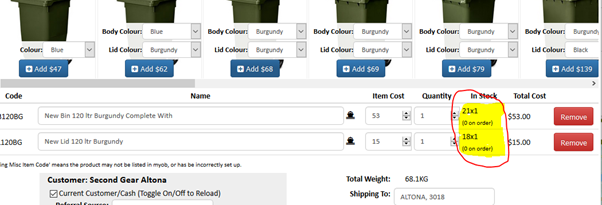
- If the product is out of stock or we have pending order you can also see it here
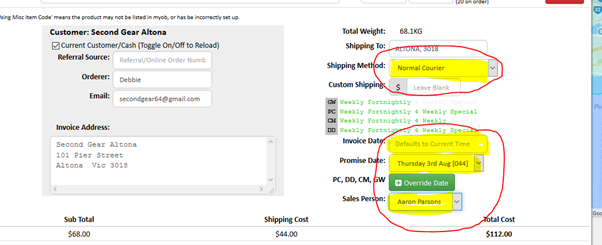
- Change the shipping method to the applicable freight, invoice date to date today, Promise date to the date the product will be delivered and the sales person to your name.
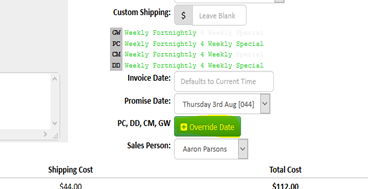
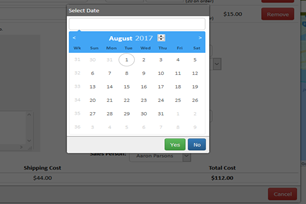
- Click Override Date to change the shipping date manually
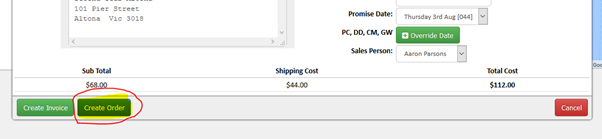
- If the product is out of stock click CREATE ORDER
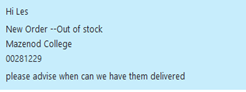
- Send a Chat Message in Despatch chat room, advised the order is out of stock include the name of the company and order/invoice number
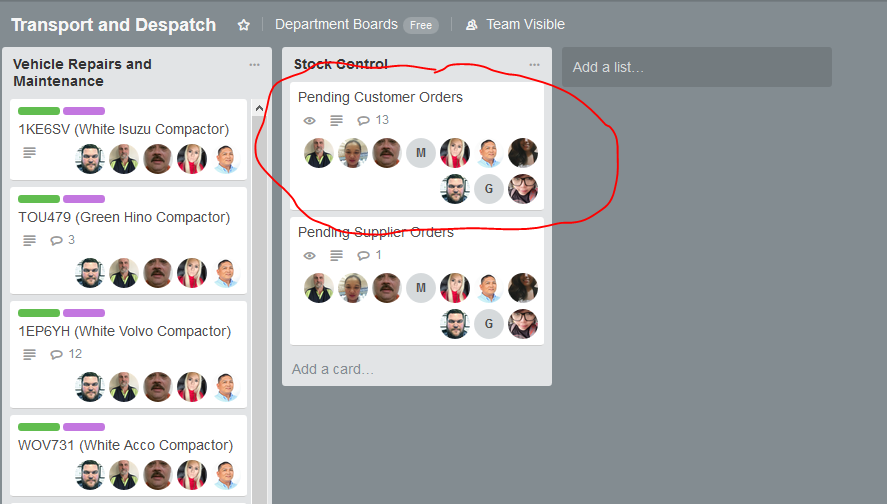
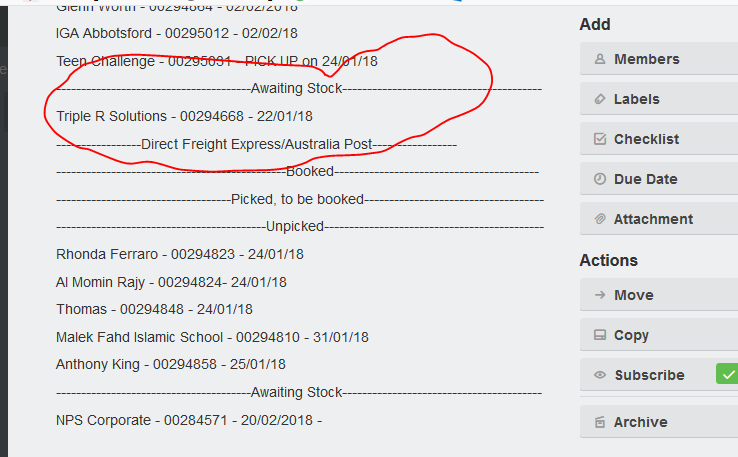
- Add the order in trello pending orders Awaiting stocks
Comments