BNO Dispute Investigation Prior to Contacting the Driver
Karen Lacsamana
Posted at January 08, 2018 09:01 am. Last updated at November 14, 2019 11:11 am
BNO Dispute Investigation Prior to Contacting the Driver
- If the customer called saying their bin was not collected asked the customer what time did they place the bin out. (do not proactively provide the time the driver went to the premise). Once the customer provided the time they placed the bin out advised them of the time the driver attended the premise. If the customer put the bin out after the driver attended the premise advise customer that the bin needs to be out by 5pm day prior to collection date. And that the bin has been reported as BNO because it was not out when the driver went to premise.
- If the bin was placed out prior to the driver attending the premise. Advised the customer what time the driver attended the premise, also advise them the driver captured an image and that you will look unto it and place the customer on hold.
- To View Image, Go to Transport page in AWM Manage Page
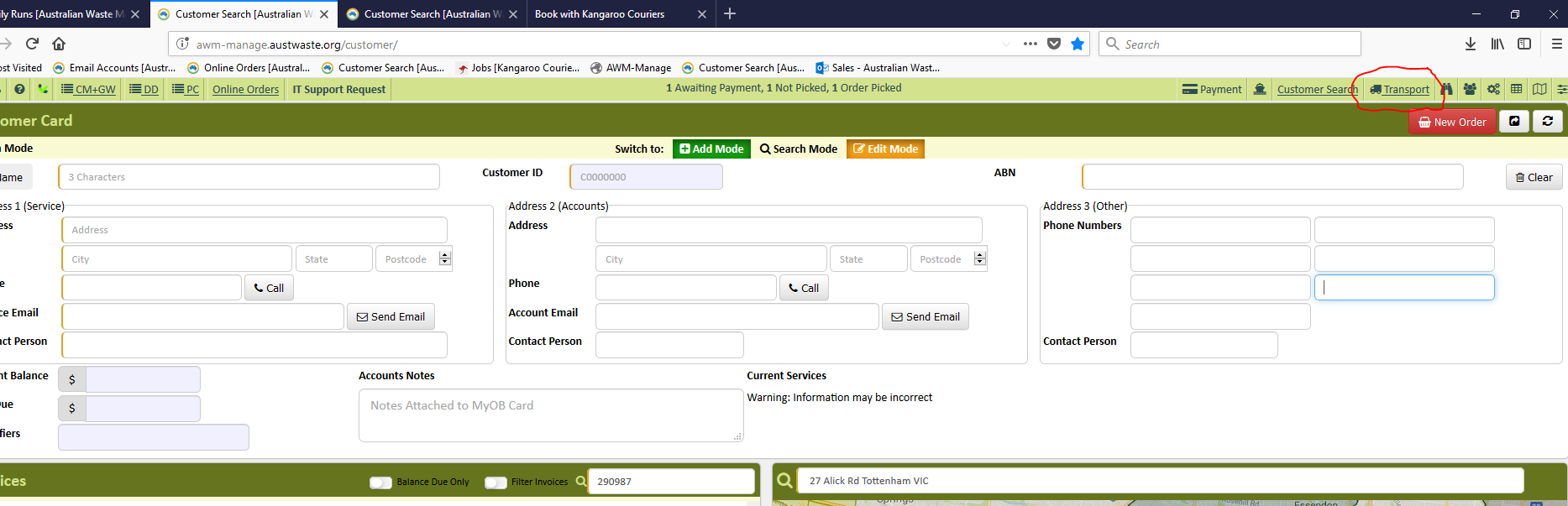
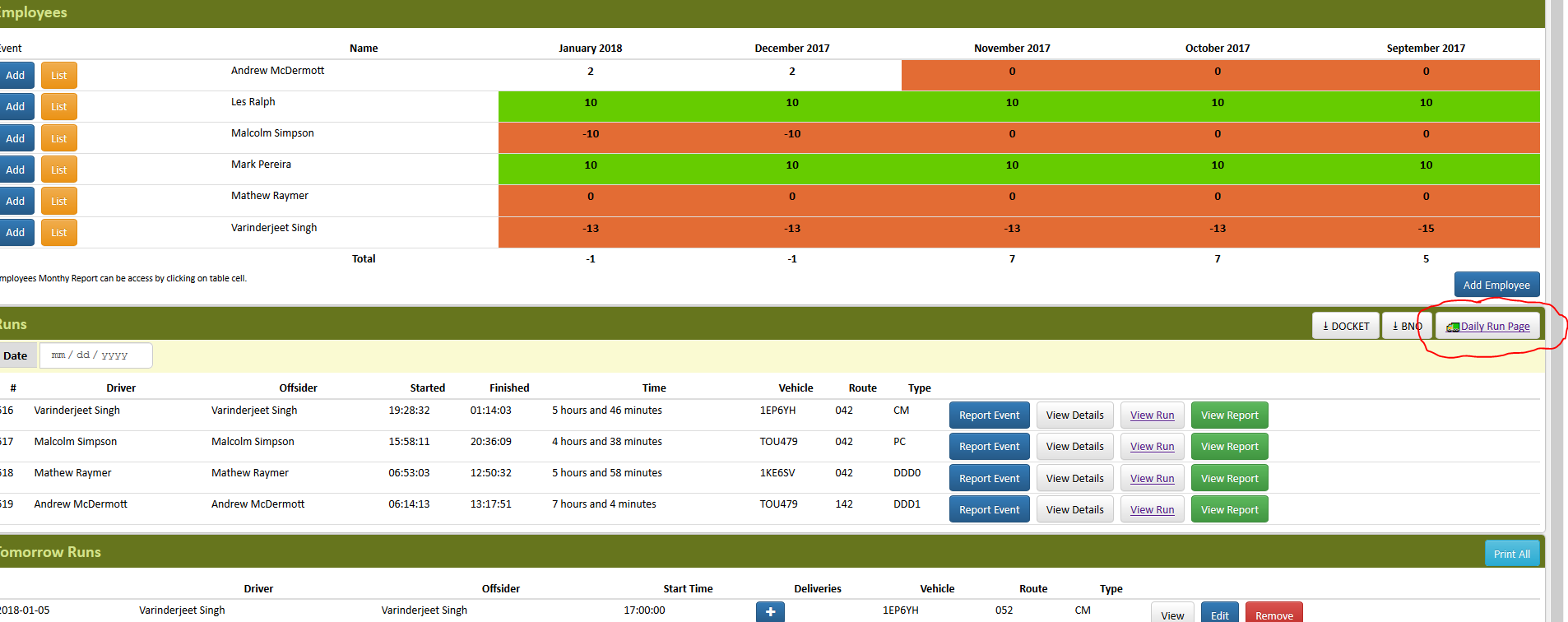
- Click Daily Run Page
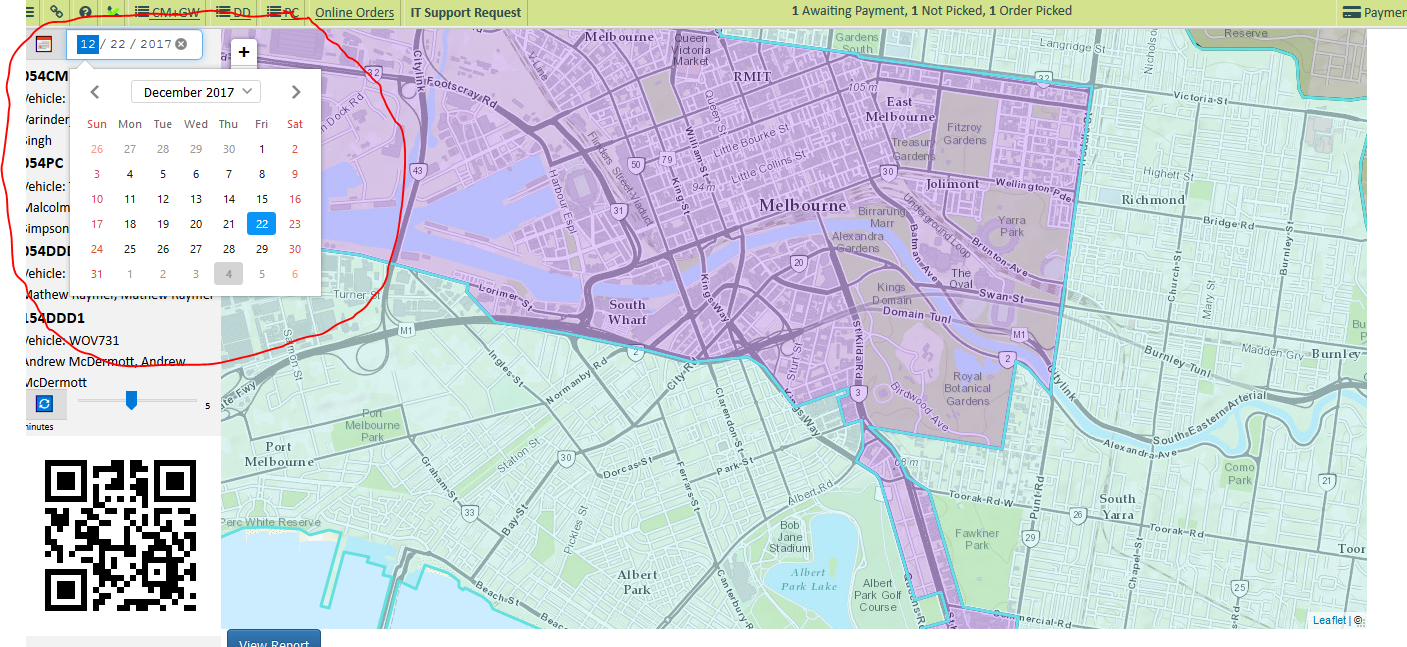
- Choose the date the customer reported the bin was not collected (click on the calendar to change the date)
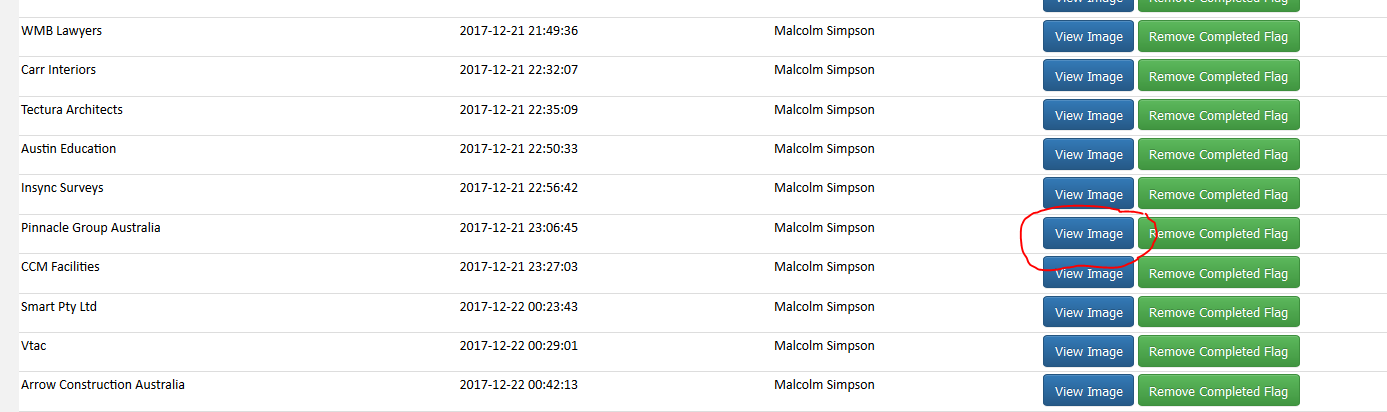
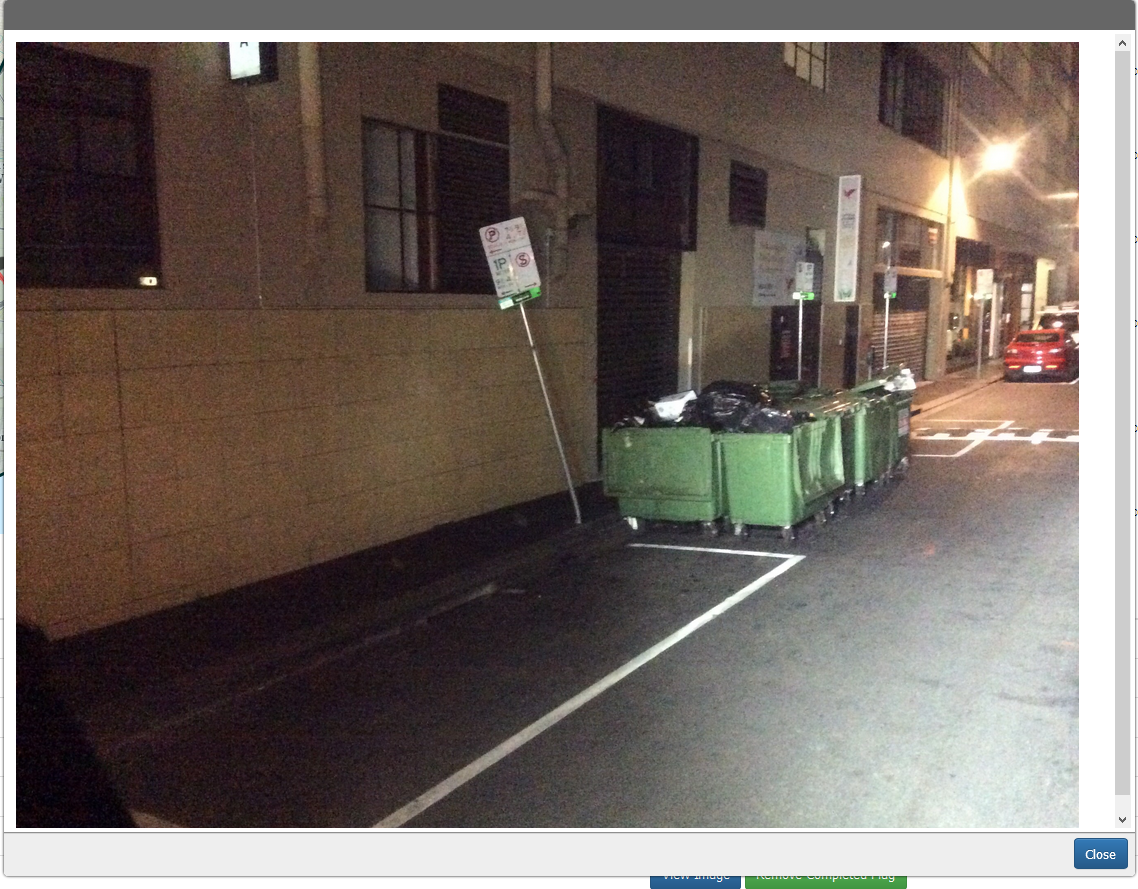
- Click on the driver’s name or the type of service and locate customer’s name, you can see in here the time the driver attended the premise. Click view image to check the photo the driver took when he attended the premise.
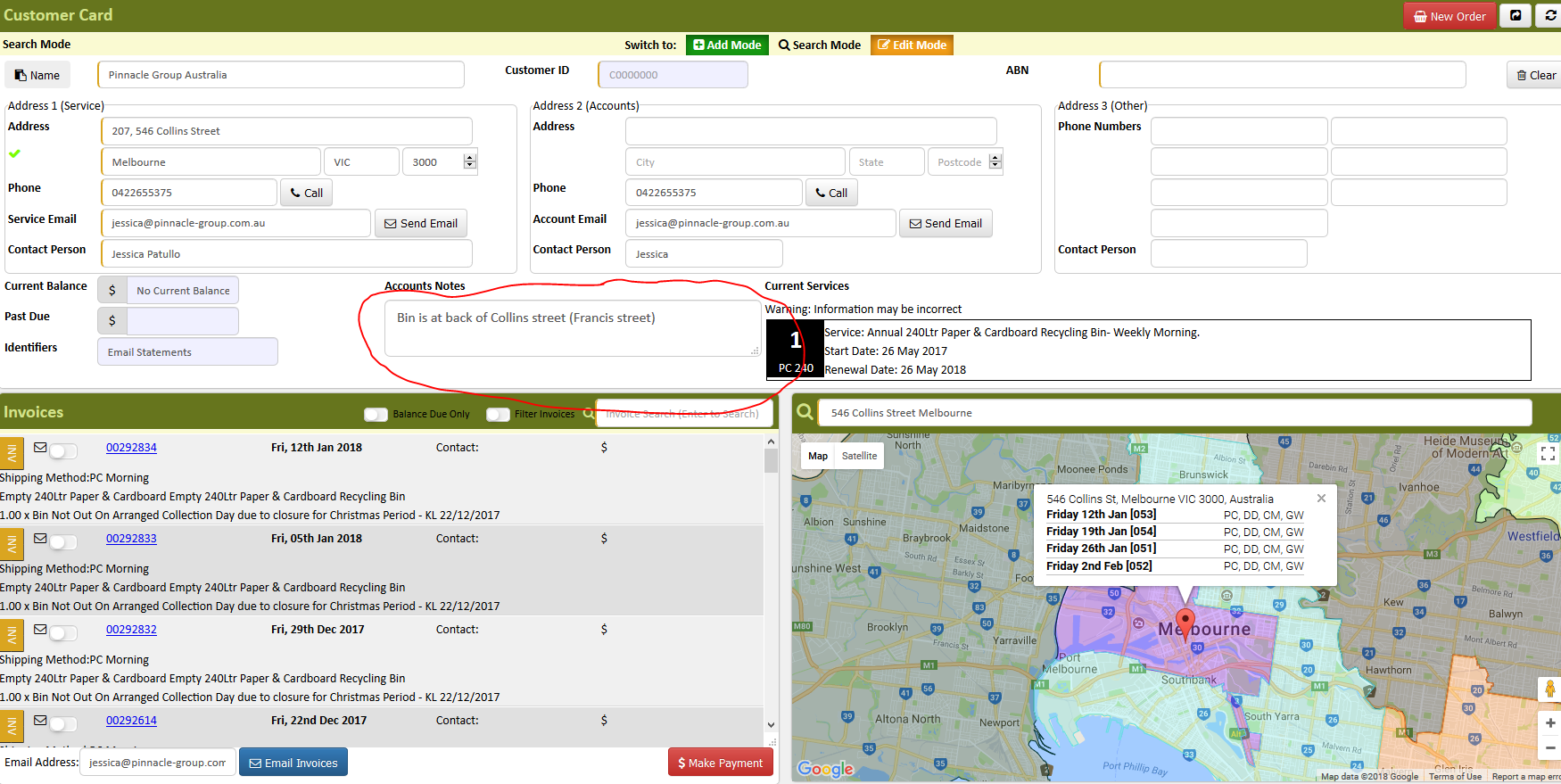
- Go to AWM Manage Page search for the customer’s account
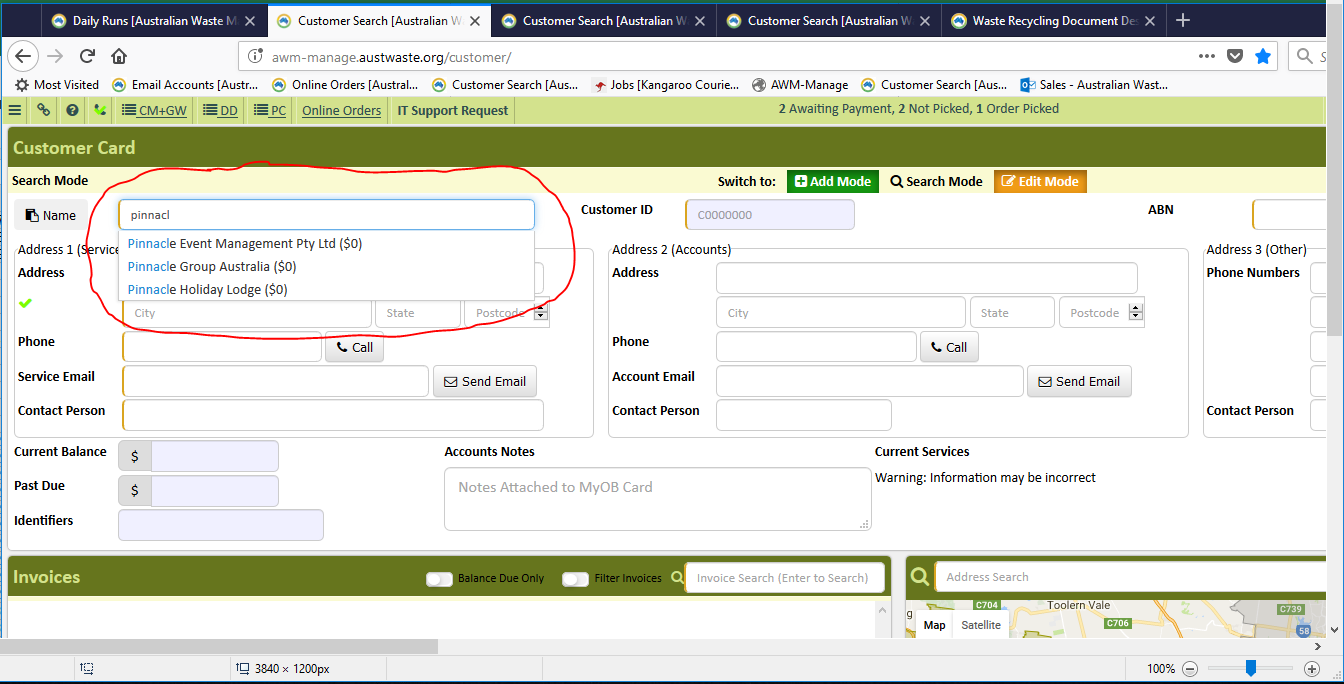
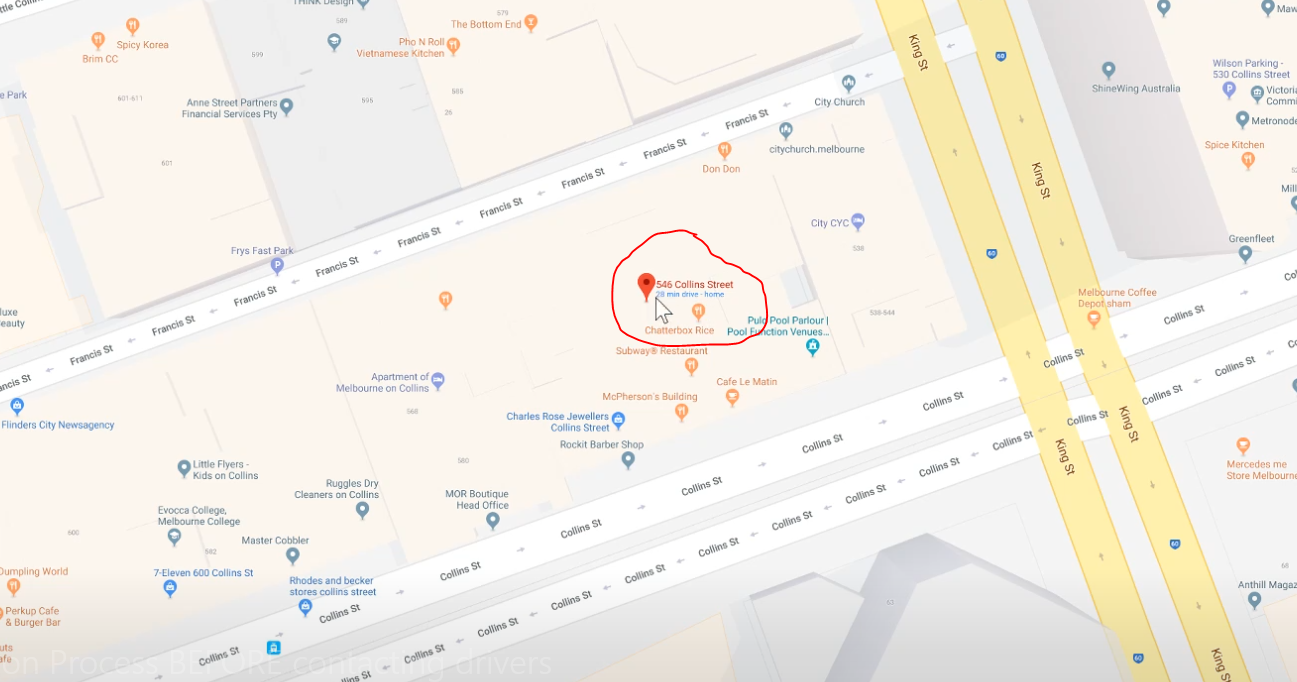
- Copy the address and paste and look it in on Google Maps.
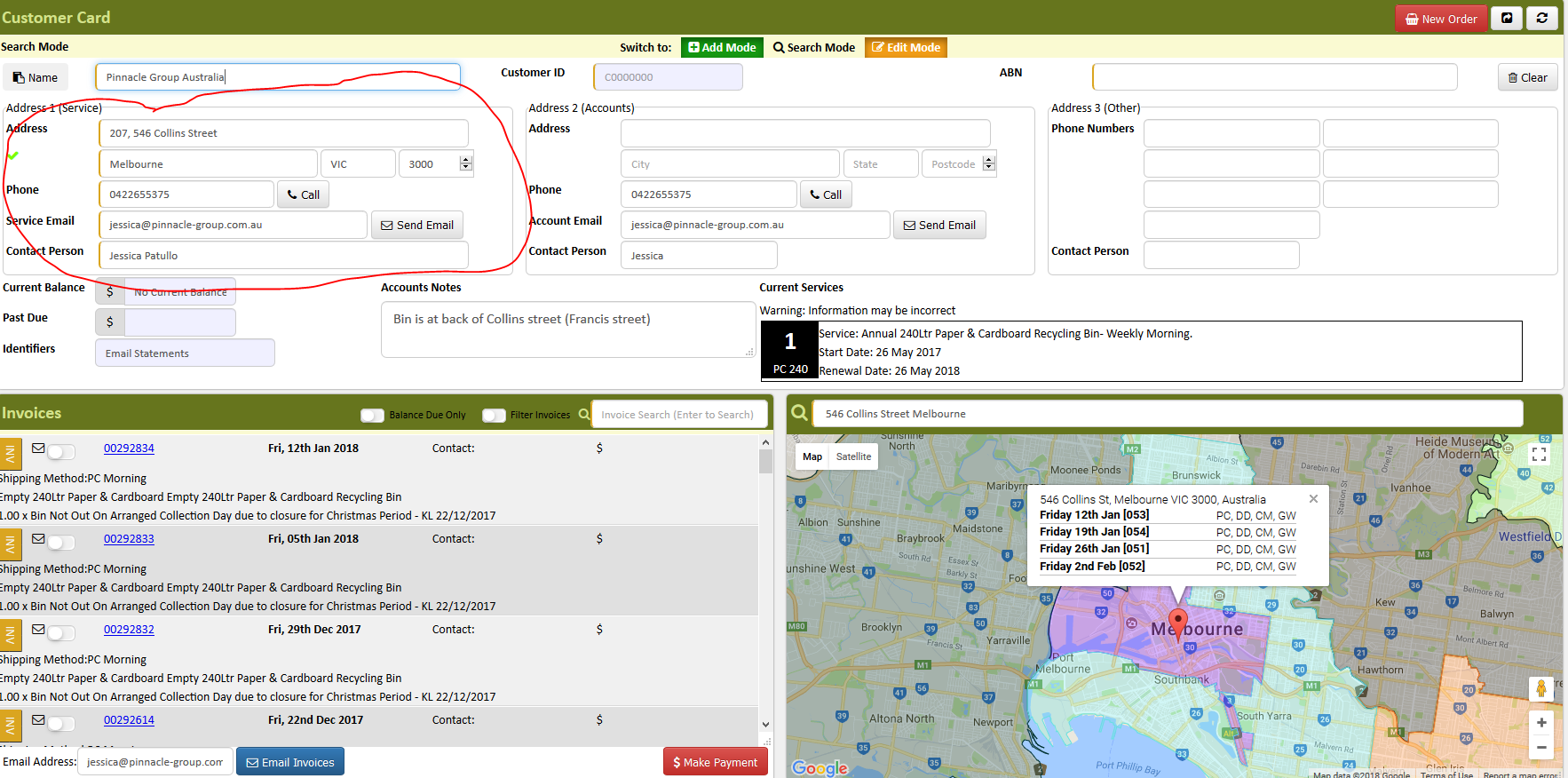
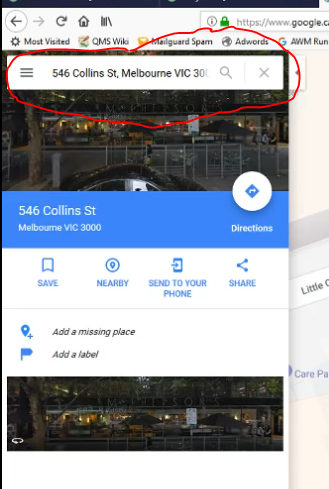
- Google Maps will pin the address for you
- Check any collection notes the customer might have.
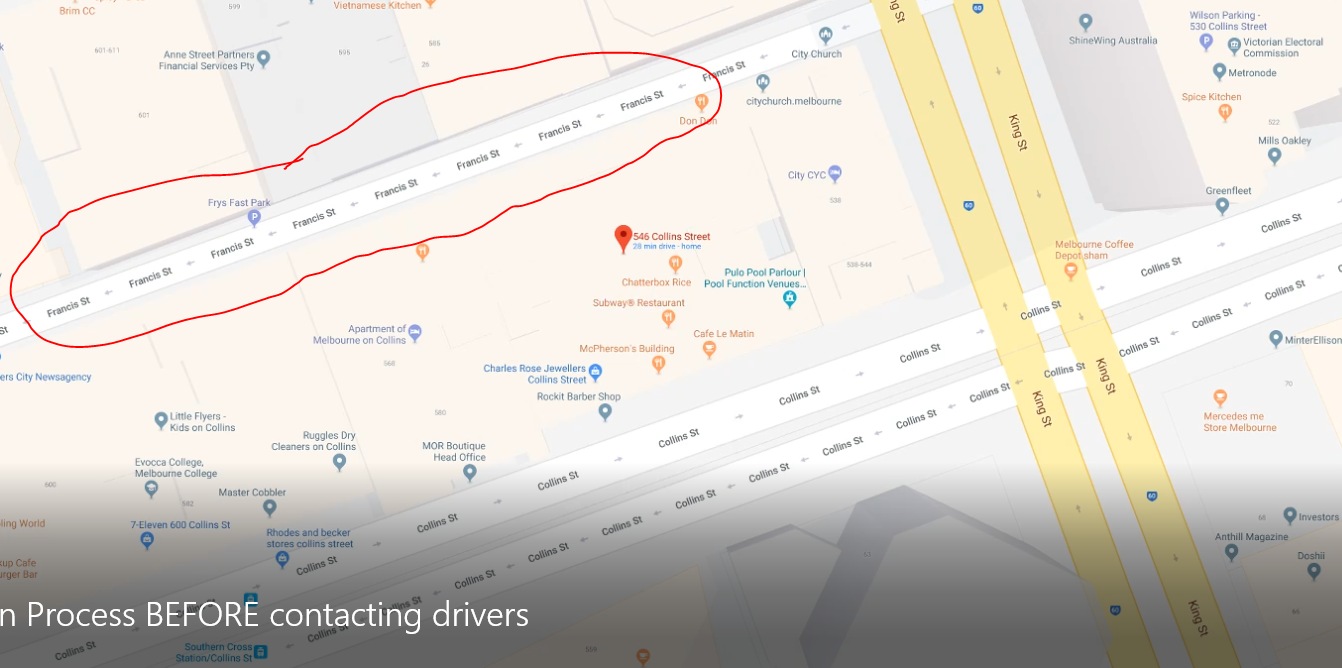
- To change it to satellite view click on satellite view
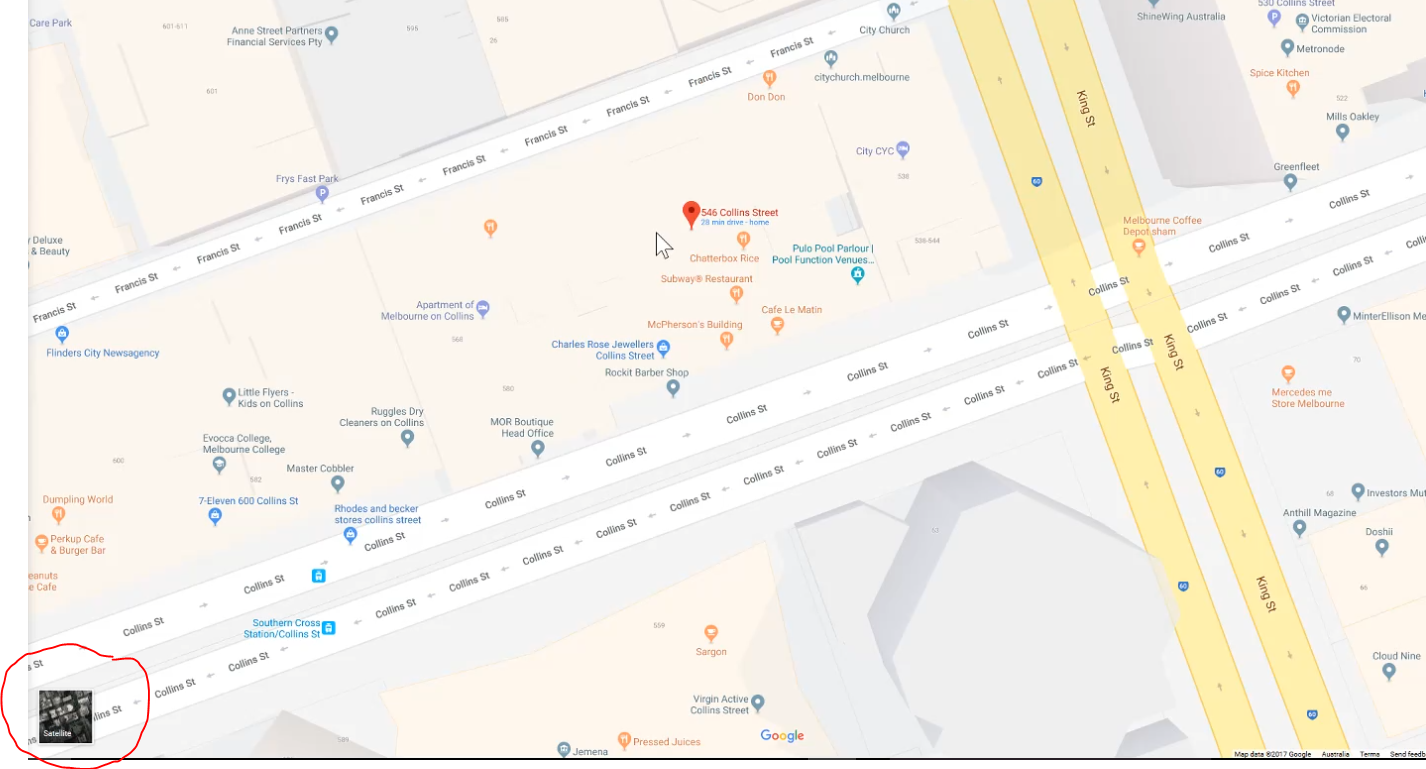
- Click street view
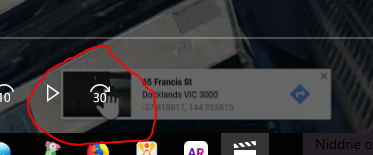
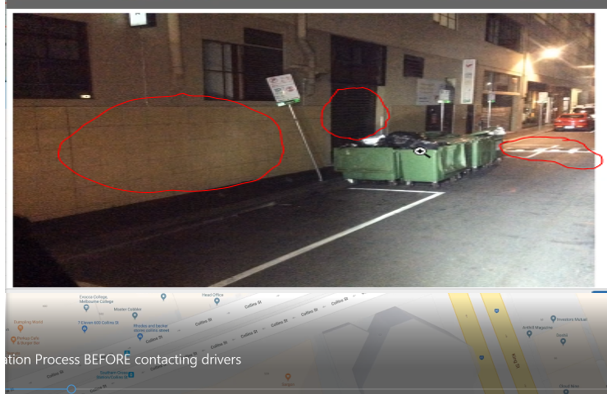
- Compare the image the driver took and the image on google maps to make sure the drivers attended the correct premise
Image the driver took
Google street view
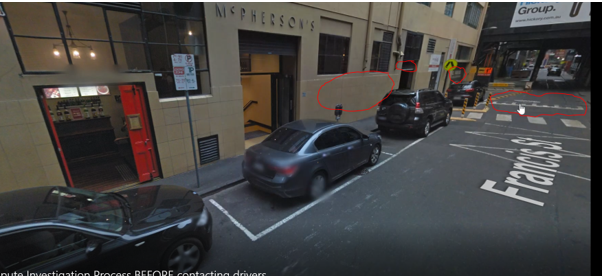
- Once you verified that the image the driver took and the google map street view matches and driver went to the correct address, educate the customer on bin collection and advise them that the driver attended the premise and the bin was not really out.
Comments
Test
Replies
test
Test