BNO Call Procedure
Posted at January 26, 2018 01:01 am. Last updated at May 15, 2019 01:05 pm

BNO Call Procedure:
Check the Daily run page on a regular basis each day.
For DD empty, DD bag removal or SAF jobs during Day Shifts:
Drivers should send a Skype chat if a DD empty, DD bag removal or SAF is inaccessible.
If you receive such a message from a driver, please follow the below process:
- Immediately advise the driver that you will ring the customer before they leave the premise
- Call the customer to ensure that we have taken all necessary action before we mark them as BNO.
- If you were not able to contact the customer on the numbers in AWM-Manage, check the customers website for other possible contact information.
- Once you have used all your resources to try to contact the customer, if you were still unsuccessful, leave a detailed note on the account of all that you have done, and charge the customer accordingly.
If you see in the Daily run page that one of these types of jobs has been marked as bno by the driver, contact the driver immediately and ask why they didn't contact you via Skype. Work out how to get the job done asap, preferably by the same truck, but if that is not financially viable, by another vehicle, and nominate the driver with -ve points to cover the cost of returning to rectify the problem.
(This must all be done immediately so as not to waste our drivers time).
As part of our procedures, we call all customers who are frequently BNO'd after their 3rd consecutive BNO or if they have 6 BNO's out of the last 12 collections.
- For BNO calls to customers:
- Ask if they know the reason why their bin/s were not out/accessible.
- Advise them of their collection frequency. Ask if they think a change in frequency may help.
- Educate customer when to put the bin out. For overnight runs by 5pm, for day shifts preferably by 8:30am, but at least by 9am.
- Advise to put the bin kerbside if there is no special notes on the account.
- Offer to send their collection calendar via email.
- Leave a note on the account following the below template.
The process for checking Daily runs, calling customers and leaving notes on accounts is as below:
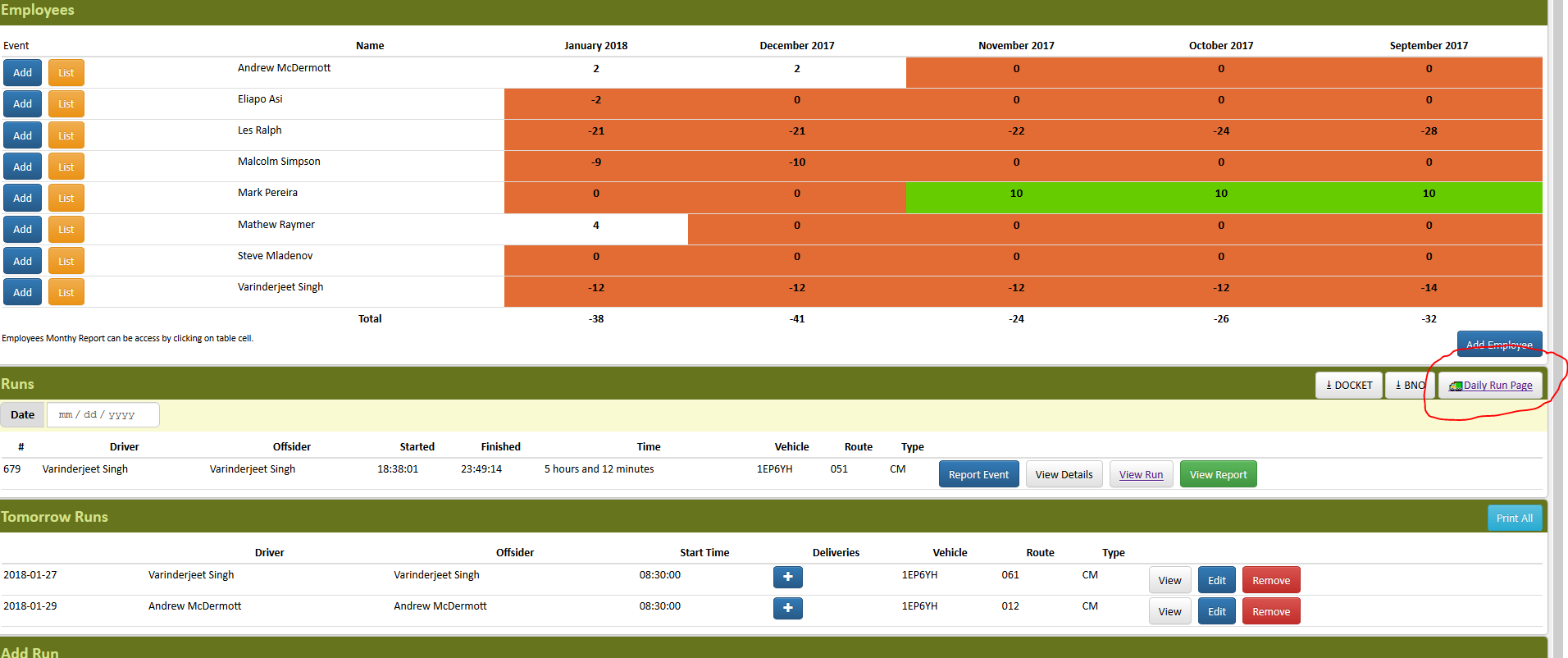
- Open Daily Run Page in the AWM Manage Page
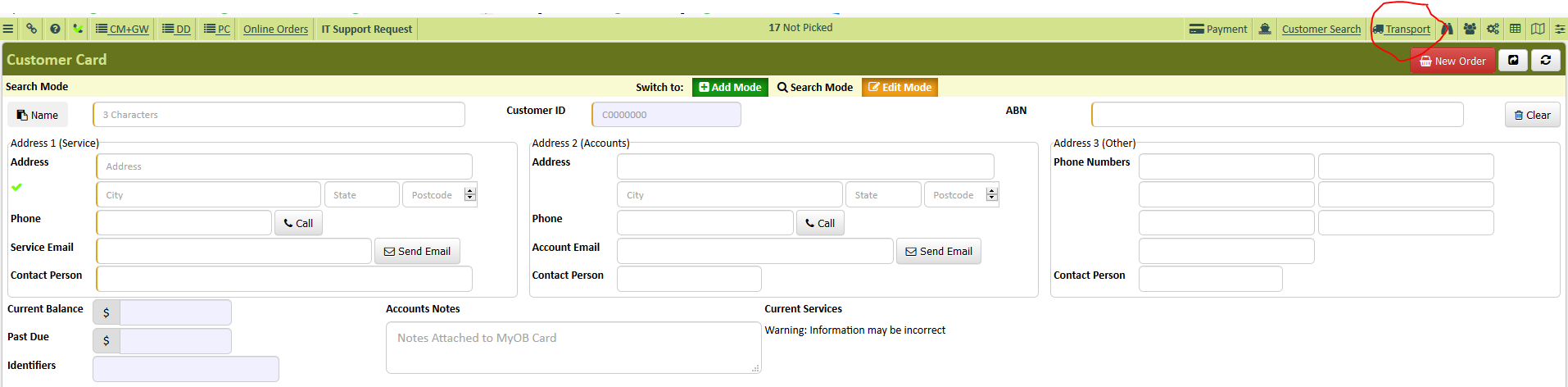
- Click Transport in AWM Manage Page
- Click Daily Run Page
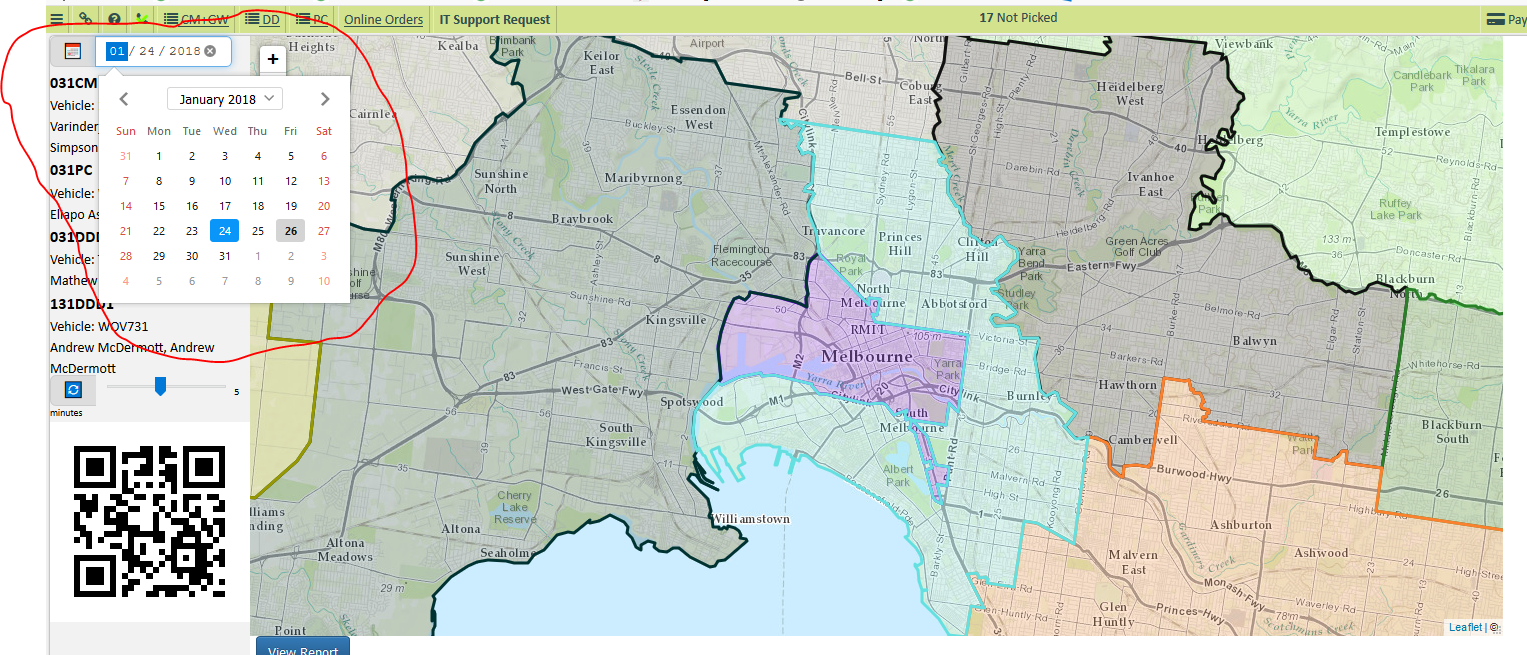
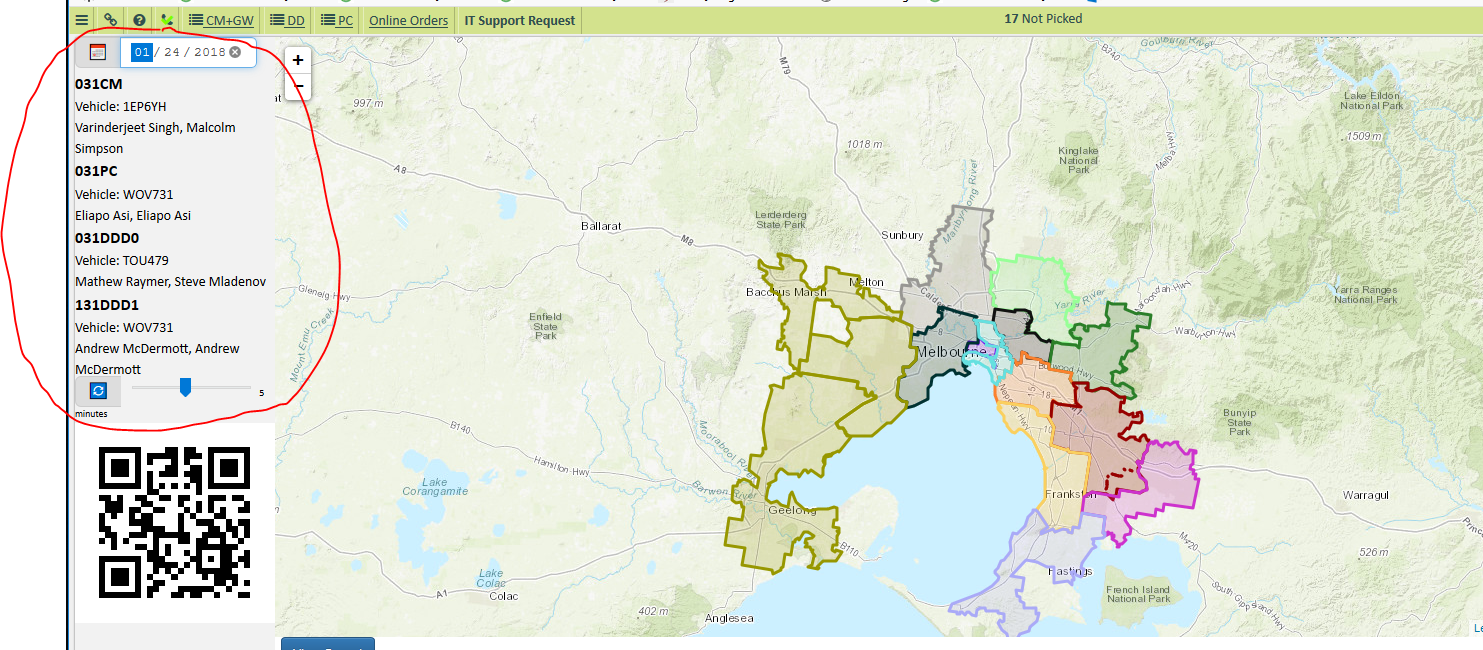
- Choose the date and service you will be working on
- Open the customer account in AWM Manage Page to get the contact information
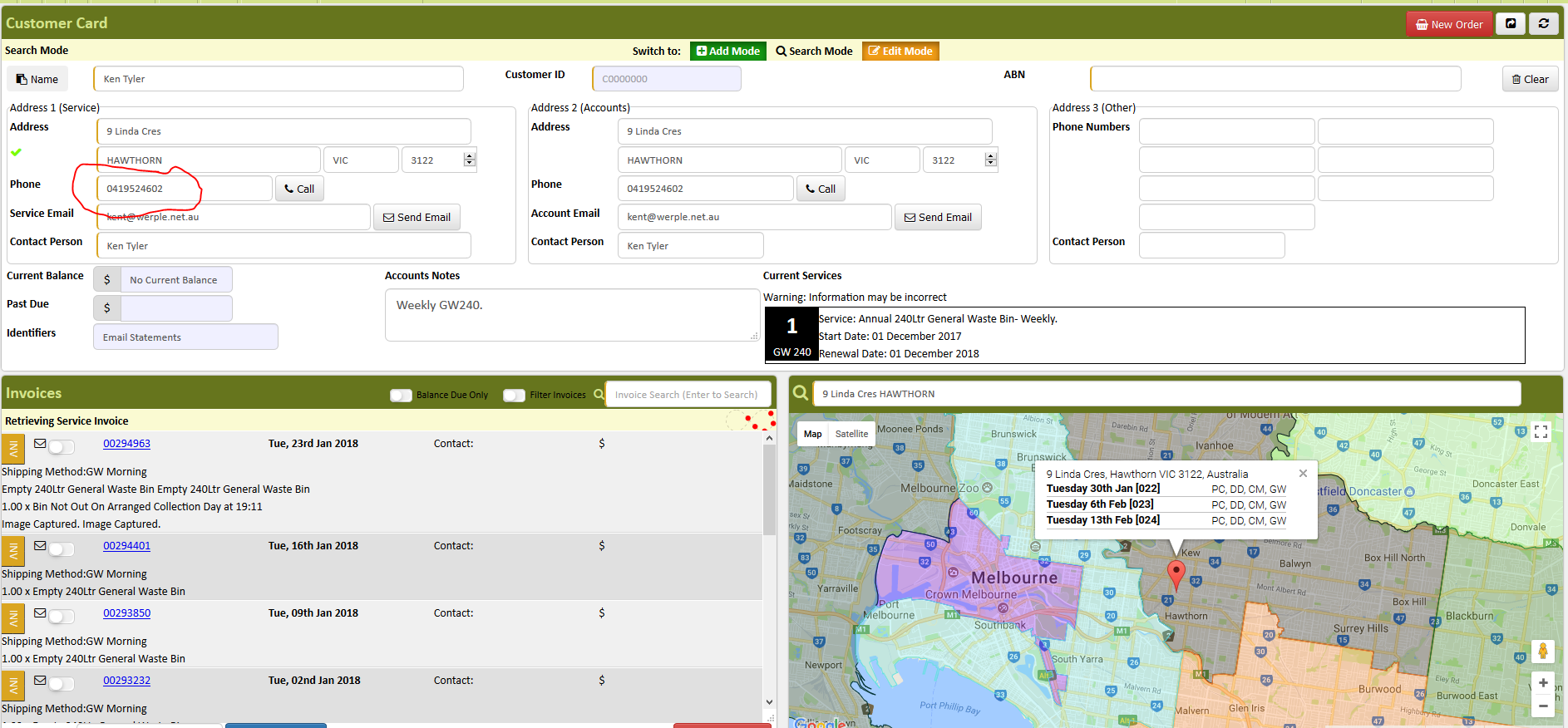
- Dial the number on your microsip and press call
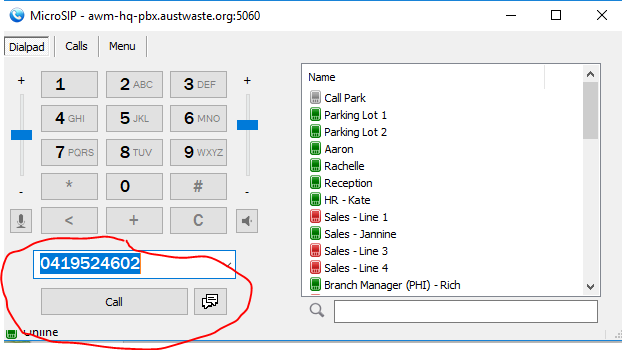
- Explain who you are and why you are calling.
- Ask for the person managing the waste and recycling services. If that person is not available, verify who you are talking to (for the account notes) and follow the above process to educate the person about the collection procedure, and ask them to pass the information on.
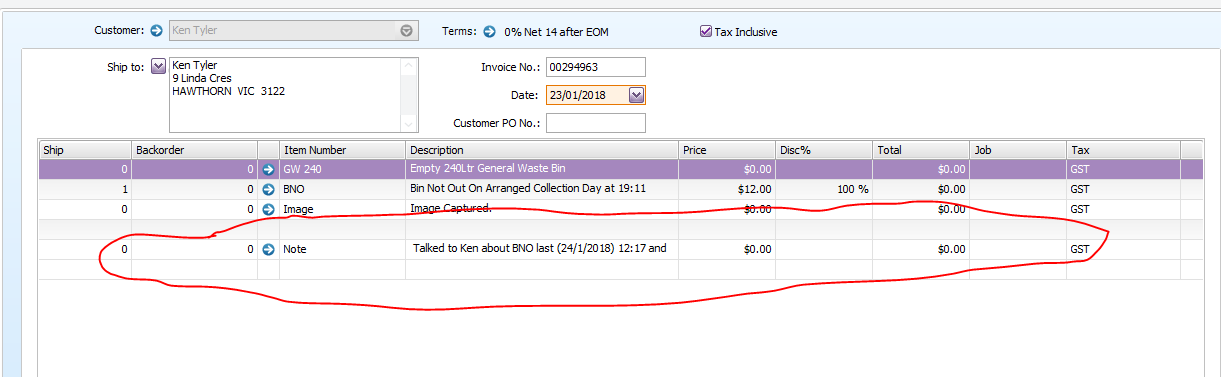
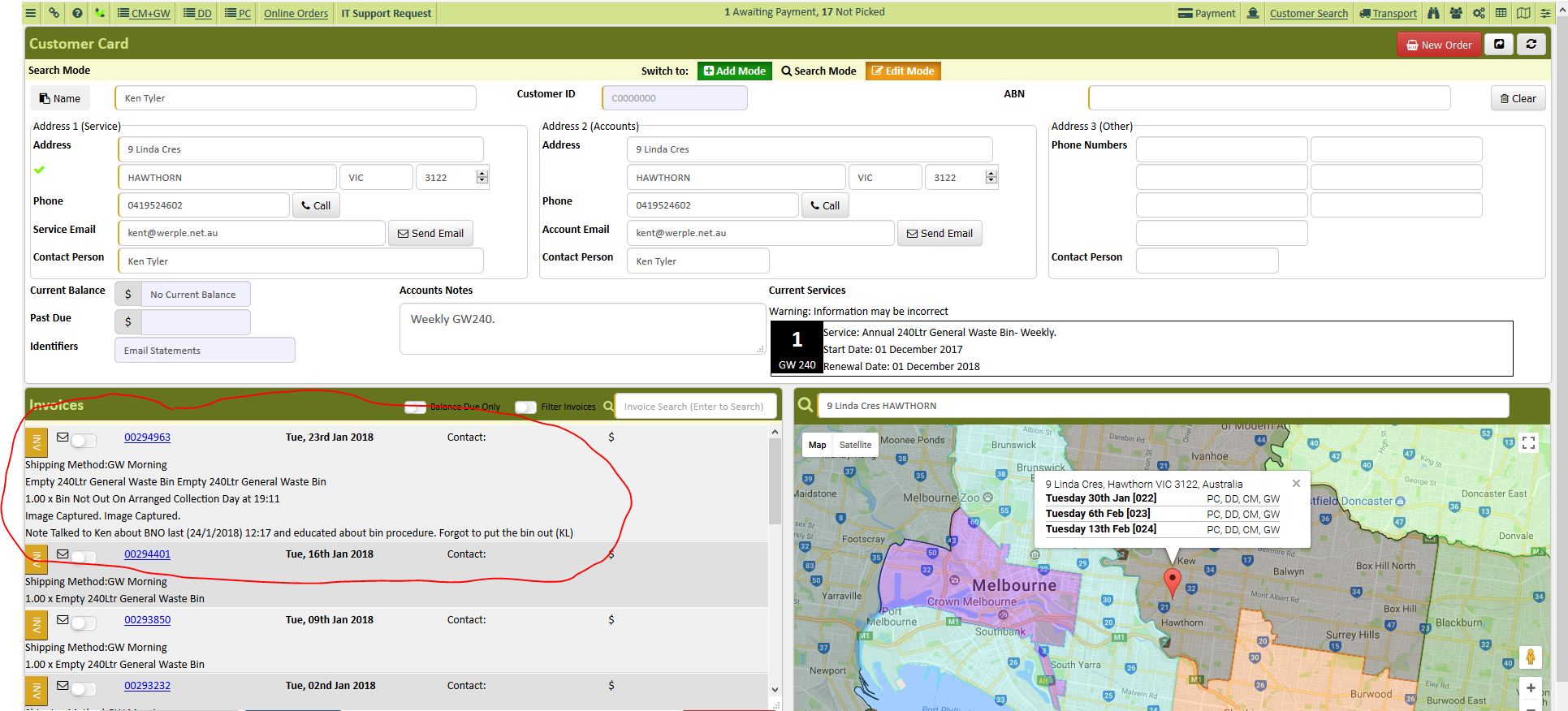
- Leave a note on the customer account with the name of the person you spoke with, date and time and the reason for BNO. Follow the format provided.
- Talked to _______ about their BNO on (DD/MM/YY) at (time) and educated about the collection procedure. Forgot to put their bin out. Emailed collection calendar. (Your Initials and Date)
(E.g.Talked to Ken about their BNO on 24/1/2018 at 12:17pm and educated about the collection procedure. Forgot to put their bin out. Emailed collection calendar. (KL 24/1/2018)
Comments