Setting MYOB Account Right Client Side
Emerson Tiamzon
Posted at January 30, 2025 02:01 pm. Last updated at March 20, 2026 04:03 pm
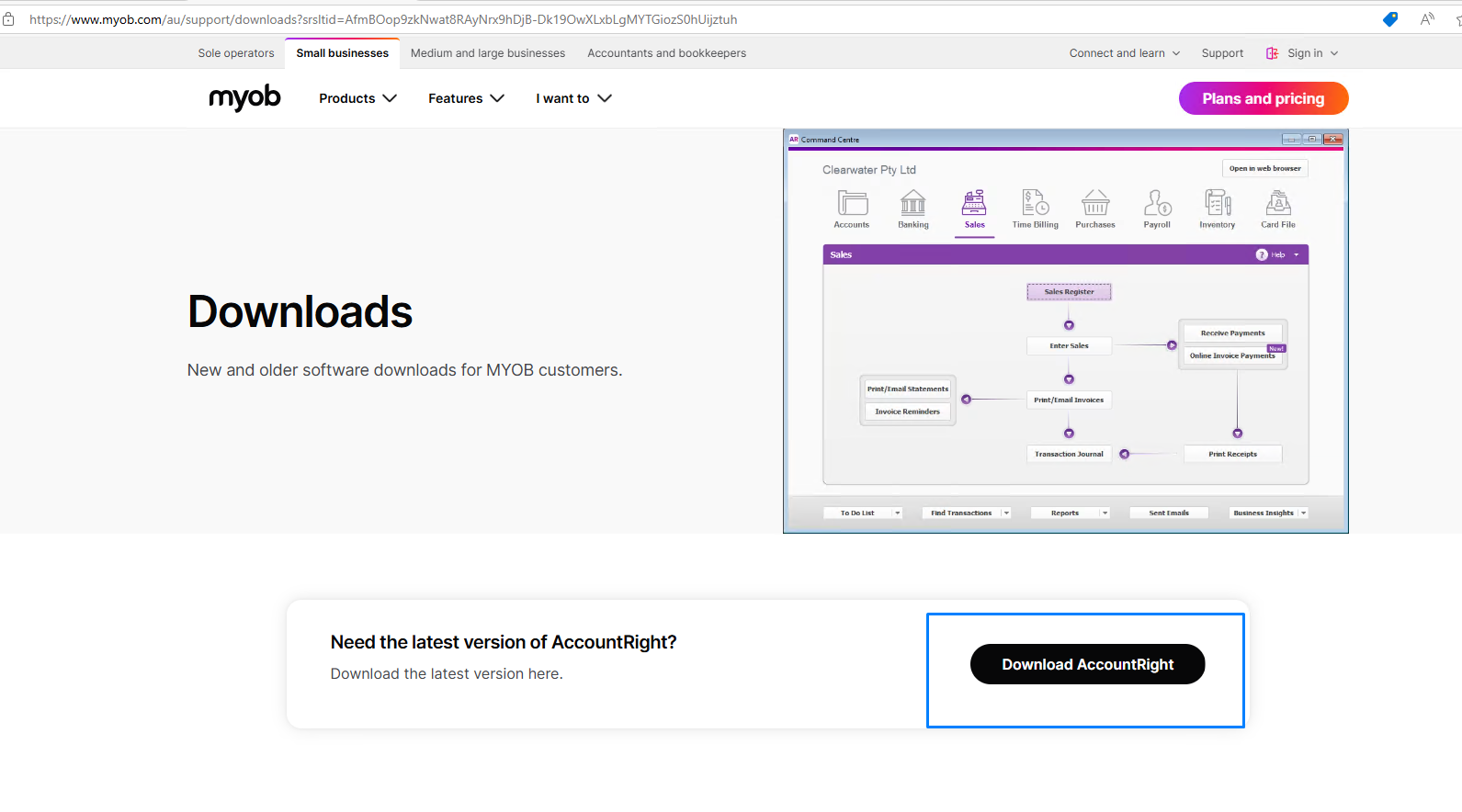
- Download AccountRight
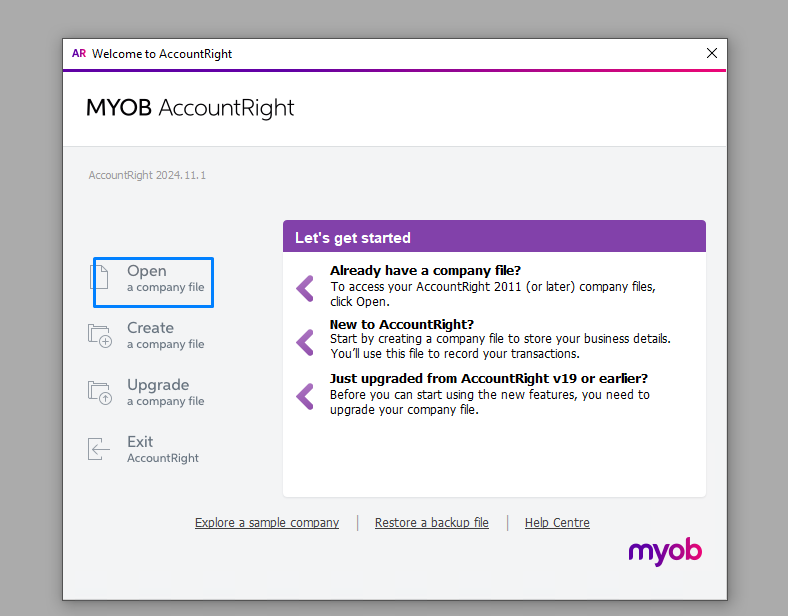
- Click Open File
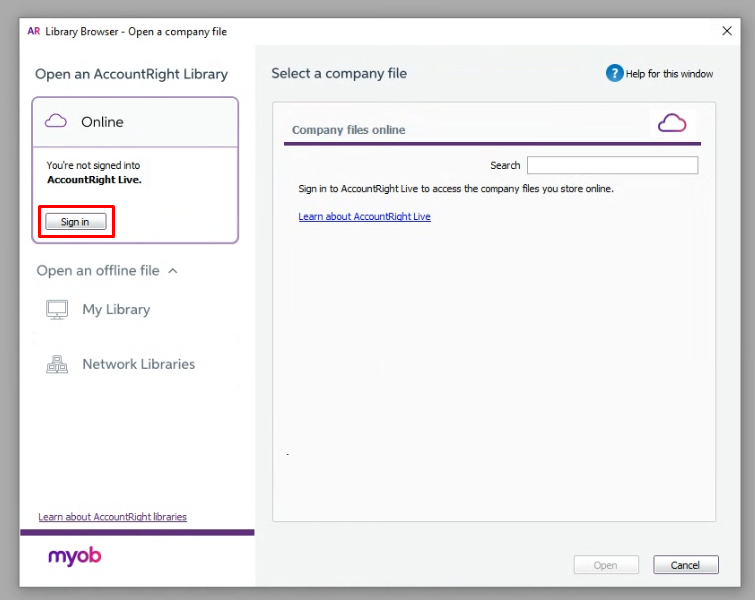
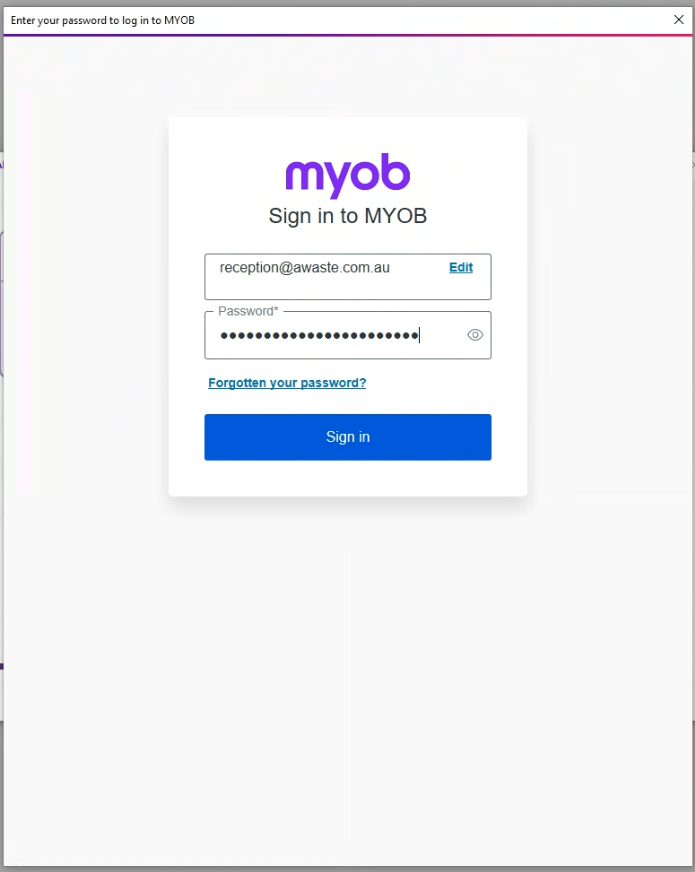
- Click Sign in > There will be a pop-up window within MYOB or your default browser.
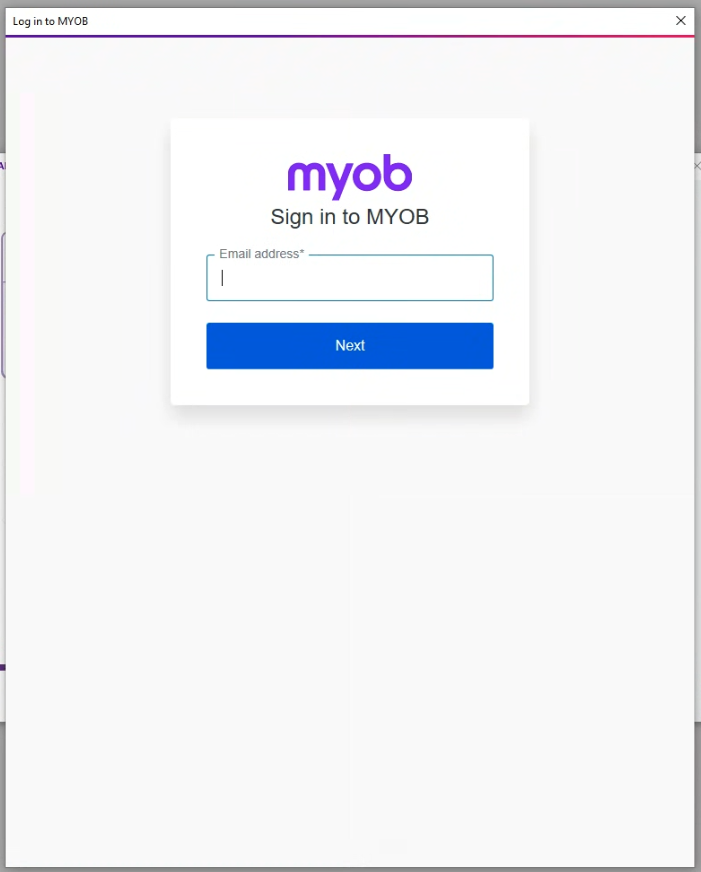
- Input credentials (Search in Bitwarden for the credentials)
- You may also be asked to enter an authentication code. Check with the mailbox of your email address. Input the code to verify.
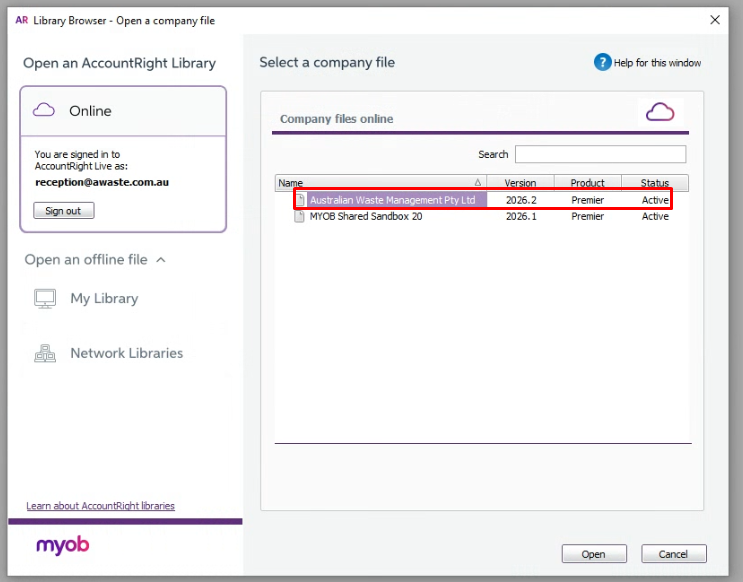
- Select Australian Waste Management Pty Ltd.
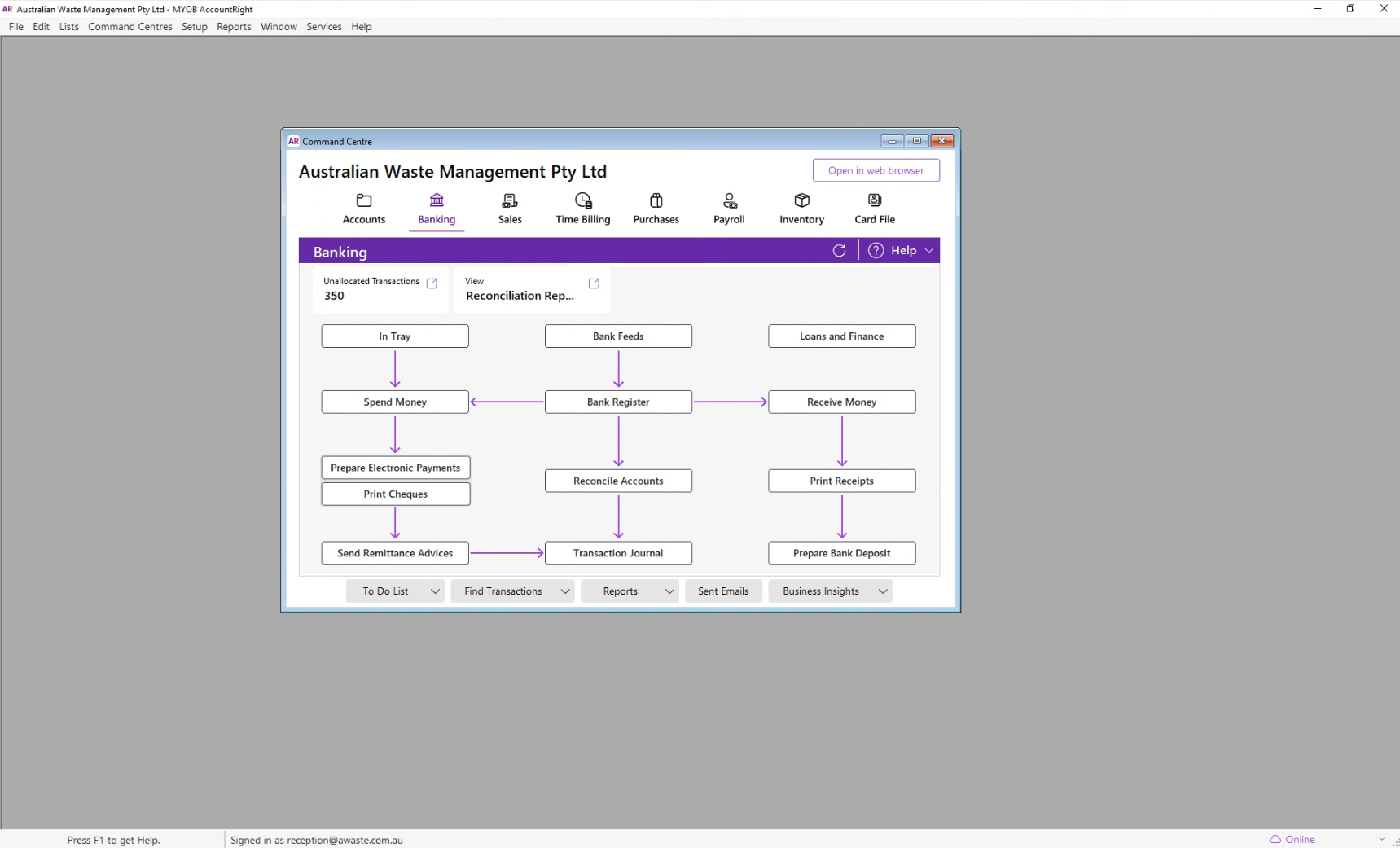
- Wait for a few seconds then you are logged in.
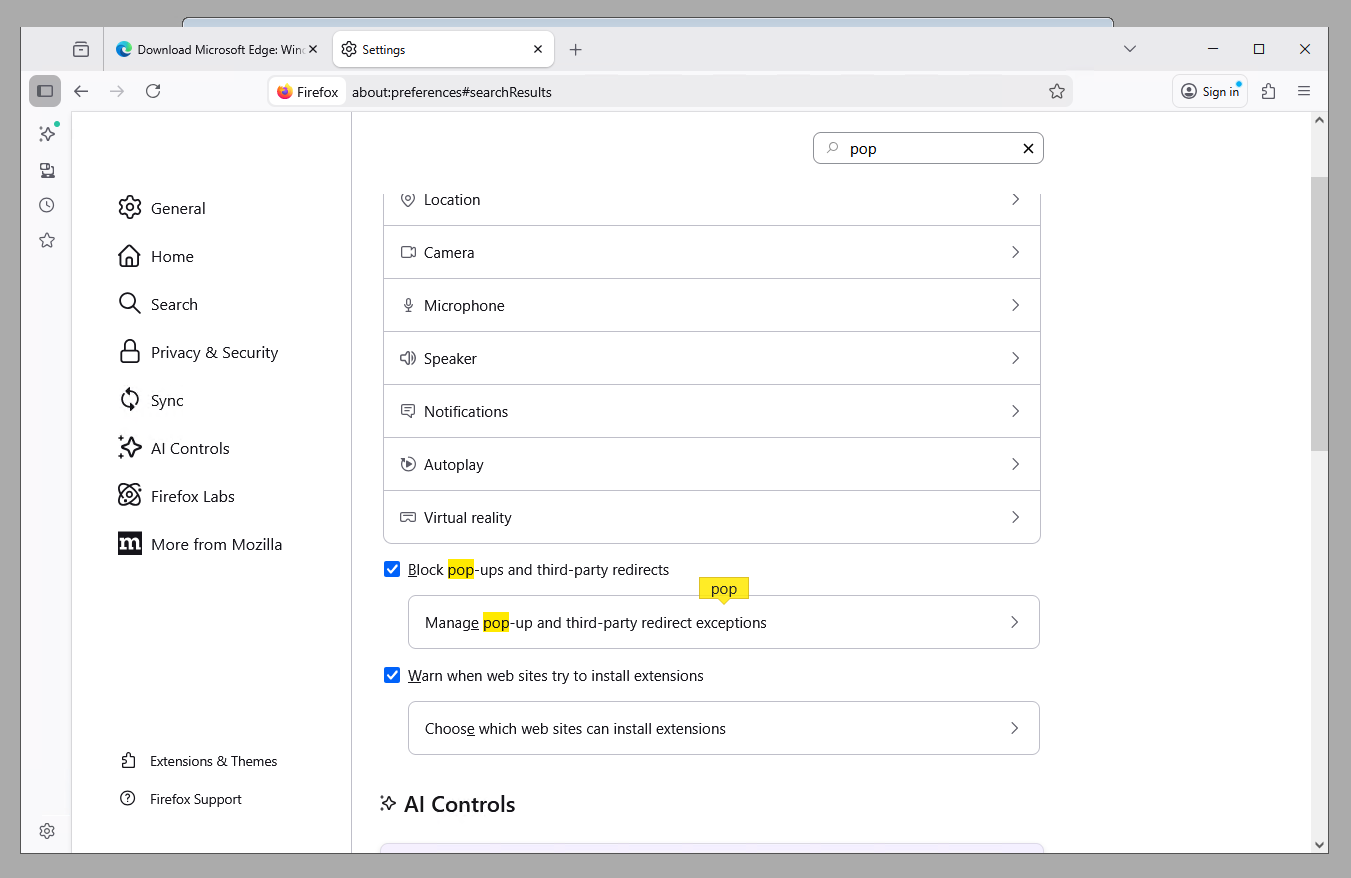
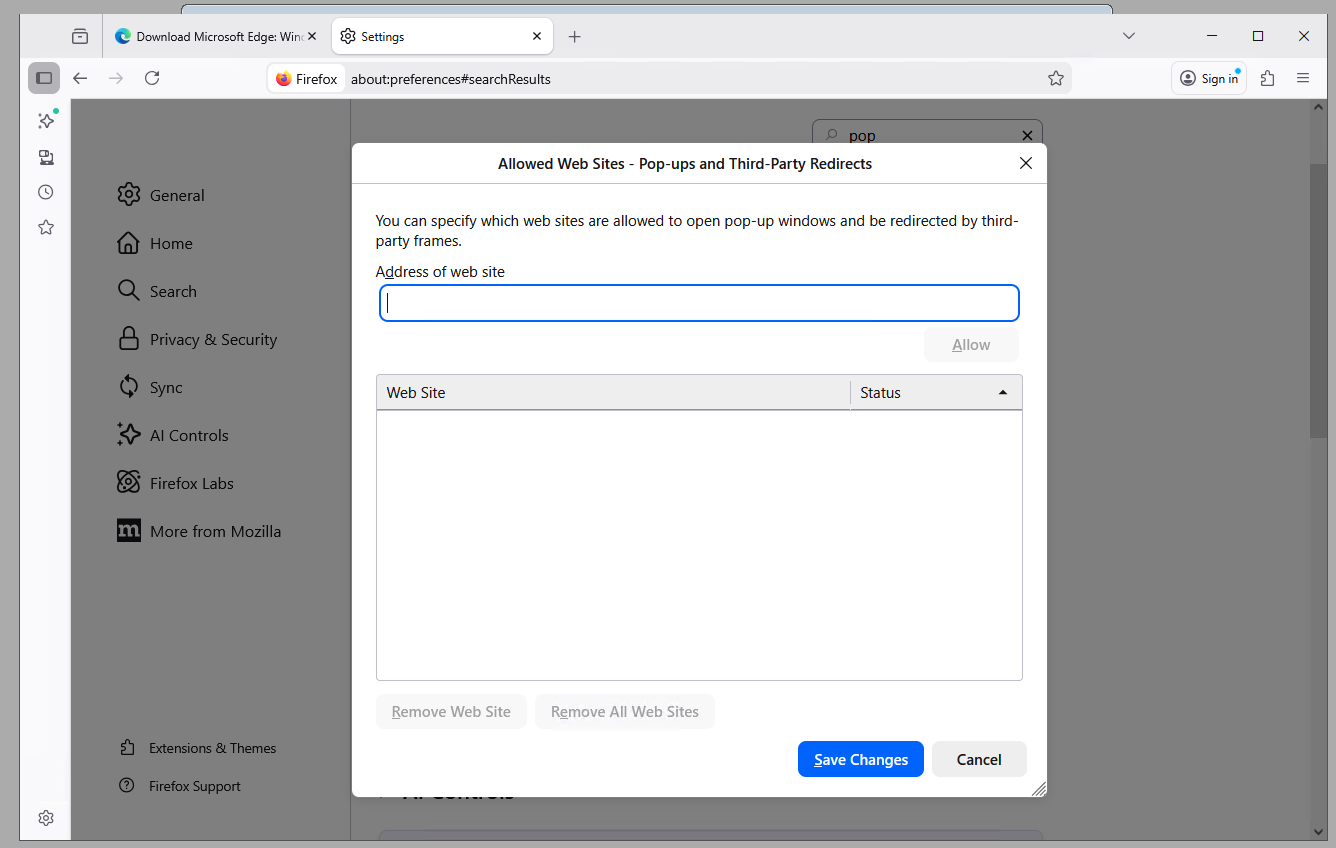
Note: If you experience issues with the pop-up window not showing or the browser failing to log you in, check your browser settings if it blocks pop-up windows and redirects. Add the url address of MYOB site. You can also try switching default browsers.
Comments