Changing Skype and Trello photo
admin admin
Posted at February 25, 2019 12:02 pm. Last updated at February 25, 2019 12:02 pm


To change your profile picture on Trello go to your profile.
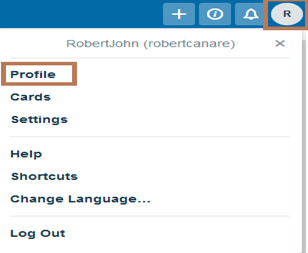
Click the circle part or your initials and then upload a new picture.
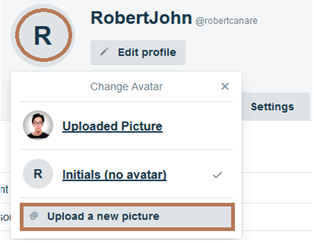
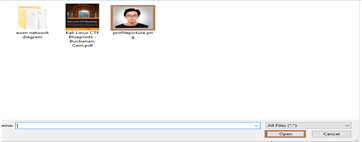
Then select your nice photo.
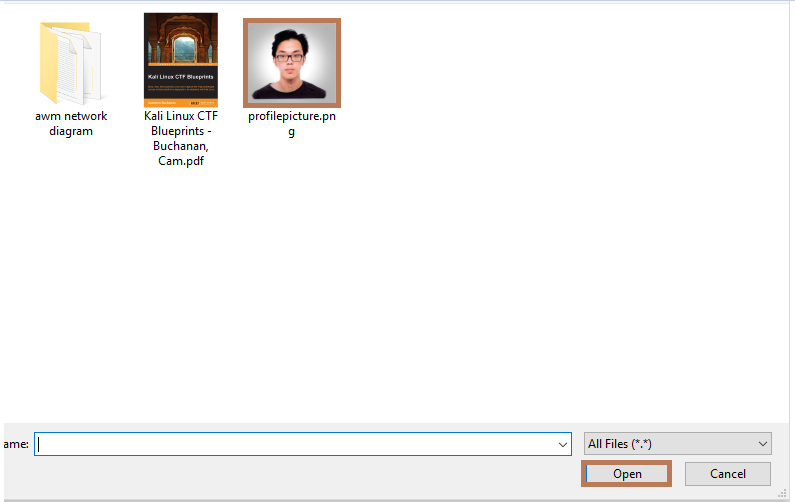
To change your profile picture on Skype go to your profile.

Click on your picture.

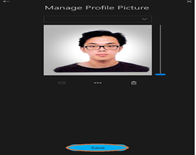
Click the three dot.
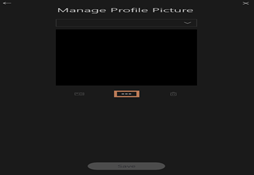
Then select your nice photo.
And save it.
Comments