How to Deal with e-Go Adjustment Notes
Karen Lacsamana
Posted at February 26, 2019 03:02 pm. Last updated at February 27, 2019 12:02 pm

How to Deal with e-Go Adjustment Notes
This procedure document is to be used once an e-go adjustment note has been received in KC Reception email (reception@kangaroocouriers.com.au).
- Open the PDF file that is attached to the email.
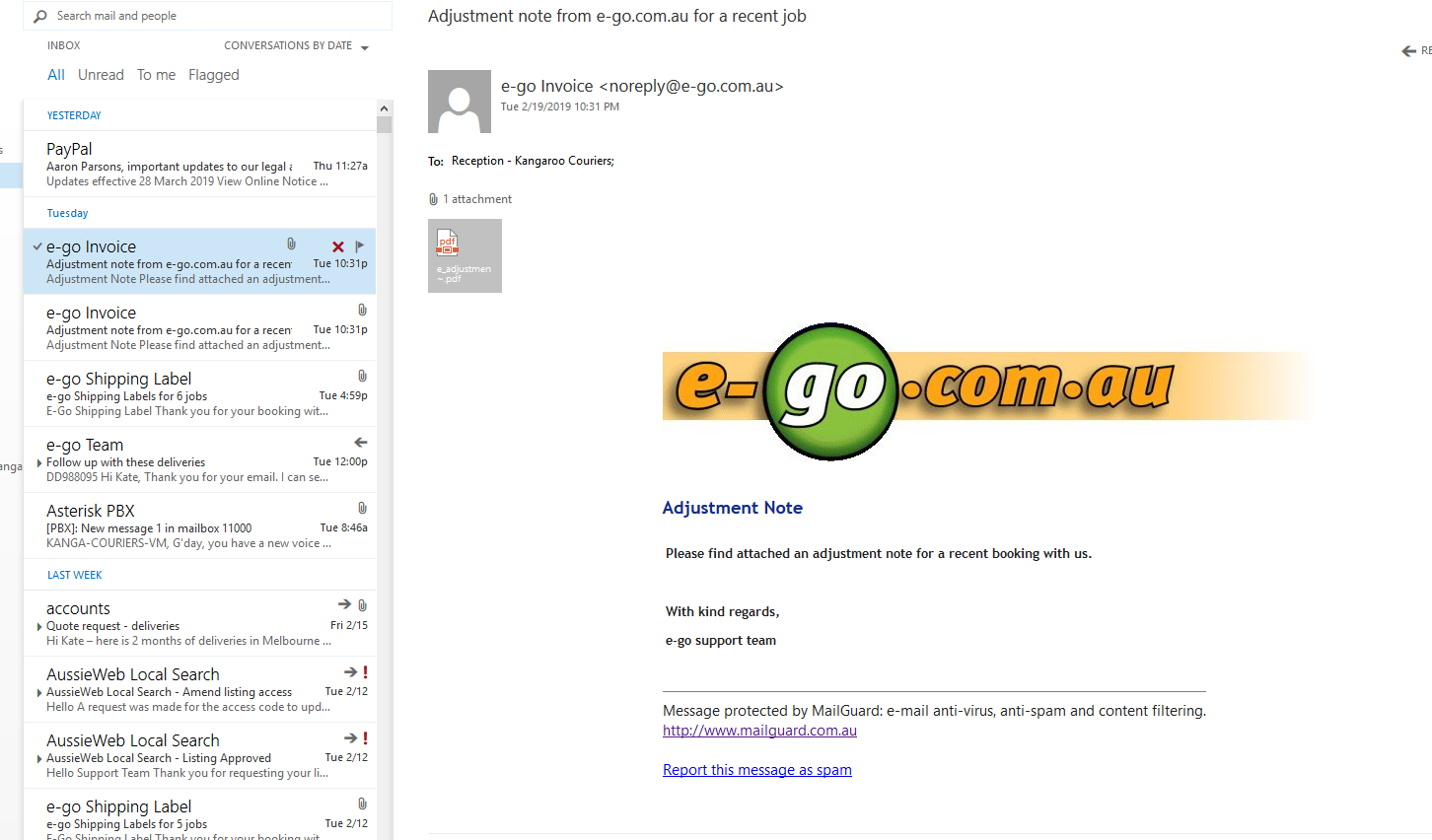
- Determine if the increase is enough to warrant passing on to the customer, or if it is small and we can wear it based on the price we have already charged.
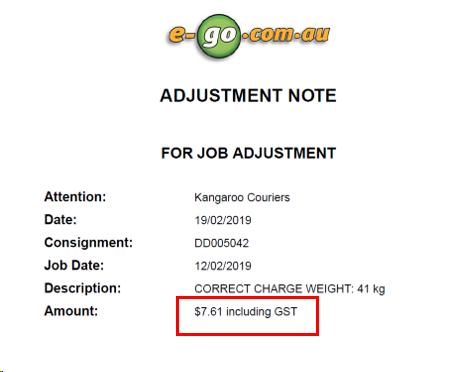
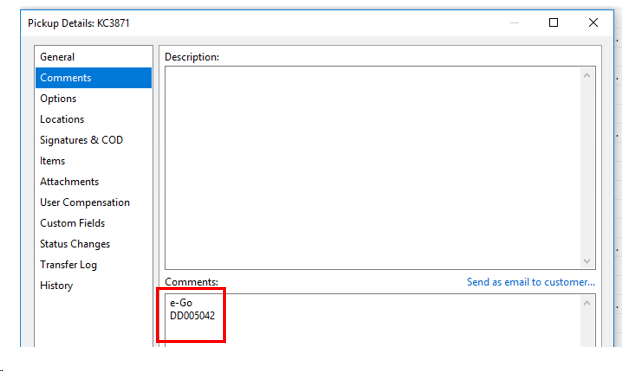
- If it needs to be passed on to the customer, check the e-go number in OnTime and if the job hasn't been invoiced to the customer yet, increase the amount charged to the customer for the job in OnTime by the amount of the e-go notice rounded up to the nearest $5.
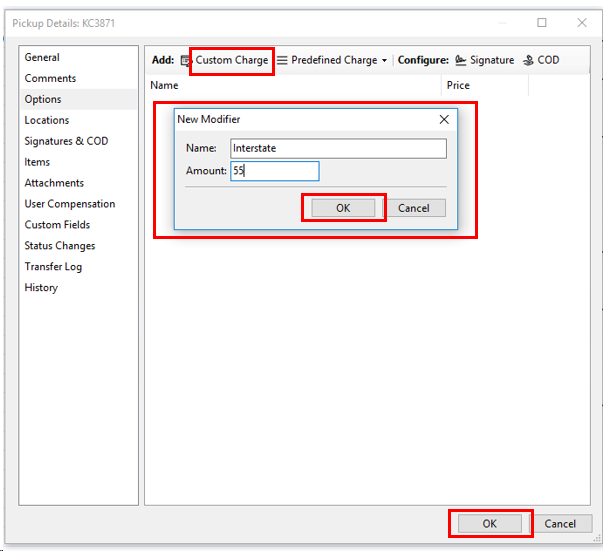
- Click “Options” tab, take note of the existing charge so you can add the increase to it.
Remove the existing charge.
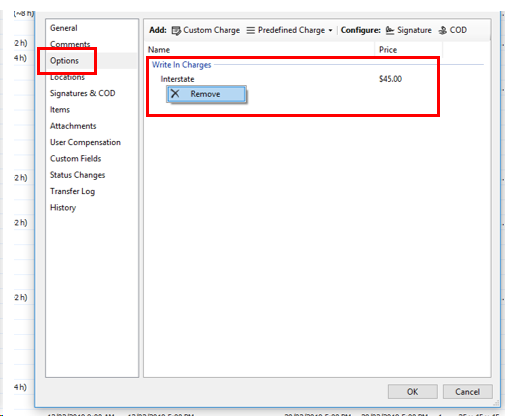
- Click “Custom Charge”, and input the new charge, then click “OK”.
Comments