How to Process SAF
Posted at January 08, 2018 10:01 am. Last updated at June 03, 2019 10:06 am

How to Process SAF for (Site Attendance)
As an update, we will require photos of all SAFs and the access to the boxes to be provided by the customers prior to quoting and booking. The photos are to be posted in the Transport team chat when the invoice is printed.
When the run is assigned to the driver, the photos are to be retrieved from the transport chat (searching for the invoice number) and copied and pasted to the driver's chat along with the run assignment.
For New Customer
*First thing to do is to check if we can offer service on the customer’s location by getting the post code of the collection address and check it on our website*
For Existing Customer (Verify account info)
We do not take SAF for the following
- Builders Waste e.g. concrete, large pieces of woods, tiles, bricks
- Furniture e.g. office tables, mattresses, large solid desks
- Car tyres, Batteries
Go to the website for the SAF price if the customer has more boxes of bins please refer to this price for easy access.
- $299 – 100 boxes
- $349 - 150 boxes
- $399 – 200 boxes
- $449 – 250 boxes
- $499 – 300 boxes and above up to round 500 boxes.
Should the access be medium or hard the price will change depending on how the access will be.
- For example instead of being Easy Access, should it of been medium access for 150 boxes the price would be $449, 200 boxes - $499, 250 boxes - $549, 300 boxes - $599.00 and again the price bracket goes up again for the hardest access.
One thing to take into consideration when scheduling in large site attendance is that on a busy day the DD truck will have trouble fitting it in, so should It be a large site attendance like probably anything over 200 please discussed this with the Logistic Department as when schedule the site attendance in, as we also schedule these in for Mondays when the need arises as we have no runs on Mondays so it’s easy to schedule them in for these days should the need arise.
- Evaluate the Job and the cost
- Confirm with the customer how the documents to be removed are stored
- Archive boxes, bins, pallets
- Confirm with the customer how much documentation is to be removed
- Number of archive boxes, bins, pallets
- Confirm with customer where the documents are located
- Are the documents located on the ground floor? If yes, how far from where we can park the truck
- Can the driver access the documents easily?
- Are the documents located in a level other than the ground floor?
- Confirm with the customer how the documents to be removed are stored
- To quote for the price go to our website (www.australianwaste.com.au)
- These questions should always be asked
-
How many boxes do you have?
-
How are the boxes stored?
-
If they are on pallets are they shrink wrapped?
-
If so and how many boxes per pallet?
-
- From here we can establish the customers needs and be able to effectively quote on the job to we ensure are covering costs and making money.
- If the tray truck is to be used we charge an hourly rate of $150 +GST per hour, minimum of 4 hours, depot to depot.
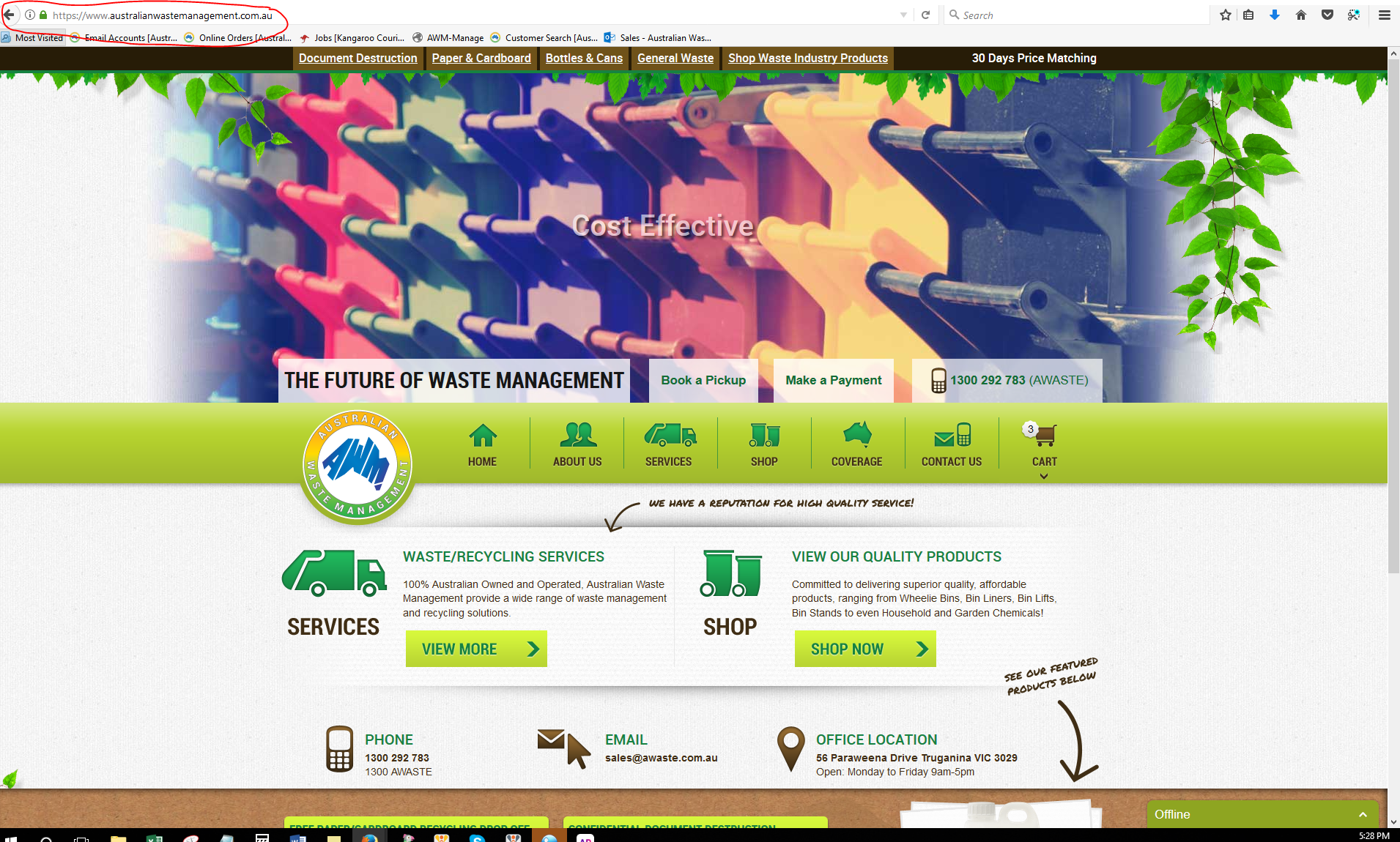
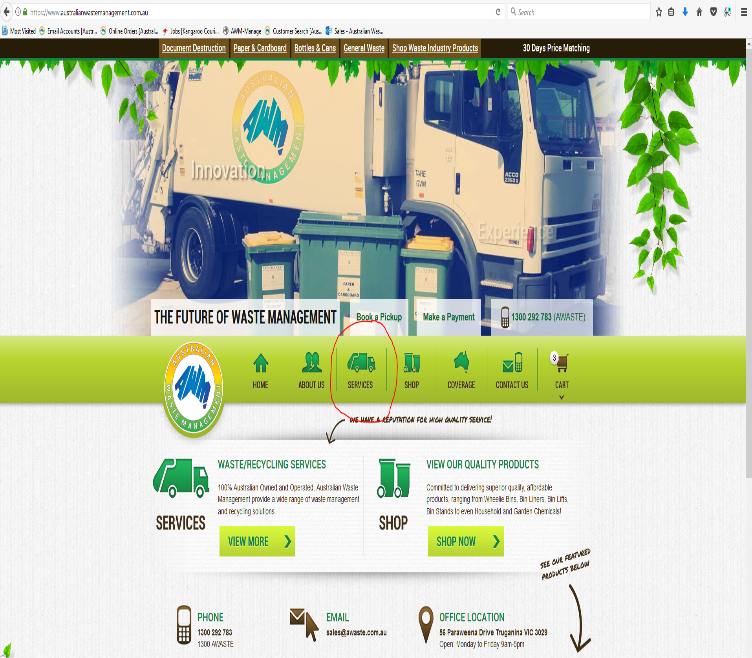
- Go to services, Bulk Paper, Cardboard & Archive Removal & Removal
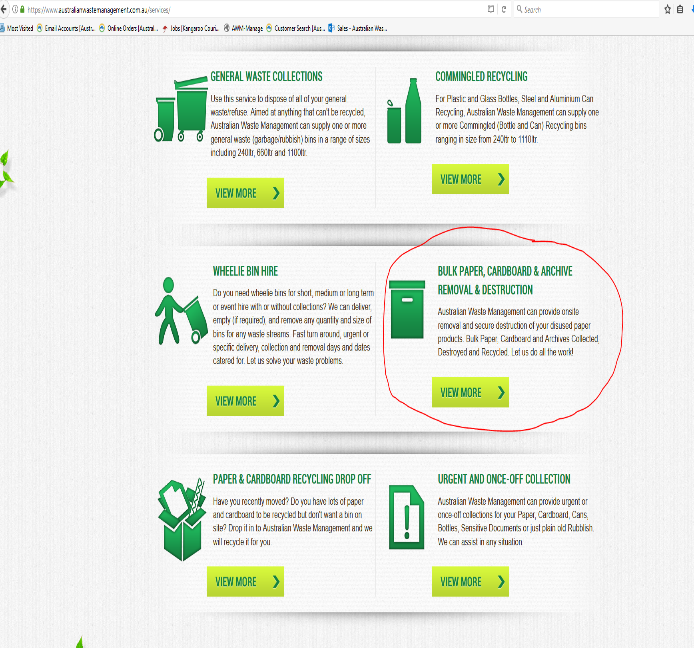
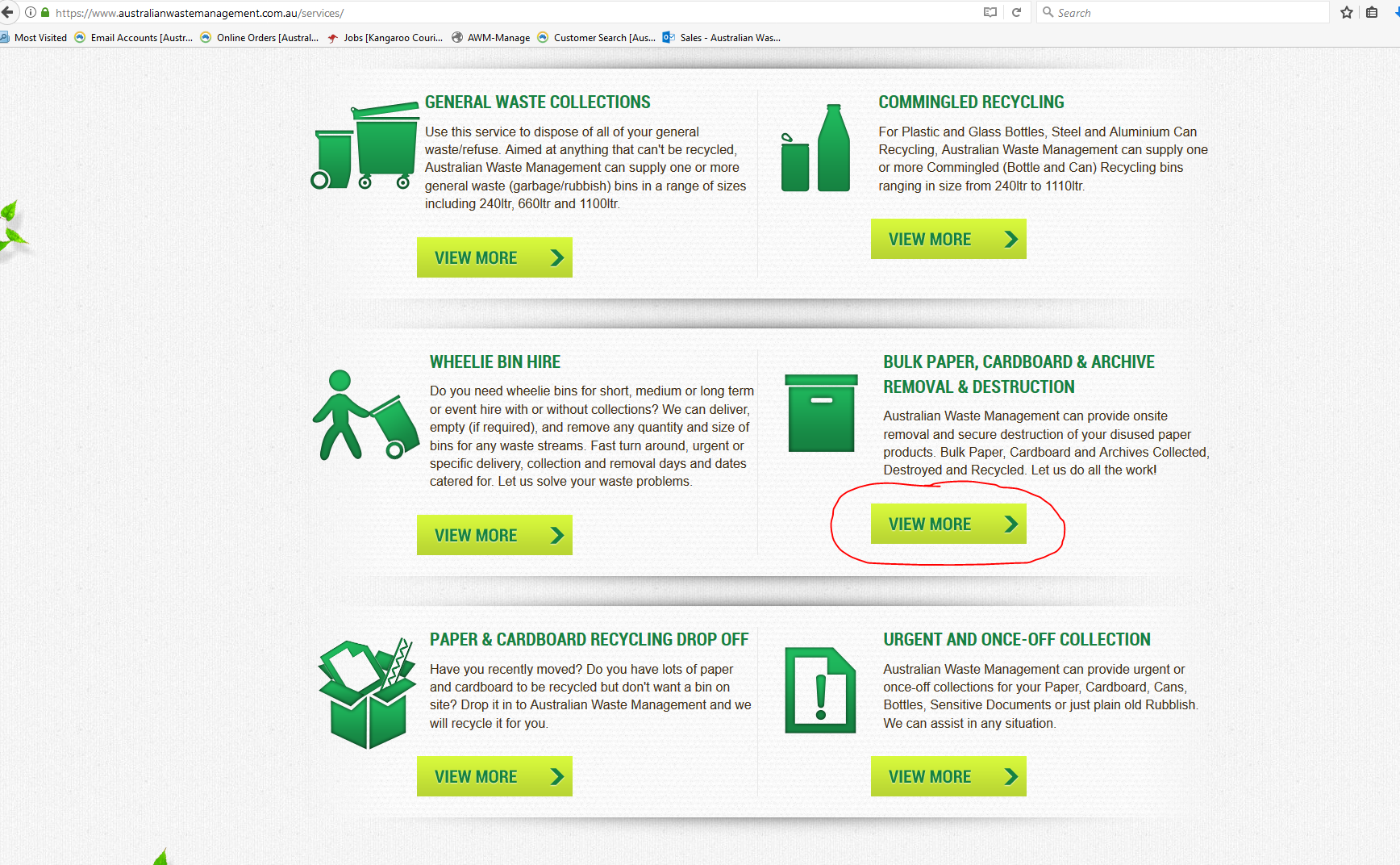
- Click view more
- Fill up the boxes with the information provided by the customer.
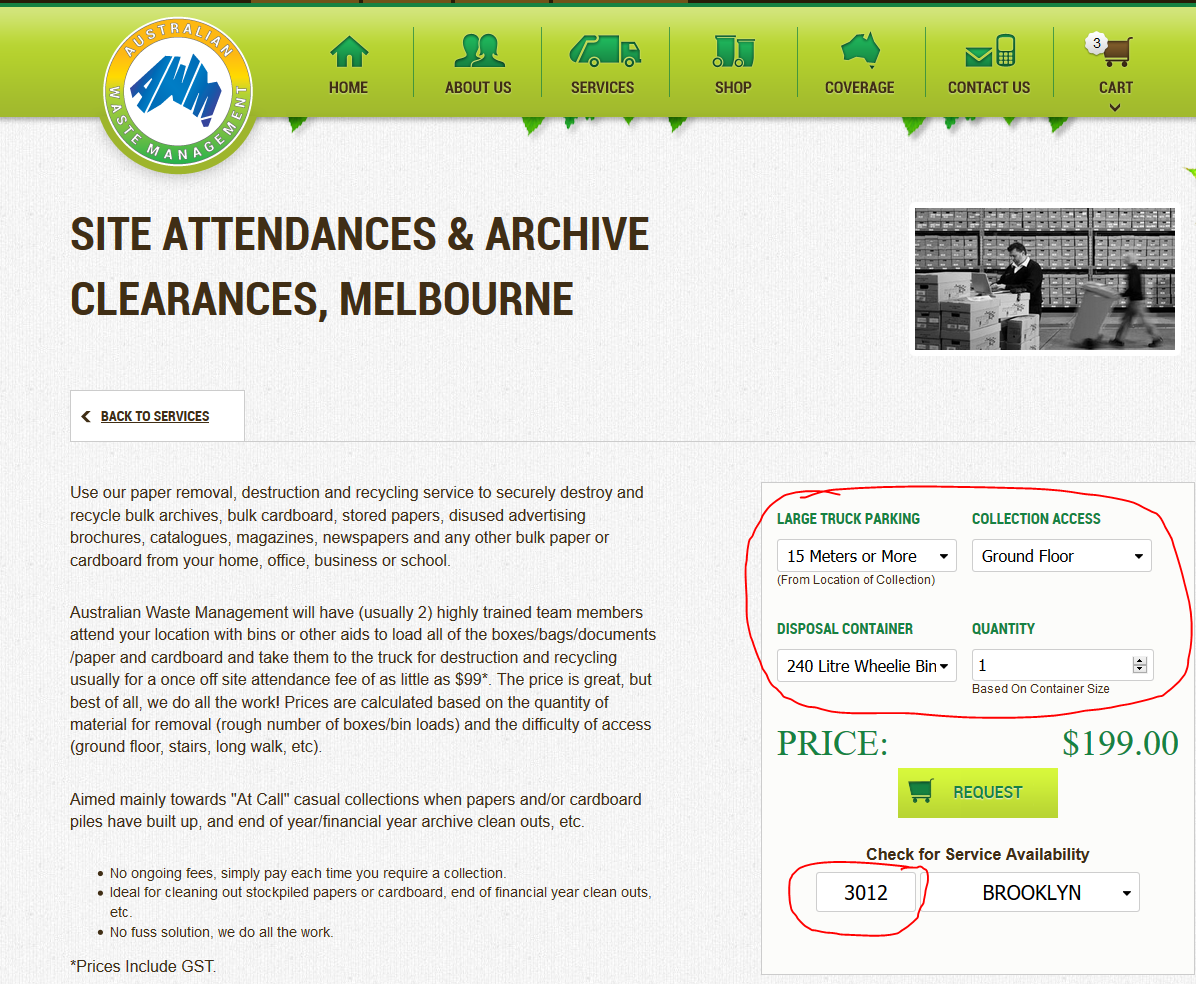
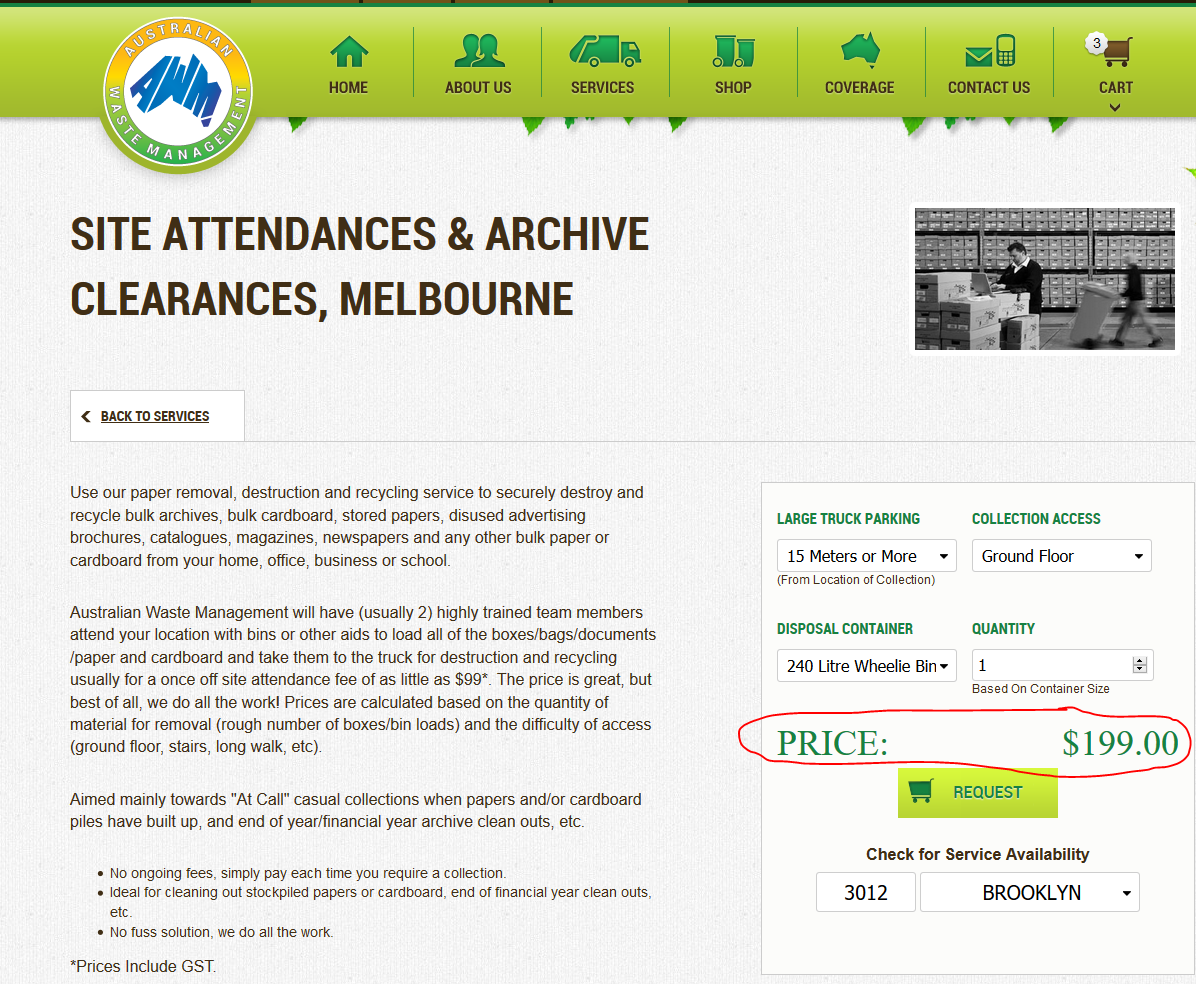
- Advise customer of the SAF amount
- Advise customer we will need to have the account/ service paid prior to commencing the service (For new Customer)
- For existing customers we can commence service prior to payment (but if you can ask them to pay prior to commencing service much better)
- Verify when they would like to schedule the collection
- Check the map if we will be on the area on their requested date if not advise customer of a $44 urgency fee.
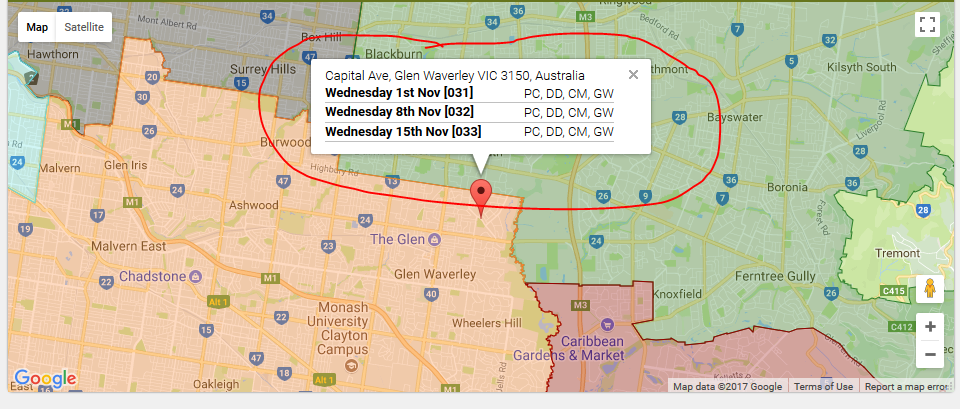
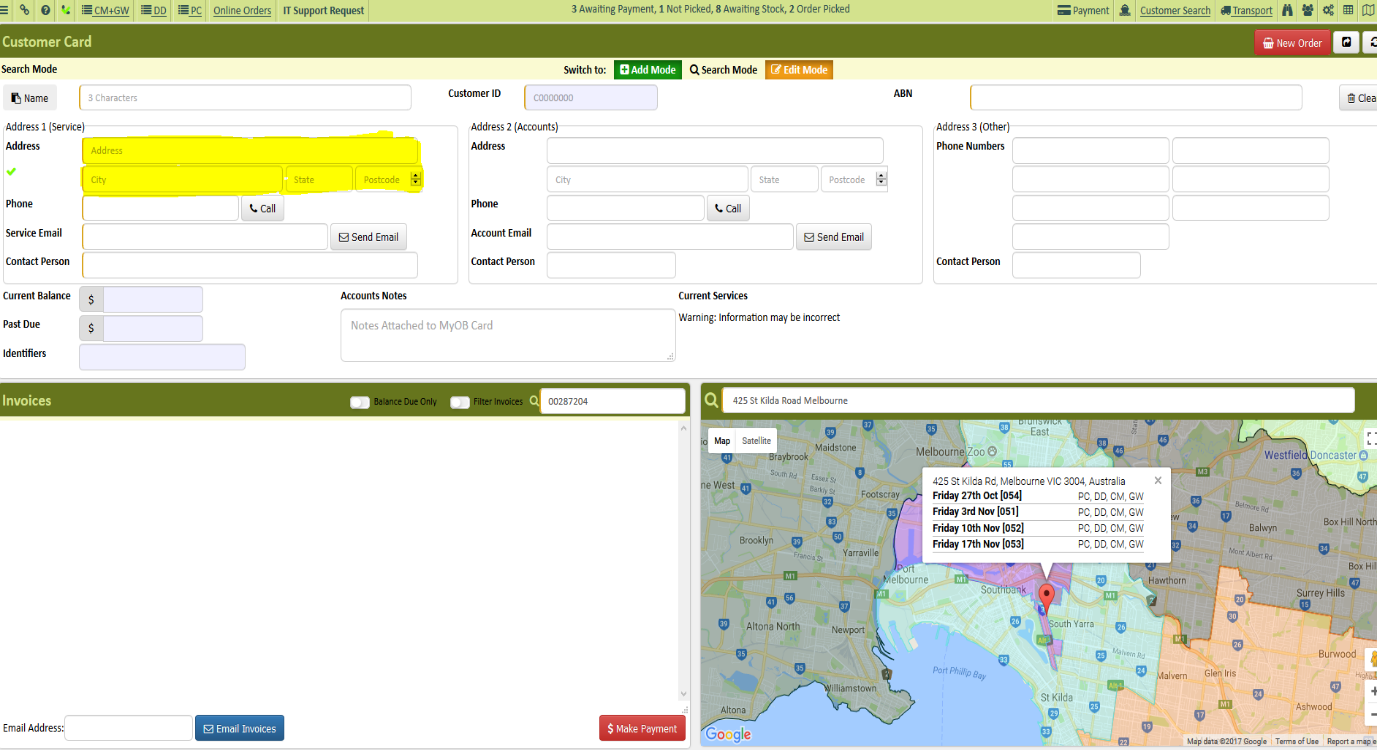
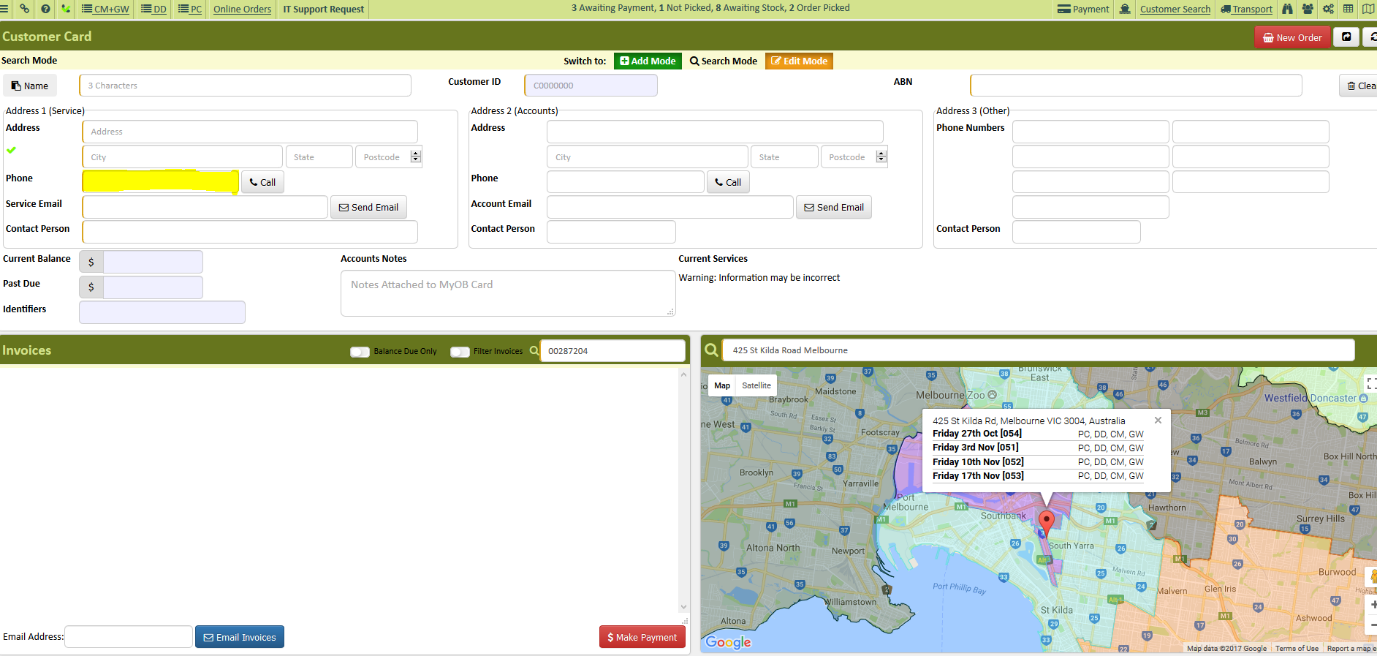
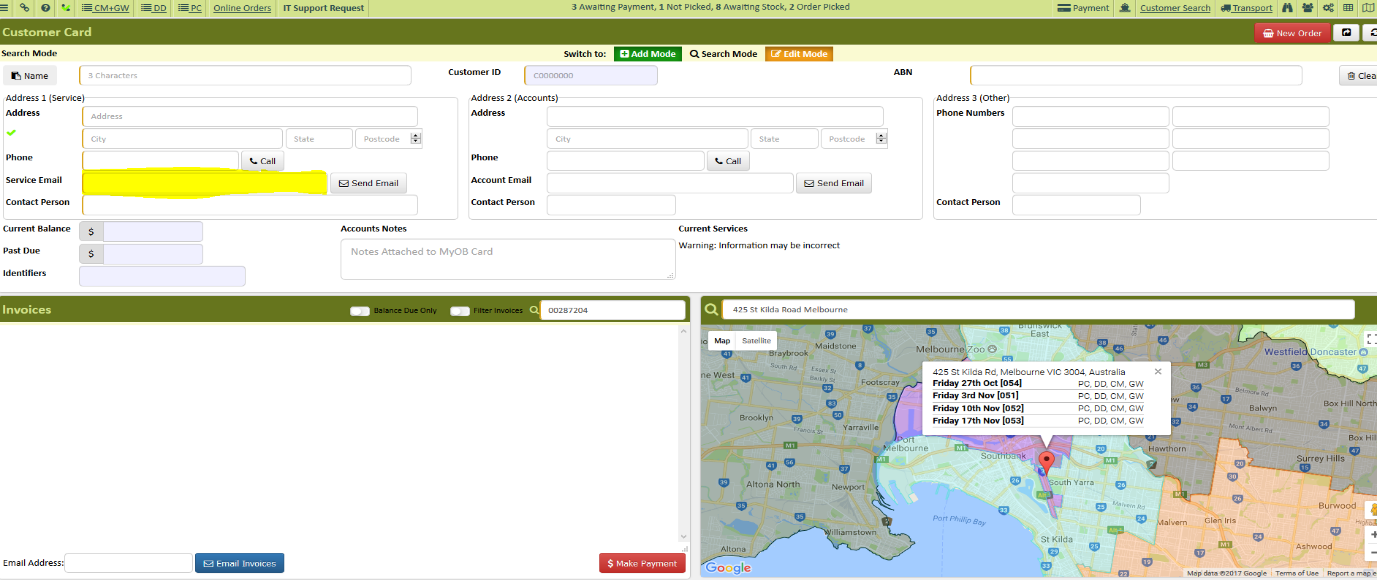
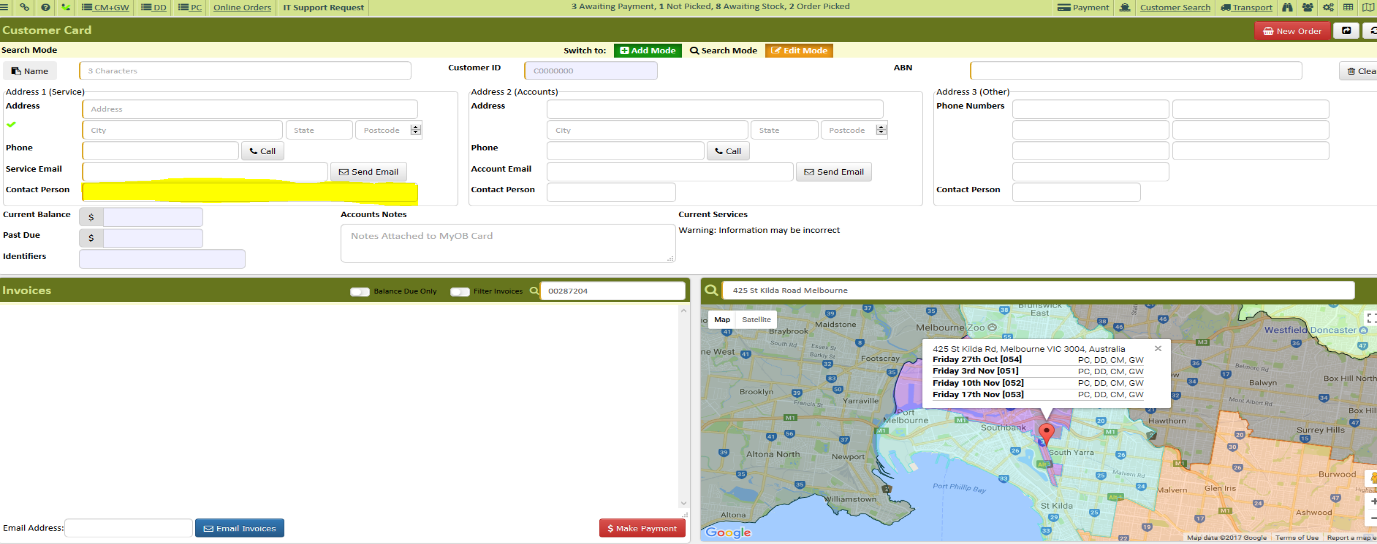
- Create an account for customer in AWM Manage Page
- Select Add Mode
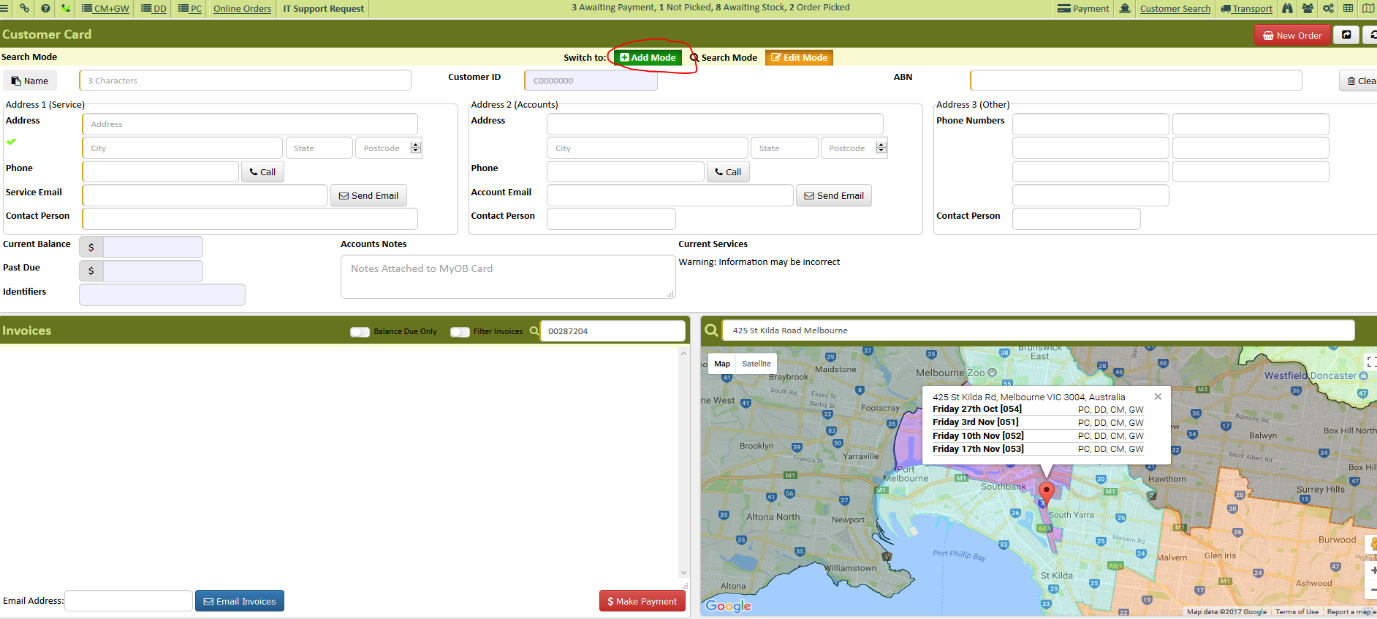
- Enter account name
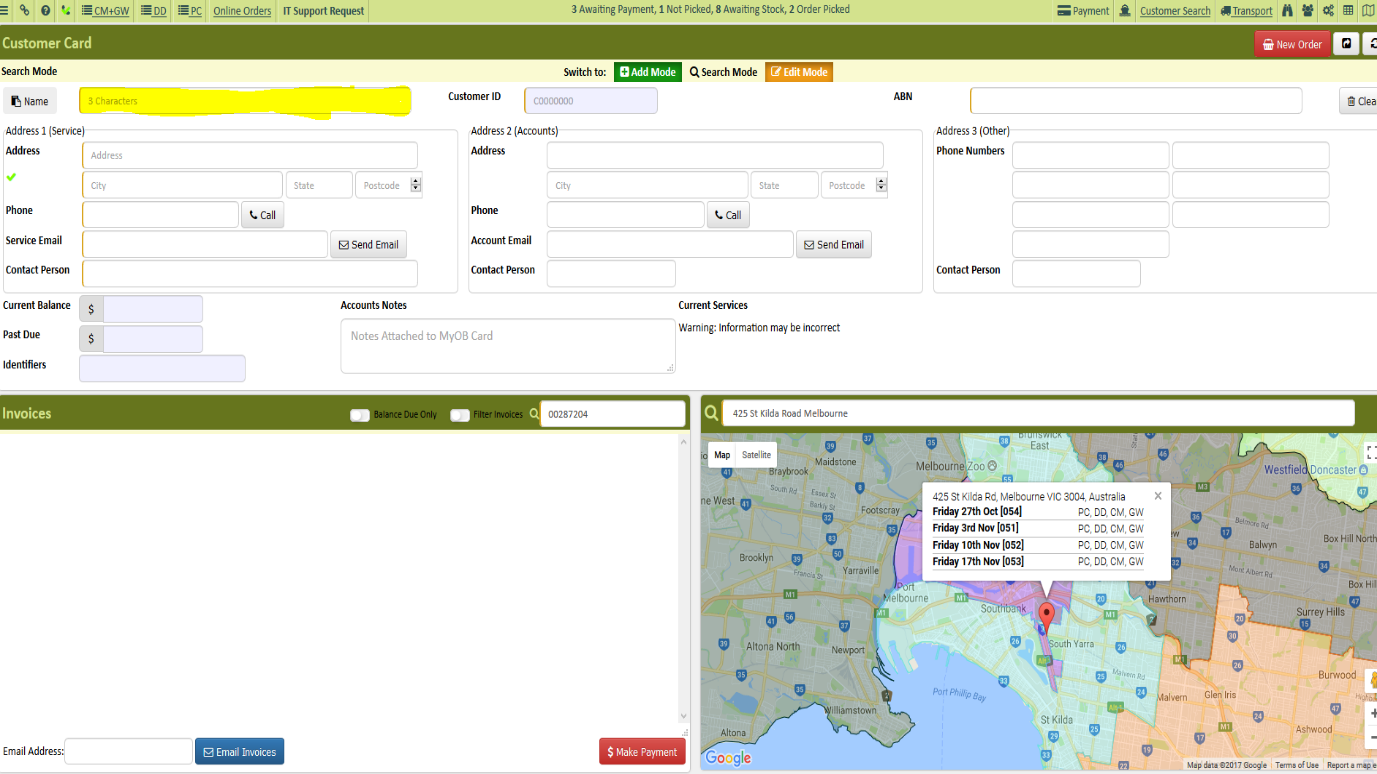
- Enter customer Address
- Enter Phone number
- Enter Email Address
- Enter Contact Person
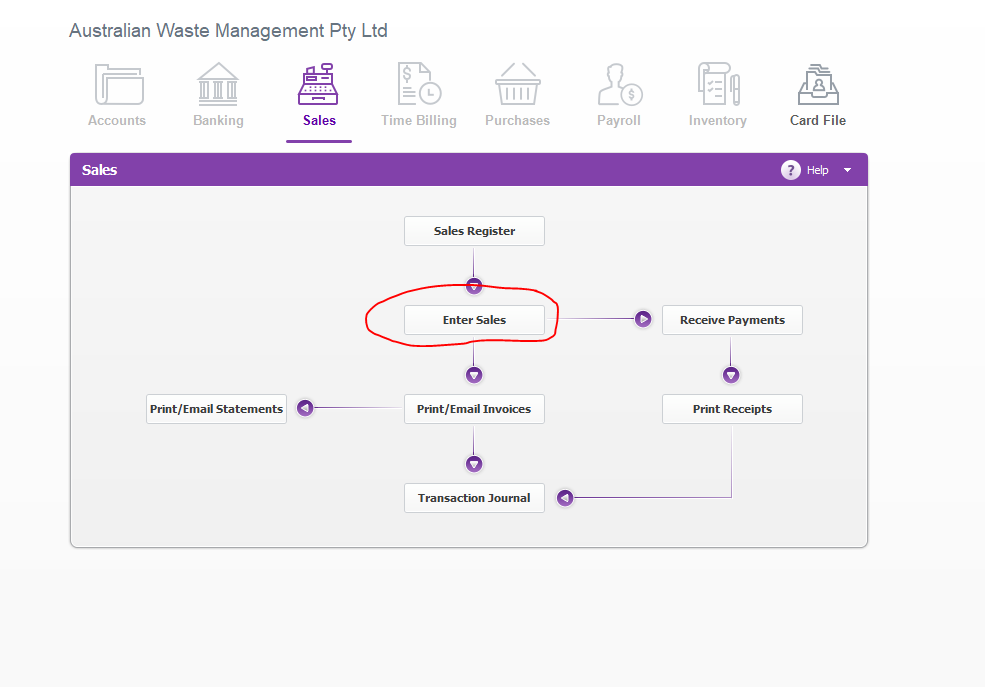
- Schedule the SAF in MYOB
- Click Enter Sales
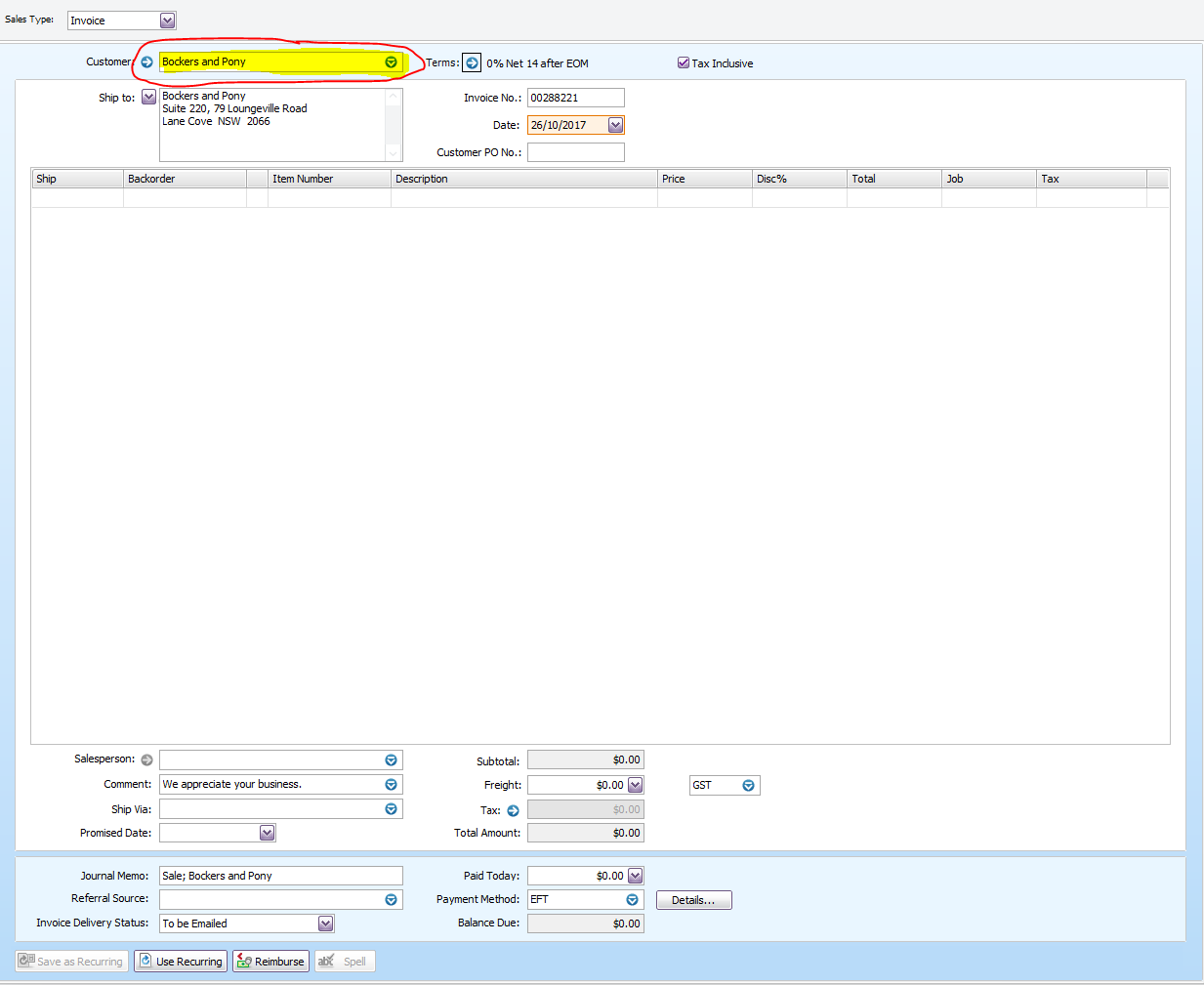
- Enter the Customer’s Name
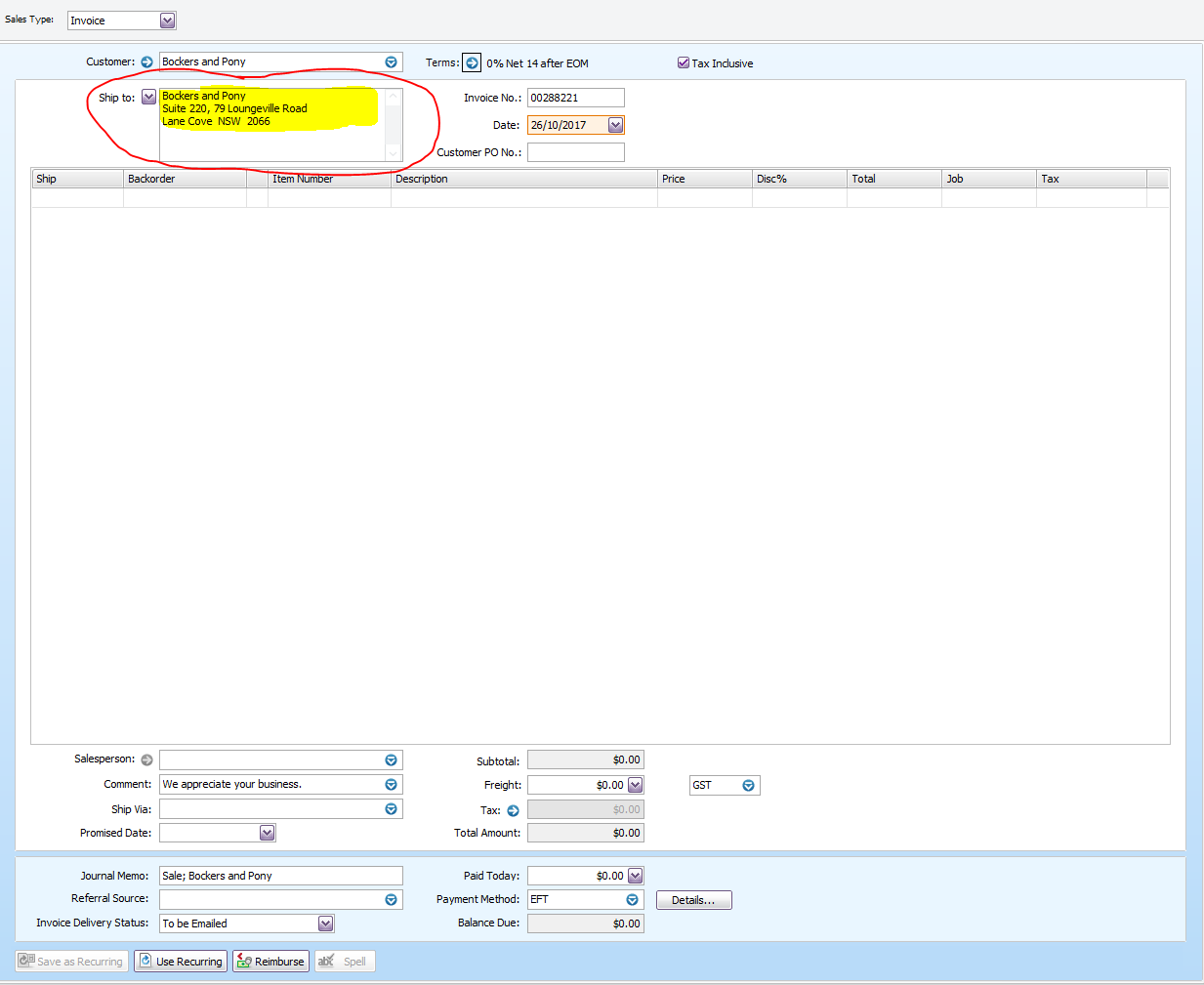
- Make sure the address you have in MYOB is the collection address, If not click either Ship 1 or Ship 2 to get the right address
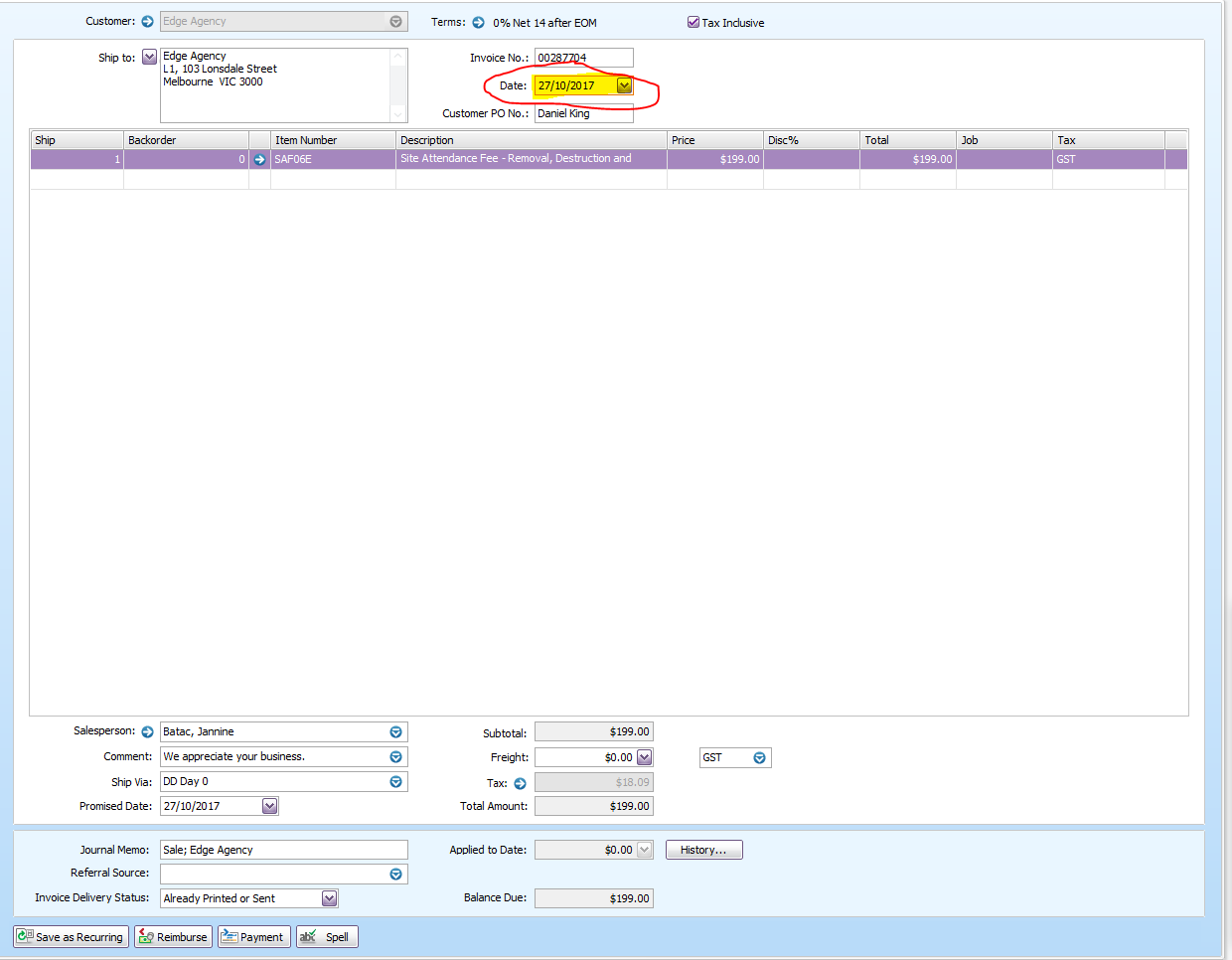
- Date is the day we will commence the service
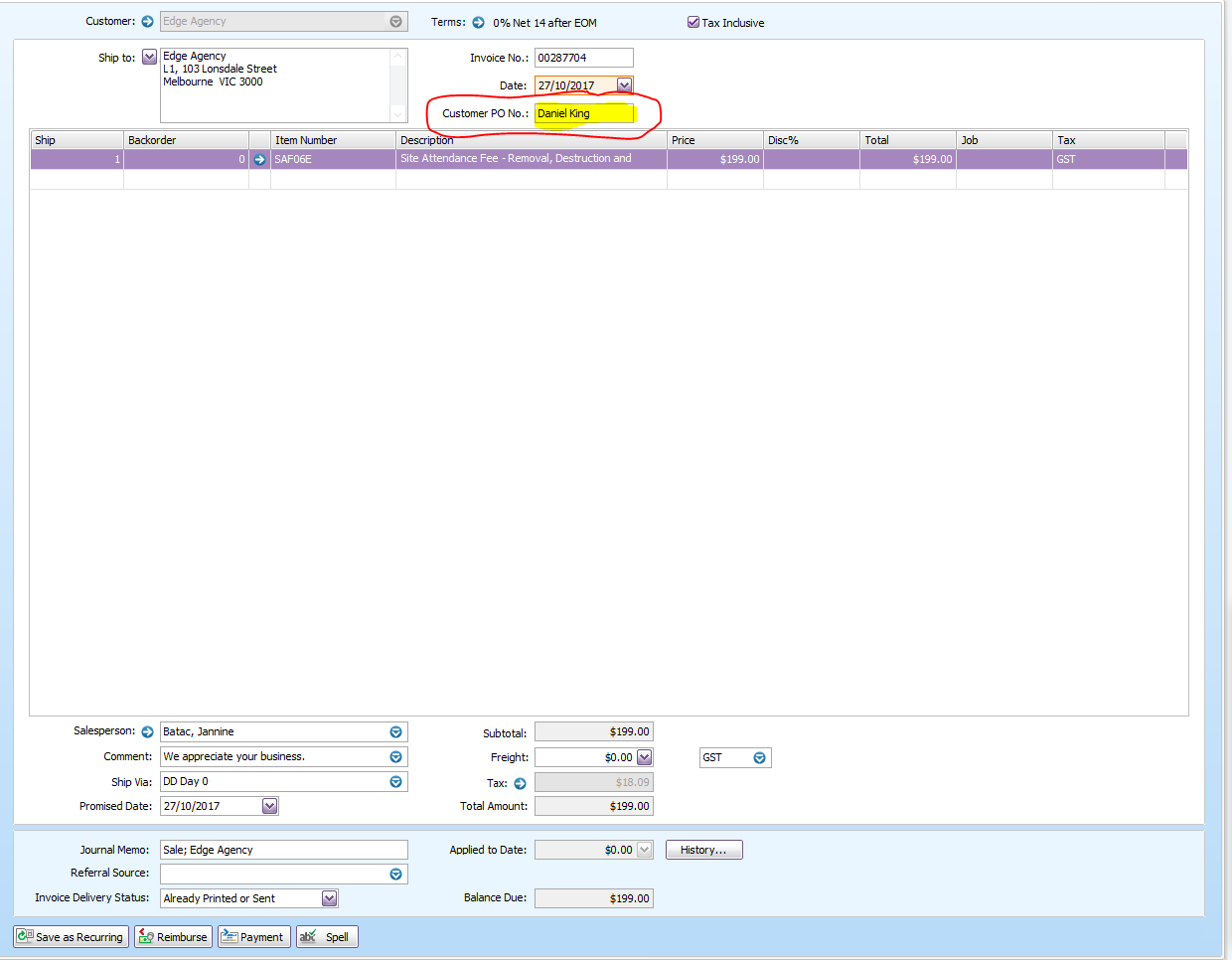
- On the Customer PO No, Enter the name of the person who requested for the service
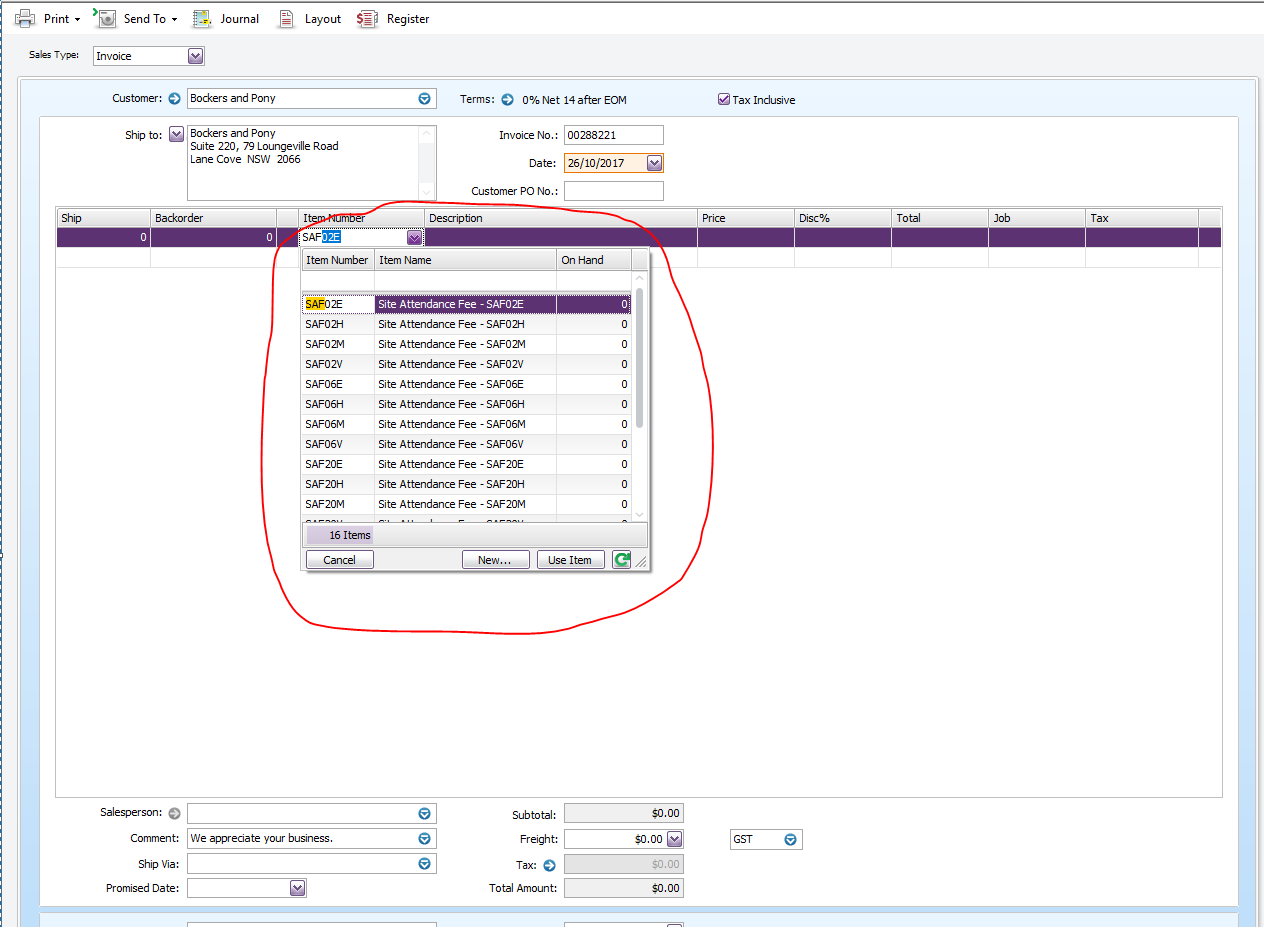
- On the Item number, enter SAF and look for the correct code for the customer. Edit the number of bins, archive boxes or pallets that we need to collect.
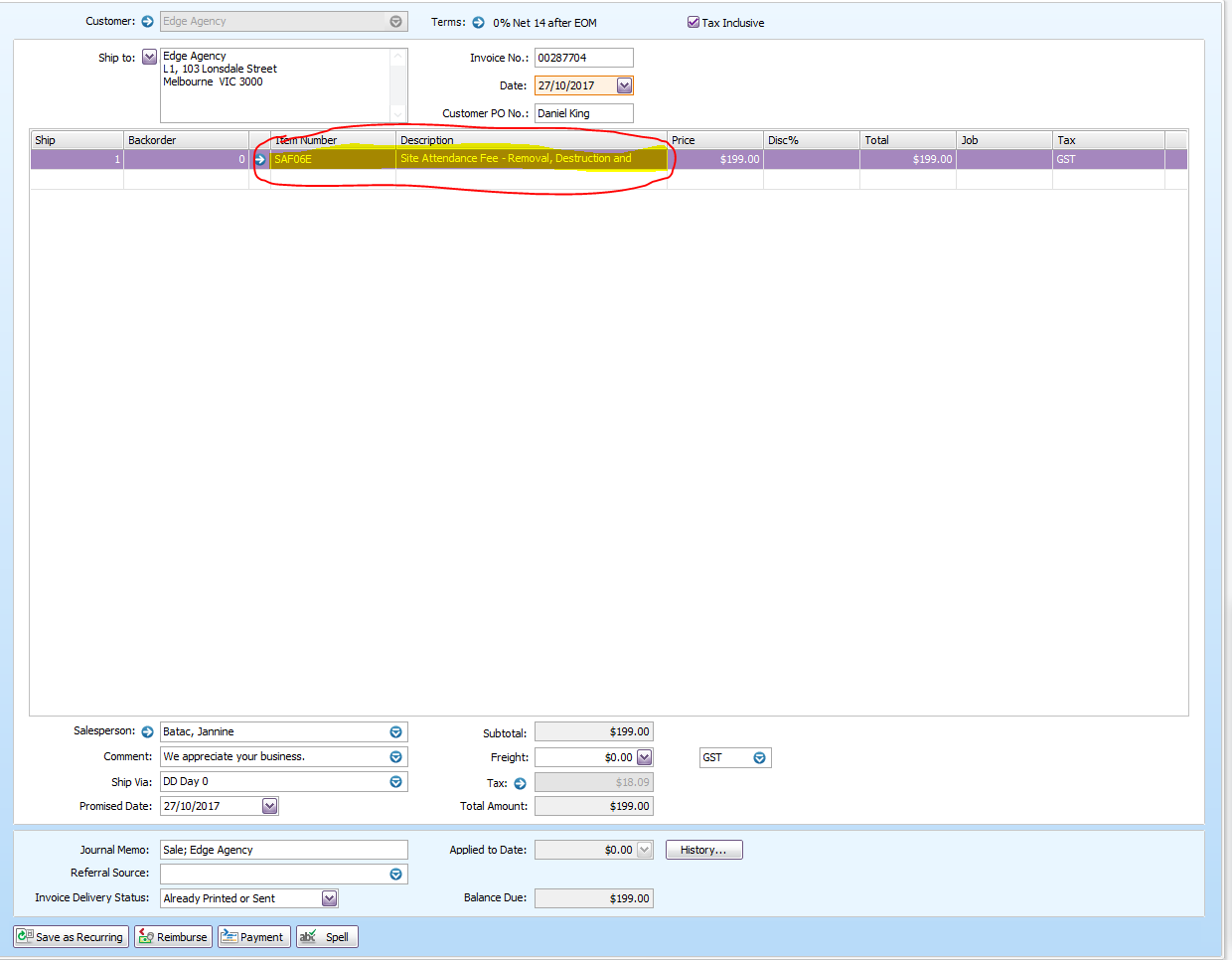
- Under Ship number enter 1 (this will always be 1 regardless of how many bin/archive boxes or pallet we need to collect)
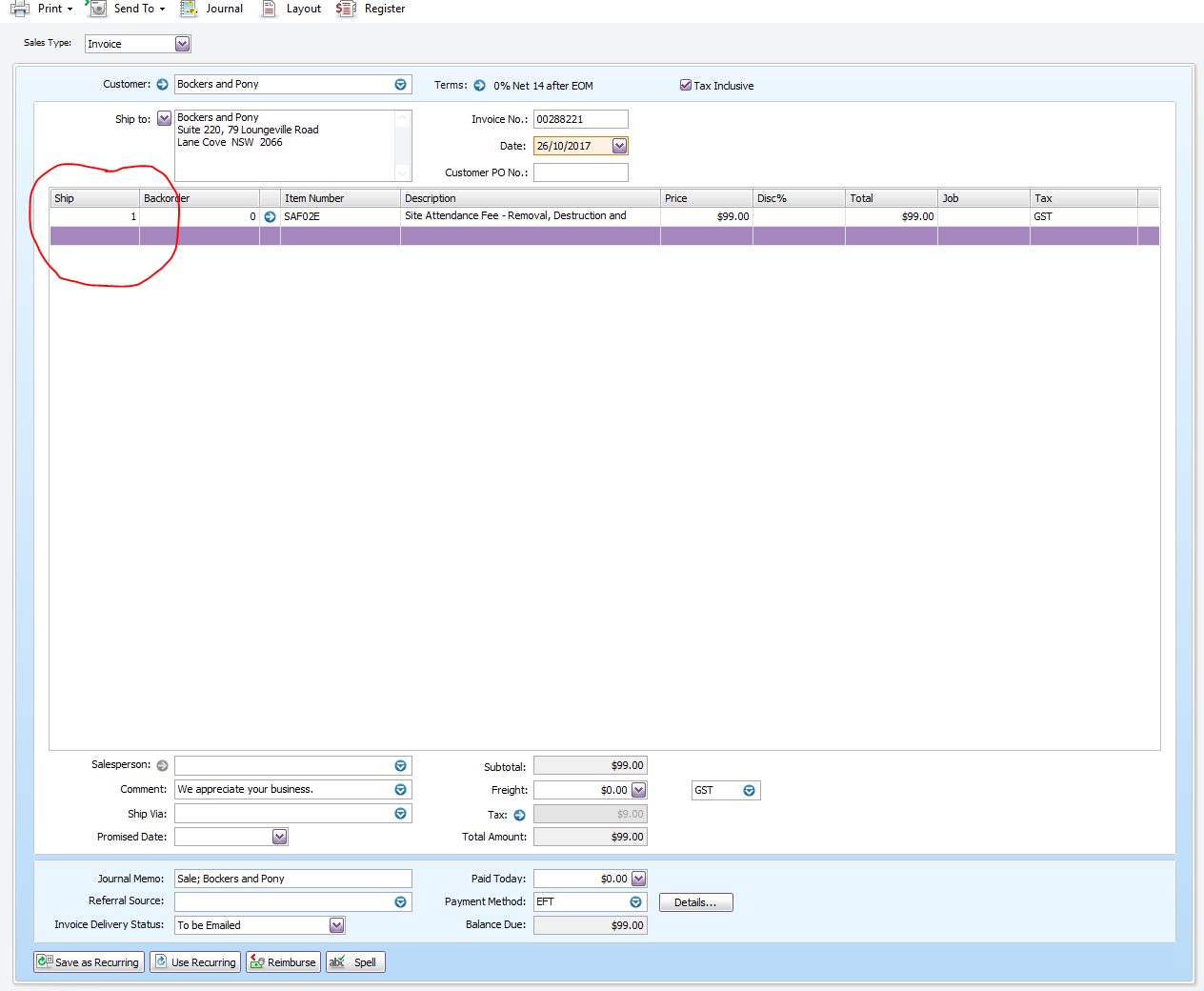
- Enter your name for the Salesperson
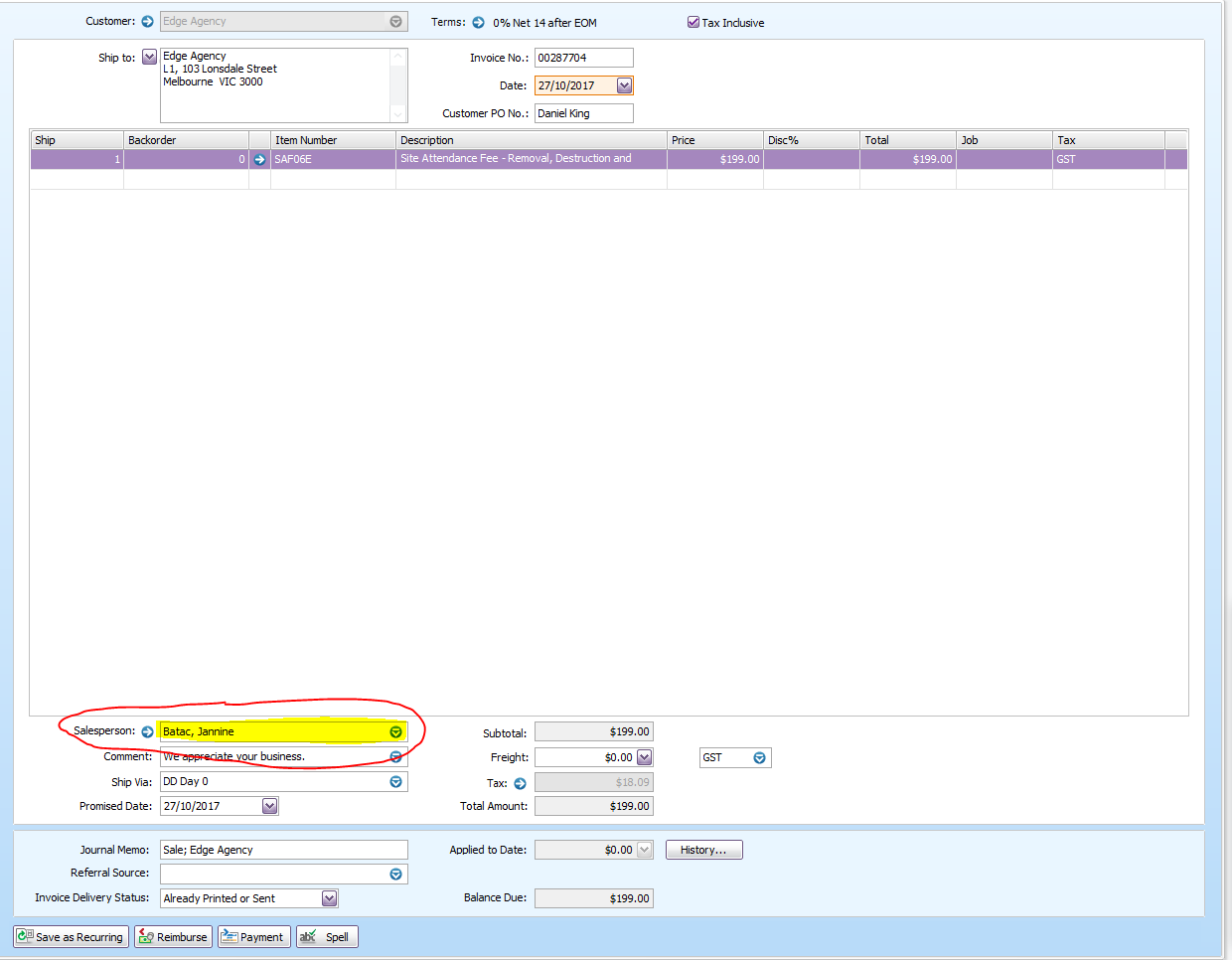
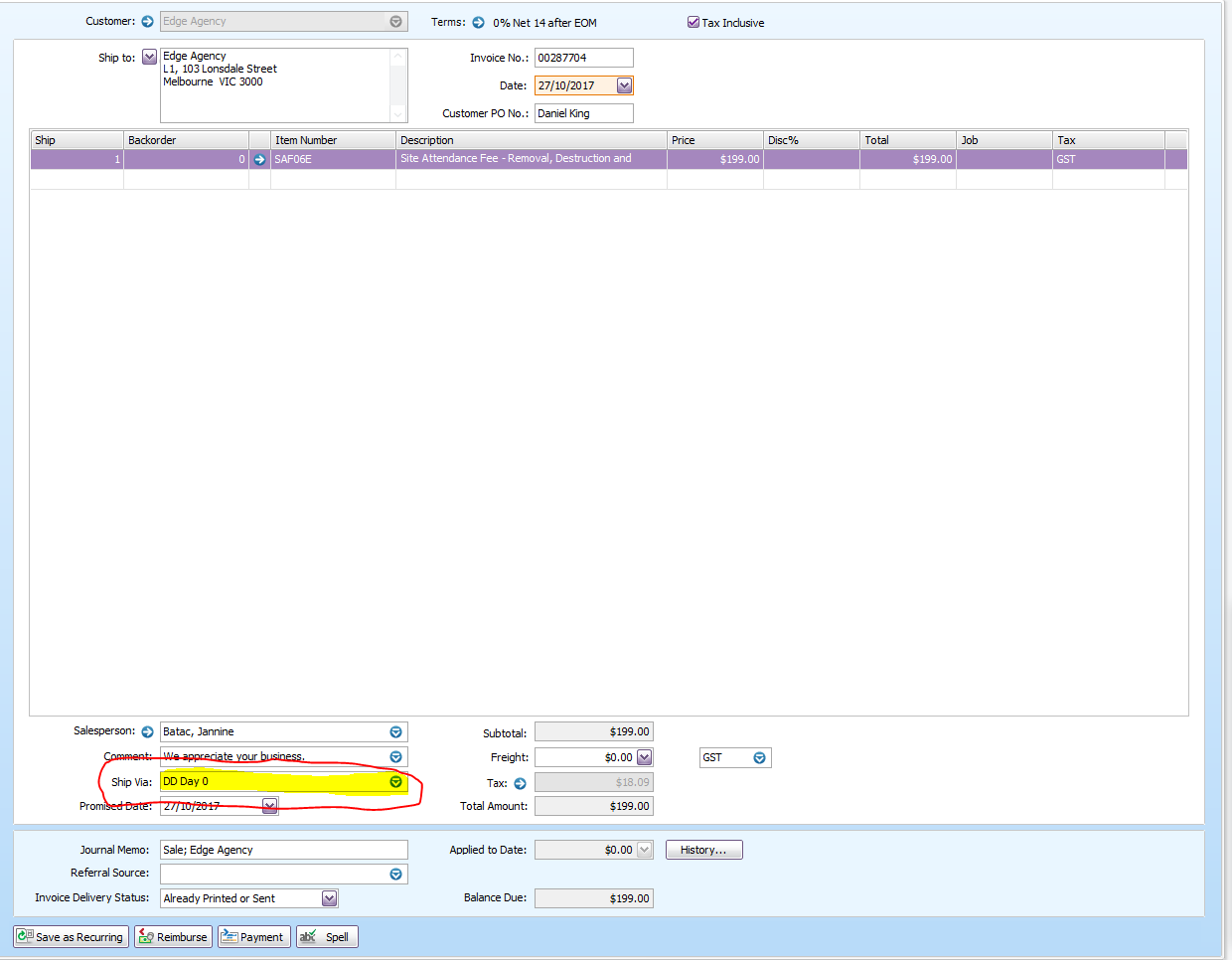
- Under Ship Via, enter the specific truck that will do the job
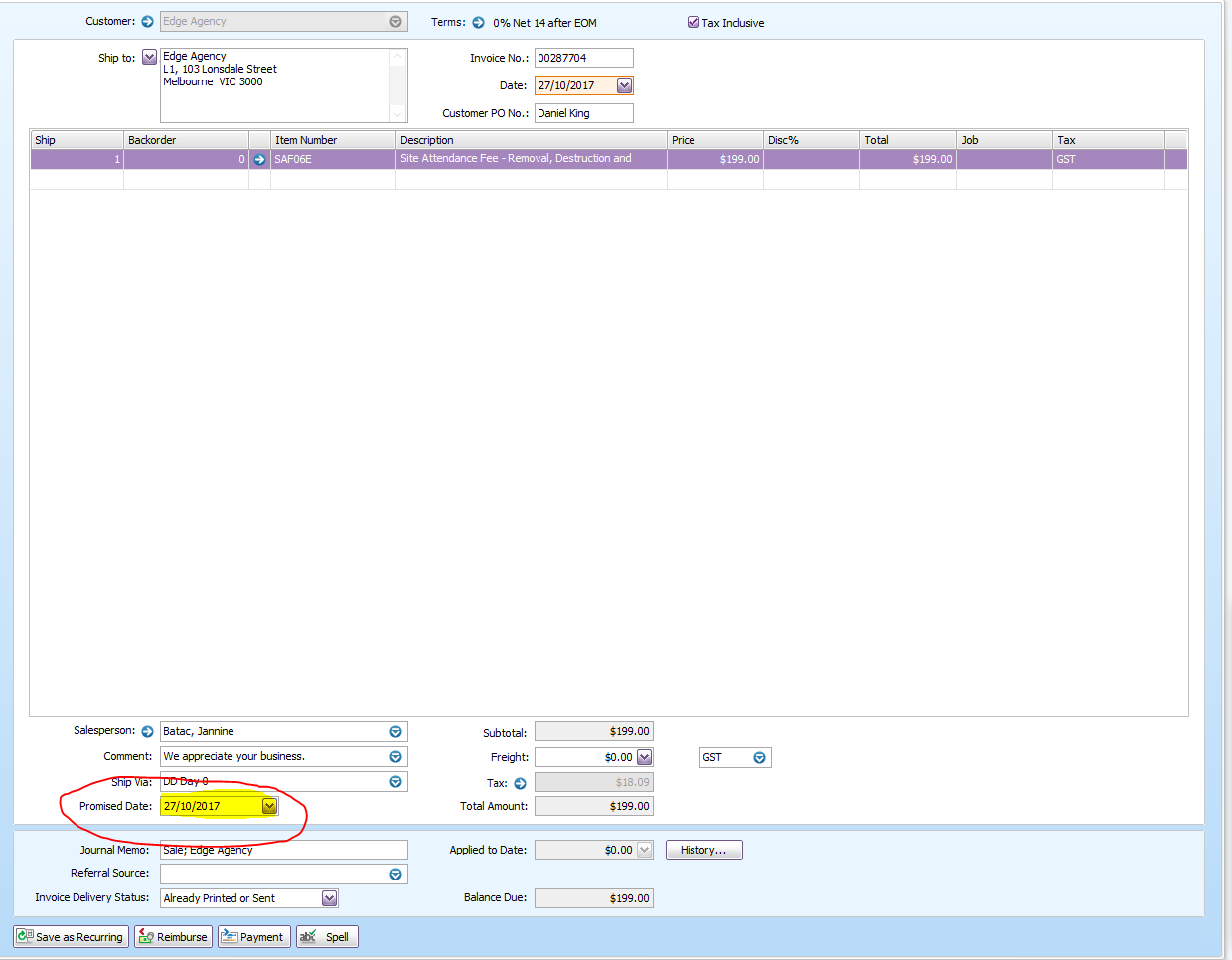
- Promised date will be the date that we will attend to the premise. This should be the same as the invoice date.
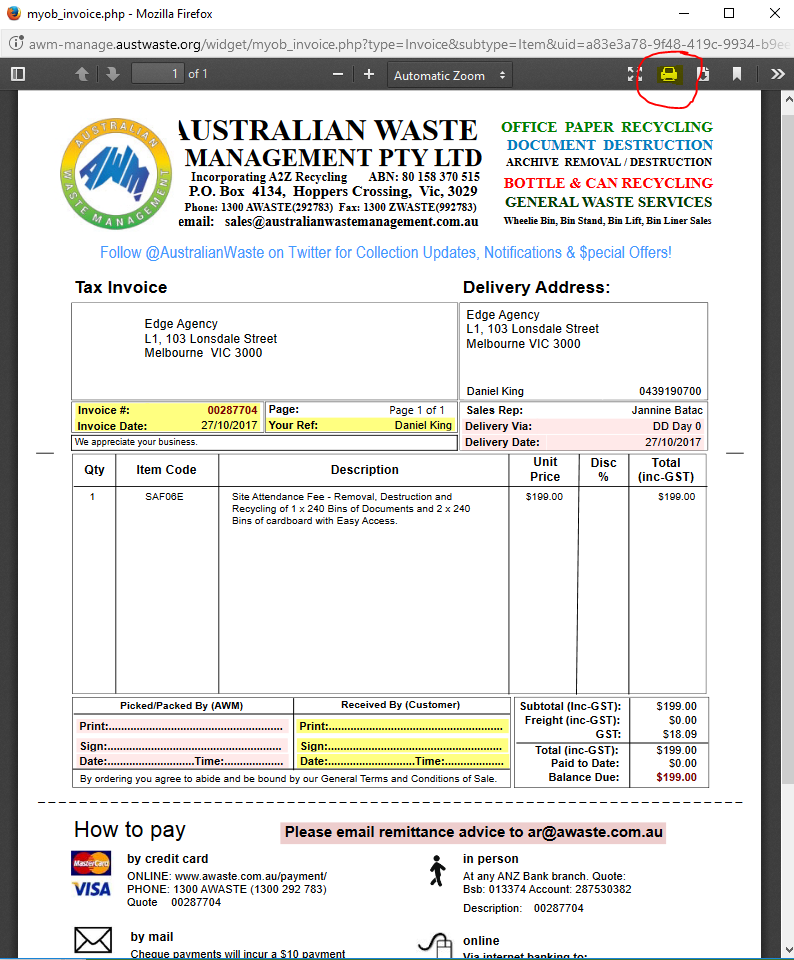
- Print a copy of the invoice.
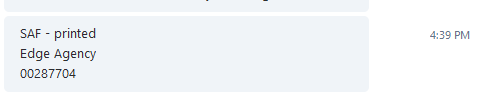
- Send a chat at Despatch chat room with the company name and invoice number.
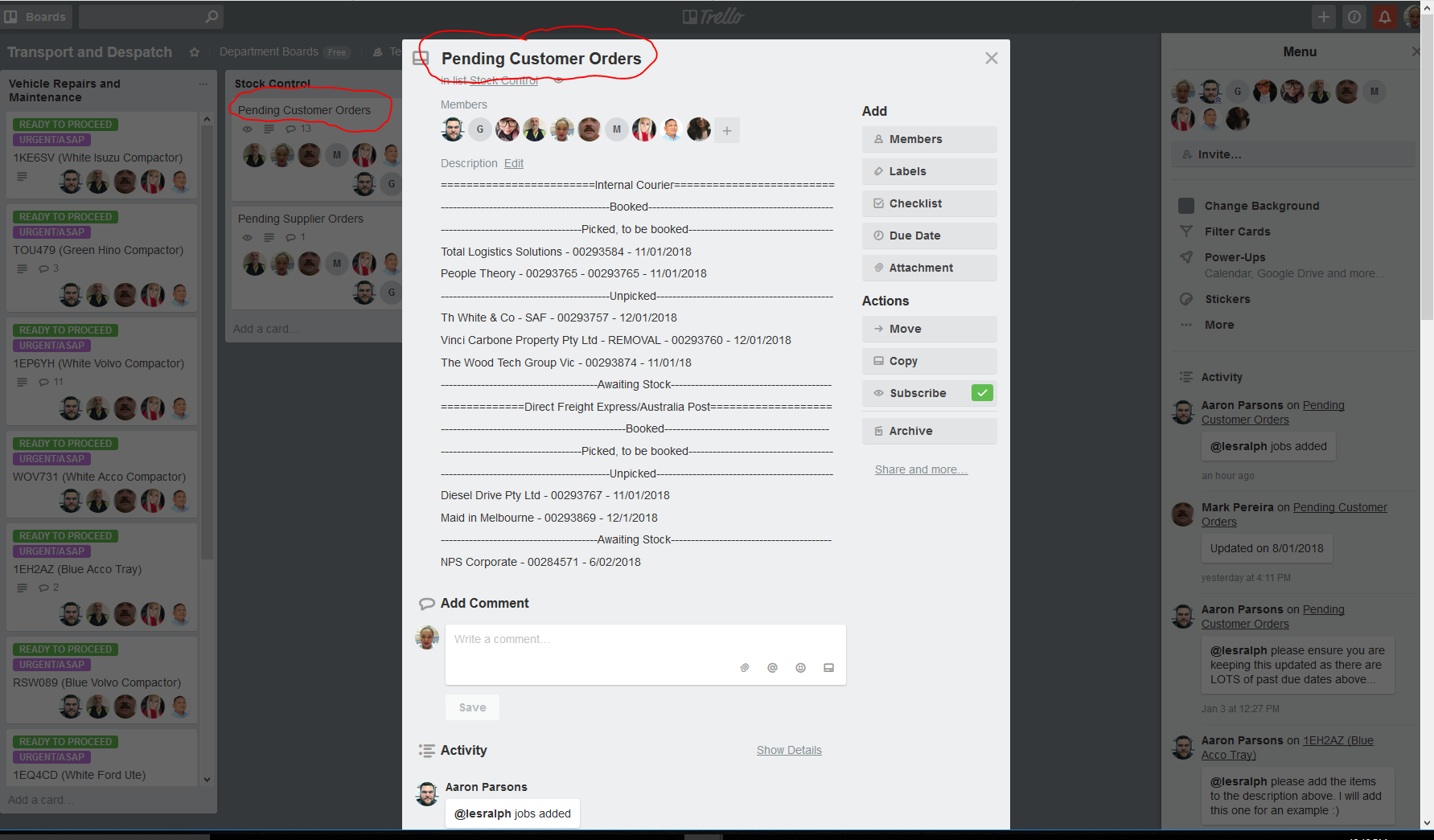
- Add the job in Trello https: //trello.com/b/YMnfBBY8/transport-and-despatch
- Follow the same format Company name - Order Number - Date of SAF
Comments