How And When To Send Service Agreement
Karen Lacsamana
Posted at January 08, 2018 10:01 am. Last updated at August 15, 2019 01:08 pm

How to send Service Agreement
- Verify with customer what service do they require
- Once you verified the service needed
- Go to www.australianwastemanagement.com.au
- When do we need to send Service Agreement
- When a customer requires a new service with regular collection
- When a customer is requesting a bin hire
- Change ownership
- Additional service for an existing customer (different from the one they have)
- Change of bin size
- Change of Account Name
- When do we need to send Service Agreement
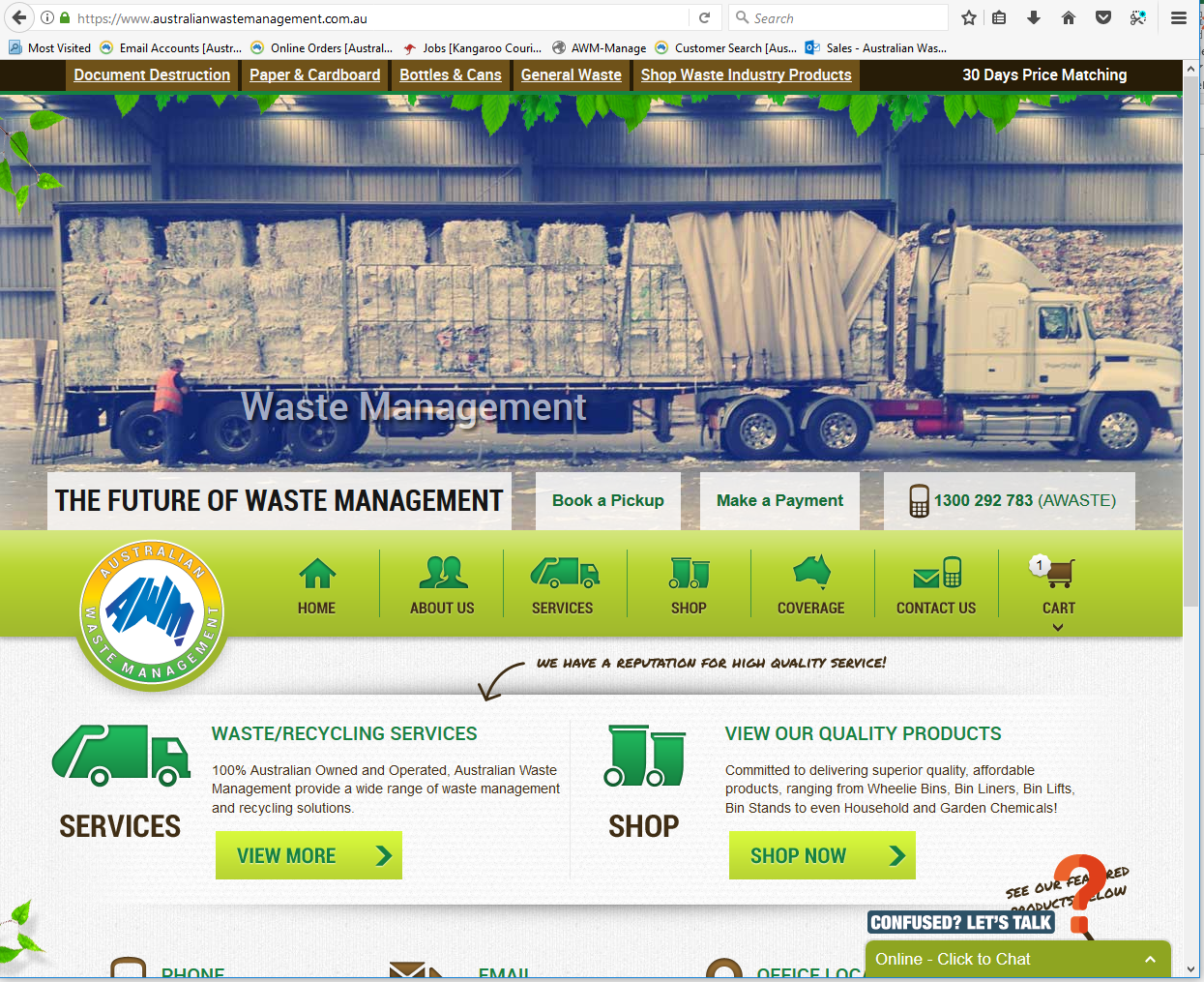
- Go to services
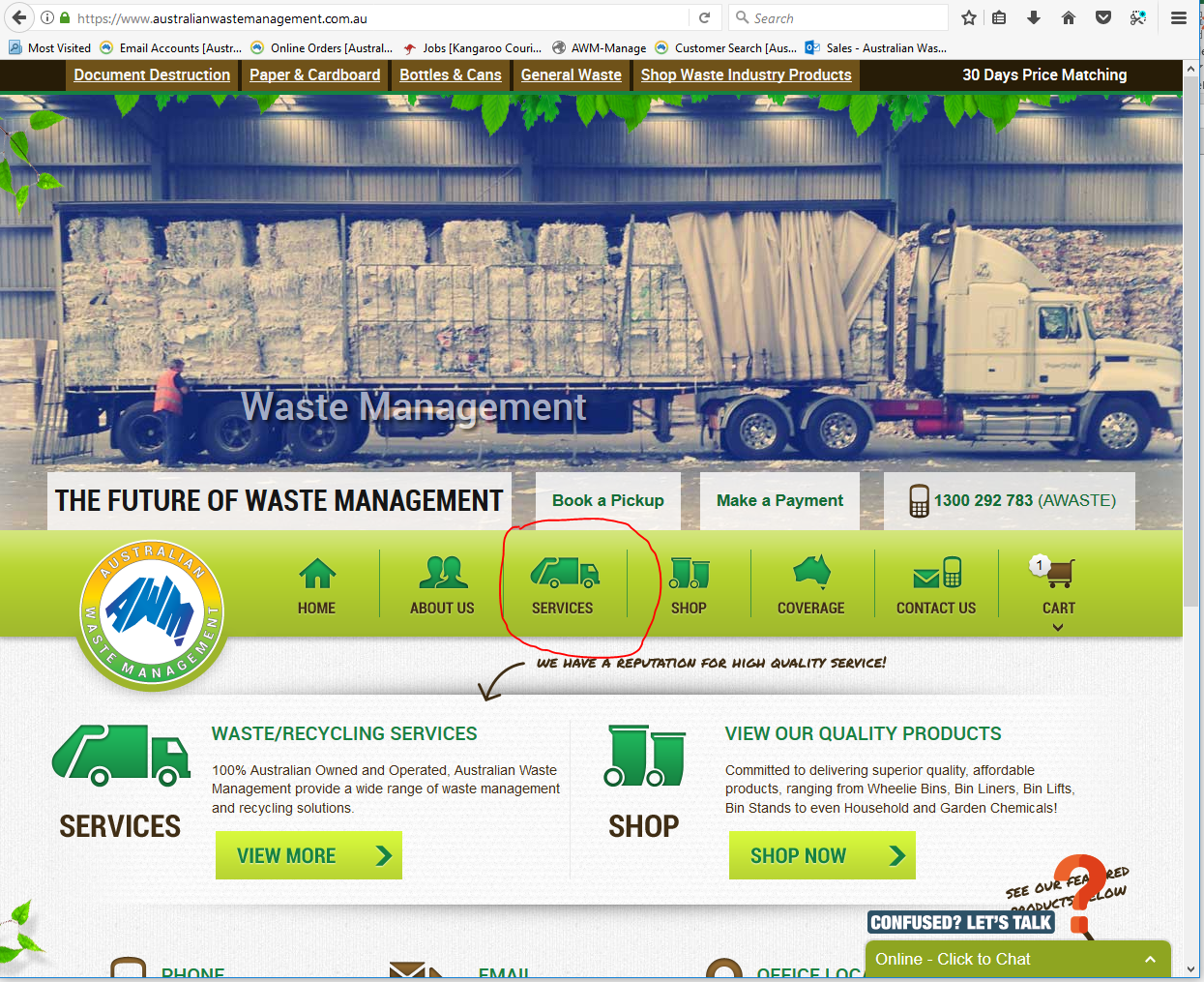
- From the Services page, choose what type of service the customer need/require
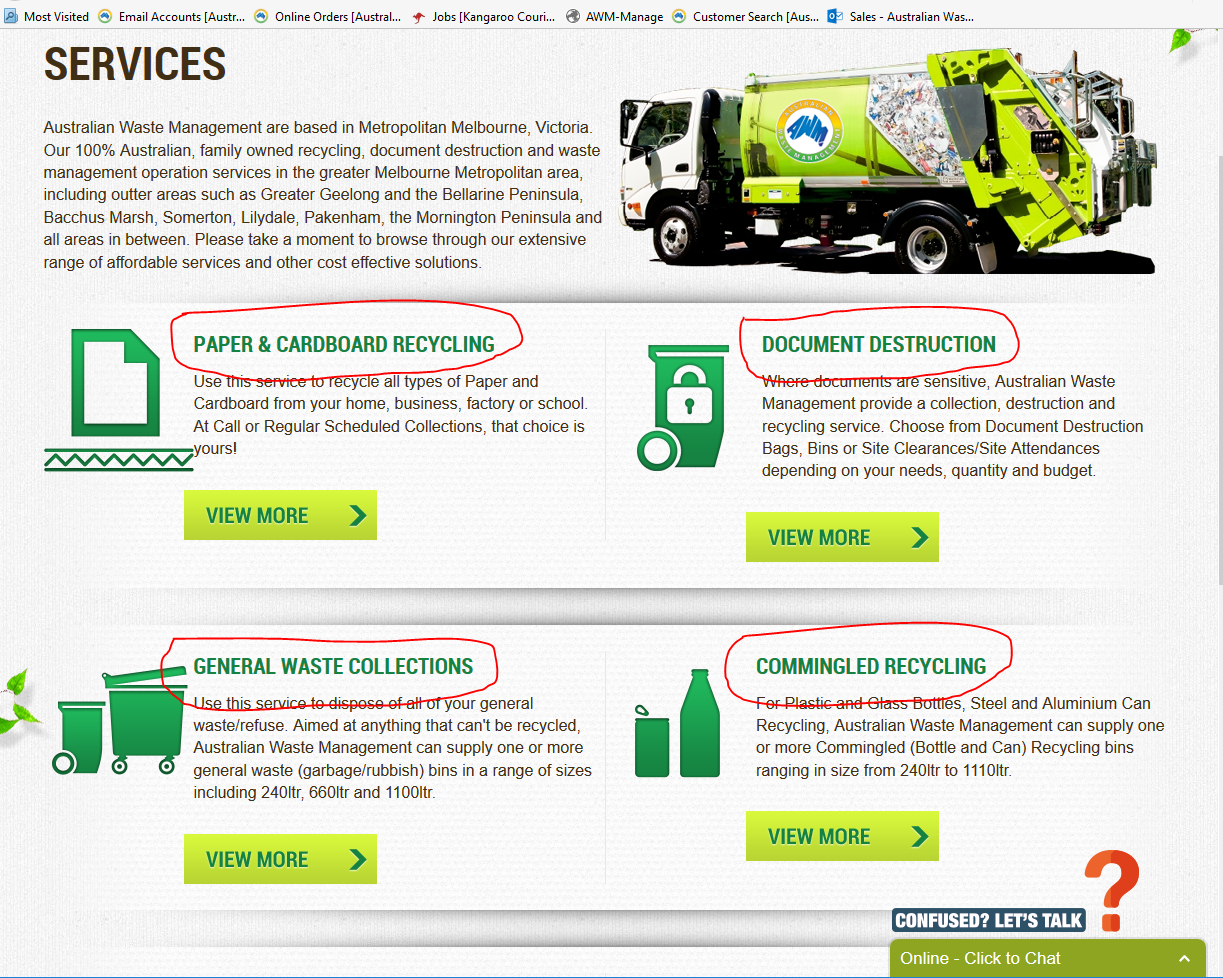
- Click View More to check if we can provide service on the area.
- The website will check if the customer's location is on our coverage area.
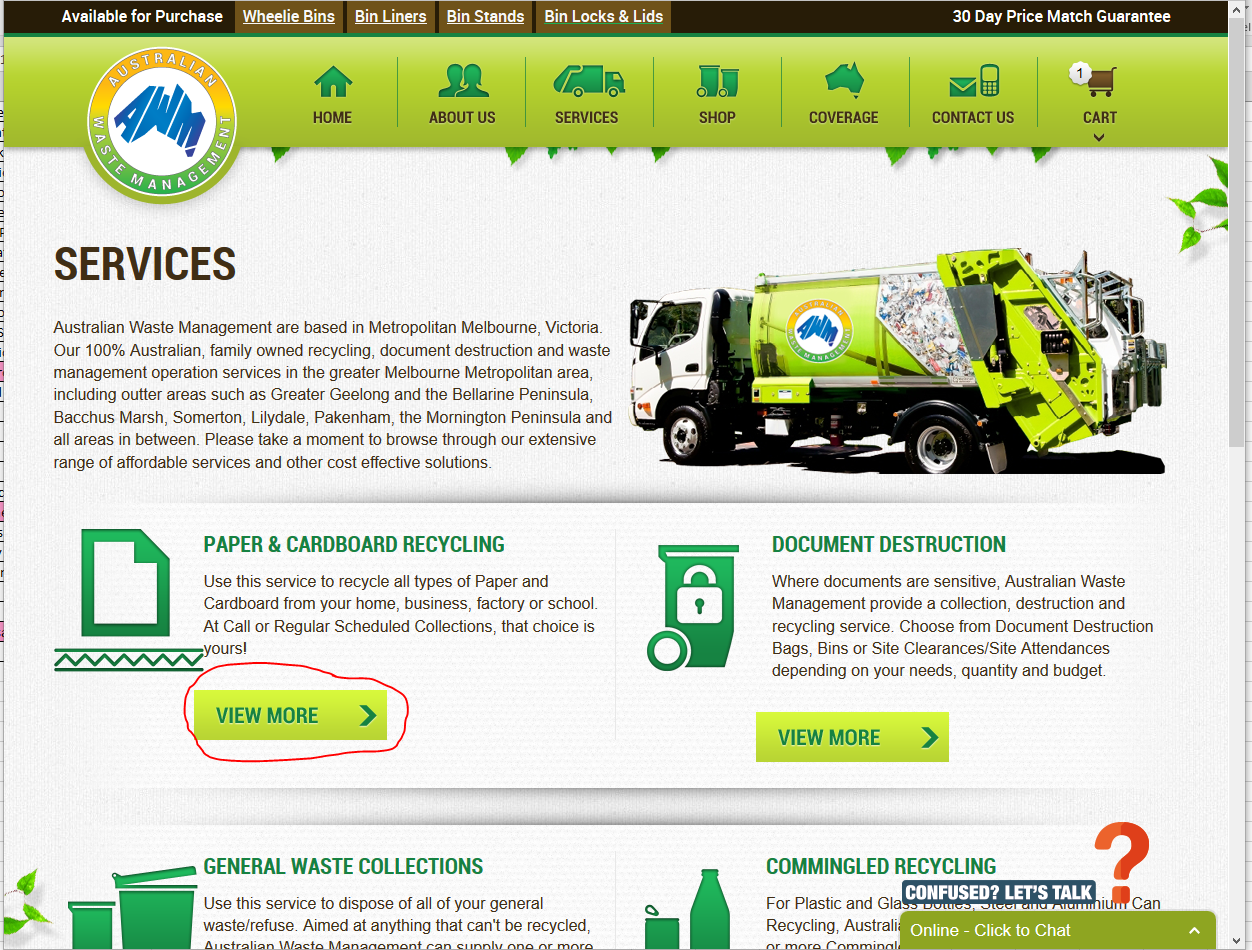
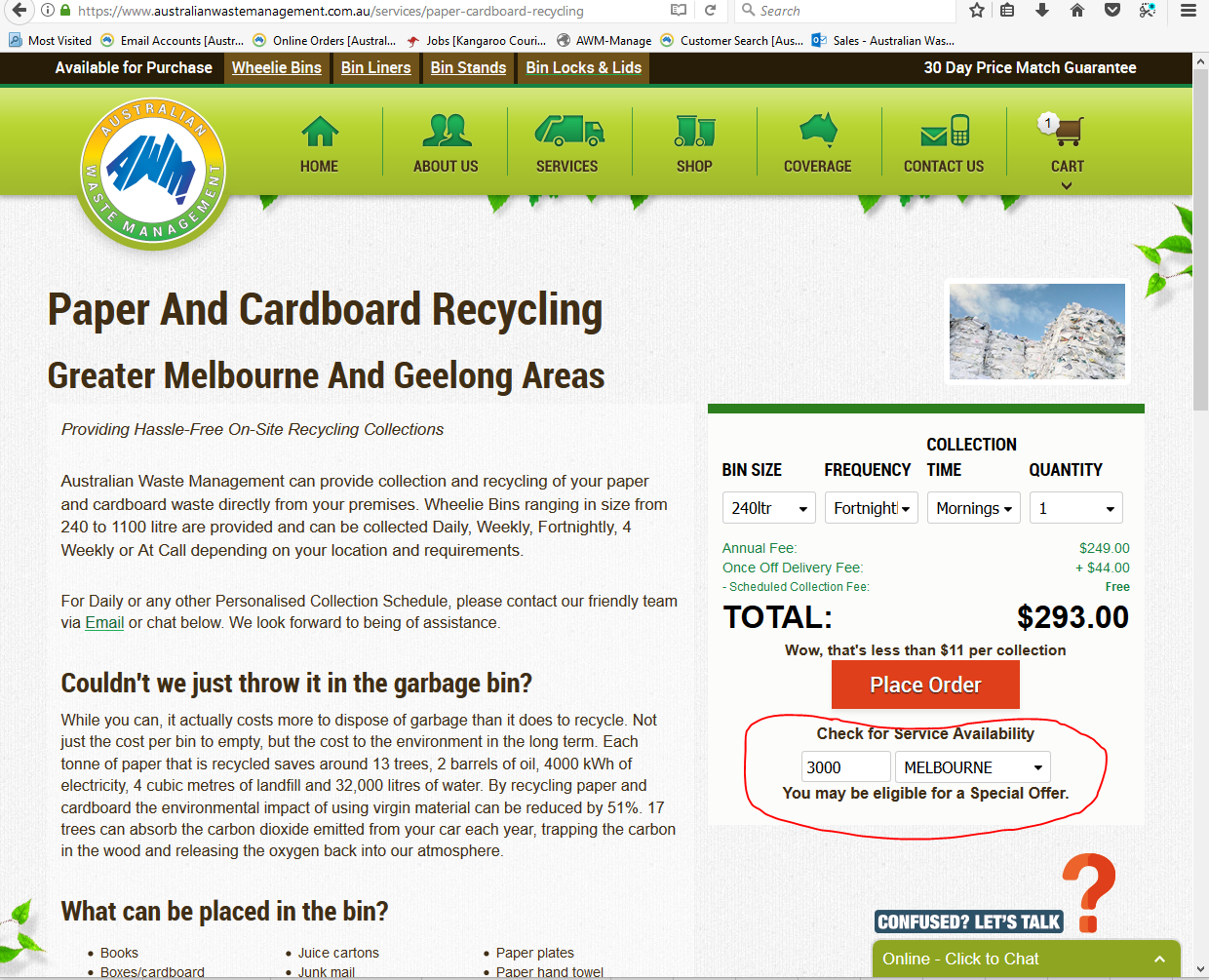
- Enter the customer’s post code
- If service is available in the area, website will show image below
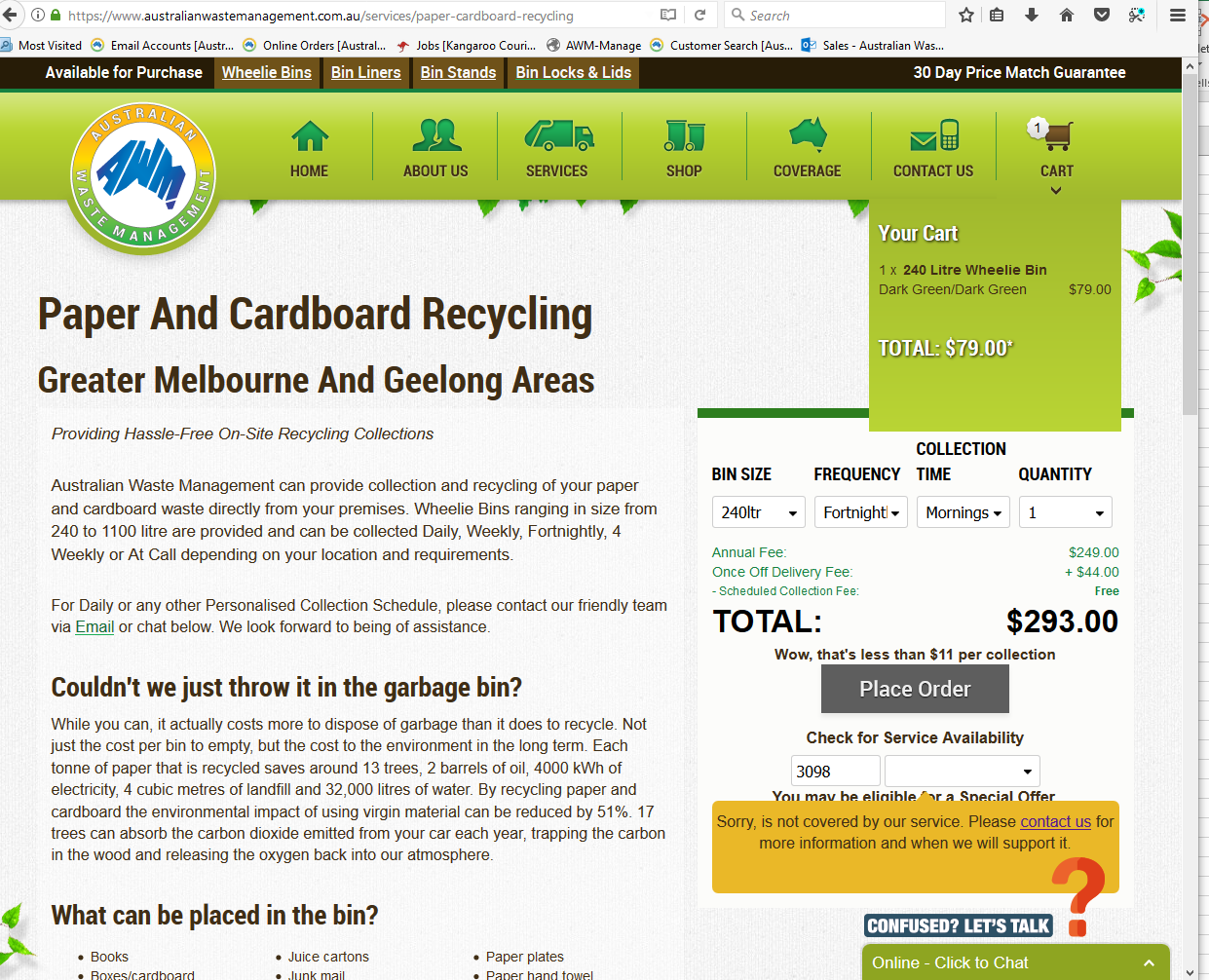
- If service is not available in the area, website will show image below.
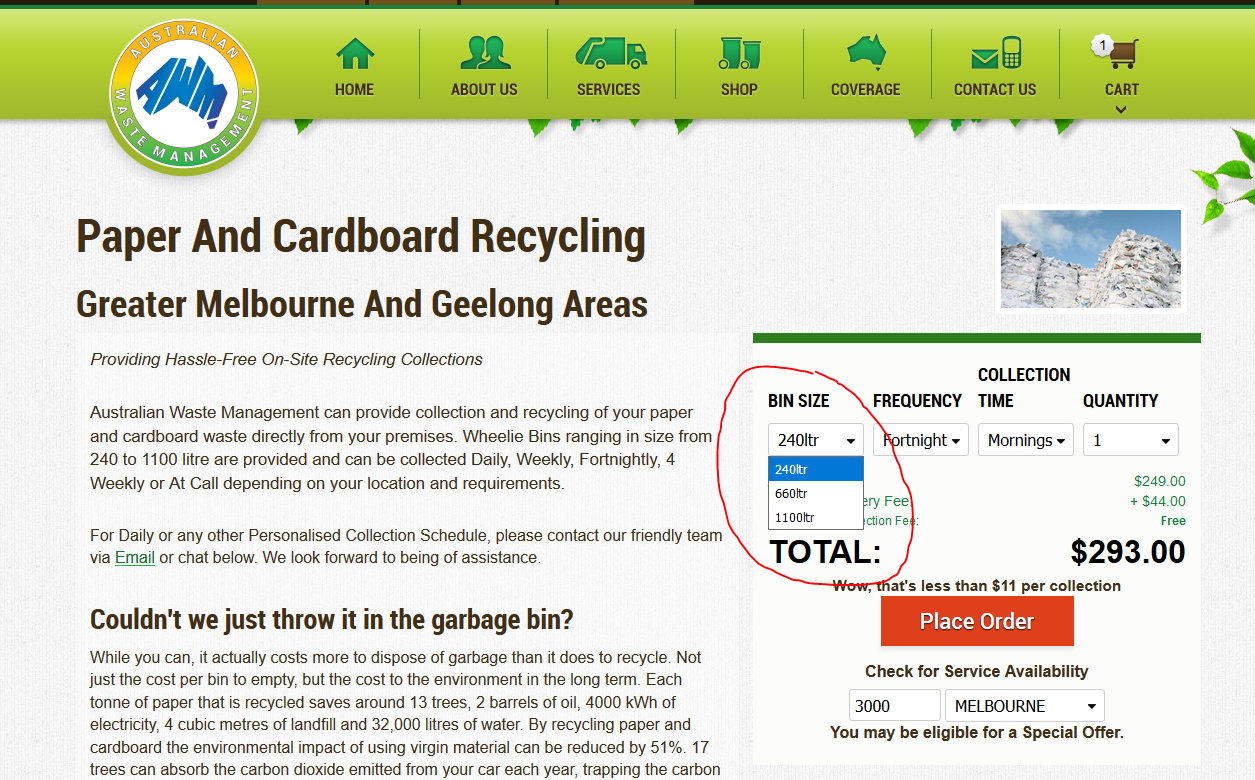
- Once you were able to check that we can provide service. Click the bin size the customer requires
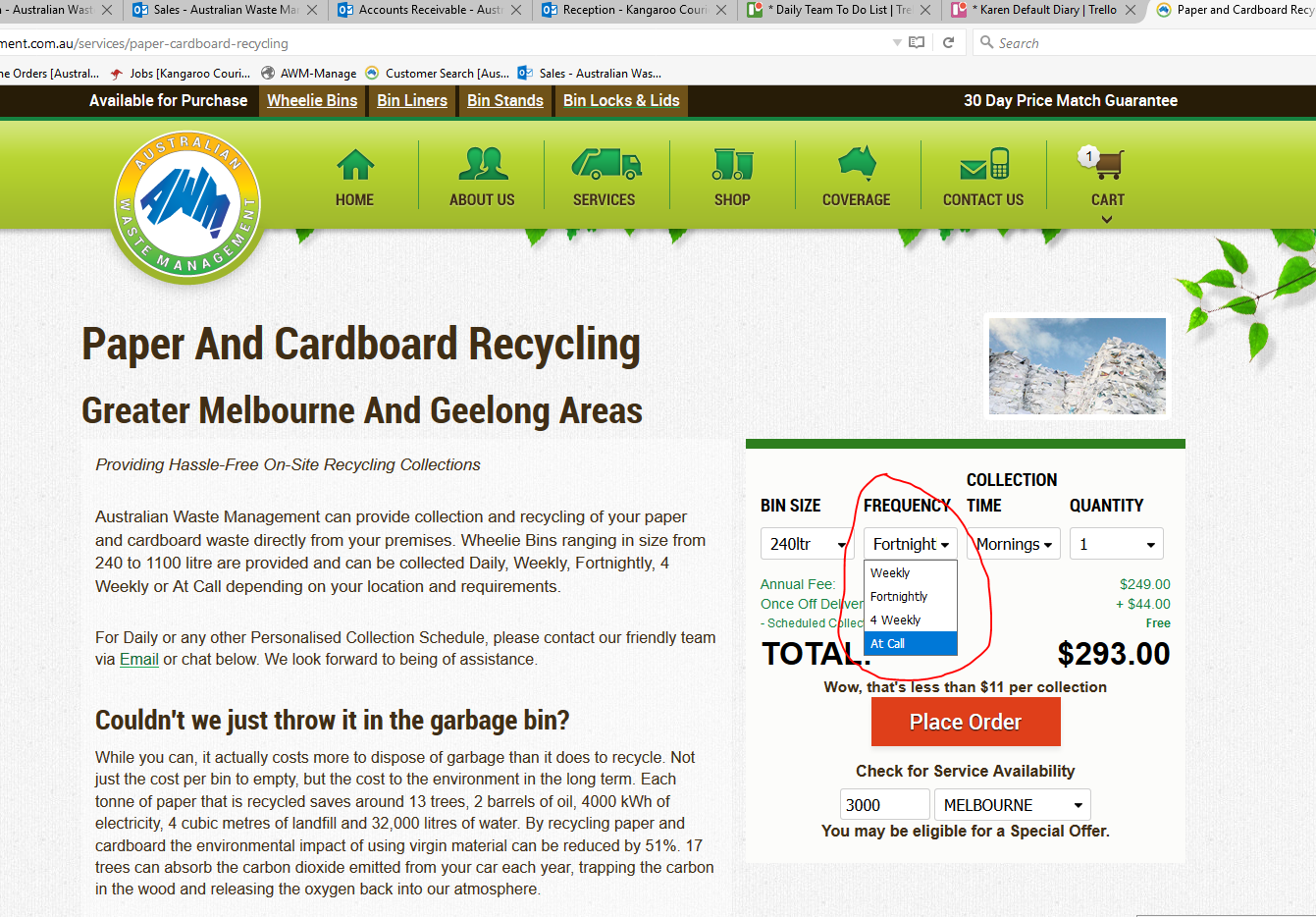
- Click the type of frequency the customer wants (frequency availability depends on the size of bin)
- For Paper and Cardboard verify with customer if they prefer morning or day collection
- Day Collection is during business hours
- Morning Collection they need to put the bin out, kerbside day prior to collection (5pm)
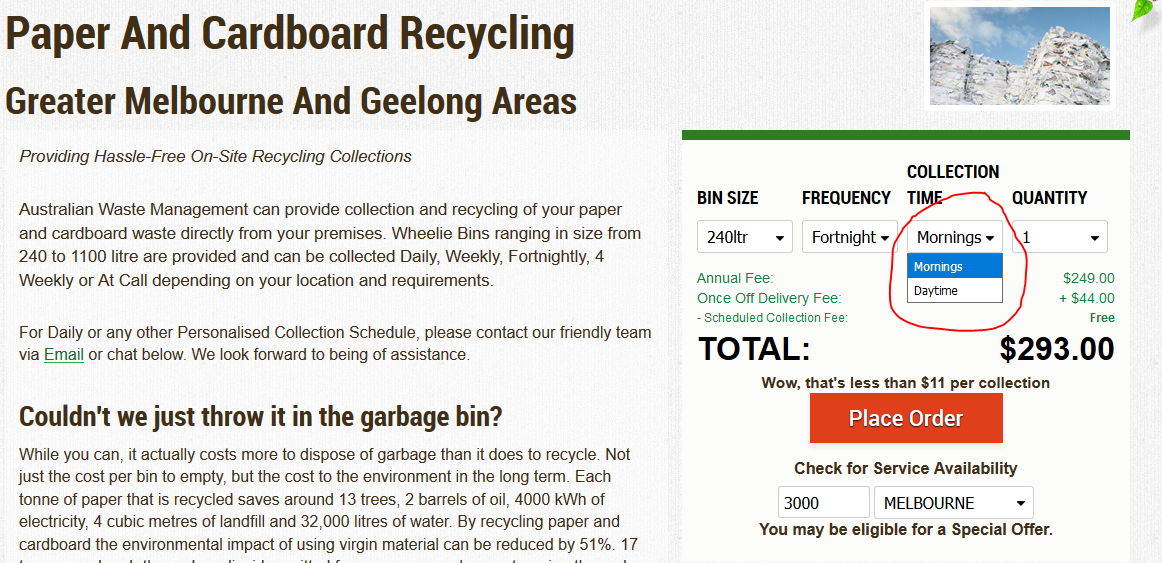
- For General waste and Commingled recycling service we offer morning collection only.
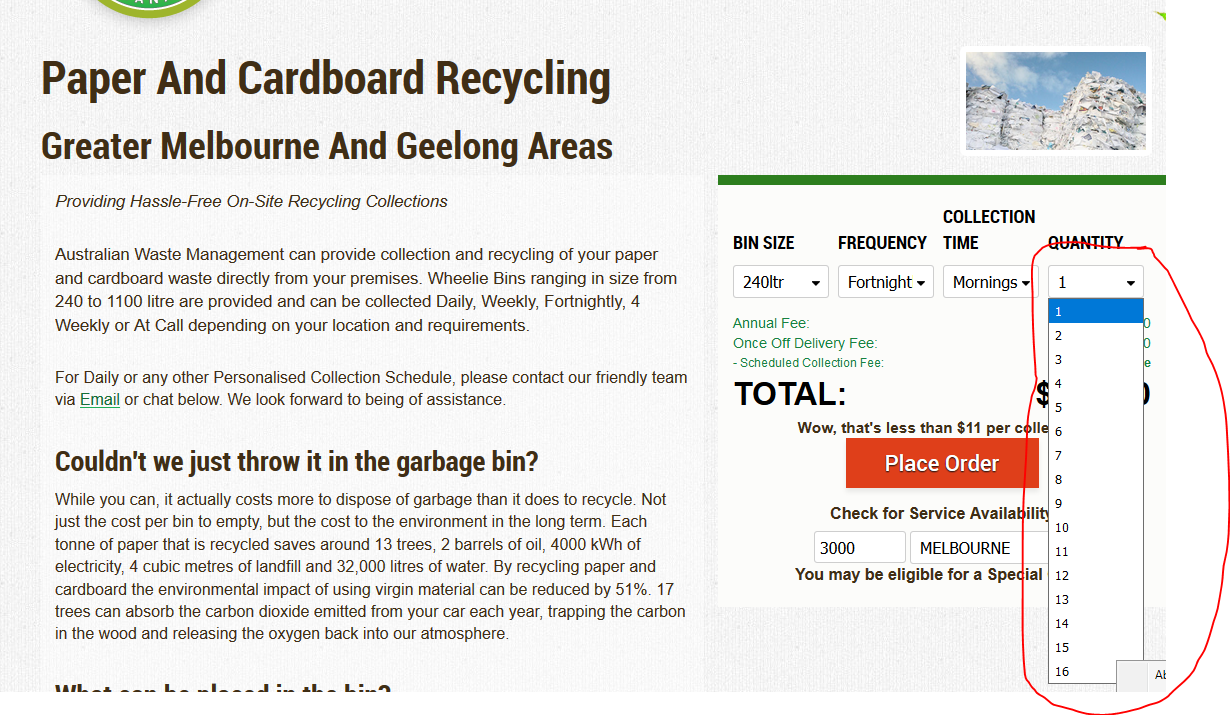
- Enter the number of bins requested.
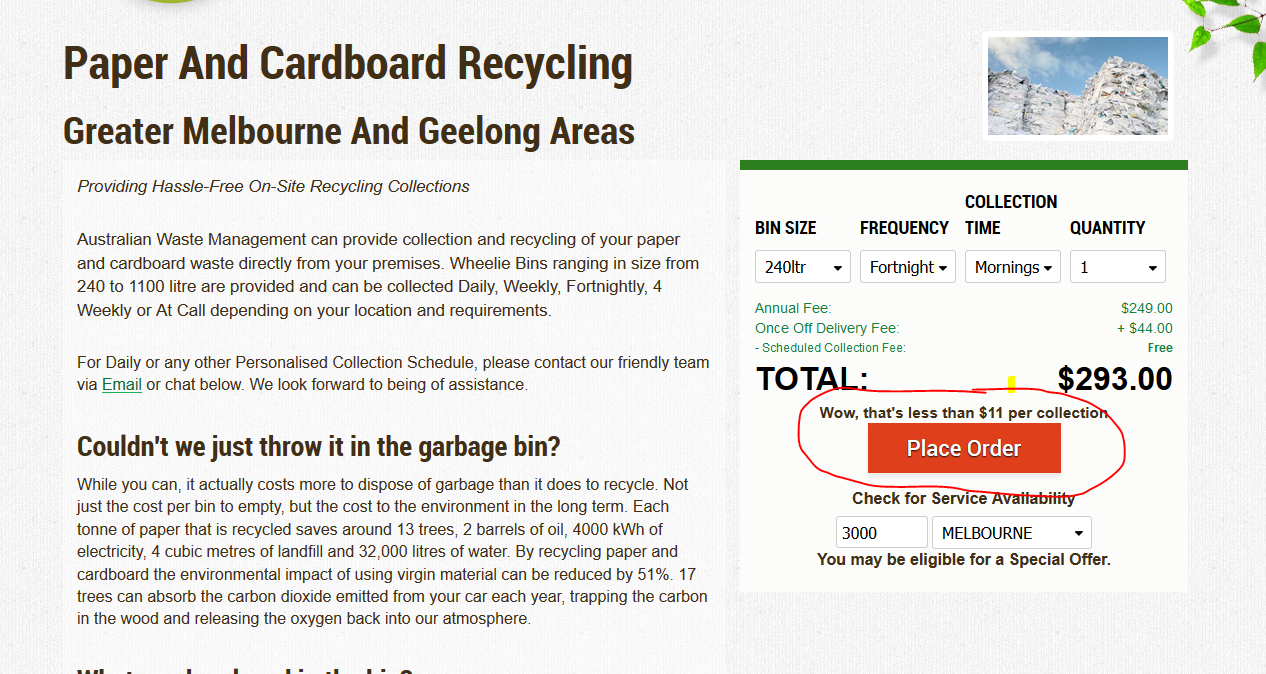
- Click Place Order
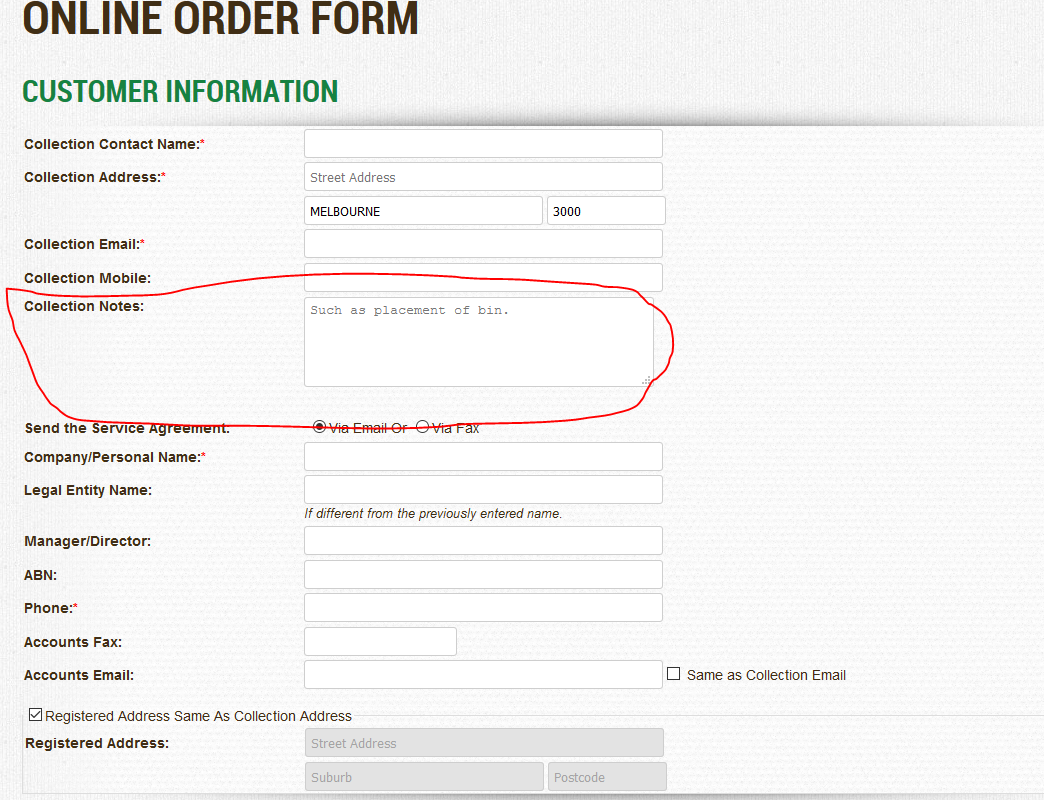
- Fill up all the information those with red asterisk are required
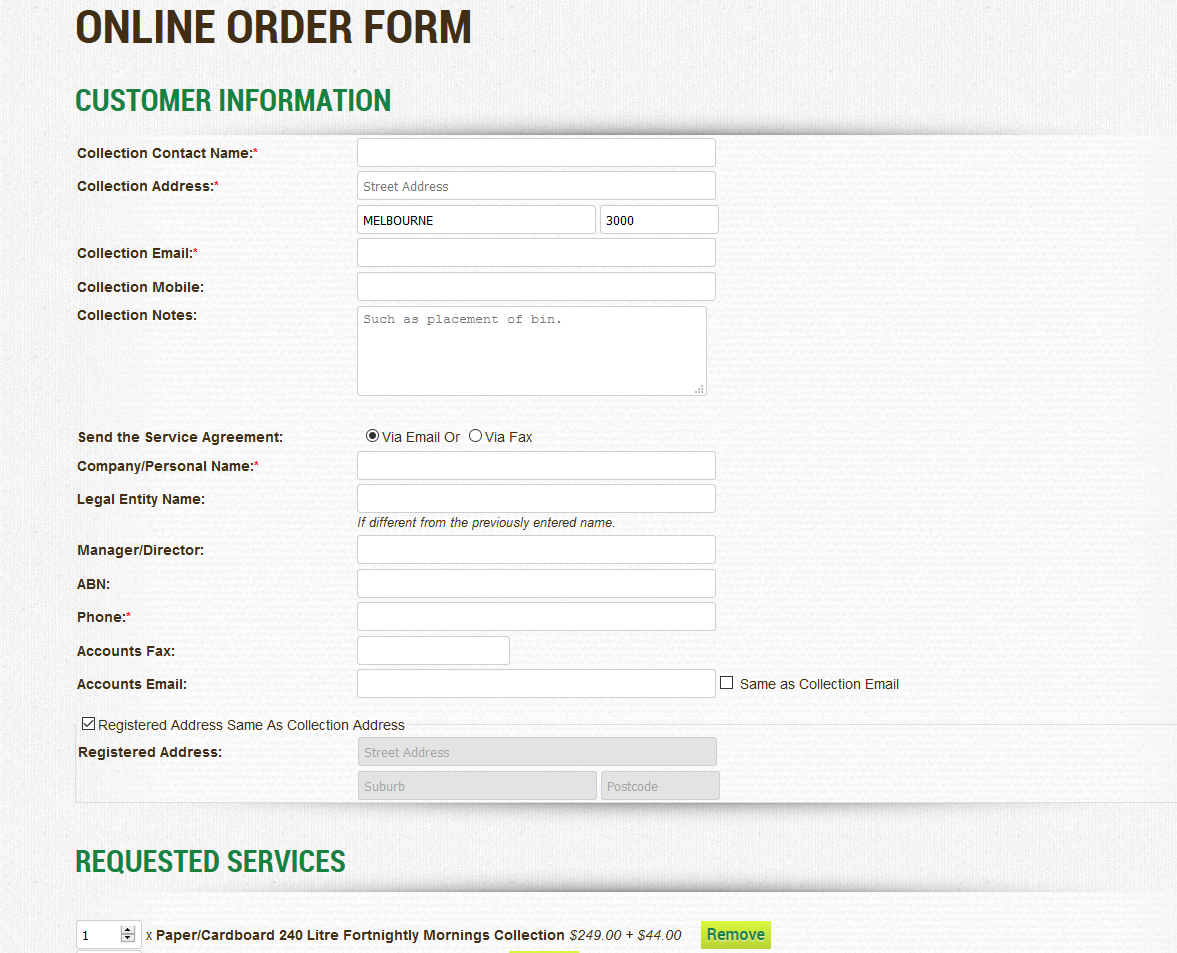
- If there are some important information that needs to be added, put it on the collection notes
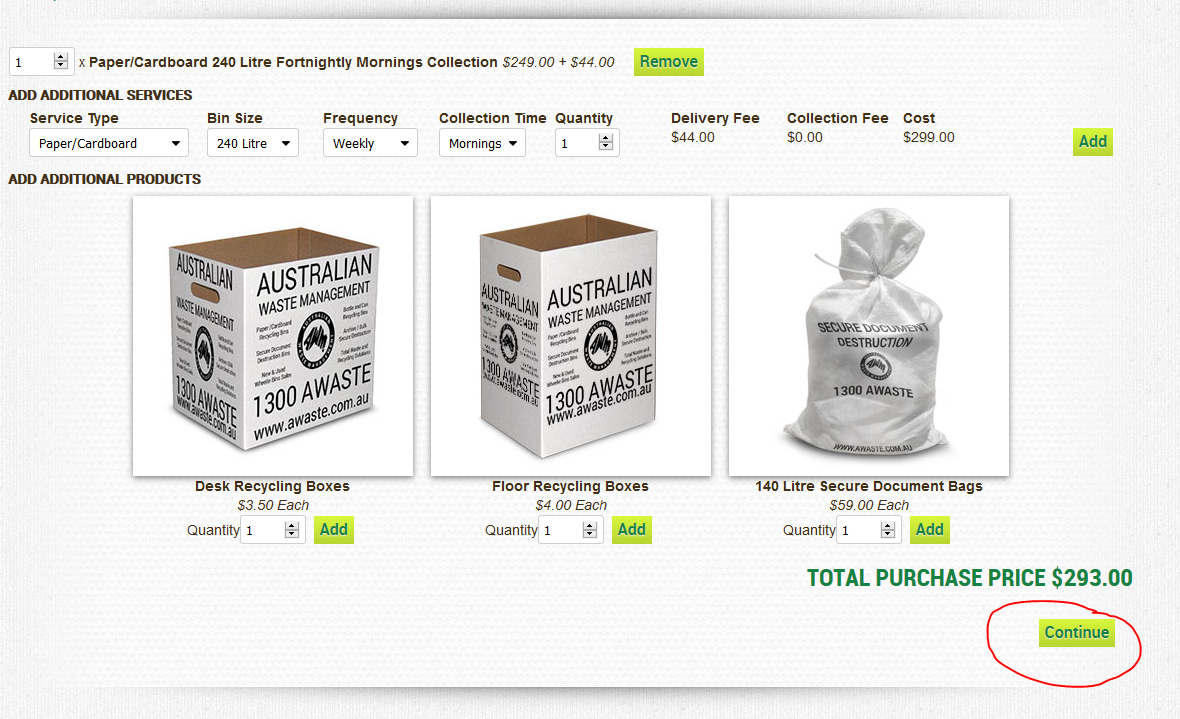
- Verify if service requested and if they need to add another service
- Forward a screenshot copy of the service agreement to Logistics before you click continue. (If Logistics is not available forward to Accounts)
- Once approve by Logistics/ Accounts, Click Continue
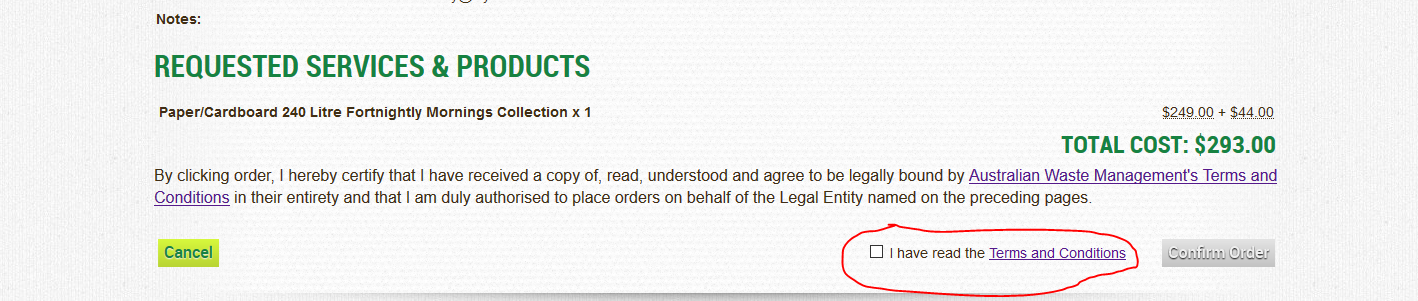
- Click “I have read the Terms and Conditions”
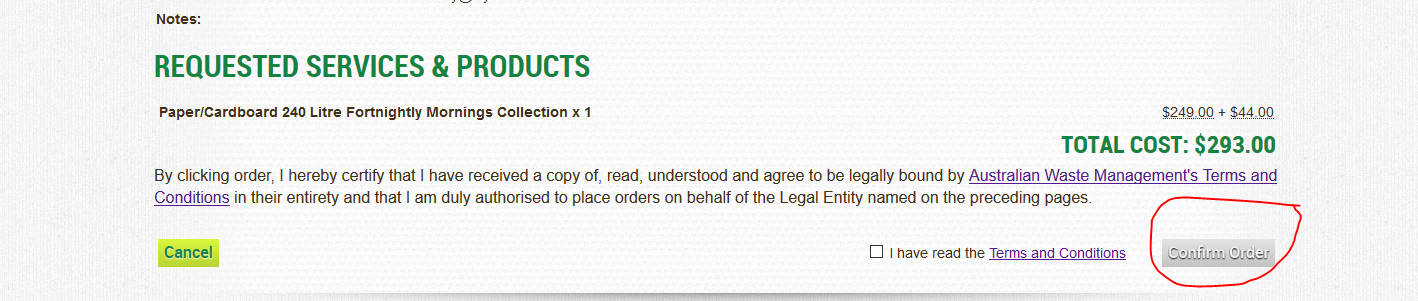
- Click confirm order
- Advise customer to sign service agreement and send the sign service agreement back to us.
- Once we receive a copy of the signed service agreement we can continue to process the order.
- Process the signed Service agreement once received How to Process Service Agreement
Comments