Changing customer invoices to match a request by an Administrator to enable them to be paid
Posted at July 19, 2019 11:07 am. Last updated at August 07, 2019 04:08 pm

We follow this procedure if we need to change the account name to match a request by an administrator ( we normally do this if the account is under Liquidation ).
1) Change the name on the card to what they want Change Customer Name Procedure
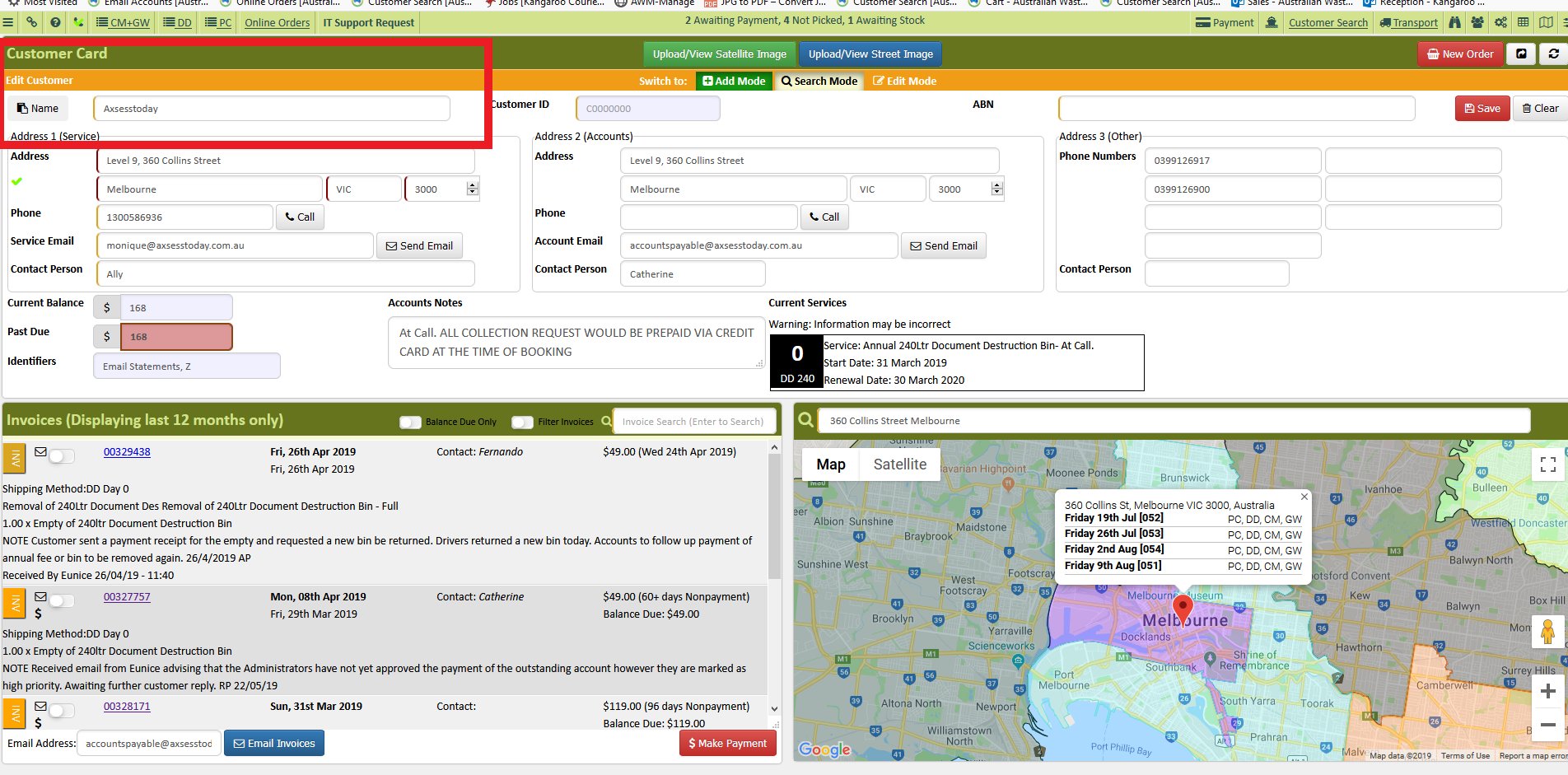
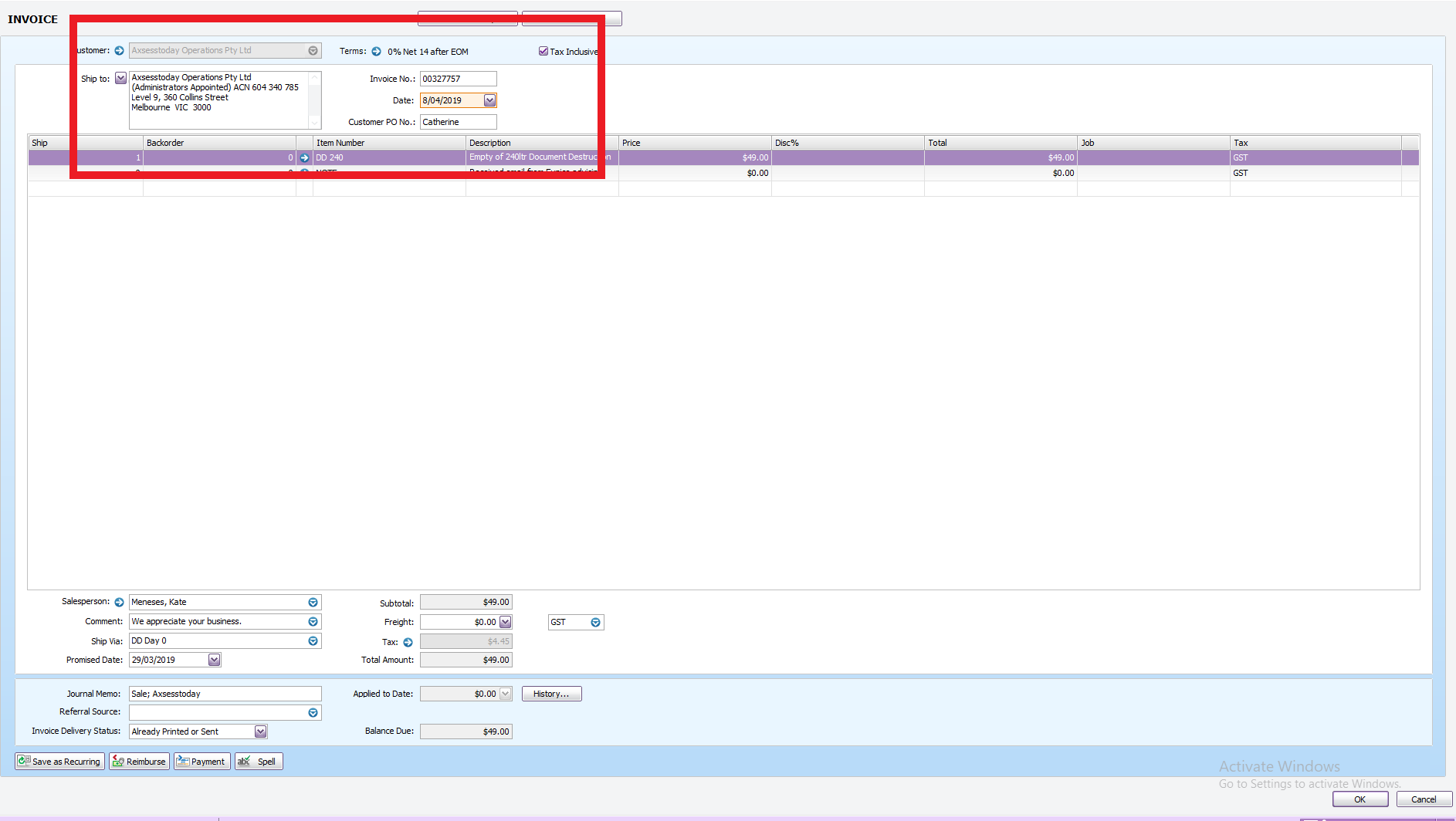
2) Edit the existing annual fee and collection invoices to the date the customer requested. Leave the "Promised Dates" as they are, just change the invoice dates for all open invoices to the date requested.
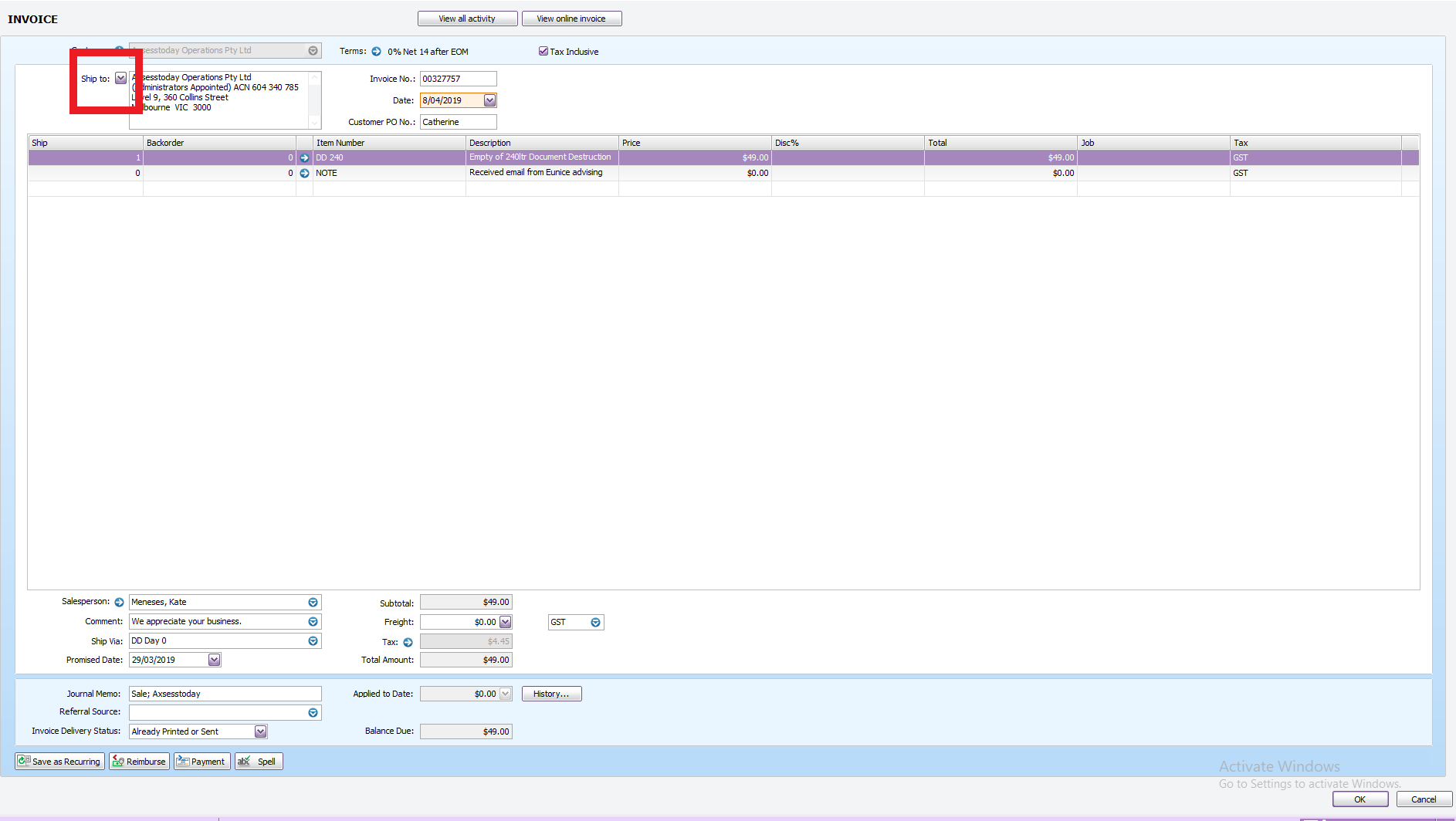
3) Refresh the "address" on each invoice to make it get the new name changes by clicking the downward pointing arrow beside the "Ship to: in the invoice. Select "Address 1" then go back to "Address 2", just like any other company name change request.
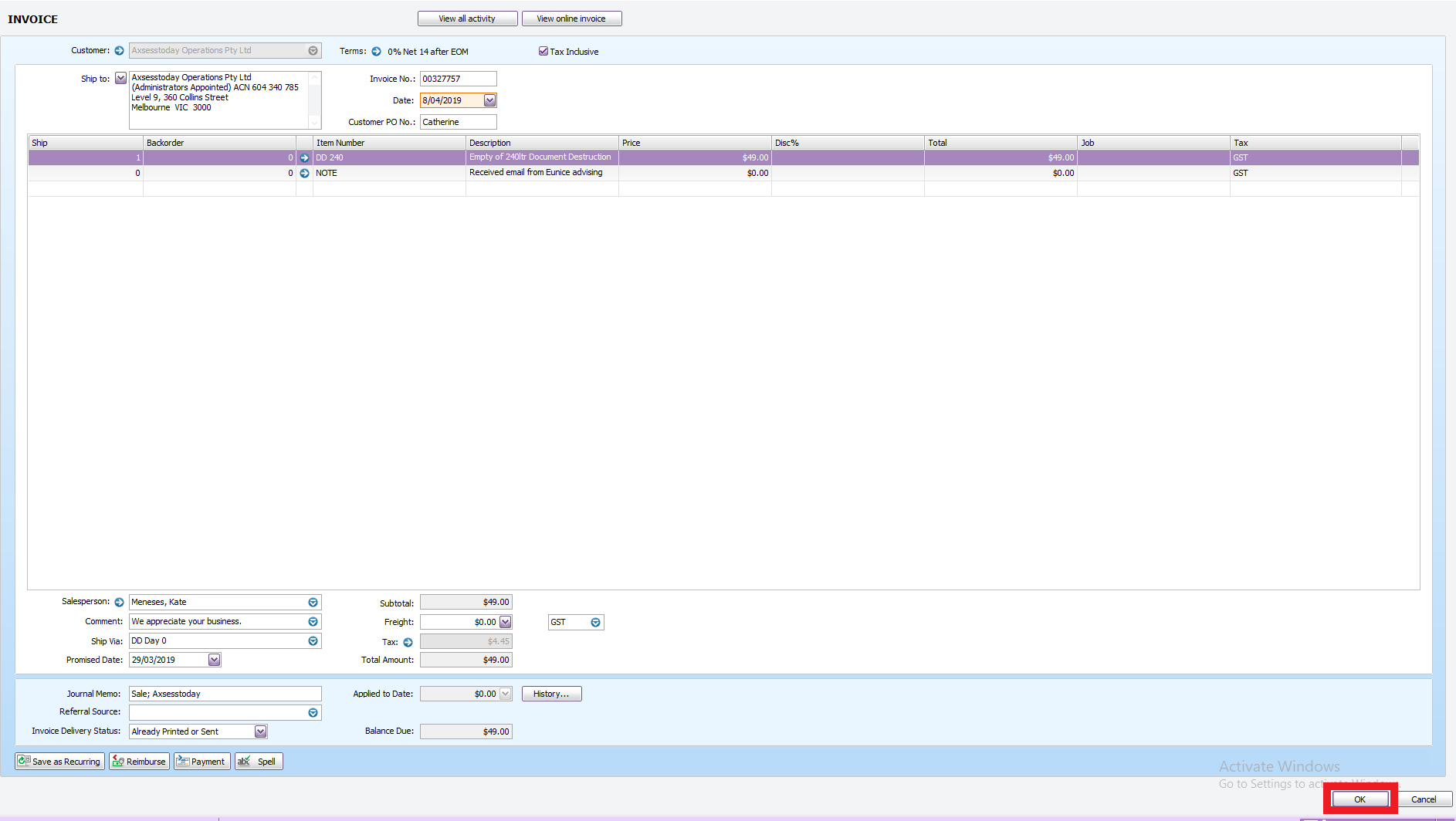
4) Click "OK" to save
5) Email them all through again.
Comments