How to Schedule/Book A Collection
Karen Lacsamana
Posted at January 09, 2018 10:01 am. Last updated at October 29, 2019 05:10 pm
Things to check before booking or scheduling a collection for a customer
- Check collection frequency for the customer (AWM Manage Page and MYOB)
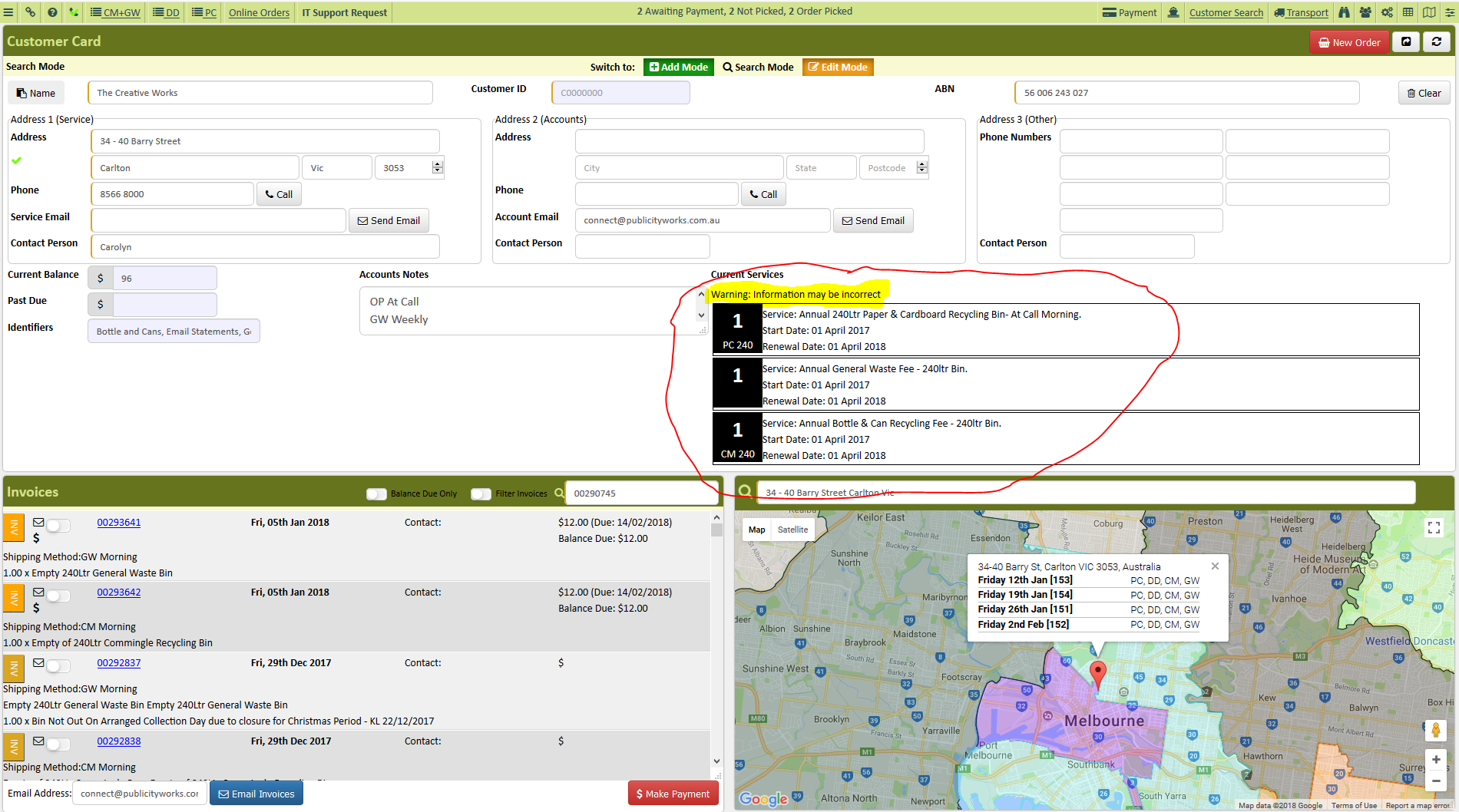
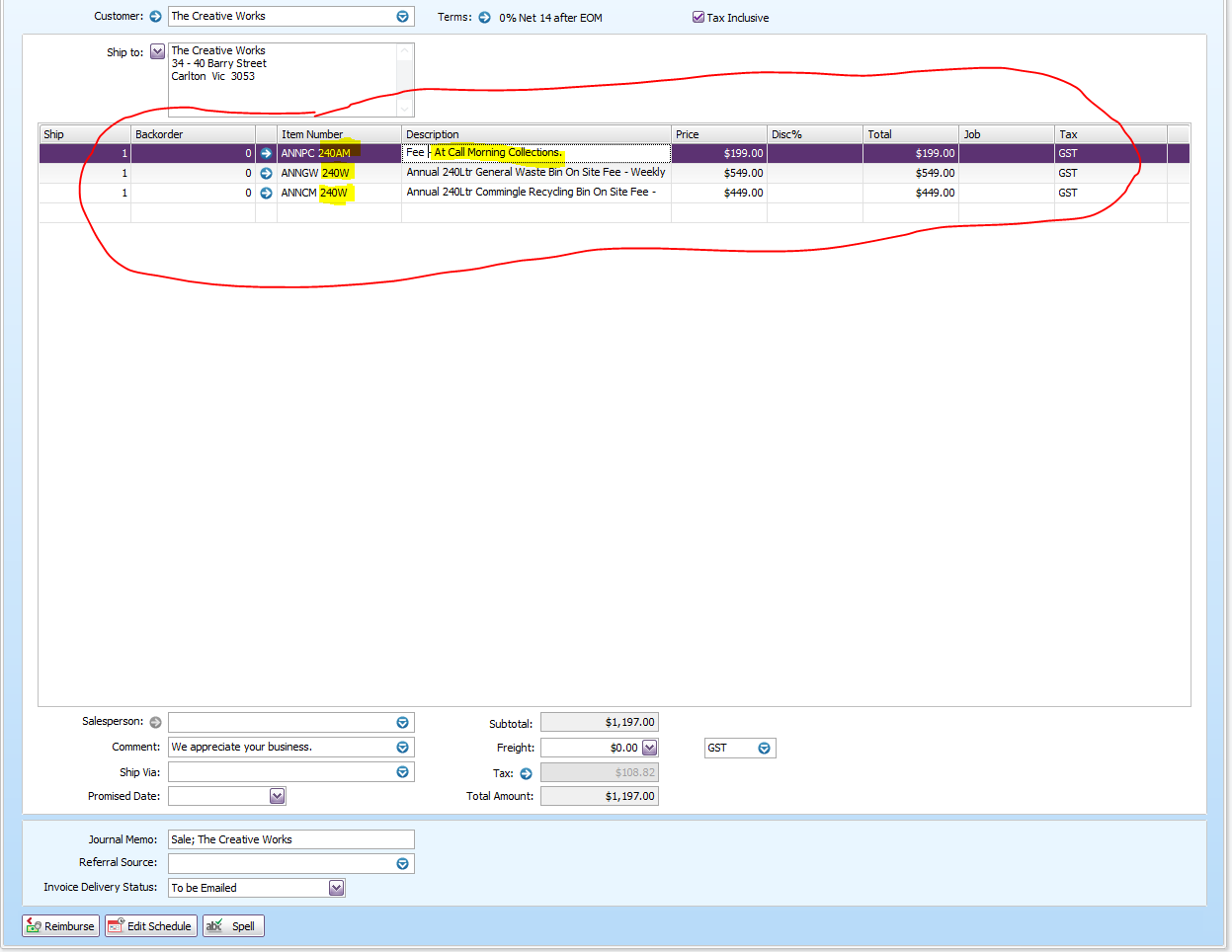
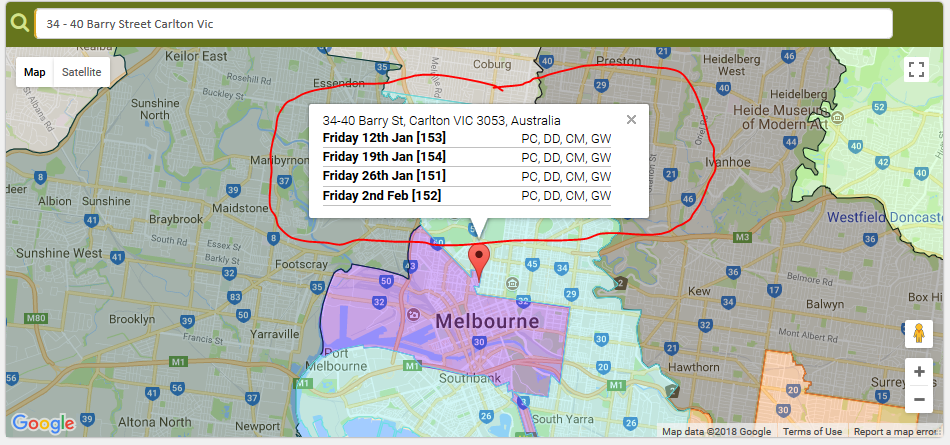
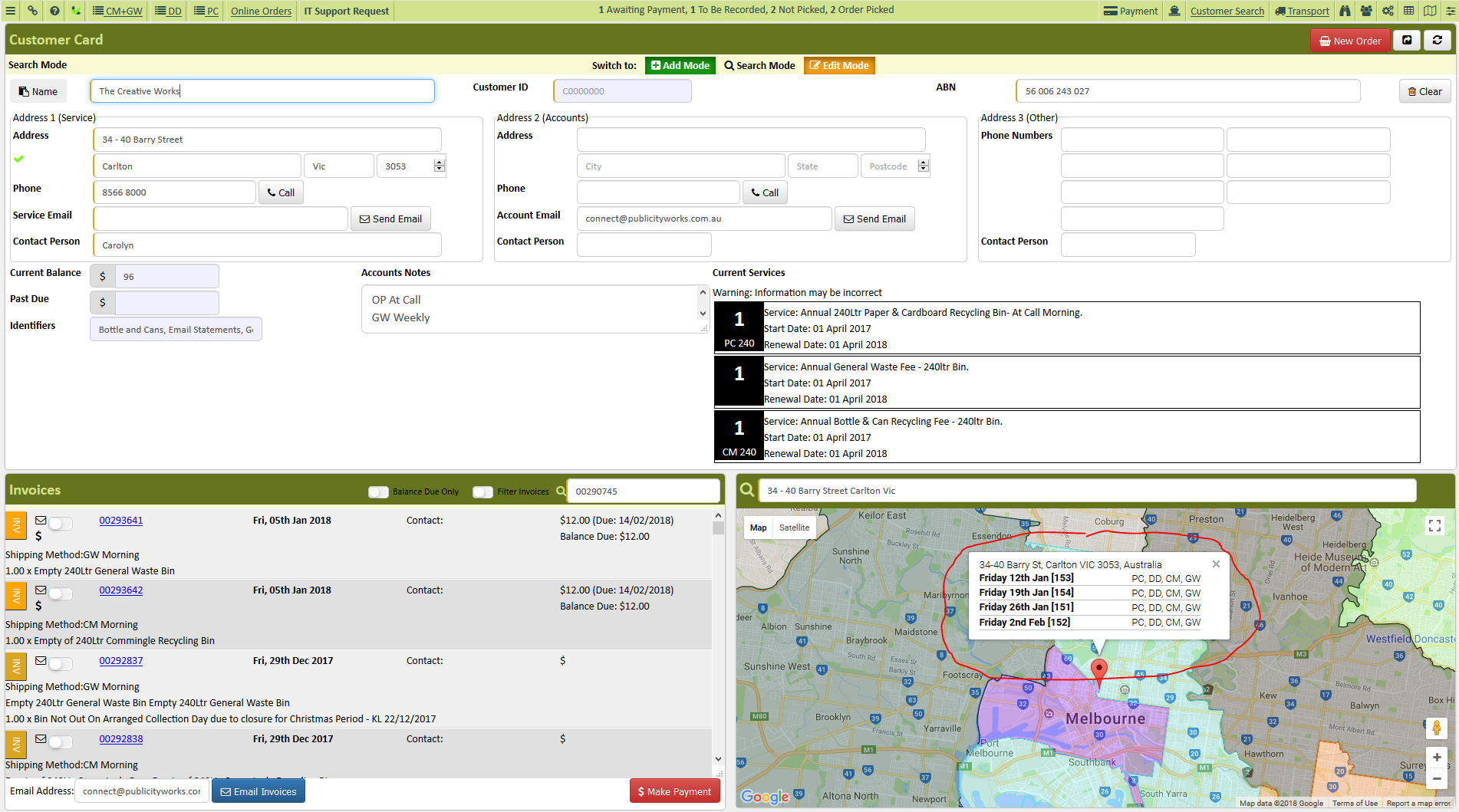
- Check the map when can we schedule a collection for the customer (At Call Service)
- If a customer has a regular collection, are they requesting for urgent collection if so advise of $44 urgency fee
- We do not manually schedule a collection for our customers who has a regular scheduled collection. The system will generate an invoice on their scheduled collection.
How to schedule the collection
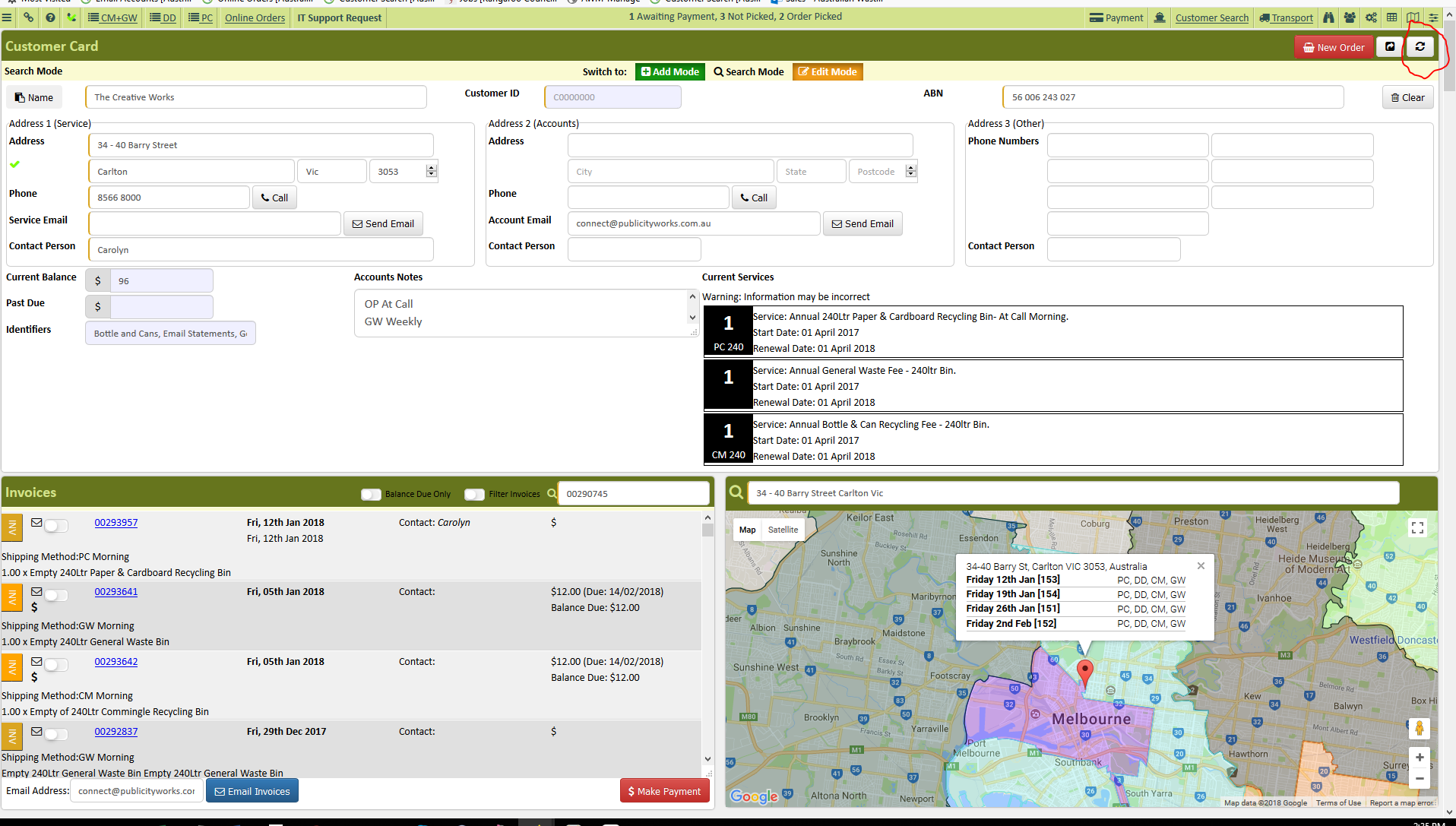
- Open customer's account in AWM Manage Page
- Verify account information such as Account name and Collection Address
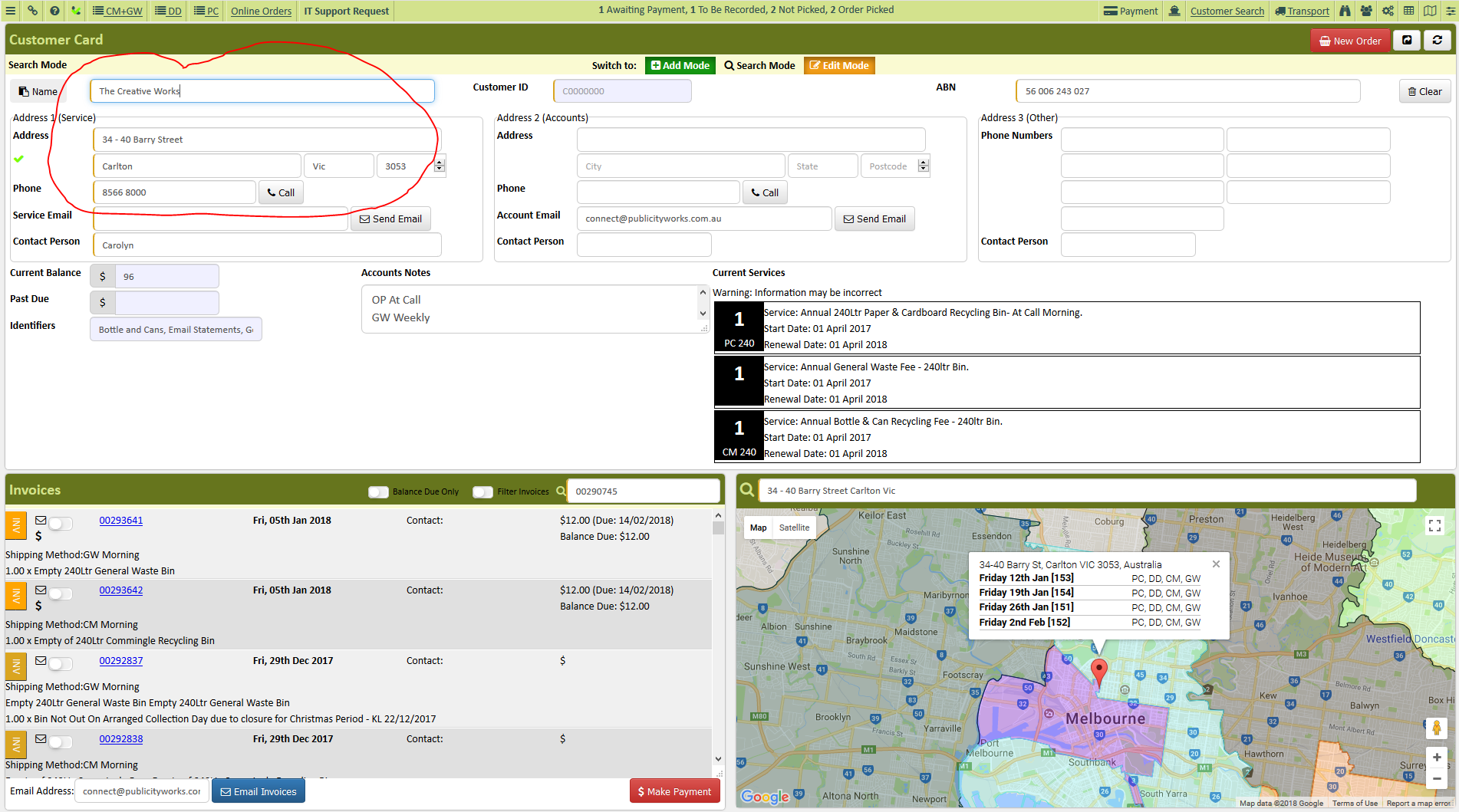
- Verify what bin do we need to collect
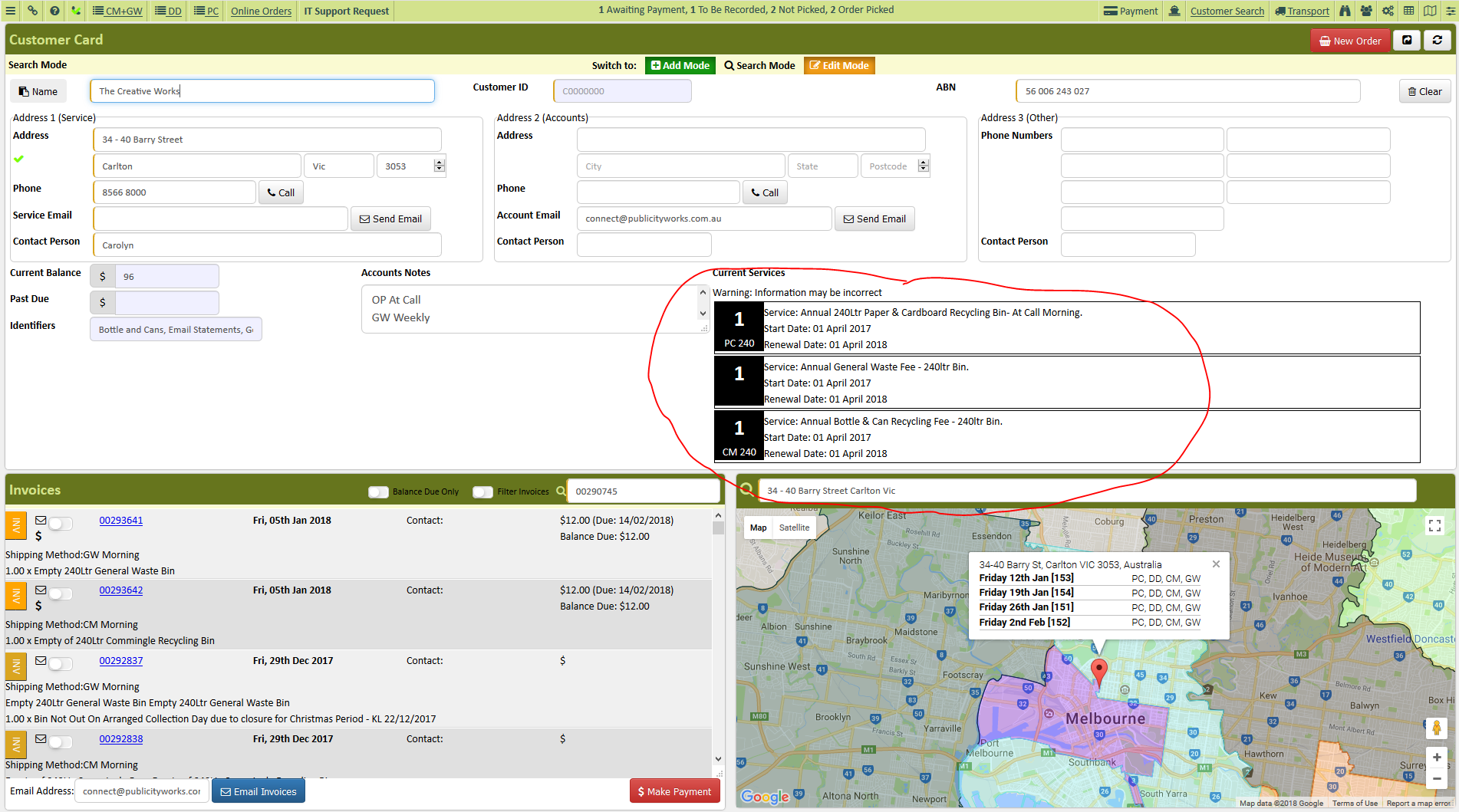
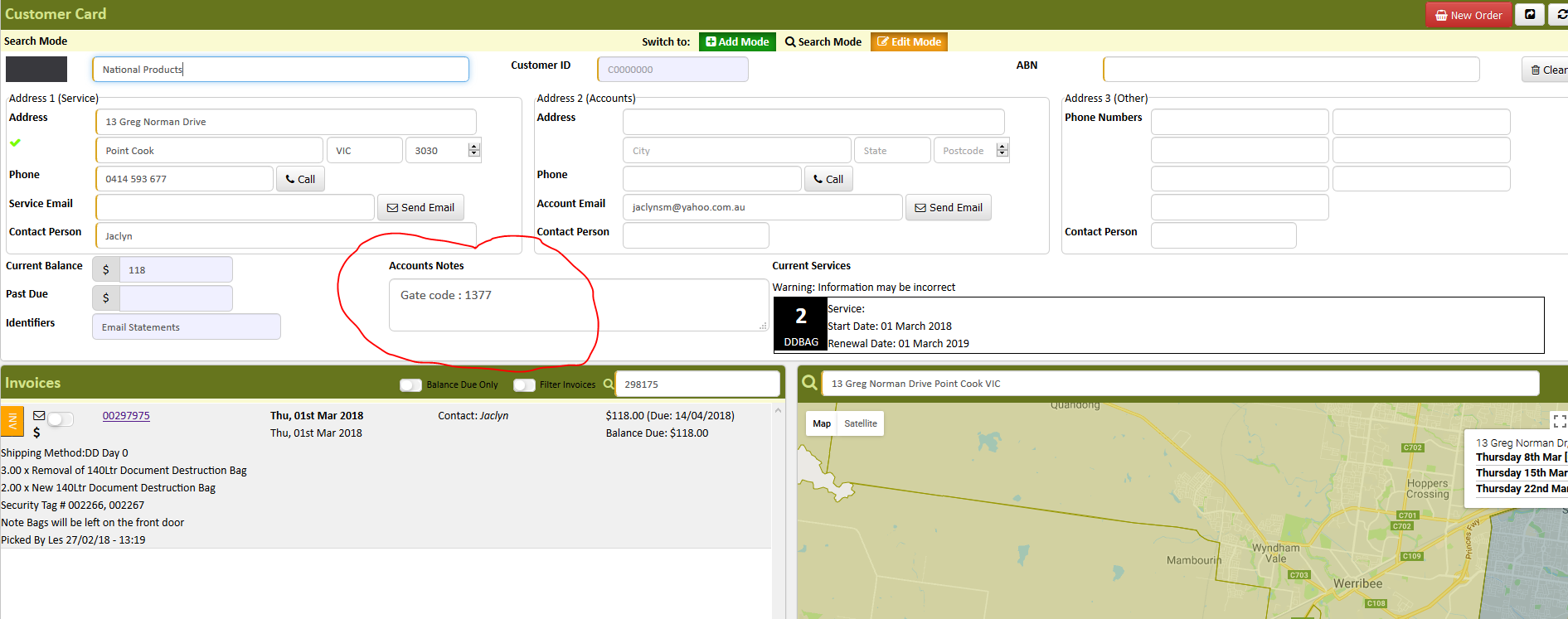
- Check for any notes left on the account and verify if the information is still updated. If not, update it and leave a note on the invoice with the same information.
- Make sure to follow the standard note procedure:
WHO: Name of the person you talked to
HOW: How you contacted them( or how they contacted us)
WHAT: What they wanted
WHY: The reason why they wanted it
WHEN: Date of Contact
WHO: Your Initials
- Make sure to follow the standard note procedure:
- Check the map for the date of collection
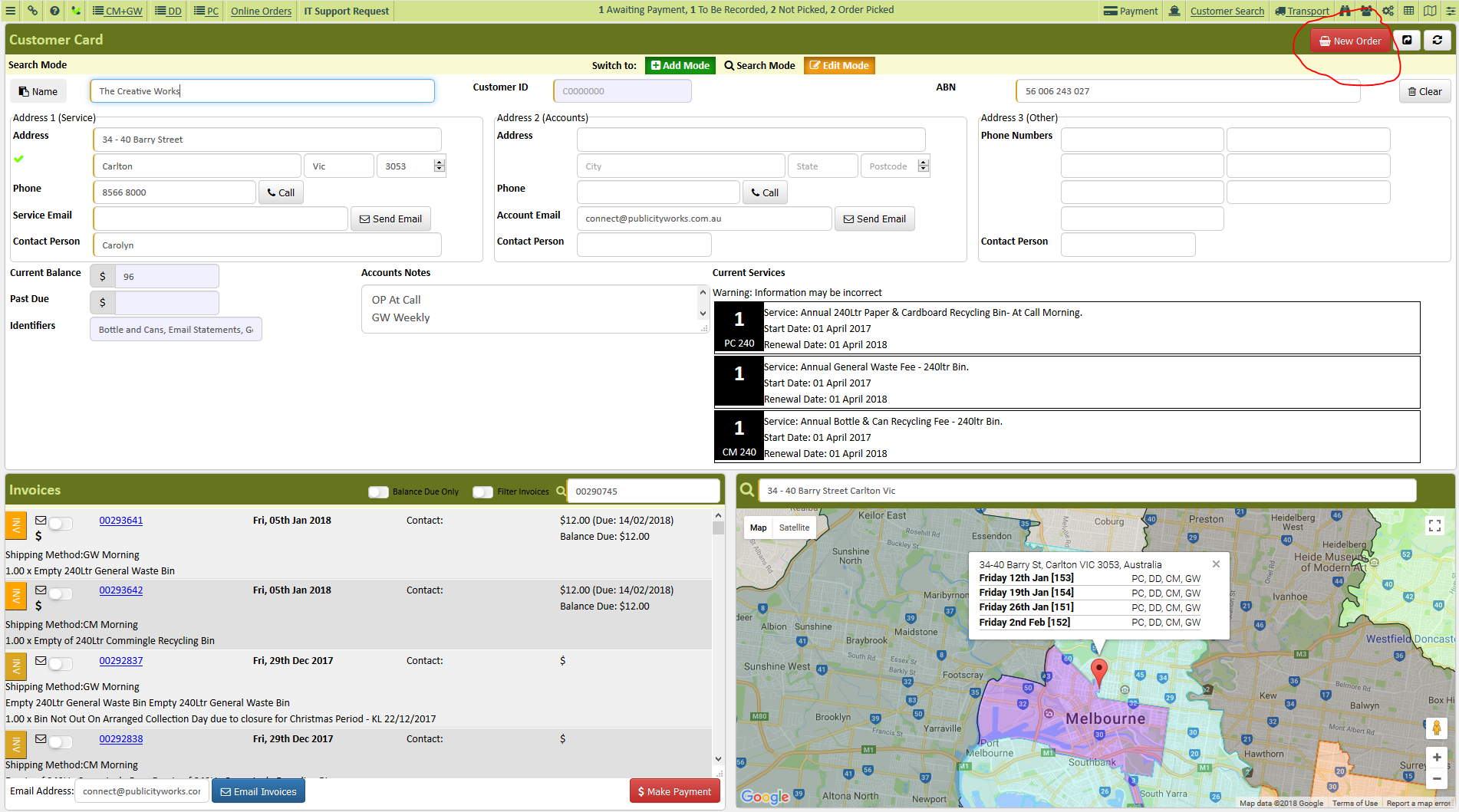
- Click New Order to schedule the collection
- Choose type of service and bin size and click add
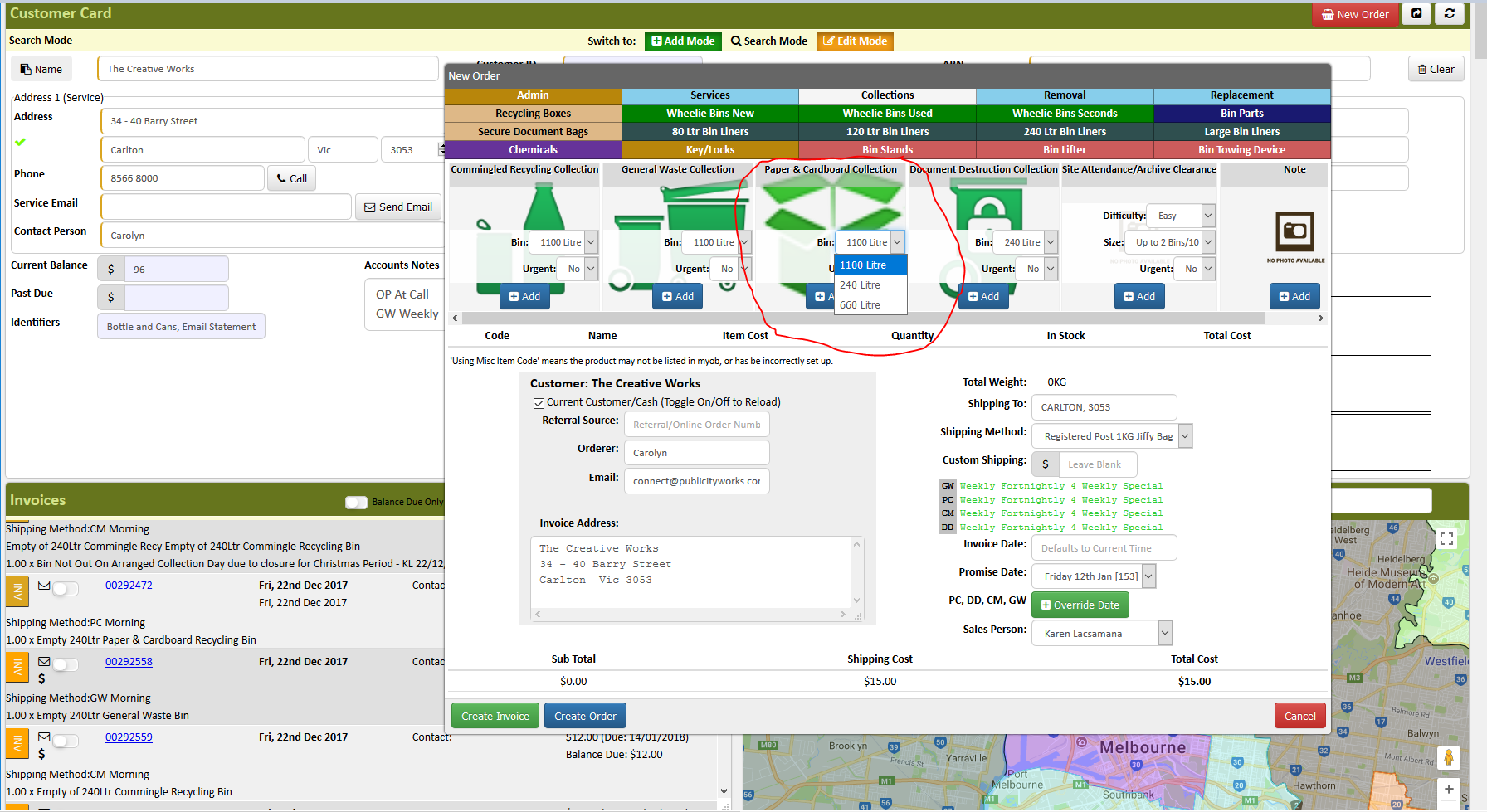
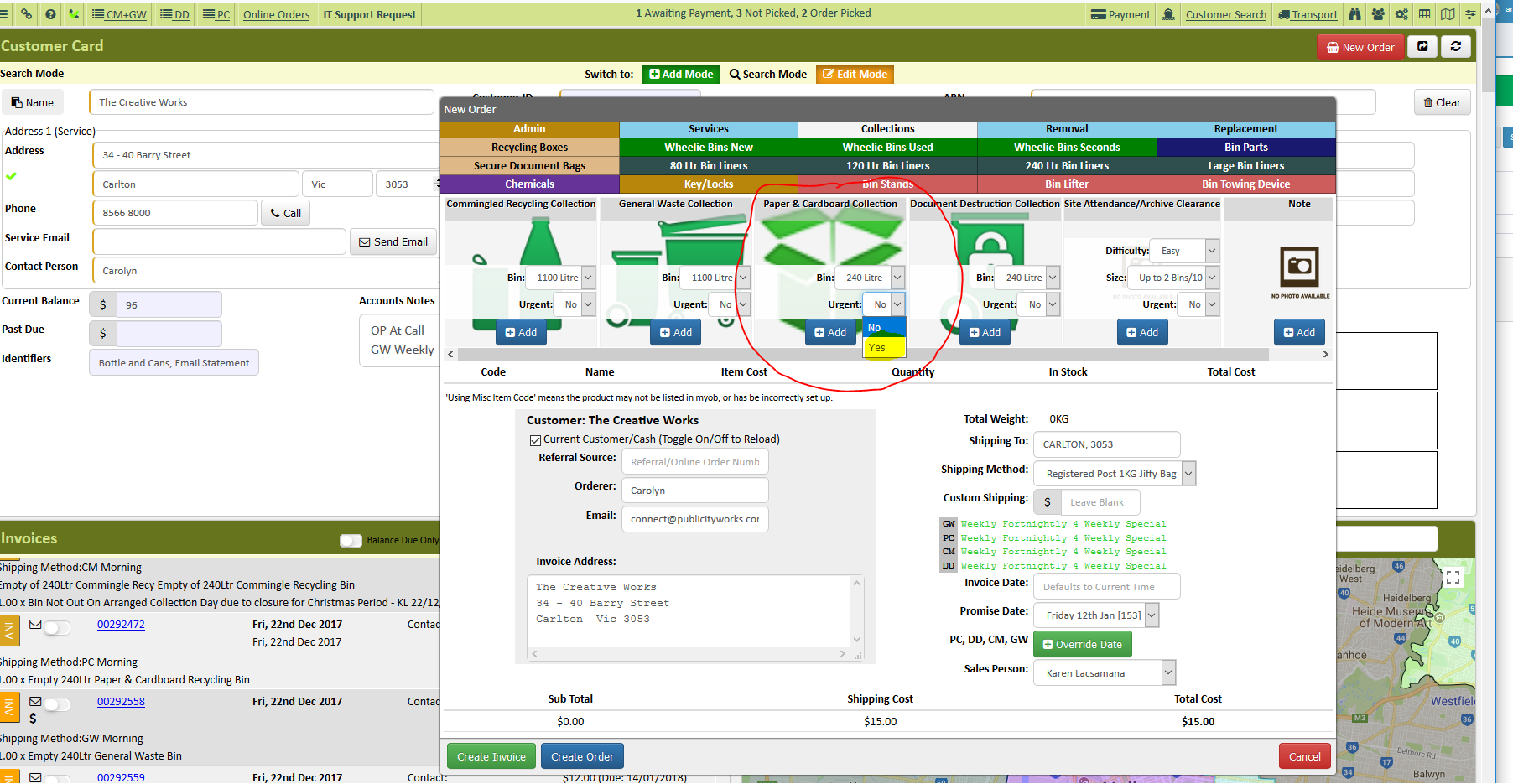
- if a customer is requesting an urgent collection Click Yes on the Urgent Tab before clicking add
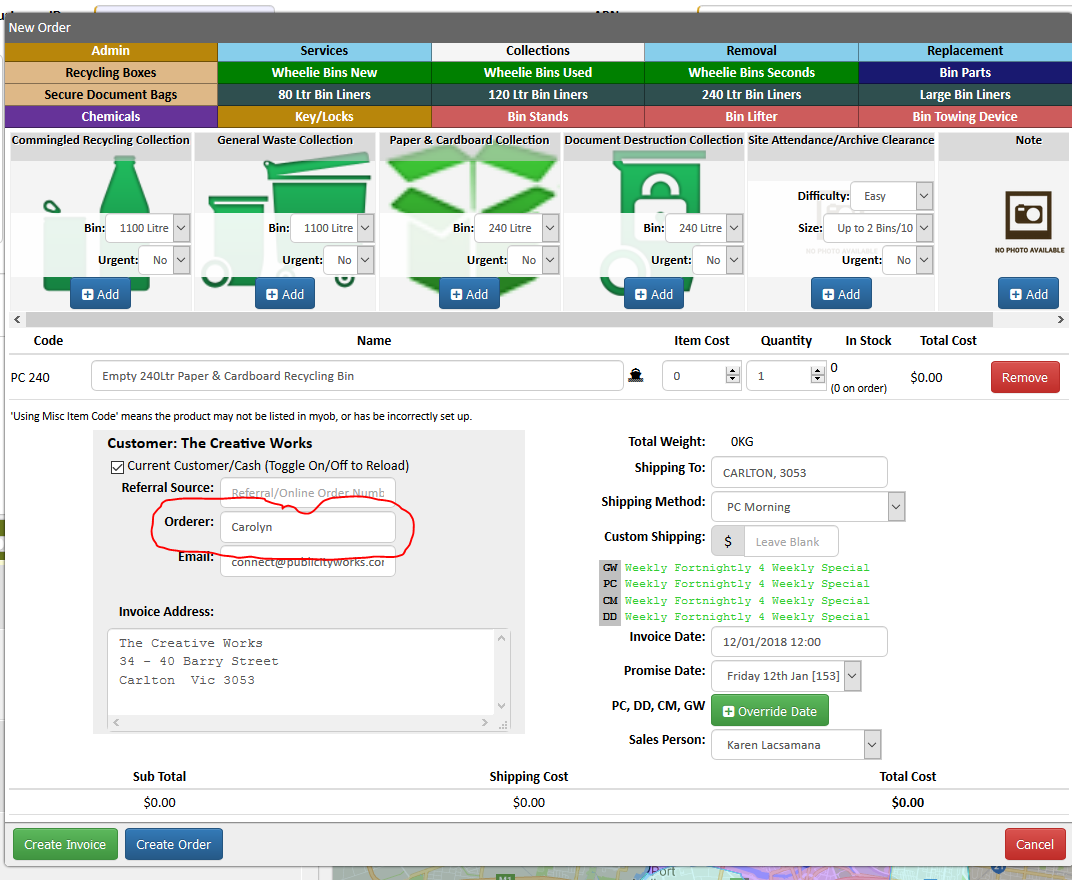
- Add the name of the person who requested collection on the Orderer Box
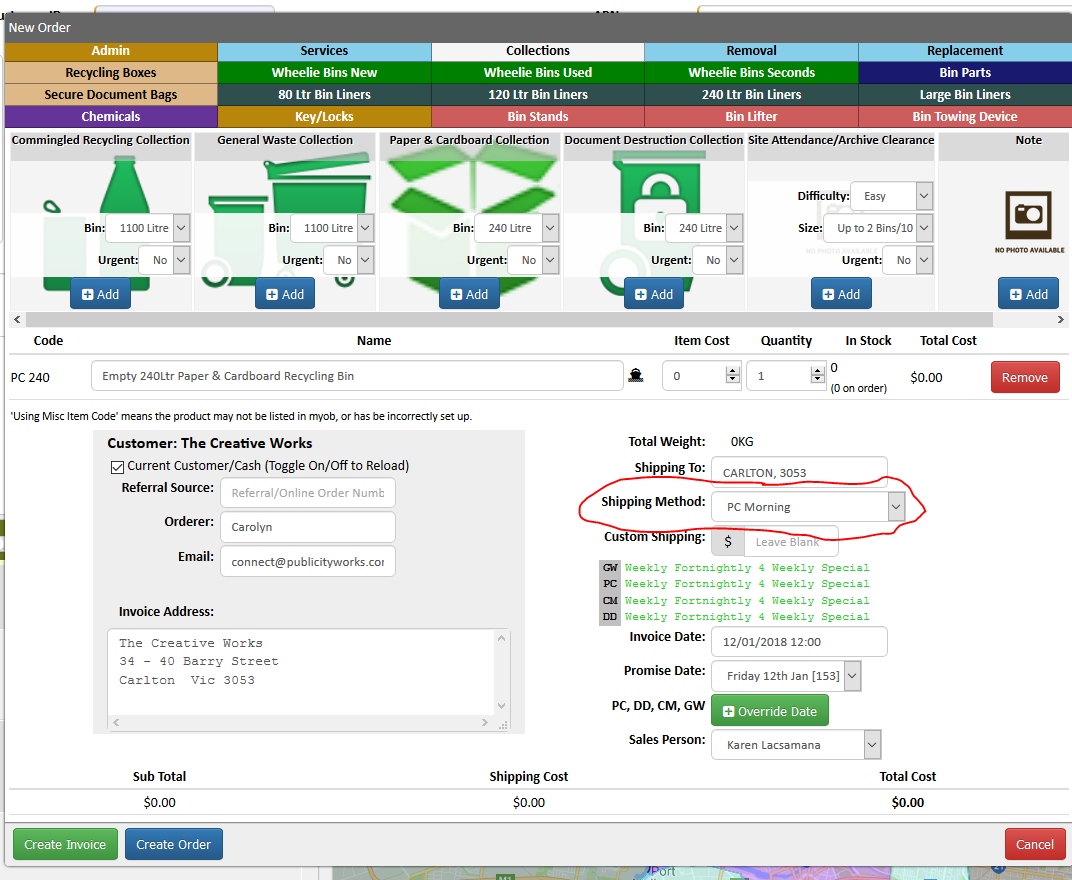
- On the Shipping Method system will default to the Driver who will do the job but you still need to double check.
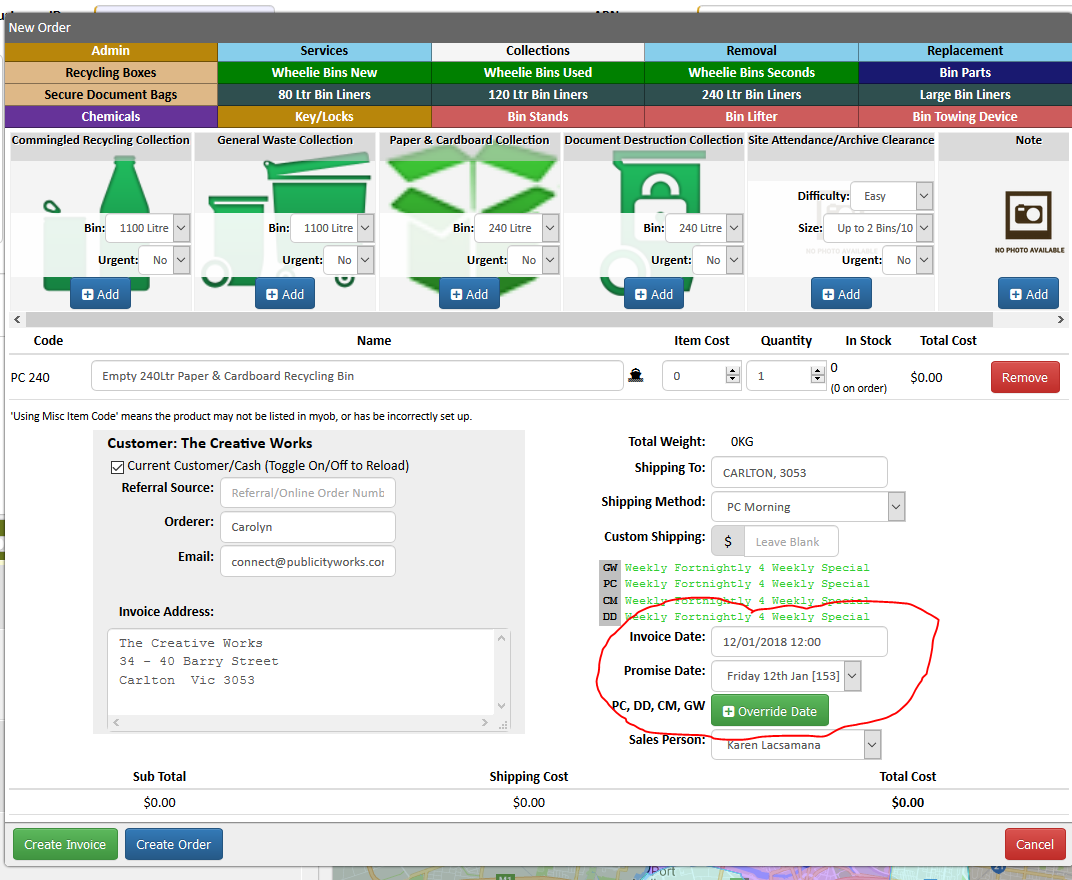
- Promise date and Invoice date should be the date we scheduled the collection
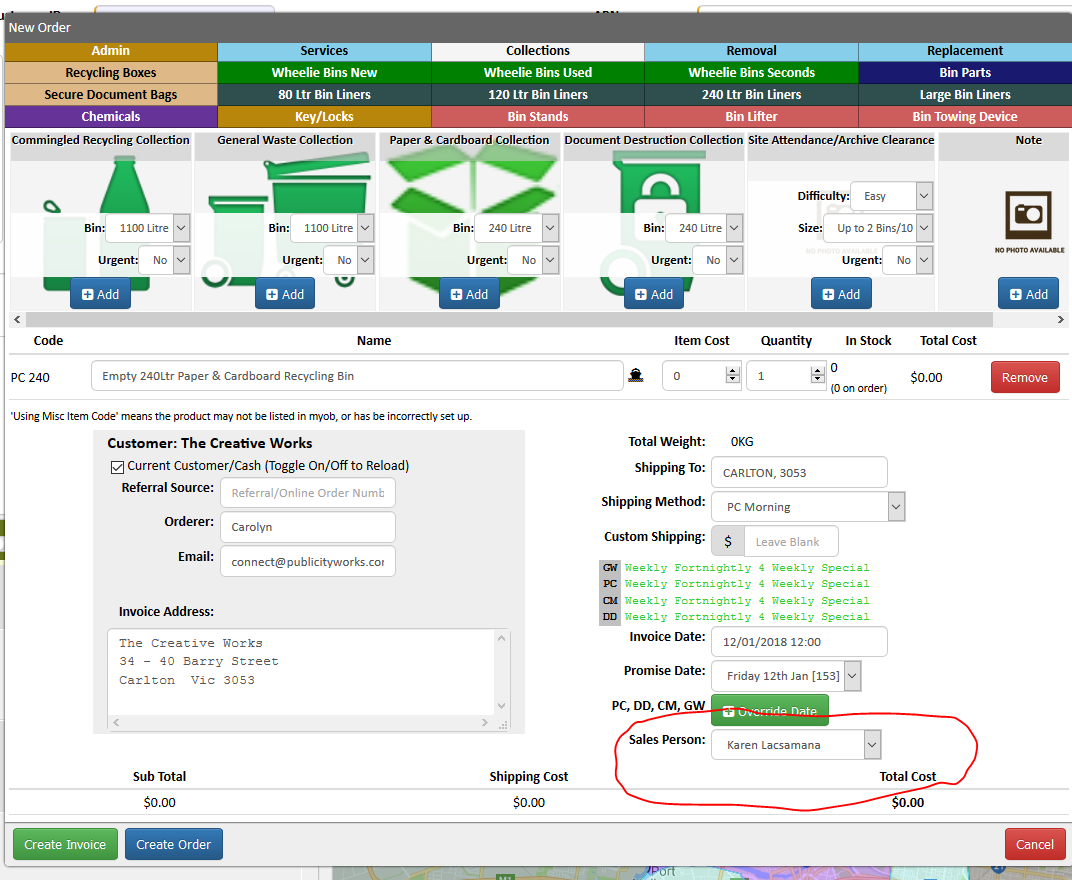
- System will default the Sales Person name to your name
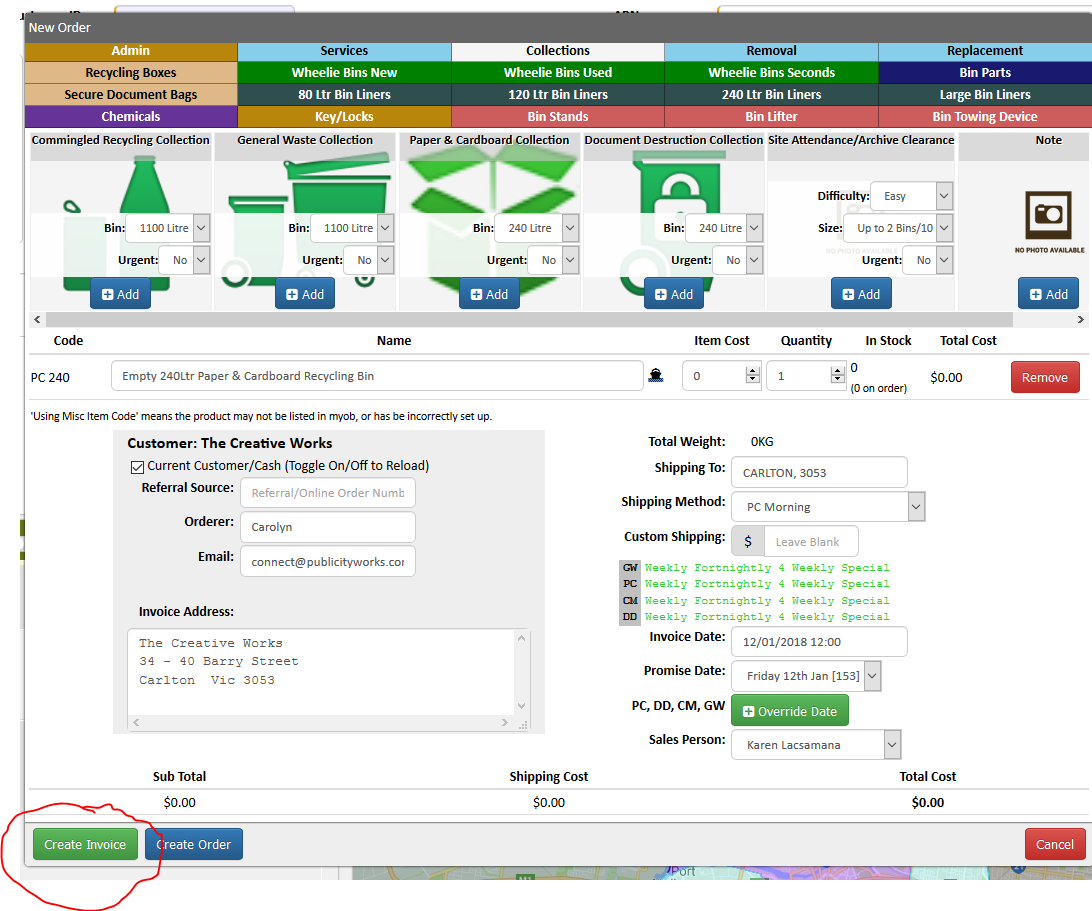
- Click Create Invoice
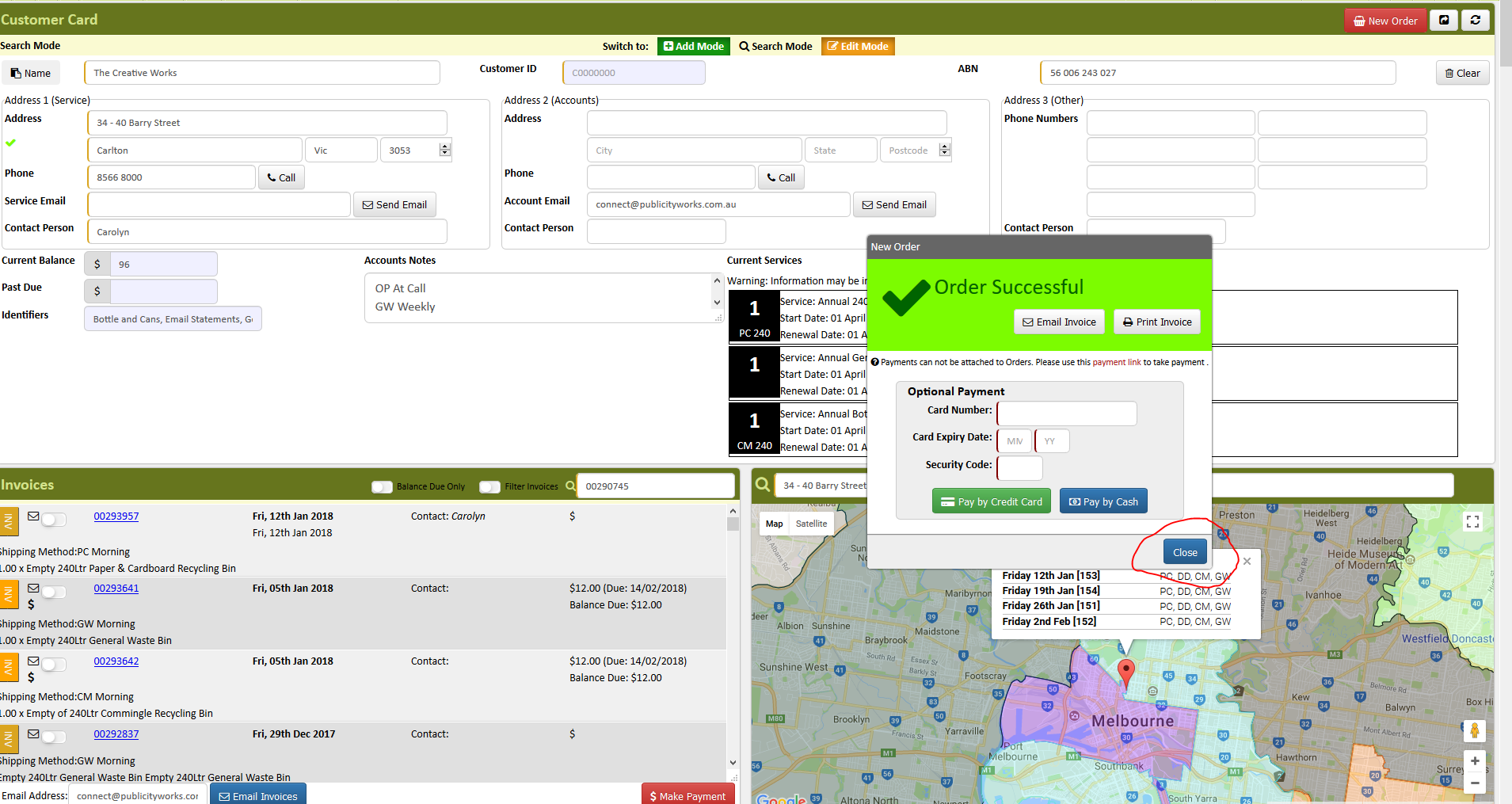
- A pop up message will show that the order was successful, just click Close
- Advise customer of collection procedure and advise them that we will send invoice for the job
- Refresh and double check the collection you process.
Comments