Change Customer Name Procedure
Karen Lacsamana
Posted at January 09, 2018 12:01 pm. Last updated at February 12, 2018 07:02 am
Change Customer Name Procedure
*When we change the name of the customer we don’t just change it in their card file we need to change it in several locations (recurring, memo. Sales, recurring)
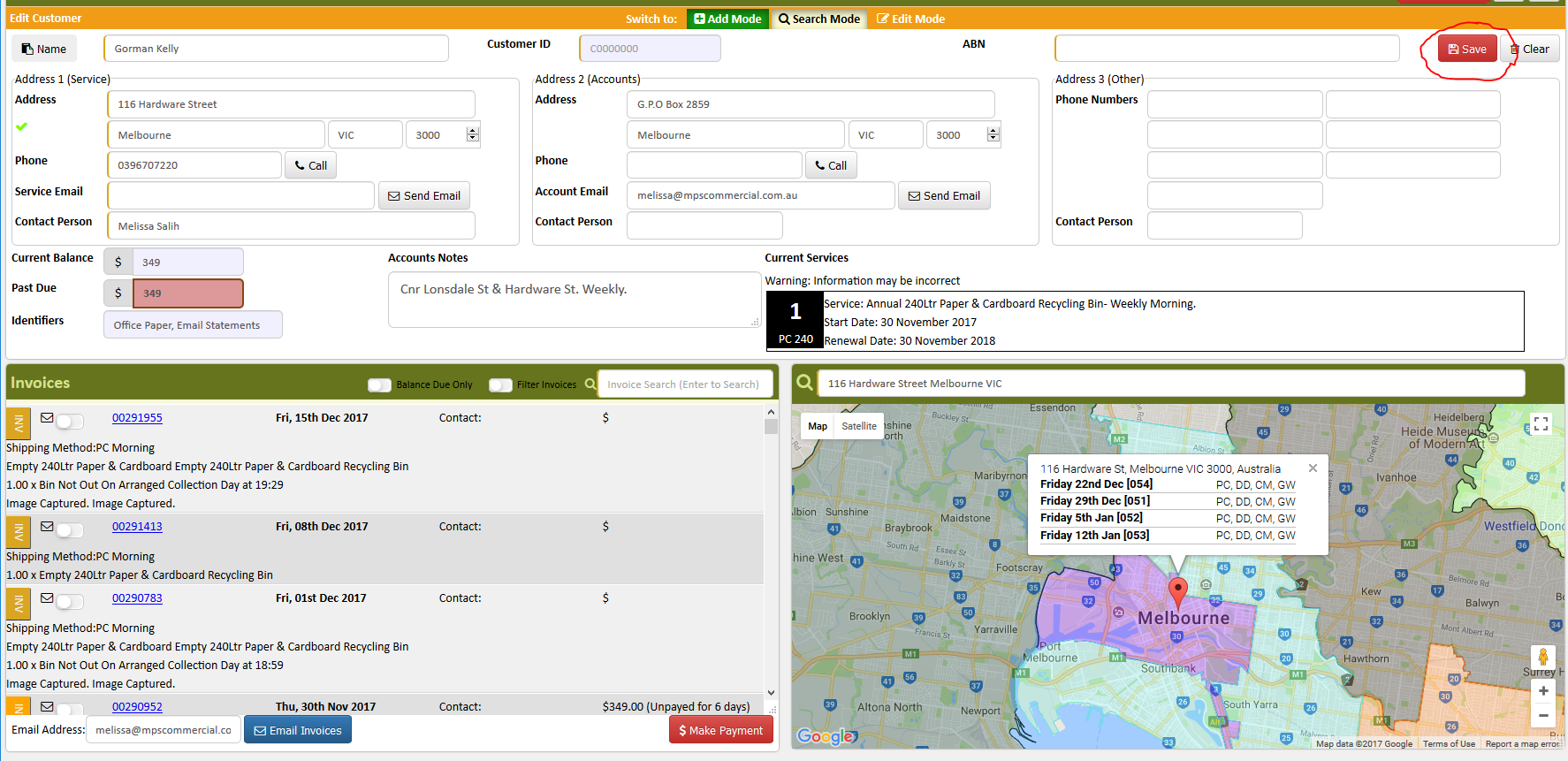
- Open AWM Manage Page
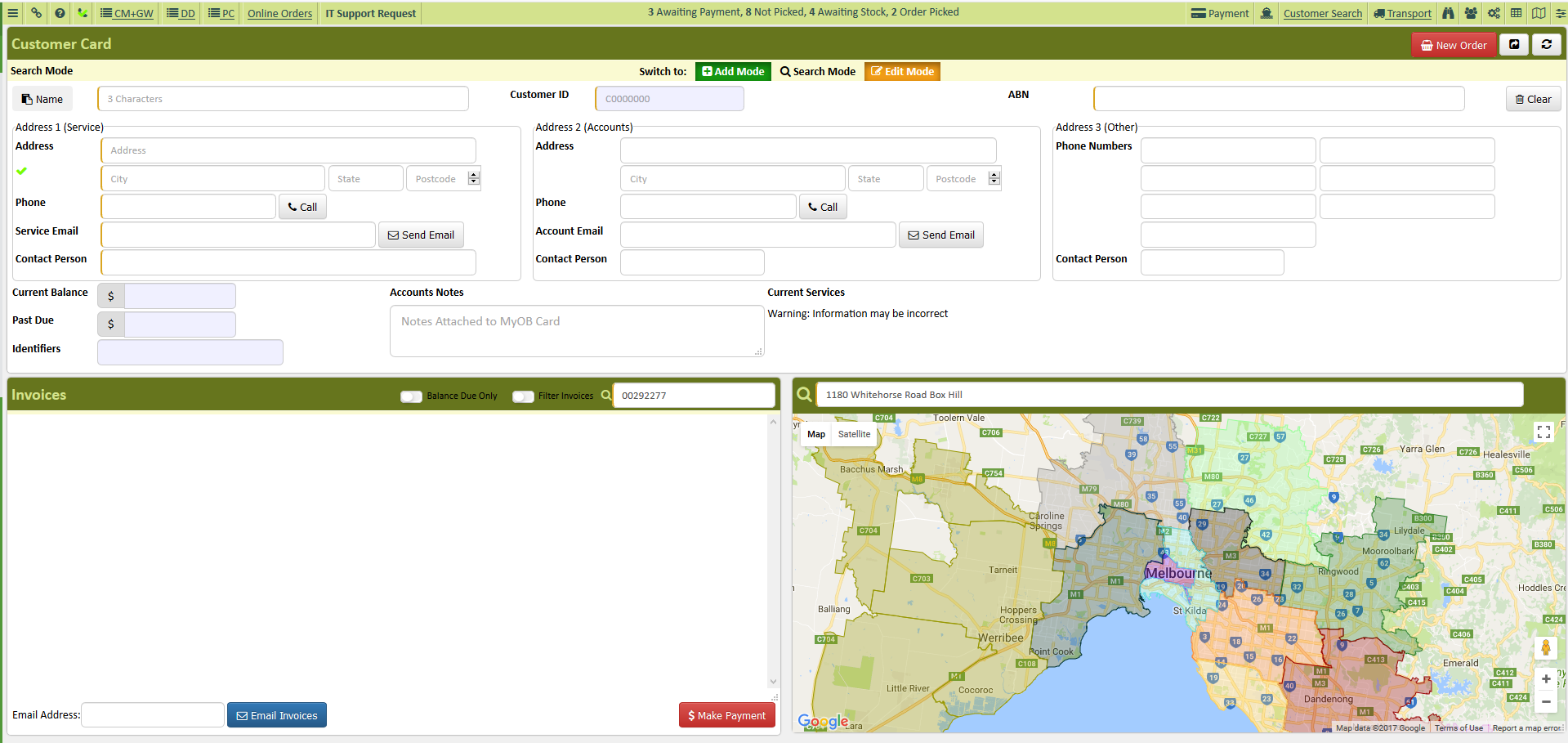
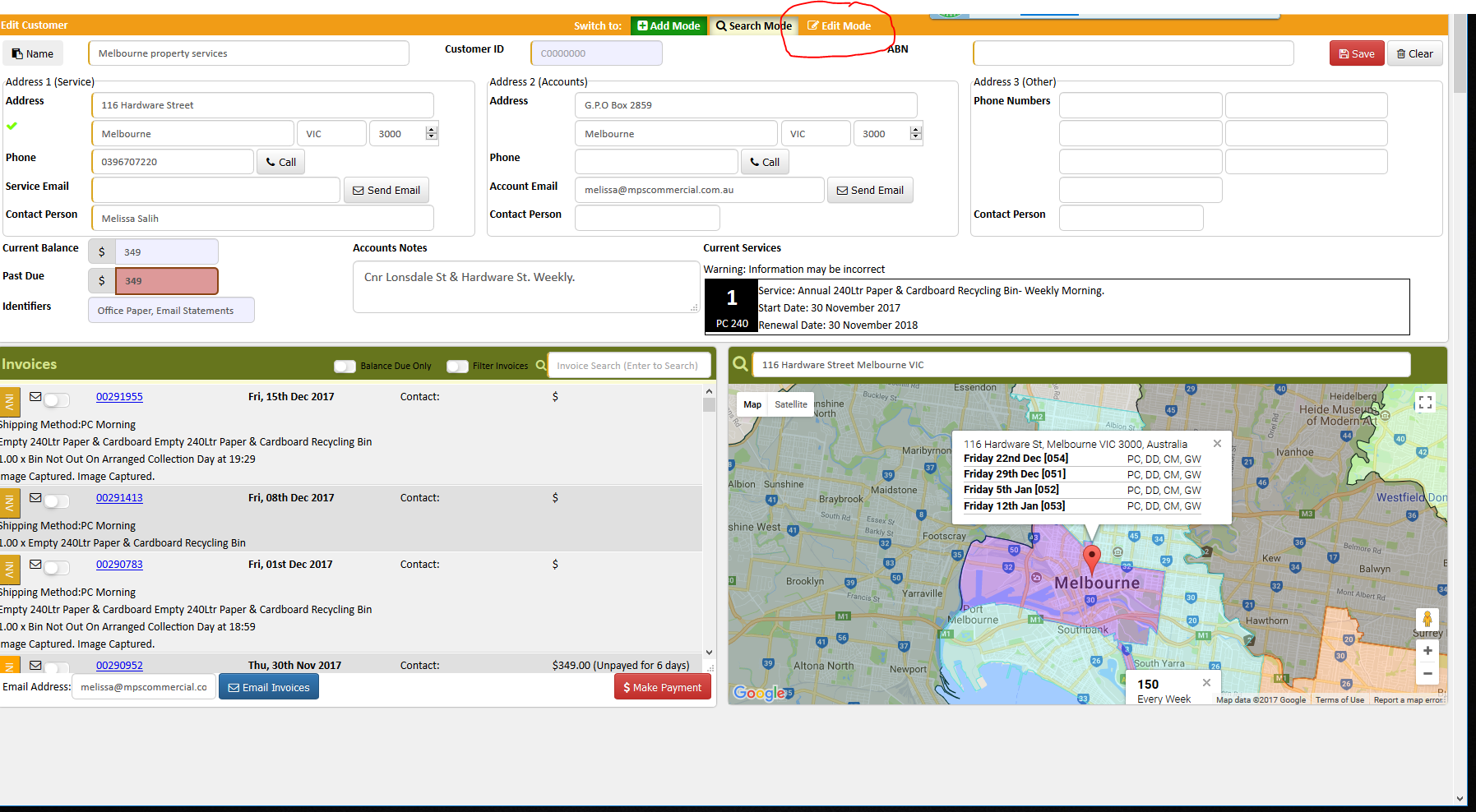
- Click Edit
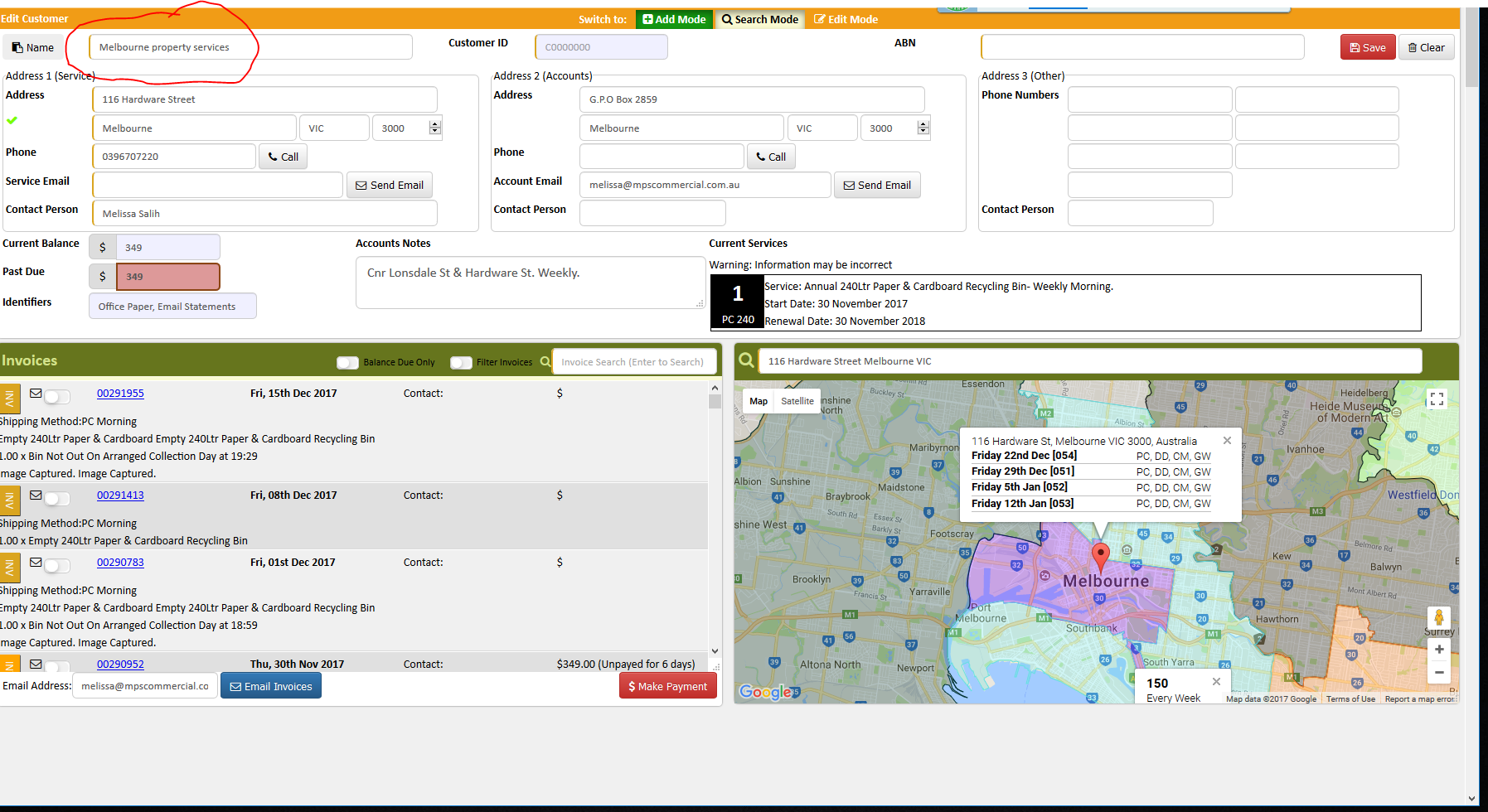
- Change the customer name to their new name
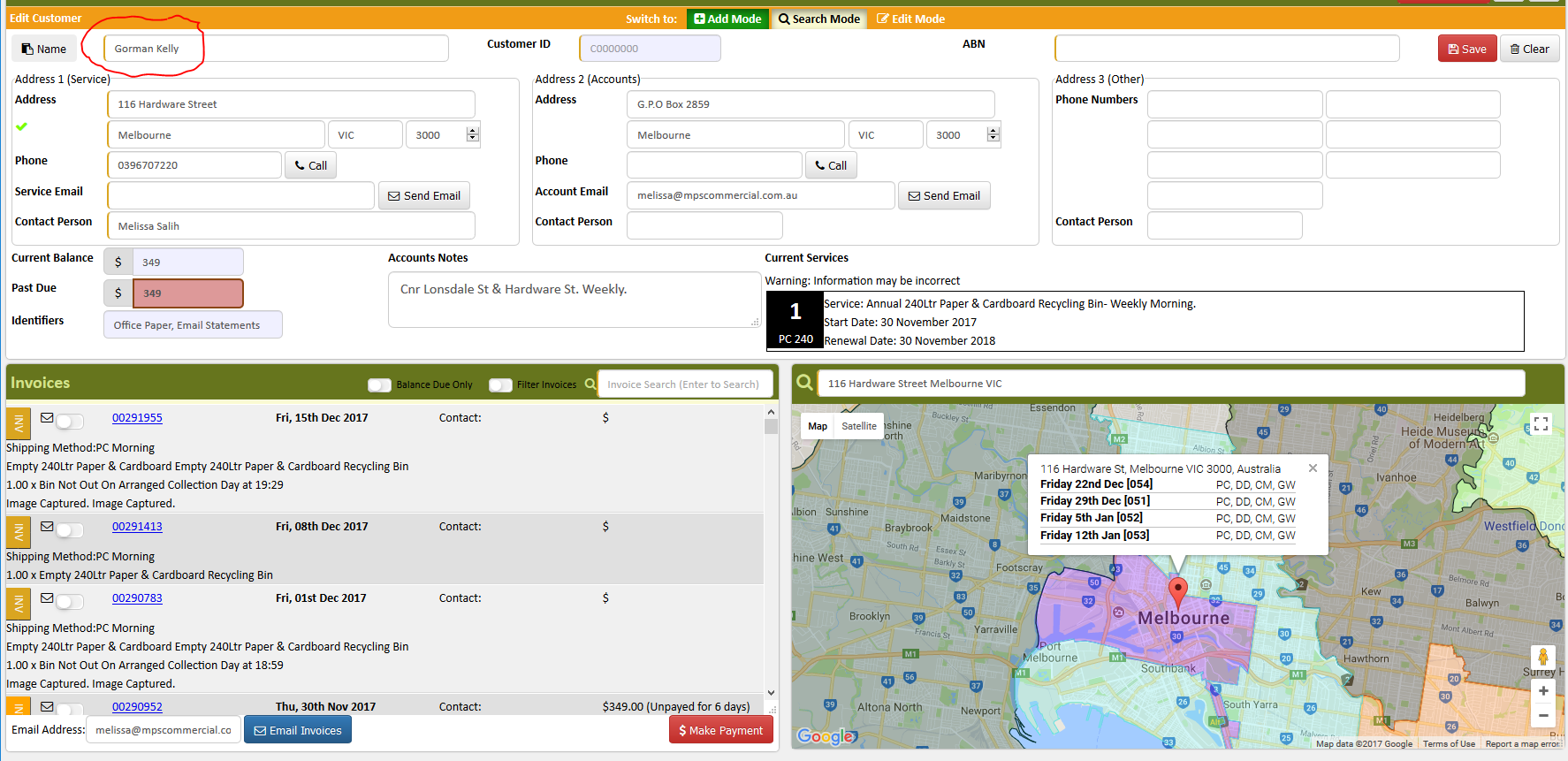
- Click save
- Open MYOB
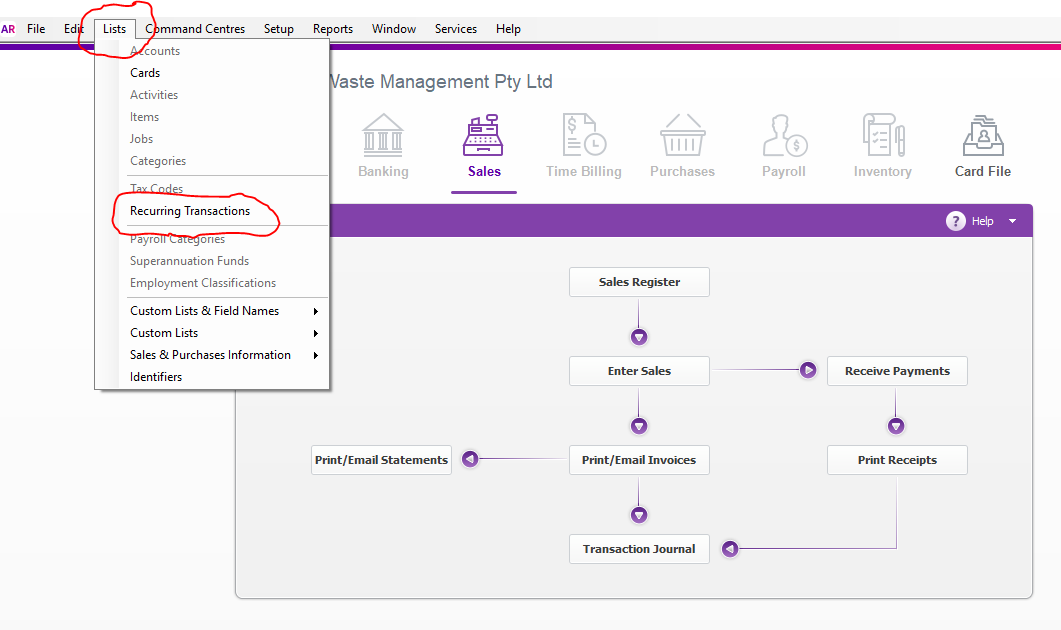
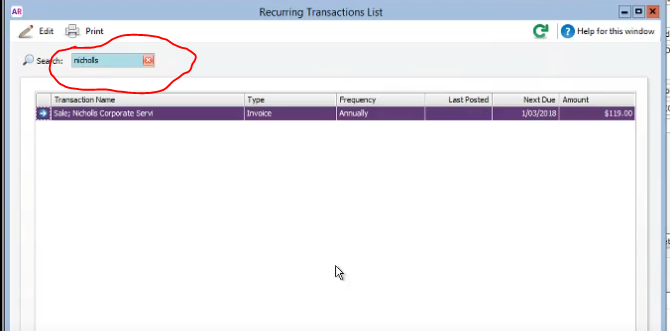
- Go to List, Recurring Transaction
- Search the customer name using the old name
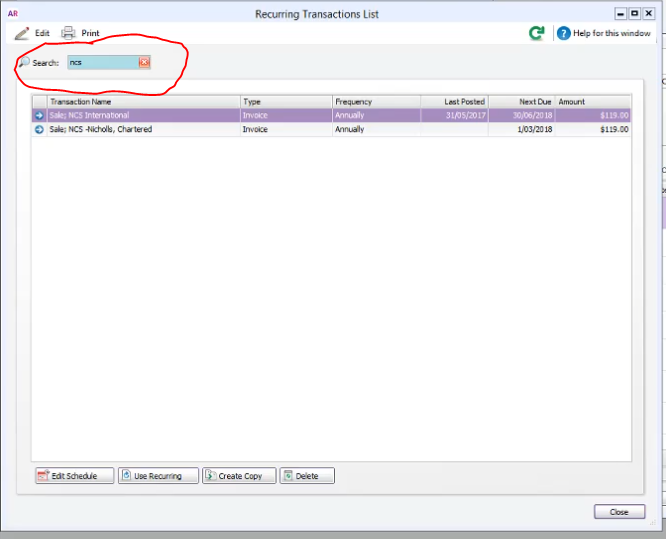
- Click the little blue arrow to open the recurring
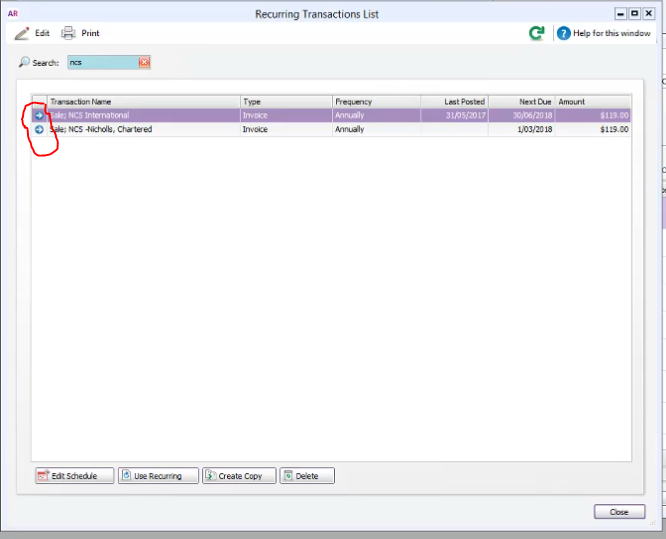
- On the Ship To choose address 2, if address 2 is empty choose Address 1.
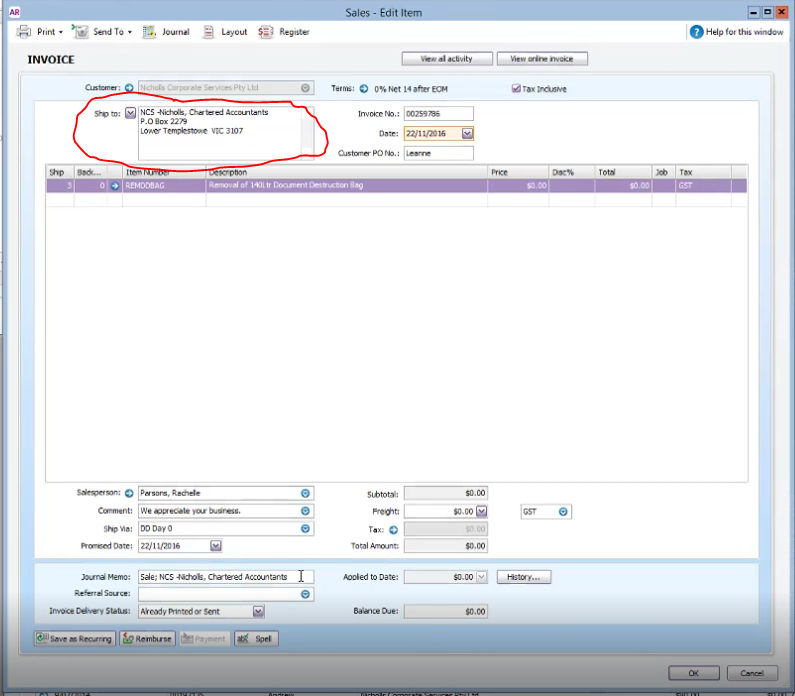
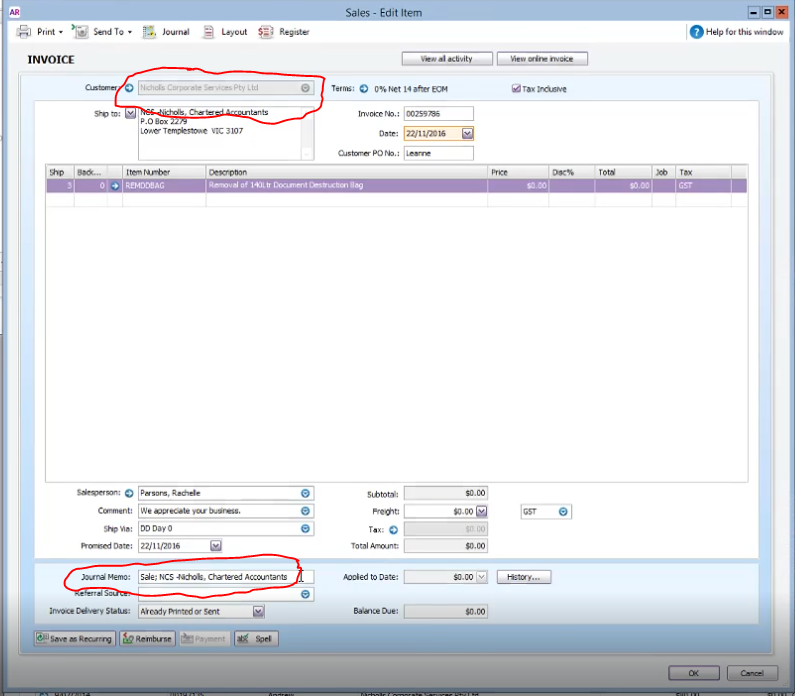
- Copy the customer name from the ship to and paste it on the Journal Memo (remember to change it as Sales; space name of customer)
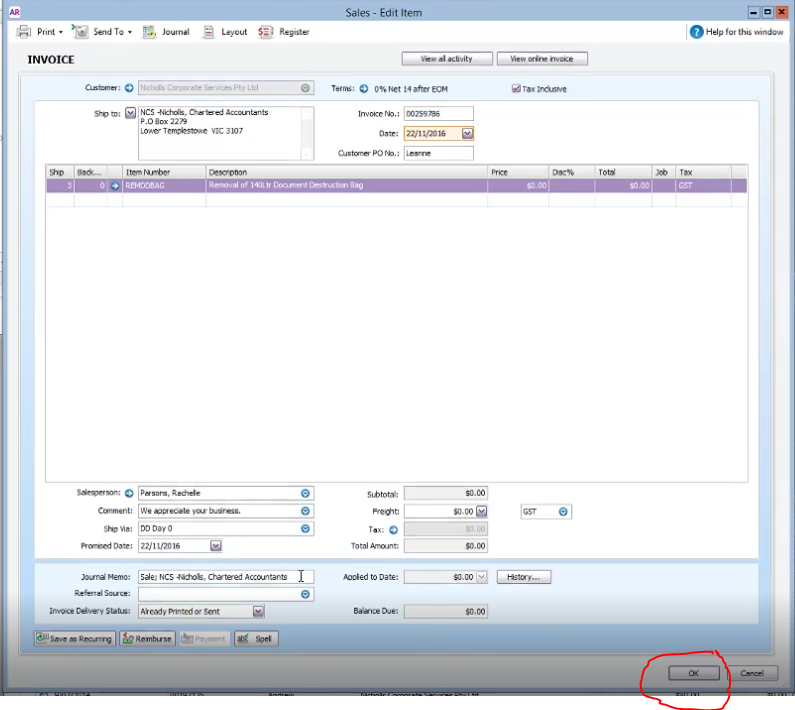
- Click OK
- From the recurring transaction list high light the name of the customer and click edit schedule
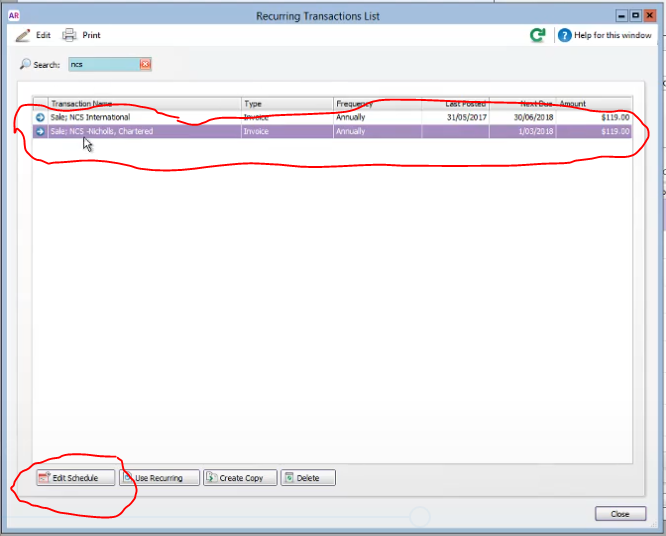
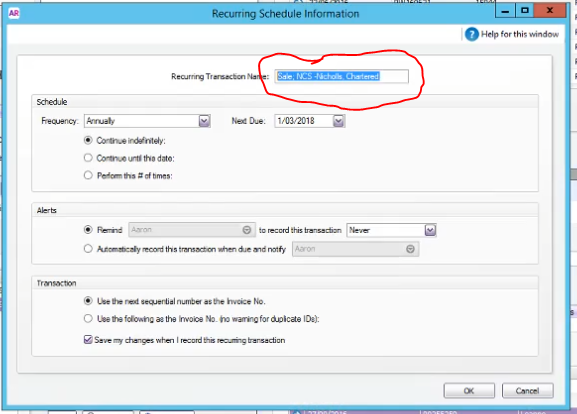
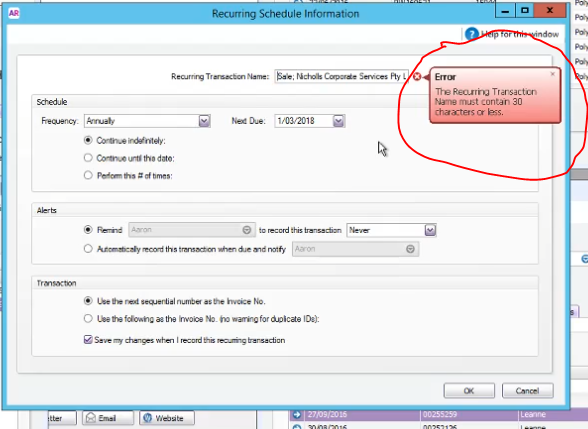
- Change the name on the Recurring Transaction Name remember that it has a 30character limit. (remember to change it as Sales; space name of customer)
 Documents
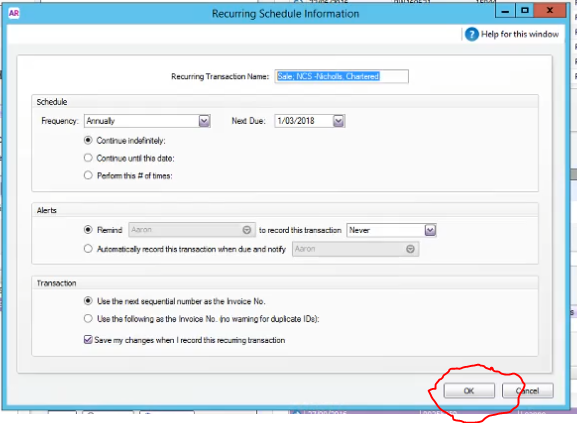
- Click ok
- Search the name of the customer on the Recurring transaction list with their new name to make sure it has been properly.
Comments